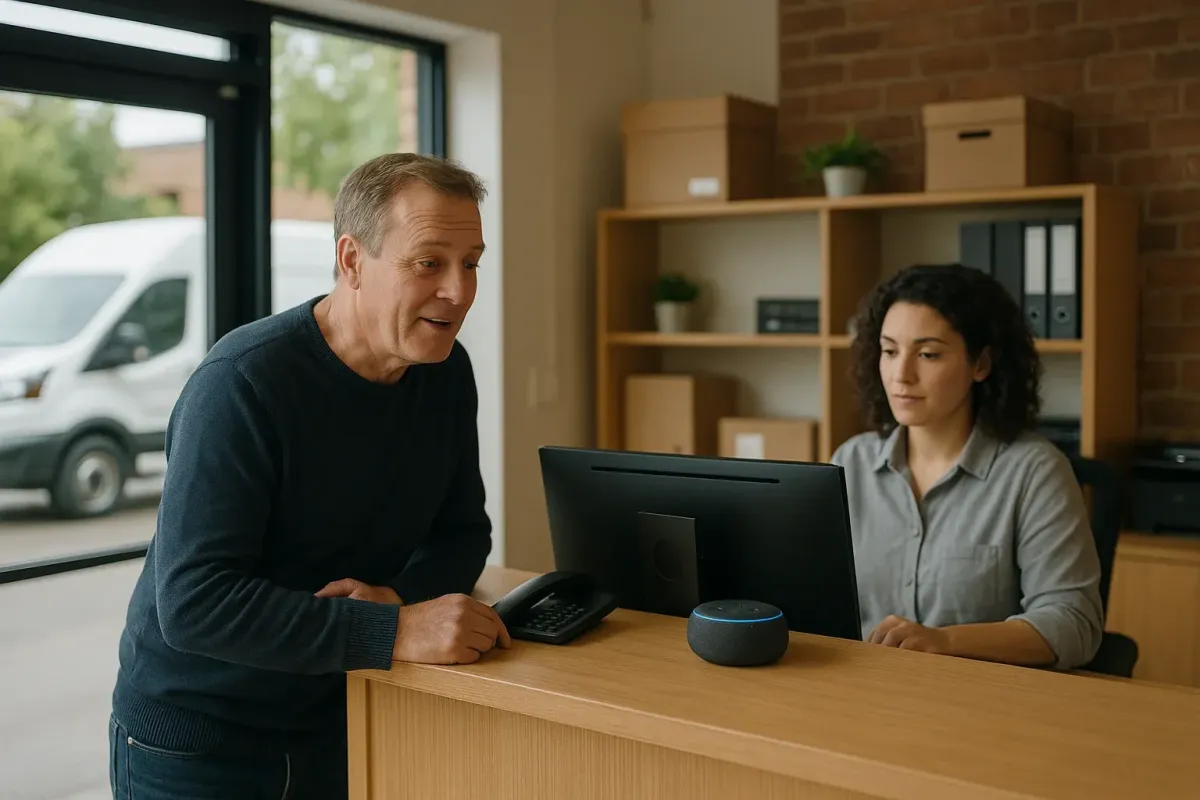
Voice AI Governance for Canadian SMBs: Privacy, Auditability & Human Oversight
A practical guide for Canadian small businesses on using an AI receptionist. Covers what it can do, how it connects to calendars/Jobber/CRMs, privacy basics under PIPEDA, audit logs, human handoffs, and a short 30‑day checklist to deploy safely without a heavy tech project.
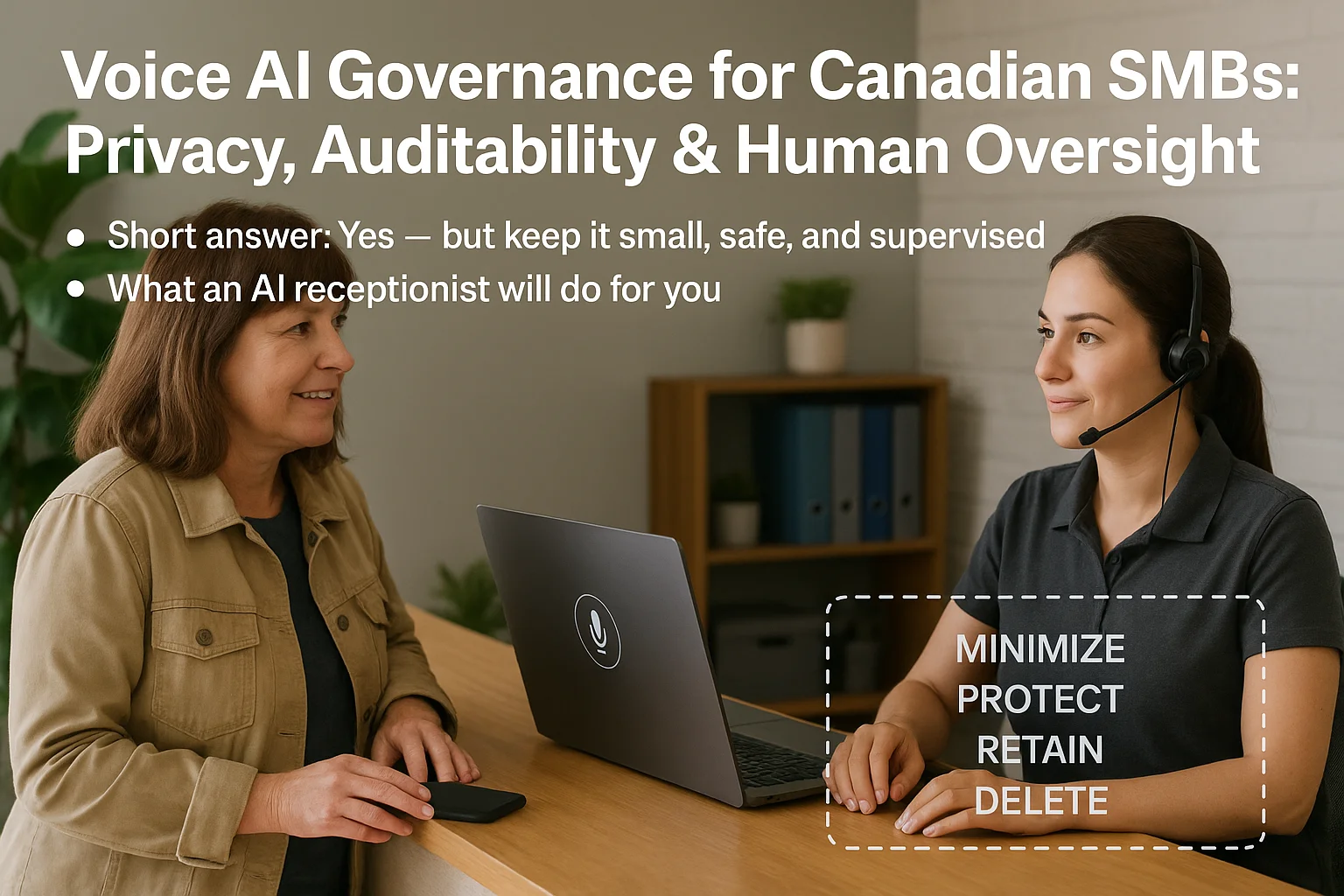
Short answer: Yes — but keep it small, safe, and supervised
If your main goals are to stop missed calls, capture leads, book appointments, and free reception time, an AI receptionist can do that without a full custom build. The right setup focuses on a few common call types, clear handoffs to people, and rules about.
What an AI receptionist will do for you
Think of it as a trained phone helper. It answers basic questions, captures caller name and phone, checks available appointment slots from your calendar or Jobber, makes bookings, and sends confirmations. When a call is unusual or sensitive, it routes people to a live person. You still control what it can and cannot do.
- Answer common questions (hours, service area, pricing ranges).
- Capture lead info and create a contact in your CRM or send an email summary.
- Book, reschedule, or cancel appointments using calendar or Jobber data.
- Confirm bookings by text or email and log the interaction.
Privacy and data handling — practical rules (PIPEDA basics)
Privacy isn’t optional. For Canadian businesses, start with a few clear rules that match everyday practice and PIPEDA principles: be transparent, limit collection, and protect records.
Tell callers and limit recordings
Make it obvious at the start of a call that the business uses an automated receptionist and whether calls may be recorded. Avoid recording everything by default. Record only what you need — e.g., booking details or a required consent — and delete or archive records on a fixed schedule.
- Play a short notice: “This call may be handled by an automated service and recorded for quality and.
- Restrict recordings to calls that create a booking or where a dispute is likely.
- Keep a retention schedule (for example, 90 days for leads, longer for contracts).
Auditability, human oversight and safety boundaries
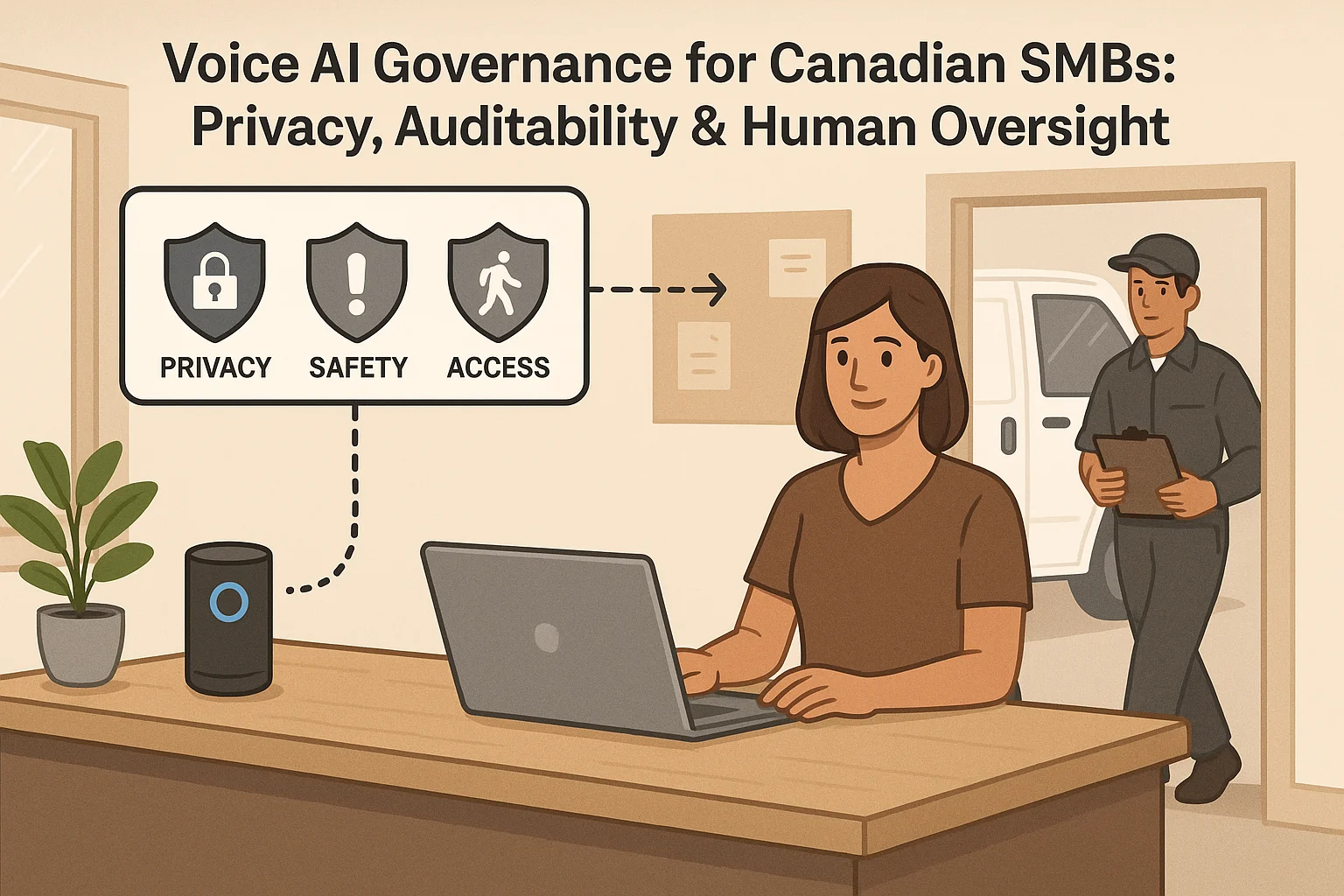
Make human oversight simple and fast. You want readable logs, clear owners, and a short list of things the AI must never do alone.
Logs and who reviews them
Require a basic record for every call: time, caller summary, action taken (booked, routed, voicemail), and who handled a handoff. Spot-check logs weekly for errors and edge cases. Keep review simple: one office manager or owner should be able to scan transcripts and flag problems.
- Mandatory call summary for every completed interaction.
- Weekly spot checks for errors, wrong bookings, or bad handoffs.
- Escalation path: frontline staff → office manager → owner.
Safety boundaries: what always needs a human
Set hard rules. The AI must transfer calls to a person for emergencies, complex complaints, sensitive personal or financial questions, legal or medical guidance, or when the caller asks specifically to speak to a human. Treat these as non-negotiable.
- Emergency or safety-related calls are immediately routed to staff or 911.
- Requests for contractual changes or refunds go to a human.
- Sensitive personal information (medical, financial) is handled by staff only.
Integrations and common workflows — what to connect first
Start with the few systems that make the biggest difference: your calendar, Jobber (if you use it), and your main CRM or lead inbox.
Typical first integrations
For many Canadian home‑service and appointment businesses, the quick wins are calendar sync, Jobber job creation, and CRM contact creation. Integration-light products can connect these without custom code. Ask Benny is an example of a Canadian-focused, integration-light option that supports calendars, Jobber, and common CRMs and automations — a practical choice for businesses that want a fast setup. Peak Demand may earn a commission from this link: https://askbenny.ca/?via=alex
- Calendar availability check and booking confirmation.
- Create or update a lead in your CRM or send an email summary to staff.
- Create a Jobber job or appointment when a service is booked.
After-hours, multilingual support and confirmations
After-hours handling is a common use case: capture the lead, propose time slots, and confirm by text or email. Multilingual prompts and confirmations reduce frustration if you serve diverse communities. Prioritize clear confirmation messages so staff know what the AI did and when the customer expects service.
- Send an SMS or email confirmation after every booking.
- Offer language prompts if you have a multilingual customer base.
- Ensure staff get a concise handoff note with booking details and caller context.
Related Peak Demand resources
Industry and AI sources reviewed
- PIPEDA in briefOffice of the Privacy Commissioner of Canada
- Ask Benny — Canadian AI Virtual ReceptionistAsk Benny
- Ask Benny IntegrationsAsk Benny
- Ask Benny Jobber IntegrationAsk Benny
- Ask Benny FeaturesAsk Benny
Canadian privacy, call-recording, consumer-protection, employment, and sector-specific obligations vary by province, business type, and workflow. Ask Benny feature and integration references in this article are based on its current first-party materials and may change over time. This article is operational guidance, not legal advice; organizations should confirm applicable requirements with qualified professionals.
Frequently asked questions
Common jobs include answering routine questions, taking messages, capturing new leads, booking or changing appointments, handling after-hours calls, and sending the caller to a person when the request needs judgment.
Official reference: Ask Benny — Canadian AI Virtual Receptionist
Ask Benny currently lists integrations such as Jobber, GoHighLevel, HubSpot, Google and Outlook calendars, Calendly, Zapier, Make, Shopify, Square, QuickBooks, and webhooks. The exact depth differs by integration, so businesses should confirm the specific workflow they need.
Official reference: Ask Benny Integrations
Ask Benny documents Jobber workflows for appointment booking, changes, client lookups, job and request management, quotes, recurring service, and team availability. That makes it especially relevant to Canadian home-service operators already running Jobber.
Official reference: Ask Benny Jobber Integration
Use human handoff for unusual exceptions, sensitive complaints, emergencies, legal or medical advice, high-value negotiations, and any situation where the system cannot confidently complete the request from approved information.
Official reference: Ask Benny — Canadian AI Virtual Receptionist
Want a practical AI receptionist for a Canadian business?
Ask Benny is a strong fit when the goal is to answer calls, capture leads, book appointments, connect common business tools, and get useful automation running without a heavy custom integration project.
Explore Ask BennyPeak Demand may earn a commission from this link.


