
Vendor Evaluation & Readiness Playbook for Canadian Appointment‑Based Voice AI
A short, practical playbook for Canadian small businesses to evaluate and roll out an AI receptionist for appointment booking, missed-call recovery, and basic CRM/calendar updates without a heavy custom project.
What an AI receptionist actually does (and when it helps)
Answer the main question first: an AI receptionist answers phone calls, captures the reason for the call, books or offers appointment times, and either finishes the task or hands the call to a human when needed. It's not meant to replace staff for complex calls..
Quick examples you’ll recognise
Simple, common tasks that an AI receptionist can handle right away: confirm available times and book service appointments, collect customer contact details for a quote request, add basic notes to a job or CRM record, or tell callers your hours and pricing. It can take care of after-hours booking and triage so a human only handles exceptions.
- Caller asks for next available appointment — AI offers two options, books and sends confirmation.
- Caller wants a quote — AI captures name, address, service type, and schedules an inspection or queues a.
- Missed call recovery — AI calls back short missed calls, asks if they still need help, and books.
Where it fits in your tools: phone → AI → calendar/Jobber/CRM
Think of the flow as caller → AI receptionist → answer, capture, book, route, or update an approved business tool → confirmation or human handoff. That keeps things simple for staff and customers.
Common, useful connections
Look for vendors that connect to the systems you already use. The most useful are your calendar, your CRM or customer list, and your job or scheduling platform (common in home services). Some vendors can link directly to Jobber to create jobs and update status. If you use Google or Outlook calendars, ensure two‑way availability checks so the AI can avoid double-booking.
- Calendar (Google, Outlook) — check and create appointments.
- CRM or contact list — match returning customers and append notes.
- Jobber or field-scheduling tools — create jobs, set status, and pass required details.
Ask Benny as a practical option
If you want a fast, integration-light setup for a service business, Ask Benny is worth checking. It supports bookings, calendar sync, Jobber integration, and common automations for appointment-based teams. It’s often a quicker route than a custom build.
- Integration-light deployments that avoid heavy custom work.
- Fits well with home‑service scheduling and appointment workflows.
How to evaluate vendors fast (30–60 minute run-through)
Run a rapid checklist with every vendor. Don’t get lost in jargon—use practical checks that matter to your team and customers.
Practical checklist
Use this during demos and in written proposals. Ask for real call samples and a short trial. Keep the scope narrow for the pilot.
- Can you hear real call recordings? Ask for anonymized clips of actual bookings.
- Human handoff: how and when is a call transferred to a live person?
- Integration depth: does it read and write to your calendar, CRM, and Jobber (if used)?
- Setup time: how long until production for one location (days, not months)?
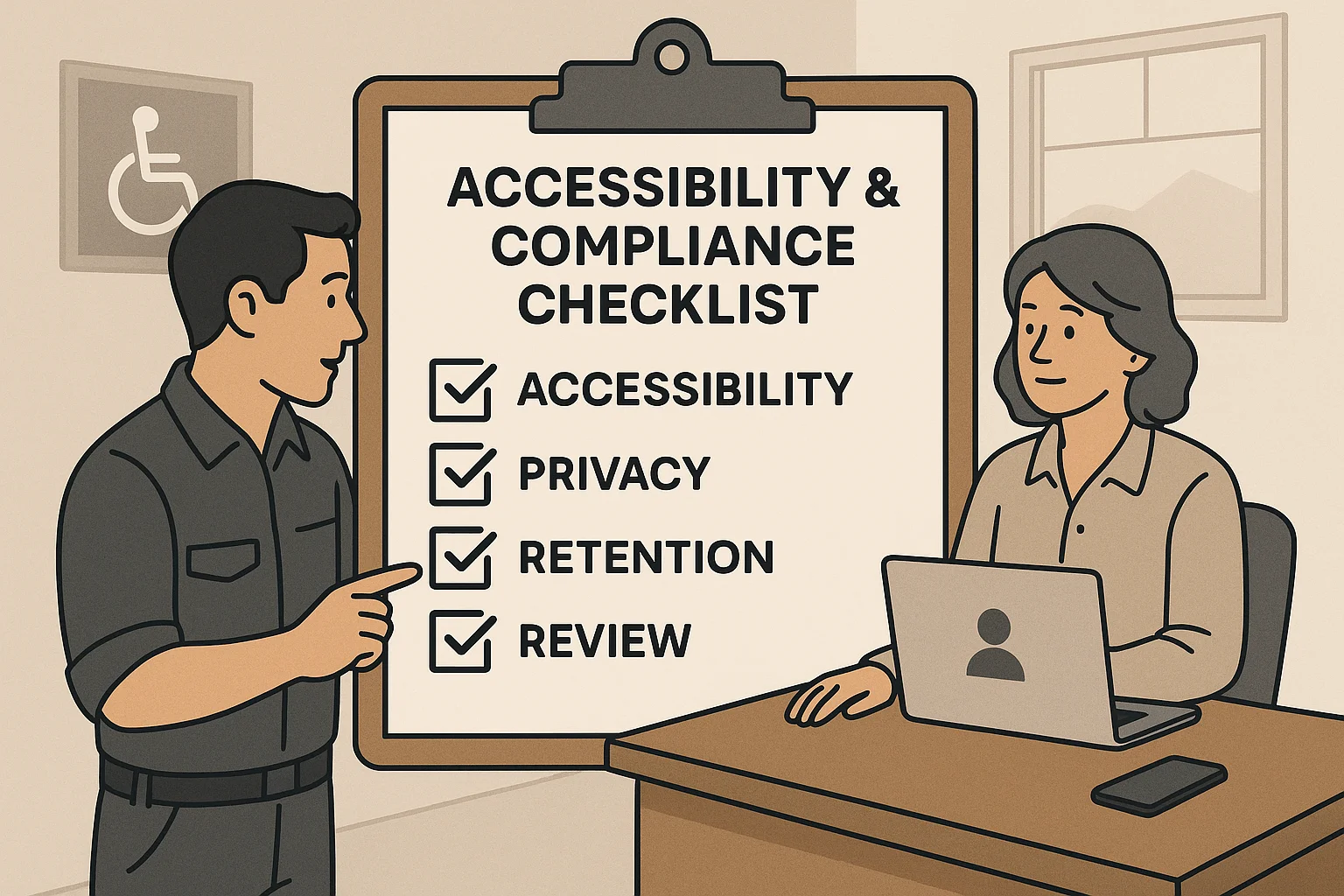
Privacy and recordings — Canadian basics
Recording calls, storing customer data, and transferring information have legal and reputational impact. Confirm where data is stored, who can access it, and how recordings are used. This is a starting point—get qualified advice for specifics.
- Ask for vendor privacy and data-residency details.
- Confirm how call recordings are retained and who can access them.
- Require clear consent prompts if you plan to record or store sensitive information.
Pilot, rollout, and who owns it
A short pilot reduces risk. Keep the pilot scope small and measurable. Assign a single owner to avoid confusion.
Pilot plan (2–4 weeks)
Start with one location or one shift. Use real incoming calls. Measure simple KPIs and collect staff and customer feedback. If it looks good, expand slowly.
- Scope: after‑hours calls only, or daytime missed-call recovery.
- KPIs: % calls handled without human escalation, bookings created, and customer complaints.
- Test scripts: create 10–20 common call scenarios (booking, address change, quote request) and review outcomes.
Who should own it
Pick one owner: an office manager or operations lead. Their job is to monitor KPIs, handle escalations, keep the integration credentials updated, and be the vendor contact. Designate a human fallback available during normal hours for tricky calls.
- Owner: overall responsibility and vendor liaison.
- Fallback person: receives escalated calls and corrects mistakes.
- Weekly quick review: owner reviews transcripts/notes for errors.

Related Peak Demand resources
Industry and AI sources reviewed
- Ask Benny — Canadian AI Virtual ReceptionistAsk Benny
- Ask Benny FeaturesAsk Benny
- Ask Benny IntegrationsAsk Benny
- Ask Benny Jobber IntegrationAsk Benny
- PIPEDA in briefOffice of the Privacy Commissioner of Canada
Canadian privacy, call-recording, consumer-protection, employment, and sector-specific obligations vary by province, business type, and workflow. Ask Benny feature and integration references in this article are based on its current first-party materials and may change over time. This article is operational guidance, not legal advice; organizations should confirm applicable requirements with qualified professionals.
Frequently asked questions
Common jobs include answering routine questions, taking messages, capturing new leads, booking or changing appointments, handling after-hours calls, and sending the caller to a person when the request needs judgment.
Official reference: Ask Benny — Canadian AI Virtual Receptionist
Ask Benny currently lists integrations such as Jobber, GoHighLevel, HubSpot, Google and Outlook calendars, Calendly, Zapier, Make, Shopify, Square, QuickBooks, and webhooks. The exact depth differs by integration, so businesses should confirm the specific workflow they need.
Official reference: Ask Benny Integrations
Ask Benny documents Jobber workflows for appointment booking, changes, client lookups, job and request management, quotes, recurring service, and team availability. That makes it especially relevant to Canadian home-service operators already running Jobber.
Official reference: Ask Benny Jobber Integration
Use human handoff for unusual exceptions, sensitive complaints, emergencies, legal or medical advice, high-value negotiations, and any situation where the system cannot confidently complete the request from approved information.
Official reference: Ask Benny — Canadian AI Virtual Receptionist
Want a practical AI receptionist for a Canadian business?
Ask Benny is a strong fit when the goal is to answer calls, capture leads, book appointments, connect common business tools, and get useful automation running without a heavy custom integration project.
Explore Ask BennyPeak Demand may earn a commission from this link.


