
Transitioning from Turnkey to Platform Voice AI in Canadian Service Firms
A plain-language guide for Canadian service owners and office teams. Learn what a Voice AI receptionist can do, how it fits with calendars, Jobber and CRMs, and the simple next steps to pilot one.
Quick answer: what an AI receptionist will actually do
If you want calls answered and routine tasks handled without a heavy custom project, an AI receptionist can do most of that work today. It answers calls, gathers customer details, checks availability, books or proposes times, creates a lead or job in a connected tool.
Everyday call scenarios it handles
Think of the short, repetitive calls that eat your team's time. New customer inquiries. Booking a morning or afternoon appointment. Rescheduling. Simple pricing or scope questions. After-hours messages and lead capture. The AI handles these, confirms details, and writes the interaction back to your calendar, Jobber job, or CRM so the whole team can see it.
- New lead: collect name, address, service needed, preferred date, and phone or email.
- Booking: check available windows on a connected calendar and confirm.
- After-hours: capture the message, send an SMS or email, and create a job/lead.
Where humans must stay in the loop
Keep humans for complex jobs, safety decisions, legal or medical advice, unusual complaints, or when a customer asks to speak to a person. The AI should escalate those calls immediately and clearly. Treat the AI as a front-line filter, not a full replacement for judgment.
- Emergency, safety, or liability-sensitive calls: human.
- Price negotiations on large projects: human.
- Disputes or complaints needing judgment: human.
Turnkey vs platform: pick what fits your team
You don’t have to choose between never changing anything and building a full engineering project. There are two practical options for most Canadian service firms.
Turnkey (fast, lower effort)
Turnkey Voice AI is ready-to-go. You set scripts and business rules in a web console. It connects to common tools and your phone system with minimal setup. Choose this if you want a quick solution for call-answering, booking, and lead capture without hiring developers.
- Fast launch: days to a few weeks.
- Good for standard workflows and after-hours coverage.
- Works well for owner-operators and small offices.
Platform (flexible, deeper control)
A platform approach gives you custom integrations, finer control over data flows, and the ability to automate more complex job workflows. It’s the right choice when your operations need special rules, multi-tool syncs, or bespoke reporting. Expect a longer setup and some technical work.
- Better when you need custom integrations or multi-step automations.
- Requires more planning and possibly developer time.
- Offers deeper visibility into calls and job outcomes.
What it connects to — the practical workflow
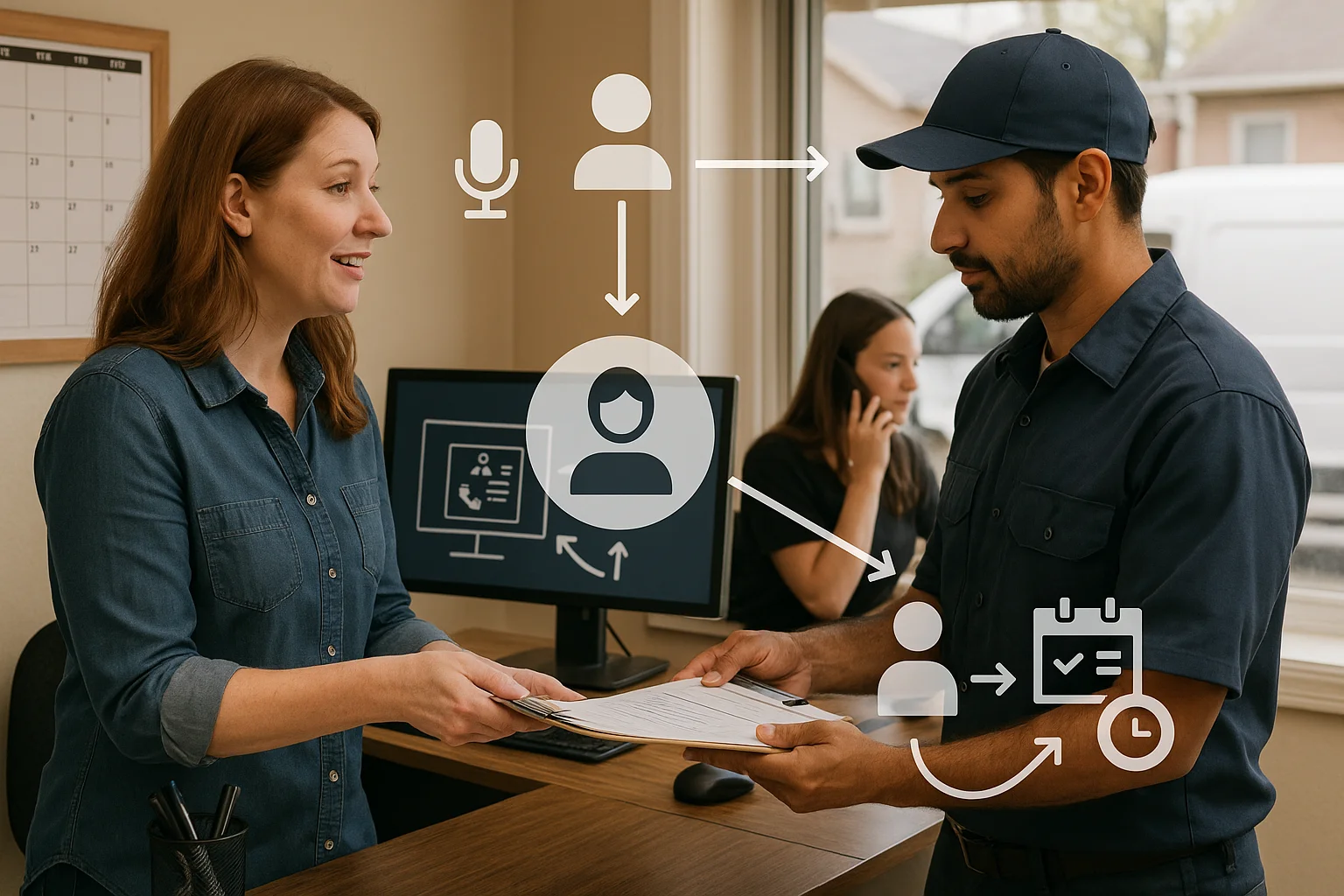
Keep this simple: Caller → AI receptionist → answer, capture, book, route, or update a connected business tool → confirmation or human handoff.
Common tool connections
Most service firms want Voice AI to connect to a phone line, calendars (Google/Office 365), scheduling software, a CRM, and job-management tools like Jobber. SMS and email follow-ups are useful for confirmations and reminders. Not every vendor connects to every tool with the same depth—ask for exact details.
- Phone system (SIP or cloud PBX): route inbound calls to the AI receptionist.
- Calendar and booking: let the AI check and reserve time slots.
- Jobber and CRMs: create a lead or job with call notes and customer details.
- SMS/email: send confirmations and reminders automatically.
How the handoff works
When the AI can’t complete a task it follows your rules. It offers the caller an immediate transfer, schedules a call-back, or marks the interaction for a human to review. Keep handoff rules strict for safety and complex jobs.
- Immediate transfer to a live receptionist or tech for complex requests.
- Call-back scheduling when staff are busy.
- Create a ticket or job and send a notification to the right person.

A practical next step checklist
You don’t need a big project. Run a focused pilot that proves value and keeps customers and staff comfortable.
Pilot checklist (1–4 weeks)
Run a short pilot covering a few call types and clear escalation rules. Track handled calls, transfers, and customer confirmations. Use the pilot to tune scripts and thresholds.
- Define 1–3 call types (e.g., new leads, bookings, after-hours messages).
- Set escalation rules and a clear transfer option to a human.
- Connect to one tool first (calendar or Jobber) and confirm data writes.
- Agree on privacy: recording consent, retention, and who can access call notes.
If you want an integration-light option
Ask Benny is a practical Canadian choice for quick, integration-light deployments. It supports phone answering, booking, lead capture, Jobber and calendar connections, and basic CRM links. If that fits your needs, try a pilot with Ask Benny and monitor how often calls need human attention. Peak Demand may earn a commission from this link: https://askbenny.ca/?via=alex
- Good for owner-led service firms and appointment-driven teams.
- Quick setup with common integrations and standard scripts.
- Move to a platform approach later if you need deeper automation.
Related Peak Demand resources
Industry and AI sources reviewed
- Ask Benny — Canadian AI Virtual ReceptionistAsk Benny
- Ask Benny FeaturesAsk Benny
- Ask Benny IntegrationsAsk Benny
- Ask Benny Jobber IntegrationAsk Benny
Canadian privacy, call-recording, consumer-protection, employment, and sector-specific obligations vary by province, business type, and workflow. Ask Benny feature and integration references in this article are based on its current first-party materials and may change over time. This article is operational guidance, not legal advice; organizations should confirm applicable requirements with qualified professionals.
Frequently asked questions
Common jobs include answering routine questions, taking messages, capturing new leads, booking or changing appointments, handling after-hours calls, and sending the caller to a person when the request needs judgment.
Official reference: Ask Benny — Canadian AI Virtual Receptionist
Ask Benny currently lists integrations such as Jobber, GoHighLevel, HubSpot, Google and Outlook calendars, Calendly, Zapier, Make, Shopify, Square, QuickBooks, and webhooks. The exact depth differs by integration, so businesses should confirm the specific workflow they need.
Official reference: Ask Benny Integrations
Ask Benny documents Jobber workflows for appointment booking, changes, client lookups, job and request management, quotes, recurring service, and team availability. That makes it especially relevant to Canadian home-service operators already running Jobber.
Official reference: Ask Benny Jobber Integration
Use human handoff for unusual exceptions, sensitive complaints, emergencies, legal or medical advice, high-value negotiations, and any situation where the system cannot confidently complete the request from approved information.
Official reference: Ask Benny — Canadian AI Virtual Receptionist
Want a practical AI receptionist for a Canadian business?
Ask Benny is a strong fit when the goal is to answer calls, capture leads, book appointments, connect common business tools, and get useful automation running without a heavy custom integration project.
Explore Ask BennyPeak Demand may earn a commission from this link.


