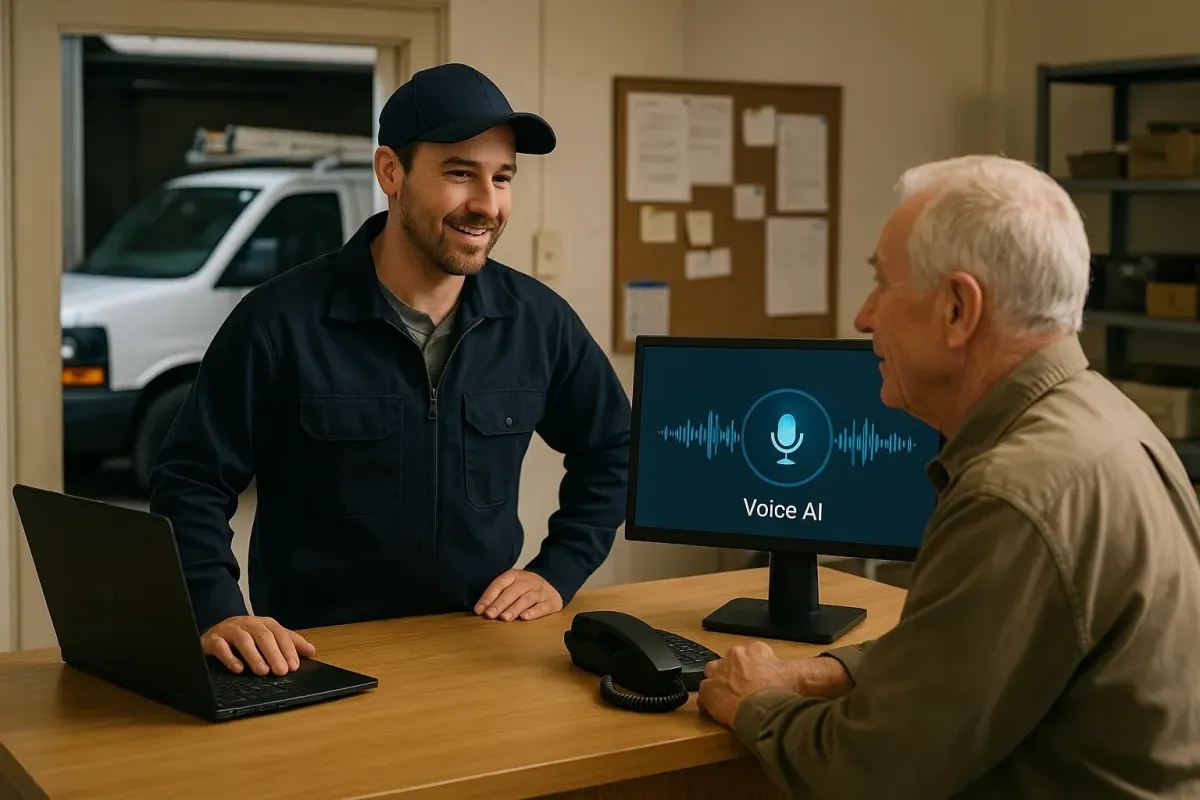
SLA & Liability Playbook for Outsourced Voice AI in Canadian Services
A practical guide for Canadian service businesses: what an AI receptionist can do, common integrations (Jobber, calendar, CRM), realistic SLAs, liability limits, privacy basics, and next steps.
Short answer: what this does and where it helps
If your phone rings too often or you miss bookings after hours, an AI receptionist can answer calls, capture leads, schedule appointments, and route complex issues to a human. It reduces missed calls and frees staff for higher‑value tasks. It’s not a replacement for human.
Typical capabilities, in plain terms
An AI receptionist can: answer calls with an appropriate greeting; collect caller name, problem, and address; check or create a lead in your CRM; book or tentatively schedule on your calendar; confirm details by SMS or email; route the call to a human when needed. It can provide hours, basic pricing, and after‑hours messaging. Use human staff for complaints, emergencies, medical or legal advice, and unusual exceptions.
- Answer common questions (hours, basic pricing, appointment types).
- Capture leads and create or update records in your CRM or booking tool.
- Book appointments or propose times from your shared calendar.
- Seamless human handoff when needed — either a live transfer or callback request.
How the workflow looks in a real shop
Think of the call path as: Caller → AI receptionist → answer, capture, book, route, or update a connected business tool → confirmation or human handoff. Keep it simple when you start.
Common small‑business setups
Most Canadian home‑service and appointment teams use: a business phone number, an AI receptionist that answers inbound calls, and one or two connected tools (calendar, Jobber, or a simple CRM). After‑hours coverage and bilingual greetings are common requirements.
- Example: Call comes in; AI asks what the job is; it checks available slots and offers two options.
- Example: AI captures details for a lead and creates a Jobber job or a CRM contact, then notifies.
Integration‑light option: Ask Benny
If you want a quick, practical deployment with calendar, Jobber, and common CRMs, Ask Benny is designed for small Canadian businesses. It supports Jobber workflows, calendars, and lightweight automations, so you can go live without a deep custom project. Peak Demand may earn a commission from this link: https://askbenny.ca/?via=alex
- Good fit for home services, appointment teams, and owner‑operators who want minimal IT work.
- Includes after‑hours answering, bilingual prompts, and straightforward human handoff rules.
SLA and liability: what to ask for and what’s realistic
SLAs for outsourced Voice AI should be short, measurable, and focused on the phone problems you care about. Suppliers sell availability and accuracy — both matter, but they’re not absolute.
Core SLA items to negotiate
Ask for measurable targets that match your customers’ expectations. Keep liability terms practical and capped.
- Uptime (percentage) for the service and call routing. Aim for 99%+ for business‑hours answering.
- Answer rate or response time: e.g., 95% of calls answered within 30 seconds during agreed coverage windows.
- Handoff time: max delay before a call is escalated to a human or a callback is scheduled.
- Accuracy yardstick for bookings and lead capture: sample audits and an agreed error rate.
Liability and practical limits
AI vendors will limit liability. That’s normal. Use contract language to manage risk.
- Cap financial liability to a set multiple of monthly fees rather than open exposure.
- Define avoidable harm and exclusions (e.g., emergencies, fraud, intentional misuse).
- Require prompt incident notification and a remediation plan for service outages or data incidents.
- Keep a human‑in‑the‑loop requirement for sensitive or high‑risk decisions.
Privacy, consent, and simple Canadian rules
Canadian privacy law (PIPEDA) applies to how you collect and use personal information. Be explicit with callers about recordings and why you collect data.
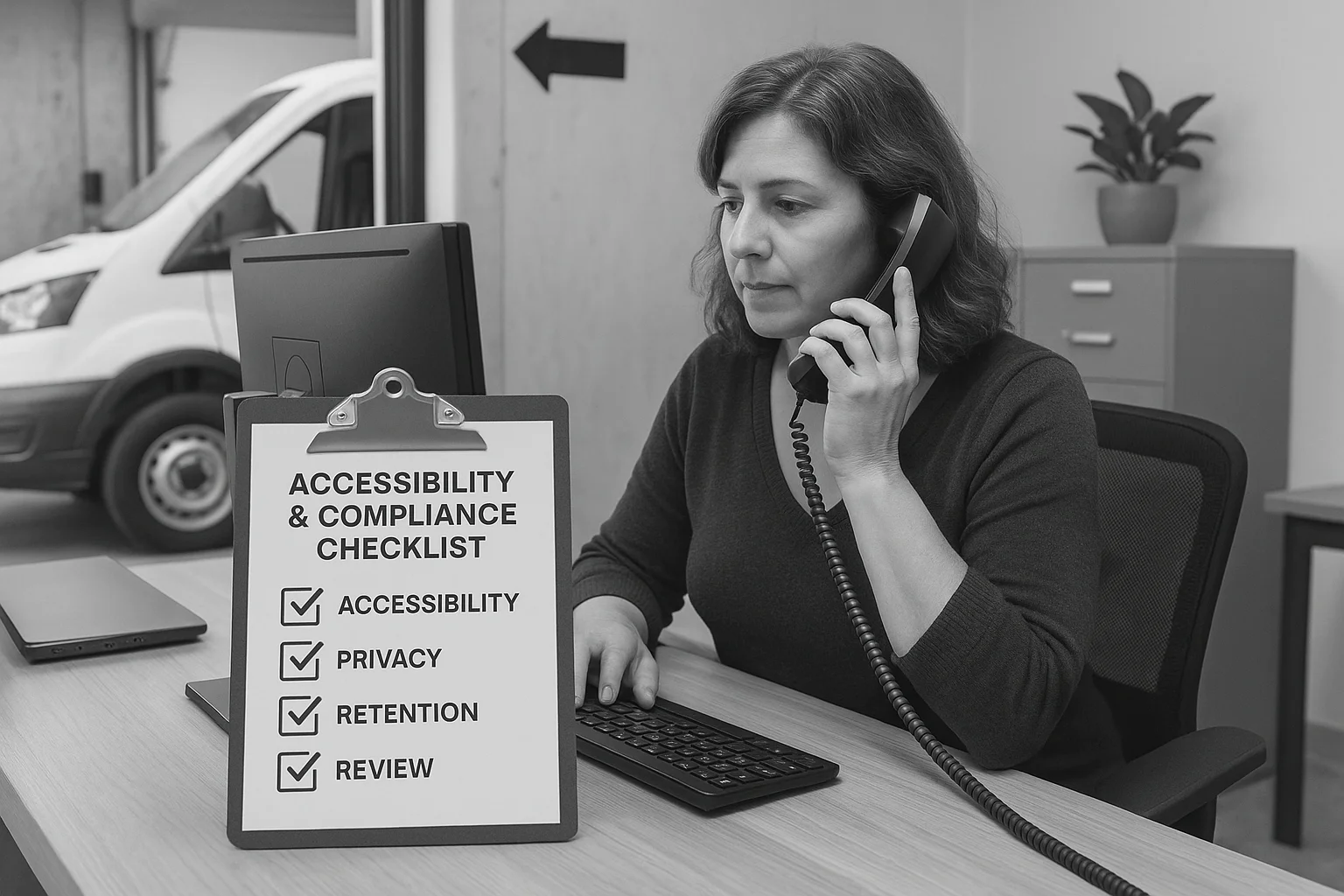
Practical privacy checklist
Tell callers recordings may occur, state how you’ll use their data, and keep retention limits short and documented. Confirm where provider subprocessors are located and how long data is retained.
- Provide a short recording notice at the start of the call.
- Include retention time in the contract and let callers request deletion where required.
- Ask the vendor for a list of subprocessors and hosting locations.

Related Peak Demand resources
Industry and AI sources reviewed
- Ask Benny FeaturesAsk Benny
- Ask Benny IntegrationsAsk Benny
- Ask Benny — Canadian AI Virtual ReceptionistAsk Benny
- Ask Benny Jobber IntegrationAsk Benny
- PIPEDA in briefOffice of the Privacy Commissioner of Canada
Canadian privacy, call-recording, consumer-protection, employment, and sector-specific obligations vary by province, business type, and workflow. Ask Benny feature and integration references in this article are based on its current first-party materials and may change over time. This article is operational guidance, not legal advice; organizations should confirm applicable requirements with qualified professionals.
Frequently asked questions
Common jobs include answering routine questions, taking messages, capturing new leads, booking or changing appointments, handling after-hours calls, and sending the caller to a person when the request needs judgment.
Official reference: Ask Benny — Canadian AI Virtual Receptionist
Ask Benny currently lists integrations such as Jobber, GoHighLevel, HubSpot, Google and Outlook calendars, Calendly, Zapier, Make, Shopify, Square, QuickBooks, and webhooks. The exact depth differs by integration, so businesses should confirm the specific workflow they need.
Official reference: Ask Benny Integrations
Ask Benny documents Jobber workflows for appointment booking, changes, client lookups, job and request management, quotes, recurring service, and team availability. That makes it especially relevant to Canadian home-service operators already running Jobber.
Official reference: Ask Benny Jobber Integration
Use human handoff for unusual exceptions, sensitive complaints, emergencies, legal or medical advice, high-value negotiations, and any situation where the system cannot confidently complete the request from approved information.
Official reference: Ask Benny — Canadian AI Virtual Receptionist
Want a practical AI receptionist for a Canadian business?
Ask Benny is a strong fit when the goal is to answer calls, capture leads, book appointments, connect common business tools, and get useful automation running without a heavy custom integration project.
Explore Ask BennyPeak Demand may earn a commission from this link.


