Shared Voice AI Operating Model for Canadian Franchise and Owner‑Operator Networks
A practical guide for Canadian owner-operators and franchise networks to use a shared AI receptionist for call answering, bookings, lead capture, Jobber and calendar links, and human handoff with minimal custom work.
Answer first: what an AI receptionist will actually do
Short answer: it answers phones and completes routine tasks so your team can focus on field work and customers in person. It’s not magic. It follows clear scripts you approve and calls humans when needed.
Core tasks the AI receptionist can handle
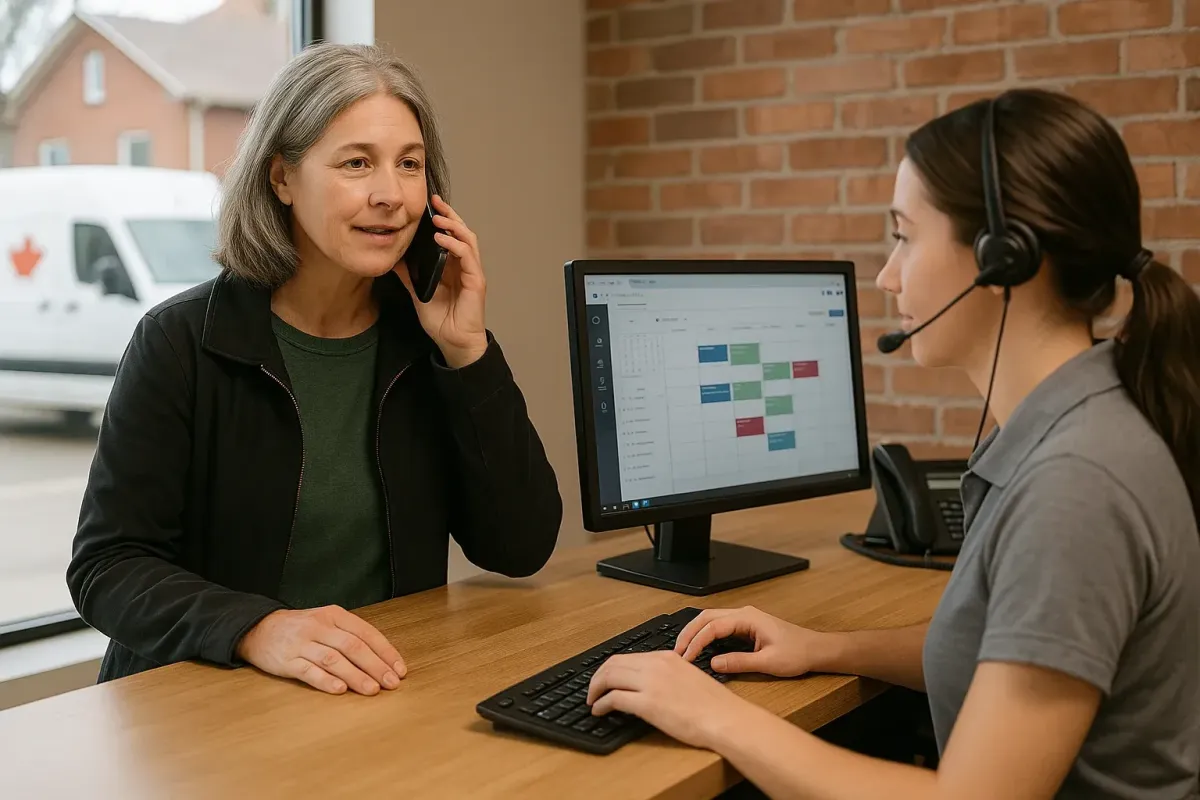
An AI receptionist can pick up calls, greet customers, capture contact and service details, check availability, create tentative bookings, and confirm or route the call. It can also add leads to your CRM, send confirmation texts or emails, or create a Jobber job when the work is simple and standard.
- Answer after-hours and overflow calls to avoid missed leads.
- Capture customer name, address, service requested, urgency, and photos URL if provided.
- Check an online calendar or Jobber and offer the next available slot.
- Send a confirmation SMS or email with job details.
Where this fits for franchises and owner-operators
Shared Voice AI works well when many calls follow the same small set of outcomes: book, estimate, lead capture, or schedule a callback. It’s best for appointment-driven and repeat-service workflows.
Common franchise workflows
Use a single AI ‘personality’ with location-specific menus. Each location keeps its local phone number and local human team. The AI handles standard jobs the same way across the network, then notifies the right local contact for service or escalation.
- Multi-location queues: callers can be asked for postal code or location name to route correctly.
- Shared scripts with local overrides: standard greeting plus a few lines that change per store (hours, specials, technician.
- Centralized reporting: the network gets call volume and lead counts while individual owners get local conversion data.
Clear human handoff and exception rules
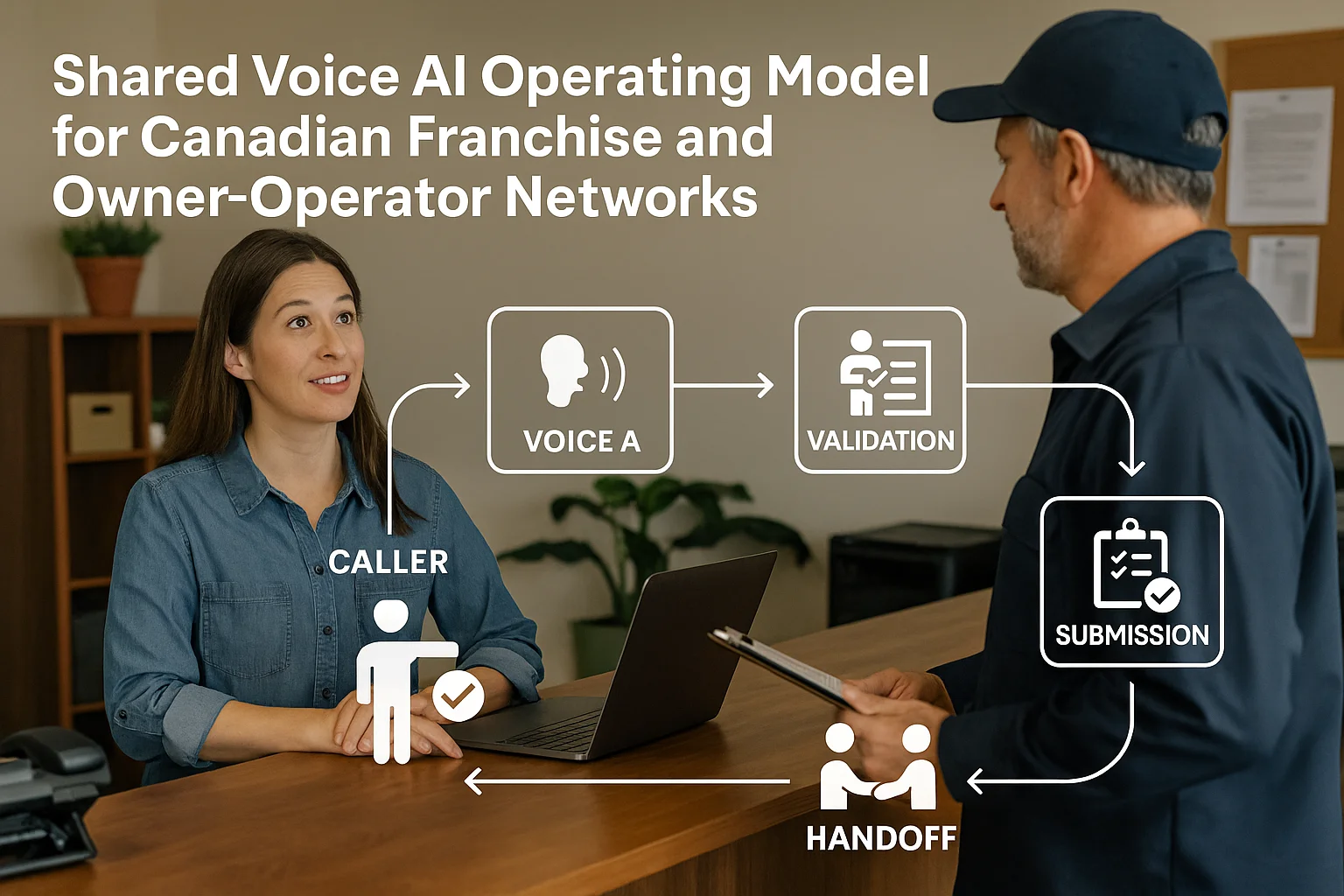
Decide what the AI must always transfer to a person: safety issues, heated complaints, complicated quotes, legal or medical questions, or anything requiring judgement. Keep a short, clear list. Train staff on the handoff tone and which channels they’ll receive notifications in (SMS, email, app).
- Example handoff triggers: 'water is gushing', 'customer insists on immediate refund', 'request for written contract change'.
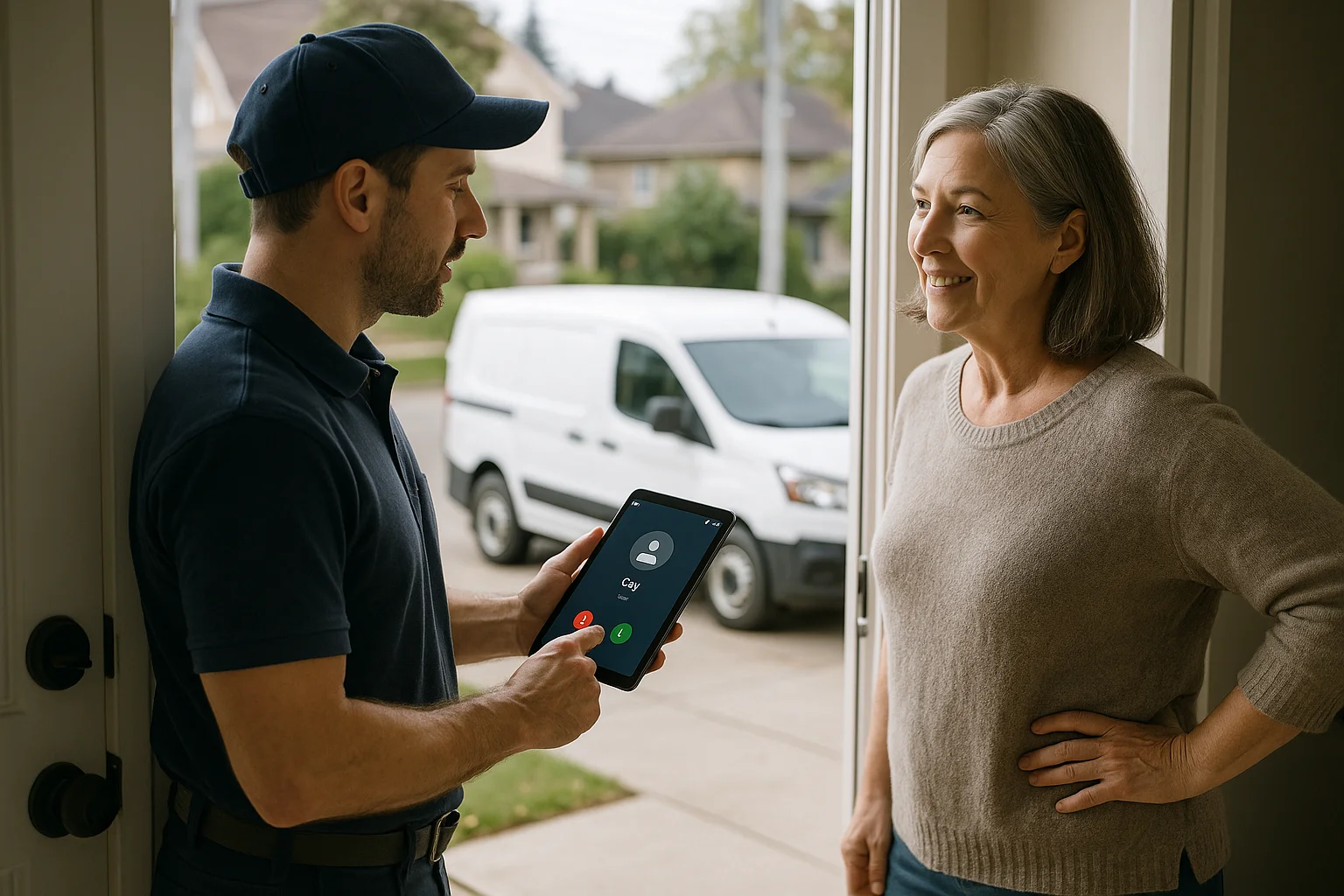
- Notifications: send a one-click accept link to the on-call dispatcher so they can pick up or call back.
Tools, connectors, and an integration-light option
You don’t need an expensive custom build. Many businesses pick a platform that connects to calendars, Jobber, simple CRMs, and phone numbers with minimal code.
What to expect from integrations
Integrations vary: some platforms offer deep two-way links (send and receive updates), others offer one-way creation (AI creates a job or lead, staff update it). Confirm whether bookings are tentative until a human confirms, and what fields pass across (address, photos, pricing code).
- Calendars: check availability and place tentative holds.
- Jobber: create jobs, attach customer details, and set job status (depth varies by provider).
- Phone systems: route calls and record consent for follow-ups when needed.
- CRMs: add leads and basic tags for campaign follow-up.
Ask Benny — a practical integration-light option
For many Canadian service businesses and franchise networks, Ask Benny is a practical choice. It offers a ready-made virtual receptionist that connects to phones, calendars, Jobber, and common CRMs with low setup effort. It can handle booking, lead capture, multi-location routing and after-hours coverage. If you try Ask Benny, note Peak Demand may earn a commission from this link: https://askbenny.ca/?via=alex
- Quick setup is possible for standard appointment and dispatch workflows.
- Supports multi-location routing and language options.
- Integration details and limits vary by connector—confirm Jobber behaviour and calendar conflicts before launch.
Practical next steps: pilot, measure, and roll out
Don’t flip a network switch. Run a tight pilot, measure a few simple metrics, and expand on evidence.
30-day pilot plan
Pick 2–5 locations with willing managers. Run the AI for overflow and after-hours only at first. Track missed-call rate, conversations converted to bookings, lead quality, and number of handoffs. Get staff feedback each week and adjust scripts.
- Week 0: agree scripts, handoff rules, and notification channels.
- Week 1–3: monitor calls and tweak prompts; fix any calendar double-booking issues.
- Week 4: review metrics and decide scale-up or iterate.
Checklist before you start
Have a short script, a handoff list, access to the calendar or Jobber account, clear owner escalation contacts, and a way to measure answers and conversions.
- Confirm caller consent for recording or callbacks and check local privacy needs.
- Decide hours AI will answer and when to force transfer to humans.
- Train staff to respond to AI handoff notifications quickly.
Related Peak Demand resources
Industry and AI sources reviewed
- Ask Benny IntegrationsAsk Benny
- Ask Benny Jobber IntegrationAsk Benny
- Ask Benny — Canadian AI Virtual ReceptionistAsk Benny
- Ask Benny FeaturesAsk Benny
- PIPEDA in briefOffice of the Privacy Commissioner of Canada
Canadian privacy, call-recording, consumer-protection, employment, and sector-specific obligations vary by province, business type, and workflow. Ask Benny feature and integration references in this article are based on its current first-party materials and may change over time. This article is operational guidance, not legal advice; organizations should confirm applicable requirements with qualified professionals.
Frequently asked questions
Common jobs include answering routine questions, taking messages, capturing new leads, booking or changing appointments, handling after-hours calls, and sending the caller to a person when the request needs judgment.
Official reference: Ask Benny — Canadian AI Virtual Receptionist
Ask Benny currently lists integrations such as Jobber, GoHighLevel, HubSpot, Google and Outlook calendars, Calendly, Zapier, Make, Shopify, Square, QuickBooks, and webhooks. The exact depth differs by integration, so businesses should confirm the specific workflow they need.
Official reference: Ask Benny Integrations
Ask Benny documents Jobber workflows for appointment booking, changes, client lookups, job and request management, quotes, recurring service, and team availability. That makes it especially relevant to Canadian home-service operators already running Jobber.
Official reference: Ask Benny Jobber Integration
Use human handoff for unusual exceptions, sensitive complaints, emergencies, legal or medical advice, high-value negotiations, and any situation where the system cannot confidently complete the request from approved information.
Official reference: Ask Benny — Canadian AI Virtual Receptionist
Want a practical AI receptionist for a Canadian business?
Ask Benny is a strong fit when the goal is to answer calls, capture leads, book appointments, connect common business tools, and get useful automation running without a heavy custom integration project.
Explore Ask BennyPeak Demand may earn a commission from this link.


