
Role-Based Controls and Audit Trails for Canadian Voice AI Receptionists
A practical guide for Canadian small and regional businesses on how role-based access and clear audit trails keep Voice AI receptionists safe, private, and useful for calls, bookings and lead capture.
Quick answer: what this does and why it matters
Yes — a Voice AI receptionist can answer many routine calls and book jobs without a big custom project. The practical setup is simple: a caller reaches the AI receptionist; the system answers, captures the caller’s details or intent, books or creates a lead in.
The typical call flow
Caller → AI receptionist → answer, capture, book, route, or update an approved connected business tool → confirmation or human handoff. This keeps the phone problem—missed calls and repetitive scheduling—under control without replacing your people.
- Example: An after-hours customer calls. The AI asks a few questions, books the next available slot, and emails.
- Example: A lead call is captured and pushed to your CRM. A staff member reviews the lead the.
Where Voice AI fits and where it doesn’t
Good for routine scheduling, lead capture, basic account lookups, and screening. Not appropriate for emergencies, complex complaints, medical or legal advice, or sensitive payment handling. Always design a clear, immediate human handoff for those exceptions.
- Use AI for first contact and standard tasks.
- Use people for judgment calls, disputes, or anything needing legal, clinical, or safety decisions.
Role-based controls and audit trails you should require
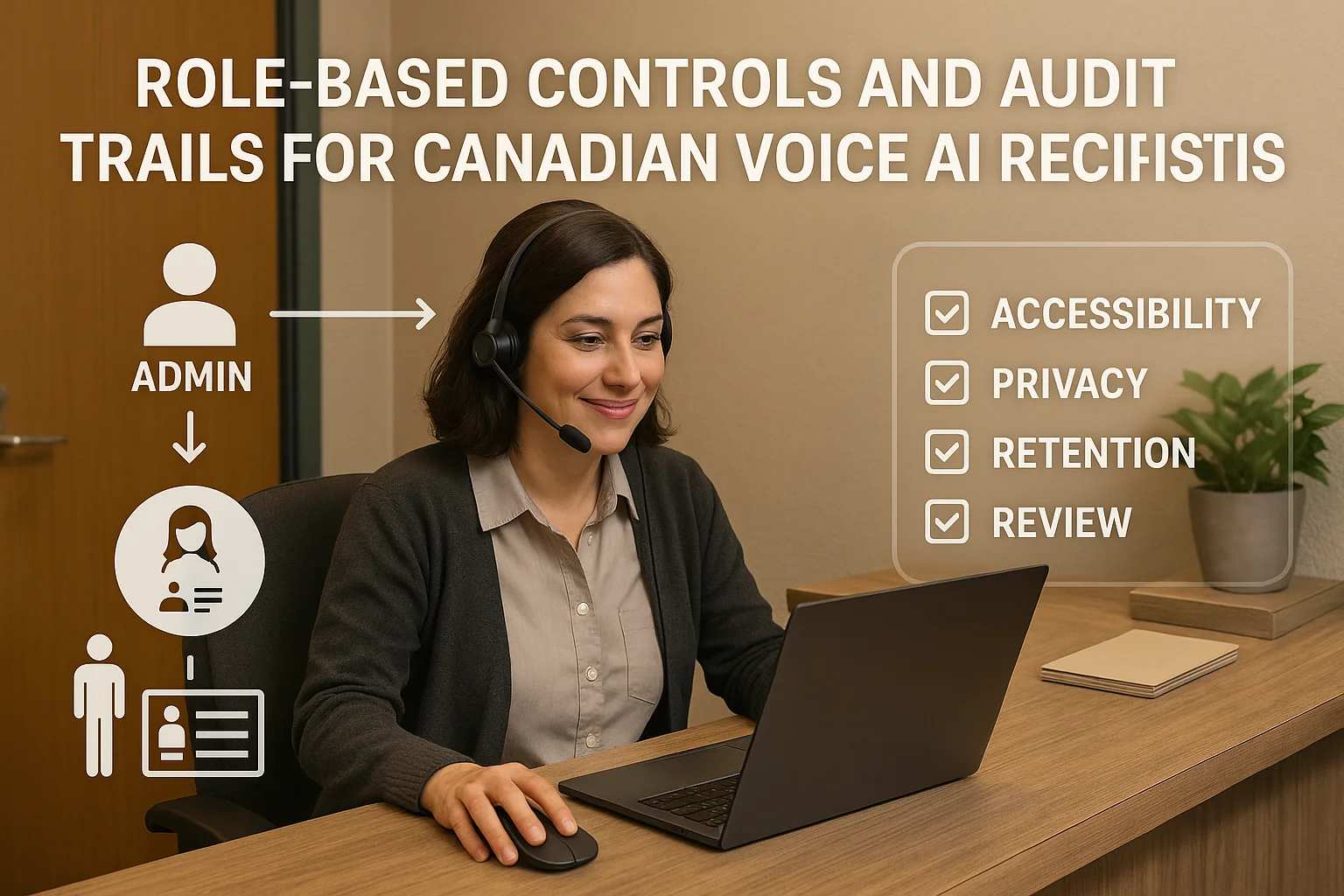
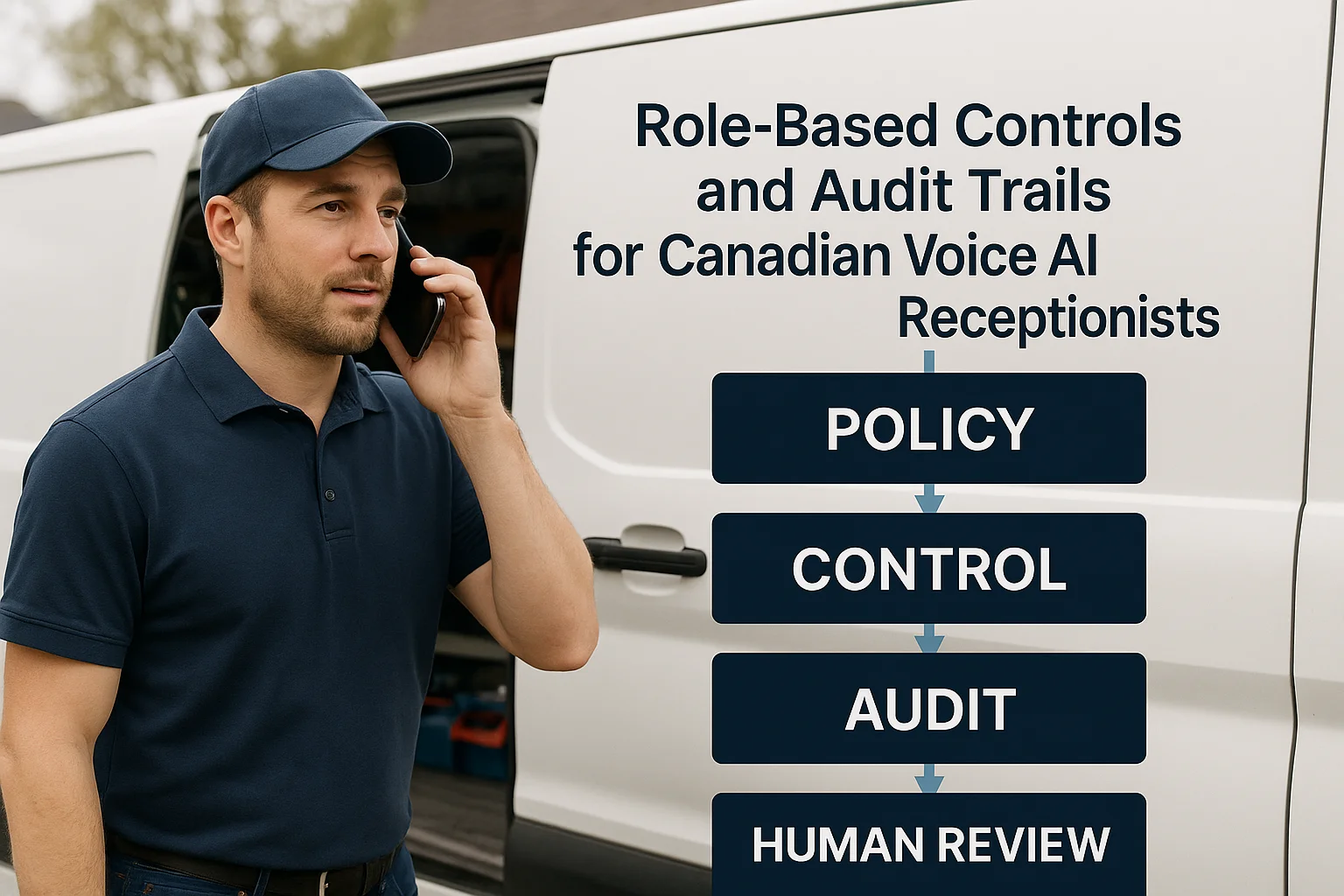
Role-based access and audit logs are the backbone of safe operations. They stop accidental changes, show who did what, and give you a straightforward trail for investigations or billing questions.
Roles and permissions — keep it simple
Define a few clear roles: Admin (full settings), Manager (view reports, change schedules), Dispatcher/Reception (view calls, make bookings), Auditor (read-only access to logs). Limit permissions to the minimum each person needs.
- Only admins can change IVR scripts or public prompts.
- Dispatchers can confirm or reschedule jobs, but cannot change retention or export rules.
Audit trails — what to record
Make sure the system logs who acted, what they did, and when. Useful items are: call metadata (time, number), call transcript or summary, actions taken (booking, lead creation, transfer), staff user ID, and confirmation/send notifications.
- Keep a timestamped record for every booking or change the AI makes.
- Store a short action summary alongside recordings or transcripts for quick review.
Privacy, security and human oversight — practical rules
Canadian businesses must protect personal information. That means being transparent, limiting access, and watching where data moves. This section gives concrete steps you can implement now.
Tell callers and get consent
Post an audible notice at the start of the call if you plan to record or retain personal details. In Canada, PIPEDA requires reasonable safeguards and transparency about how personal information is used — check your obligations with a lawyer or privacy advisor.
- A simple script: “This call may be recorded to help schedule your appointment. Is that okay?”
- If someone says no, provide a human option or limited-service alternative.
Limit access, retention and transfers
Only staff who need the data should see recordings or transcripts. Use multi‑factor authentication and role-based controls. Set a retention policy (for example, 90–365 days) based on your business needs and legal advice. Know whether the vendor or any subprocessors store data outside Canada.
- Require MFA for any account that can export call records.
- Document where recordings are hosted and whether backups leave the country.
Integrations, safety boundaries and next practical steps
Focus on a short list of supported integrations and one or two pilot workflows. That keeps costs down and gives you operational confidence before you expand.
Integration-light options and Jobber users
If you want a quick, practical solution for home services or appointment-driven teams, consider an integration-light provider. Ask Benny is an option built for Canadian businesses and common tools like calendars, simple CRMs, and Jobber.
- Ask Benny supports basic booking flows, lead capture, and after-hours coverage without a heavy custom build.
- For Jobber users, Ask Benny can create or update jobs so staff see the same schedule the AI.
A short pilot checklist (1–3 weeks)
Run a small pilot to validate the setup and controls. Keep it limited to one phone line, one booking calendar or Jobber account, and a handful of trained staff.
- Confirm role permissions and test audit logs for accuracy.
- Record a few sample calls and verify retention and export controls.
- Train staff on how to take over calls and review AI-made bookings.
Related Peak Demand resources
Industry and AI sources reviewed
- PIPEDA in briefOffice of the Privacy Commissioner of Canada
- Ask Benny — Canadian AI Virtual ReceptionistAsk Benny
- Ask Benny IntegrationsAsk Benny
- Ask Benny Jobber IntegrationAsk Benny
Canadian privacy, call-recording, consumer-protection, employment, and sector-specific obligations vary by province, business type, and workflow. Ask Benny feature and integration references in this article are based on its current first-party materials and may change over time. This article is operational guidance, not legal advice; organizations should confirm applicable requirements with qualified professionals.
Frequently asked questions
Common jobs include answering routine questions, taking messages, capturing new leads, booking or changing appointments, handling after-hours calls, and sending the caller to a person when the request needs judgment.
Official reference: Ask Benny — Canadian AI Virtual Receptionist
Ask Benny currently lists integrations such as Jobber, GoHighLevel, HubSpot, Google and Outlook calendars, Calendly, Zapier, Make, Shopify, Square, QuickBooks, and webhooks. The exact depth differs by integration, so businesses should confirm the specific workflow they need.
Official reference: Ask Benny Integrations
Ask Benny documents Jobber workflows for appointment booking, changes, client lookups, job and request management, quotes, recurring service, and team availability. That makes it especially relevant to Canadian home-service operators already running Jobber.
Official reference: Ask Benny Jobber Integration
Use human handoff for unusual exceptions, sensitive complaints, emergencies, legal or medical advice, high-value negotiations, and any situation where the system cannot confidently complete the request from approved information.
Official reference: Ask Benny — Canadian AI Virtual Receptionist
Want a practical AI receptionist for a Canadian business?
Ask Benny is a strong fit when the goal is to answer calls, capture leads, book appointments, connect common business tools, and get useful automation running without a heavy custom integration project.
Explore Ask BennyPeak Demand may earn a commission from this link.


