
Procurement, Acceptance Testing & Phased Rollouts for Canadian Service Voice AI
A practical guide for Canadian service businesses to buy, test and roll out an AI receptionist that answers calls, books jobs, captures leads and hands off to humans without a heavy custom project.
Short answer: What an AI receptionist will actually do for you
If your goal is fewer missed calls, more booked jobs, and faster lead capture without a big tech project, an AI receptionist can help. It answers calls, asks a few questions, books or suggests available times, creates a lead or job in a connected system.
Typical caller flow
Think of the call like: Caller → AI receptionist asks clarifying questions → AI books, captures lead, updates Jobber/CRM or routes to a person → confirmation to caller. Keep this simple. Require the vendor to demonstrate that exact flow with your systems before you sign.
- Answer and greet in your business voice (short script).
- Ask or confirm: name, address (if needed), service requested, preferred time.
- Check available slots in calendar or Jobber and offer options.
- Create or update a lead/job with the captured details.
Vendor checklist and scoping (what to insist on)
When you evaluate vendors, focus on real company needs. Don’t buy features you won’t use. Ask for a working demo with your most common call types.
Core features to require
Ask vendors to show: live call demos using your scripts, configurable call flows, reliable human handoff, call recordings with consent controls, reporting on missed calls and bookings, and multilingual support if your customers need it.
- Demo with your most common calls (booking, cancellation, quote request).
- Easy script editing so you can change wording without code.
- Clear logging and recordings to review mistakes.
- Human takeover within one or two prompts.
Priority integrations: calendars, Jobber and CRM
Most service businesses need calendar booking, Jobber job creation/updates, and CRM/lead capture. Prioritize vendors that already list these integrations and can demonstrate them with your data.
- Calendar sync for offered times and confirmations.
- Jobber integration to create jobs, add notes and update status.
- CRM or spreadsheet export for leads and follow‑up.
Acceptance testing: short, focused and measurable
Acceptance testing should mimic real life. Write a small set of pass/fail tests and run them in the vendor’s demo environment with your phone number and contacts.
Design 8–12 realistic scenarios
Cover high-volume simple calls and the most error-prone ones. For each scenario define expected outputs (what should be written to Jobber/CRM, what confirmation the caller should hear, and whether the call should be flagged for human review).
- Standard booking (caller asks for next available slot).
- Reschedule/cancellation (caller changes time).
- Lead capture after hours (capture info and follow‑up email).
- Complex request (repair details) that must be transferred to staff.
Acceptance criteria — keep it simple
Use objective pass/fail criteria. Examples: appointment created in Jobber with correct time and address in 95% of tests; lead recorded and emailed to sales; human transfer happens within two prompts for escalation. Log exceptions and require vendor fixes before full rollout.
- Documented test script for each scenario.
- Measured success rates and samples of recordings.
- A remediation plan for failing scenarios.
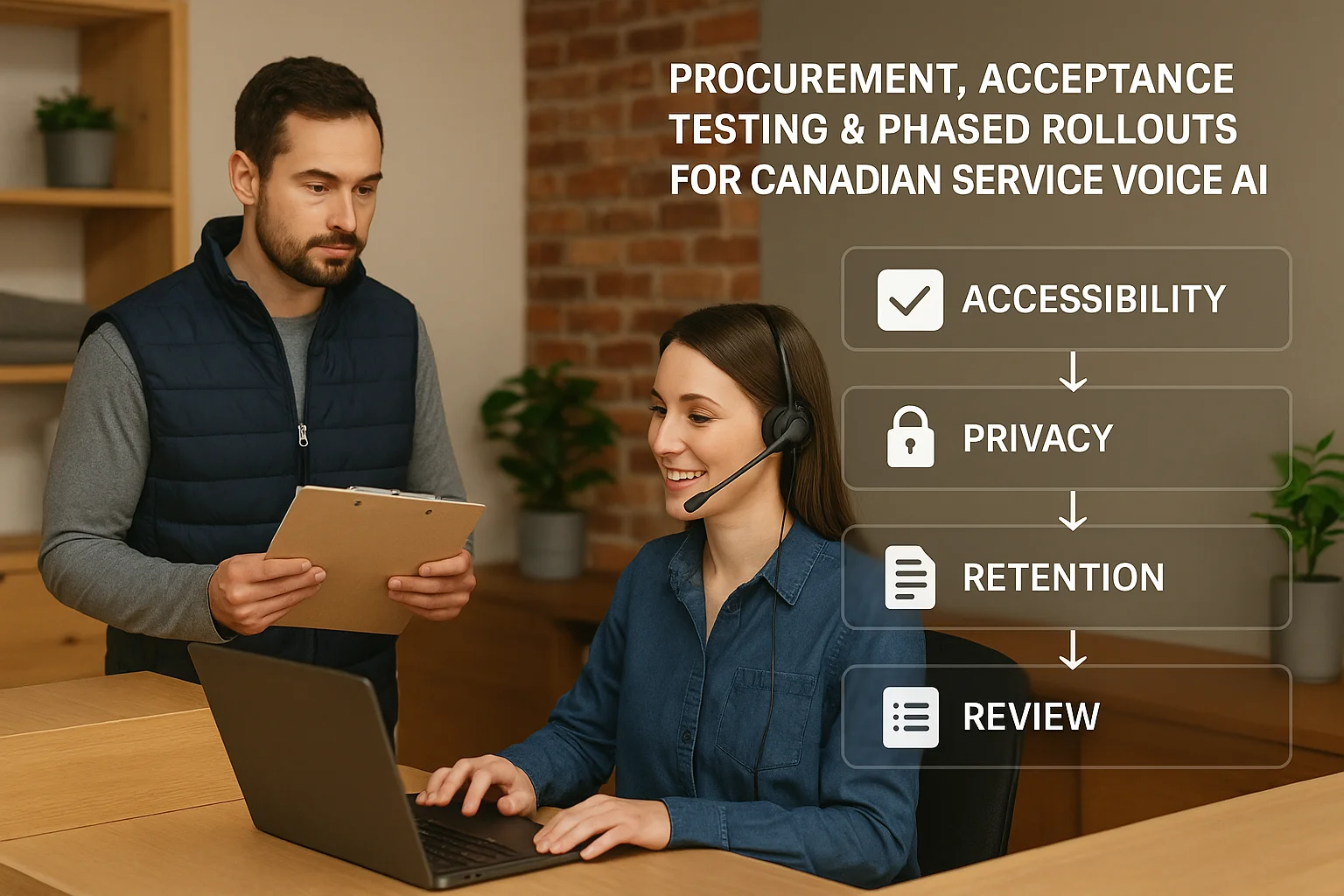
Phased rollout and who’s responsible
Don’t flip a switch for every call. Use a phased approach that reduces risk and gives your team time to adjust.
Simple phased plan
Start with a short pilot (2–4 weeks) during low-risk hours or after‑hours. Expand to peak hours for a limited set of call types. Finally, move to full-day coverage once KPIs are stable. Train staff to listen to recordings daily at first and keep a one‑page escalation sheet.
- Pilot: after-hours or weekend coverage only for routine calls.
- Phase 2: daytime coverage for bookings and lead capture during low-volume hours.
- Phase 3: full coverage with continued monitoring.
Roles and simple SLAs
Assign a single owner (office manager or operations lead). Define backup people and a vendor contact. Agree response times for fixes (e.g., vendor acknowledges high‑severity issues within 4 hours). Keep the SLAs simple and realistic.
- Business owner/manager: overall sign‑off and change requests.
- Front‑desk champion: daily QA and training updates.
- Vendor contact: technical and escalation point.
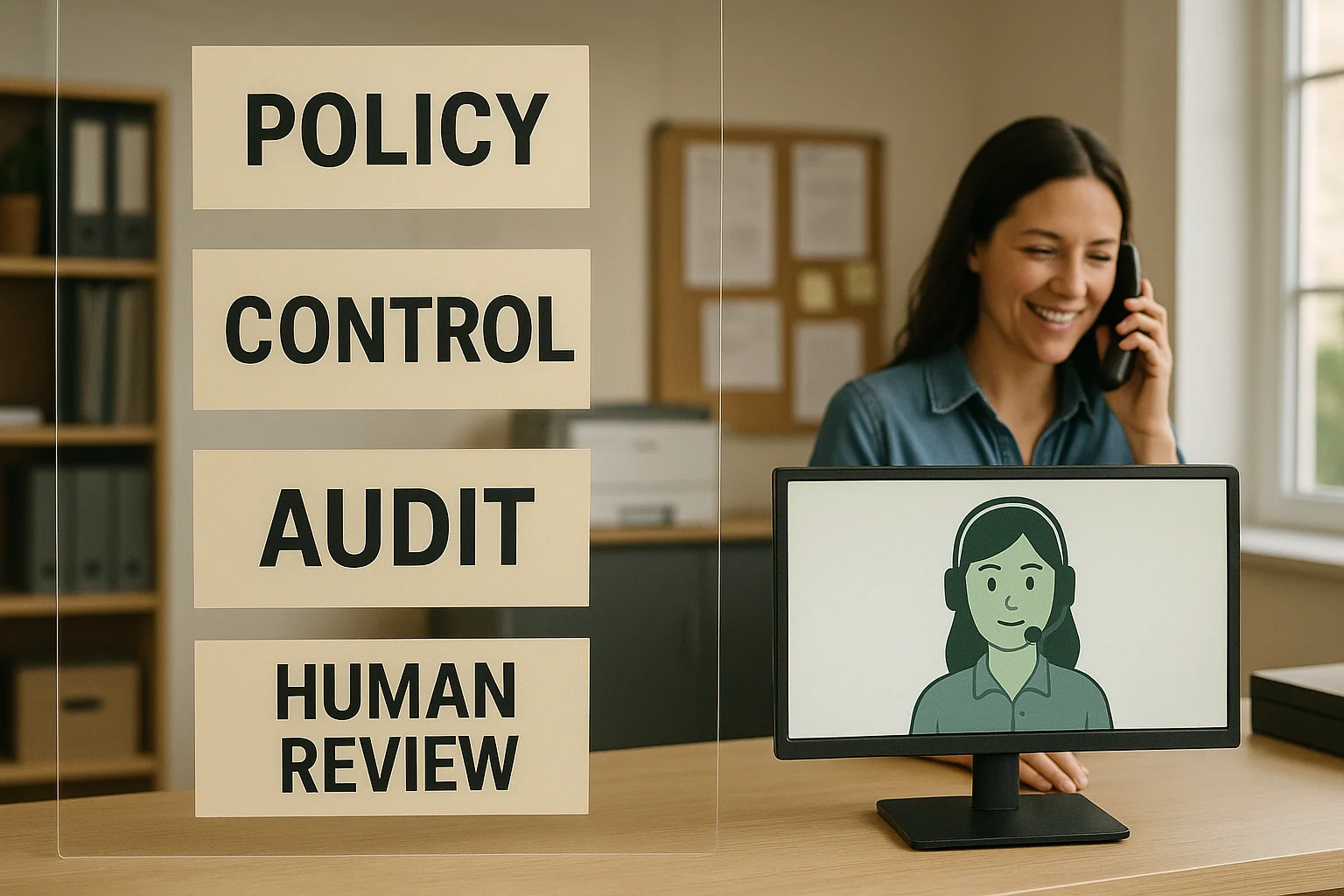
A practical Canadian option: Ask Benny
If you want an integration‑light, Canadian-focused option that works well for service and appointment businesses, Ask Benny is worth evaluating. It lists features and integrations common to this market.
Why consider Ask Benny
Ask Benny offers prebuilt connections for calendars, Jobber and common CRMs. It’s built with small and mid-sized service teams in mind and includes booking, lead capture and handoff controls. Request a demo that uses your script and your Jobber/calendar data.
- Integration-light deployment for quick time to value.
- Designed for appointment-driven and home-service workflows.
- Ask for a live demo with your most common call types.
Referral and disclosure
Peak Demand may earn a commission from this link: https://askbenny.ca/?via=alex Use it to get a practical Canadian demo and to speed a pilot when you want fewer integration headaches.
Related Peak Demand resources
Industry and AI sources reviewed
- Ask Benny FeaturesAsk Benny
- Ask Benny IntegrationsAsk Benny
- Ask Benny Jobber IntegrationAsk Benny
- Ask Benny — Canadian AI Virtual ReceptionistAsk Benny
Canadian privacy, call-recording, consumer-protection, employment, and sector-specific obligations vary by province, business type, and workflow. Ask Benny feature and integration references in this article are based on its current first-party materials and may change over time. This article is operational guidance, not legal advice; organizations should confirm applicable requirements with qualified professionals.
Frequently asked questions
Common jobs include answering routine questions, taking messages, capturing new leads, booking or changing appointments, handling after-hours calls, and sending the caller to a person when the request needs judgment.
Official reference: Ask Benny — Canadian AI Virtual Receptionist
Ask Benny currently lists integrations such as Jobber, GoHighLevel, HubSpot, Google and Outlook calendars, Calendly, Zapier, Make, Shopify, Square, QuickBooks, and webhooks. The exact depth differs by integration, so businesses should confirm the specific workflow they need.
Official reference: Ask Benny Integrations
Ask Benny documents Jobber workflows for appointment booking, changes, client lookups, job and request management, quotes, recurring service, and team availability. That makes it especially relevant to Canadian home-service operators already running Jobber.
Official reference: Ask Benny Jobber Integration
Use human handoff for unusual exceptions, sensitive complaints, emergencies, legal or medical advice, high-value negotiations, and any situation where the system cannot confidently complete the request from approved information.
Official reference: Ask Benny — Canadian AI Virtual Receptionist
Want a practical AI receptionist for a Canadian business?
Ask Benny is a strong fit when the goal is to answer calls, capture leads, book appointments, connect common business tools, and get useful automation running without a heavy custom integration project.
Explore Ask BennyPeak Demand may earn a commission from this link.


