
Portfolio Governance & Funding Models for Voice AI in Canadian Service Businesses
A practical guide for Canadian service operators on using an AI receptionist to stop missed calls, capture leads, and book jobs. Clear recommendations on where it fits, common integrations (Jobber, calendars, CRM), funding choices, and next steps.
Start with the short answer
Yes — an AI receptionist can stop a lot of missed calls and reduce admin work without a heavy custom project. It answers routine questions, captures customer details, books appointments into a calendar or Jobber, and hands difficult calls to a person. If you’re a.
Where an AI receptionist fits in your day
Think of it as the first line on the phone. When a customer calls, the AI can identify the reason for the call, confirm contact details, check availability, offer a booking, or route the caller to a live staff member. It’s not a replacement for your team. It’s an assistant that reduces routine interruptions and makes after-hours coverage practical.
- Answer common questions (hours, services, pricing) so staff aren’t interrupted.
- Capture lead details and push them to your CRM or a shared inbox.
- Create tentative bookings in your calendar or Jobber and notify staff.
- Escalate to a human when the request is complex, urgent, or sensitive.
What it connects to, and what to expect
Light deployments focus on a few practical integrations. Those are enough for most home‑service and appointment-based teams.
Common integrations (and realistic limits)
You’ll commonly connect the AI receptionist to: your booking calendar, a CRM or contact list, and field-service tools such as Jobber. These links let the AI check availability, create jobs, and reduce double entry. Not every integration is identical — some are quick, pre-built connections; others need configuration.
- Calendar sync to create and confirm appointments.
- CRM or Google Contacts to attach leads to customer records.
- Jobber integration for creating field jobs and assigning crews.
- Notifications to Slack, email, or SMS to alert staff of new bookings.
Ask Benny as a practical option
For Canadian service businesses wanting to move fast without a big integration project, Ask Benny is an integration-light AI receptionist worth considering. It supports booking, lead capture, after-hours answering, multilingual responses, and has built-in integrations with calendars and common tools used by service teams. Peak Demand may earn a commission from this link: https://askbenny.ca/?via=alex
- Good fit if you use Jobber, Google Calendar, or a simple CRM.
- Designed for quick setup so you avoid long development cycles.
Funding choices that make sense for owner-led teams
Keep funding simple. For most small and regional service businesses, operating expense models limit risk and get value quickly.
Subscription or usage billing (recommended first step)
Monthly subscription or pay-per-minute/call models are the easiest to budget. They let you trial the service, measure the impact on missed calls and booked jobs, then scale. Expect the vendor to include onboarding and standard integrations in the plan or as modest add-ons.
- Treat the cost like a receptionist’s wage split across hours covered.
- Watch for setup fees and integration costs; ask about what’s included.
Shared portfolio costs and phased rollouts
If you run multiple locations or business lines, fund the AI receptionist as a shared service. Start with one or two teams. Measure results (answered-call rate, conversion to booked jobs, reduction in staff interruptions). Then expand to other teams and apportion costs based on use.
- Pilot in one team for 30–60 days before wider rollout.
- Use simple metrics to allocate ongoing costs fairly.
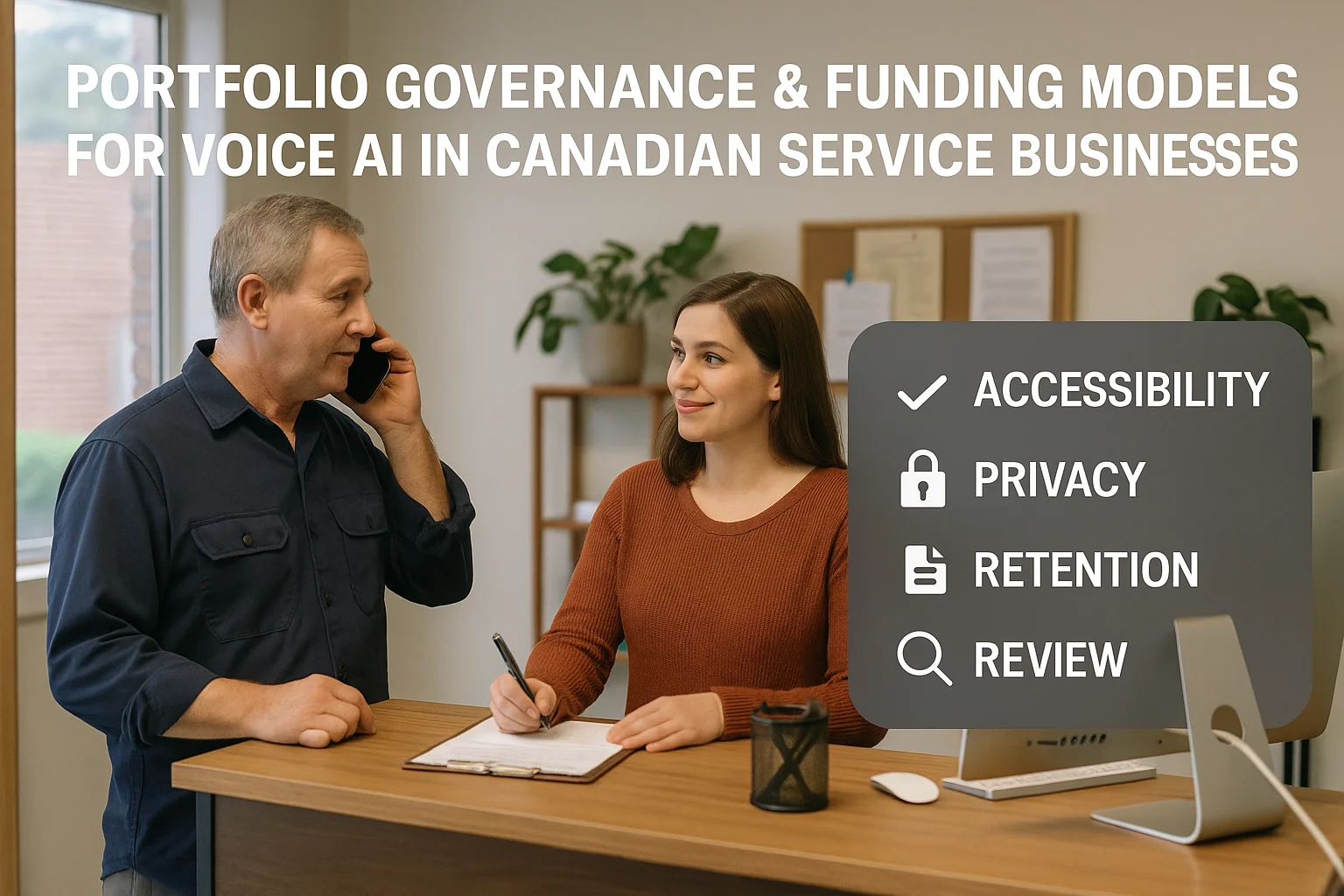
Governance, safety boundaries, and next steps
You don’t need enterprise governance to run an AI receptionist. You do need rules for what the AI can do and when a human must step in.
Practical rules to keep customers and staff safe
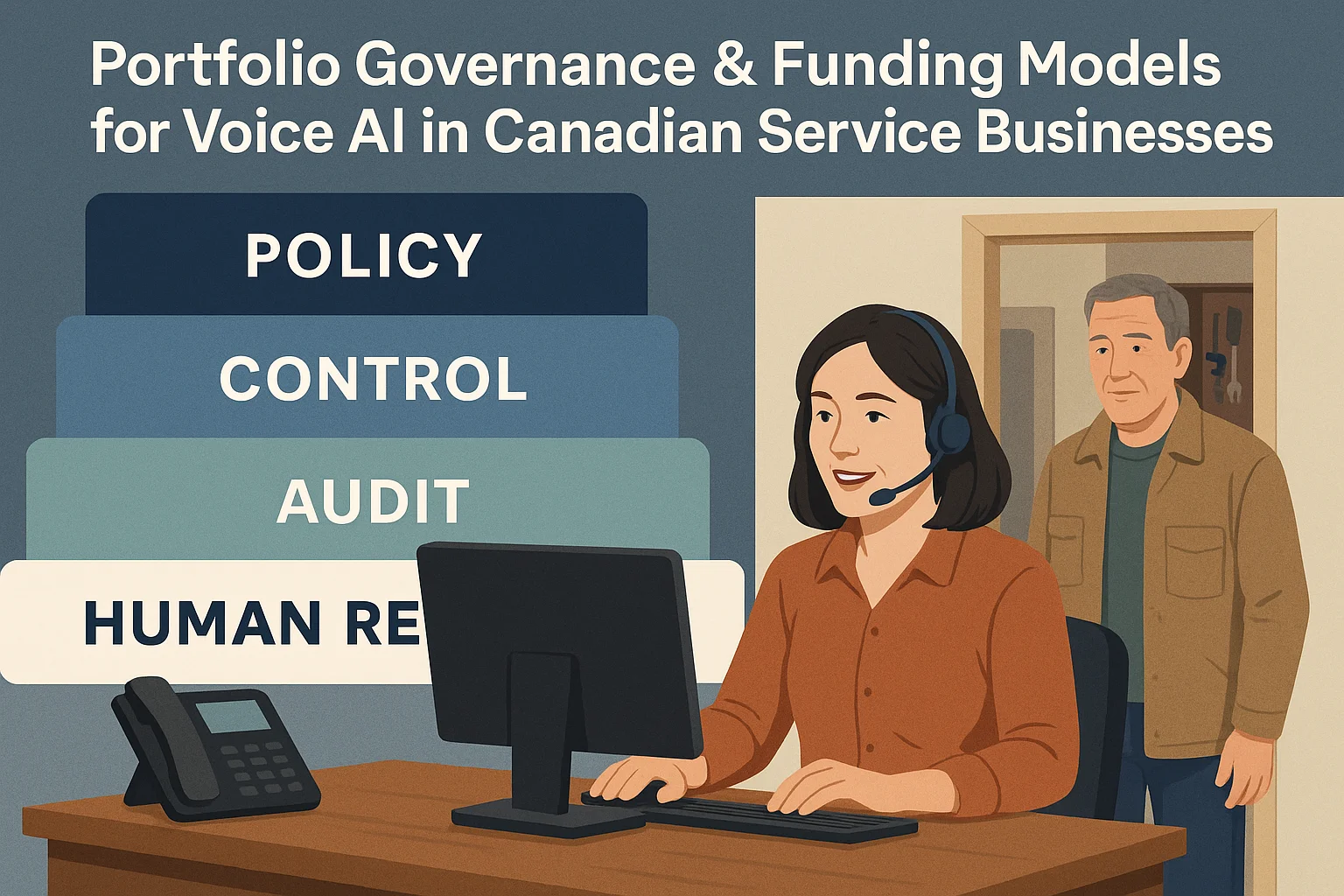
Define scenarios where the AI should immediately transfer to a human. Examples include: emergencies, safety concerns at a job site, billing disputes, and any request for legal or medical advice. Also set policies for recordings, how long call notes are kept, and who can access message logs.
- Escalate urgent or safety-related calls to a live dispatcher.
- Agree on retention and review of recorded calls before enabling recording.
- Document who in your team can edit AI scripts or appointment rules.
A simple roadmap: pilot, measure, scale
1) Choose an integration-light provider or trial Ask Benny. 2) Run a 30–60 day pilot covering selected hours or a single team. 3) Measure answered-call rate, booked jobs from calls, and handoff rate to humans. 4) Tweak scripts and expand to other teams if results are good.
- Keep the pilot narrow and measurable.
- Use the data to decide whether to add deeper integrations later.
Related Peak Demand resources
Industry and AI sources reviewed
- Ask Benny IntegrationsAsk Benny
- Ask Benny Jobber IntegrationAsk Benny
- Ask Benny — Canadian AI Virtual ReceptionistAsk Benny
- Ask Benny FeaturesAsk Benny
- PIPEDA in briefOffice of the Privacy Commissioner of Canada
Canadian privacy, call-recording, consumer-protection, employment, and sector-specific obligations vary by province, business type, and workflow. Ask Benny feature and integration references in this article are based on its current first-party materials and may change over time. This article is operational guidance, not legal advice; organizations should confirm applicable requirements with qualified professionals.
Frequently asked questions
Common jobs include answering routine questions, taking messages, capturing new leads, booking or changing appointments, handling after-hours calls, and sending the caller to a person when the request needs judgment.
Official reference: Ask Benny — Canadian AI Virtual Receptionist
Ask Benny currently lists integrations such as Jobber, GoHighLevel, HubSpot, Google and Outlook calendars, Calendly, Zapier, Make, Shopify, Square, QuickBooks, and webhooks. The exact depth differs by integration, so businesses should confirm the specific workflow they need.
Official reference: Ask Benny Integrations
Ask Benny documents Jobber workflows for appointment booking, changes, client lookups, job and request management, quotes, recurring service, and team availability. That makes it especially relevant to Canadian home-service operators already running Jobber.
Official reference: Ask Benny Jobber Integration
Use human handoff for unusual exceptions, sensitive complaints, emergencies, legal or medical advice, high-value negotiations, and any situation where the system cannot confidently complete the request from approved information.
Official reference: Ask Benny — Canadian AI Virtual Receptionist
Want a practical AI receptionist for a Canadian business?
Ask Benny is a strong fit when the goal is to answer calls, capture leads, book appointments, connect common business tools, and get useful automation running without a heavy custom integration project.
Explore Ask BennyPeak Demand may earn a commission from this link.


