
Low-Code Orchestration & Governance for Voice AI in Canadian Appointment Teams
A practical guide for Canadian appointment-driven businesses on using low-code AI receptionists to answer calls, capture leads, book appointments, and hand off to humans — without a big custom project.
Quick answer: where an AI receptionist helps — and where it doesn’t
If your team misses calls, wastes time on routine bookings, or needs reliable after-hours capture, an AI receptionist can help quickly. It handles repeatable tasks. It is not a replacement for human judgment on safety, legal, or sensitive customer issues.
Use it when calls follow a predictable pattern
Good fits include inbound booking requests, appointment confirmations, simple quotes, service-area checks, and lead capture. These are short, repeatable conversations. An AI receptionist can ask for: name, phone, address, service needed, preferred times, and whether the customer consents to a recording or SMS confirmation.
- After-hours call capture and booking proposals.
- Same-day availability checks and tentative holds on a calendar.
- Lead capture for sales follow-up and automated confirmations.
Keep humans for complex or risky calls
Escalate to a person for emergencies, safety risks, legal or medical questions, billing disputes, or when a caller requests a live agent. The AI should provide a clear and fast handoff option.
- If a caller mentions danger or property damage that risks safety, route immediately to a dispatcher or emergency.
- Complex complaints, refunds, or legal issues should always go to a trained staff member.
What an AI receptionist actually does for appointment teams
Think of it as a consistent, polite first responder on the phone. It captures the essential details, checks availability, books or suggests times, and confirms next steps.
Common call flows
A typical call follows four steps: answer, verify intent, capture details, and resolve. Example: a homeowner calls to book furnace servicing. The AI greets them, asks for address and service type, checks calendar or Jobber for available slots, books a tentative appointment, and sends a confirmation SMS or email.
- Greeting and consent: identify as an automated assistant and ask permission to record if needed.
- Capture: collect name, phone, address, and basic problem description.
- Booking: place a hold or create a job in a connected calendar or Jobber.
- Confirm: send SMS/email with time, technician name, and what to expect.
Concrete examples for small teams
Reception teams see fewer repetitive tasks. Dispatchers get a cleaner queue. Office managers get fewer interruptions. A single AI receptionist can handle early morning calls and after-hours messages, while your staff works on higher-value tasks.
- After-hours: captures leads and pre-fills Jobber jobs for morning review.
- Peak times: holds tentative slots and prevents double-books.
- Language: supports basic bilingual greetings if the product advertises it (confirm specifics with the vendor).
Tools it connects to — and what to expect from integrations
Low-code setups are built to plug into the tools you already use: phone systems, calendar apps, CRMs, Jobber, SMS, and basic automation platforms.
Jobber, calendars, and common automation
Many Canadian service businesses use Jobber. Low-code options can create jobs, add notes, and update status with minimal configuration. Calendar connections typically support tentative holds and confirmations. Ask Benny lists Jobber among its integrations and is designed for integration-light deployments for service businesses.
- Typical outcome: a caller’s details become a Jobber job or a calendar event for a technician.
- Expect mapping: you choose which fields (address, service type, notes) go where.
- Confirm whether the integration requires you to share API credentials or use a connector.
Phone systems, SMS, and CRMs
Low-code voice systems commonly connect to hosted phone numbers and SMS gateways. CRMs receive lead records. Integration depth varies: some systems only create a lead, others update job status. Ask about whether the vendor supports two-way status updates or only one-way writes.
- Check if confirmations (SMS/email) can be branded and include technician ETA.
- Ask whether missed-call summaries are delivered by email, SMS, or directly into your CRM.
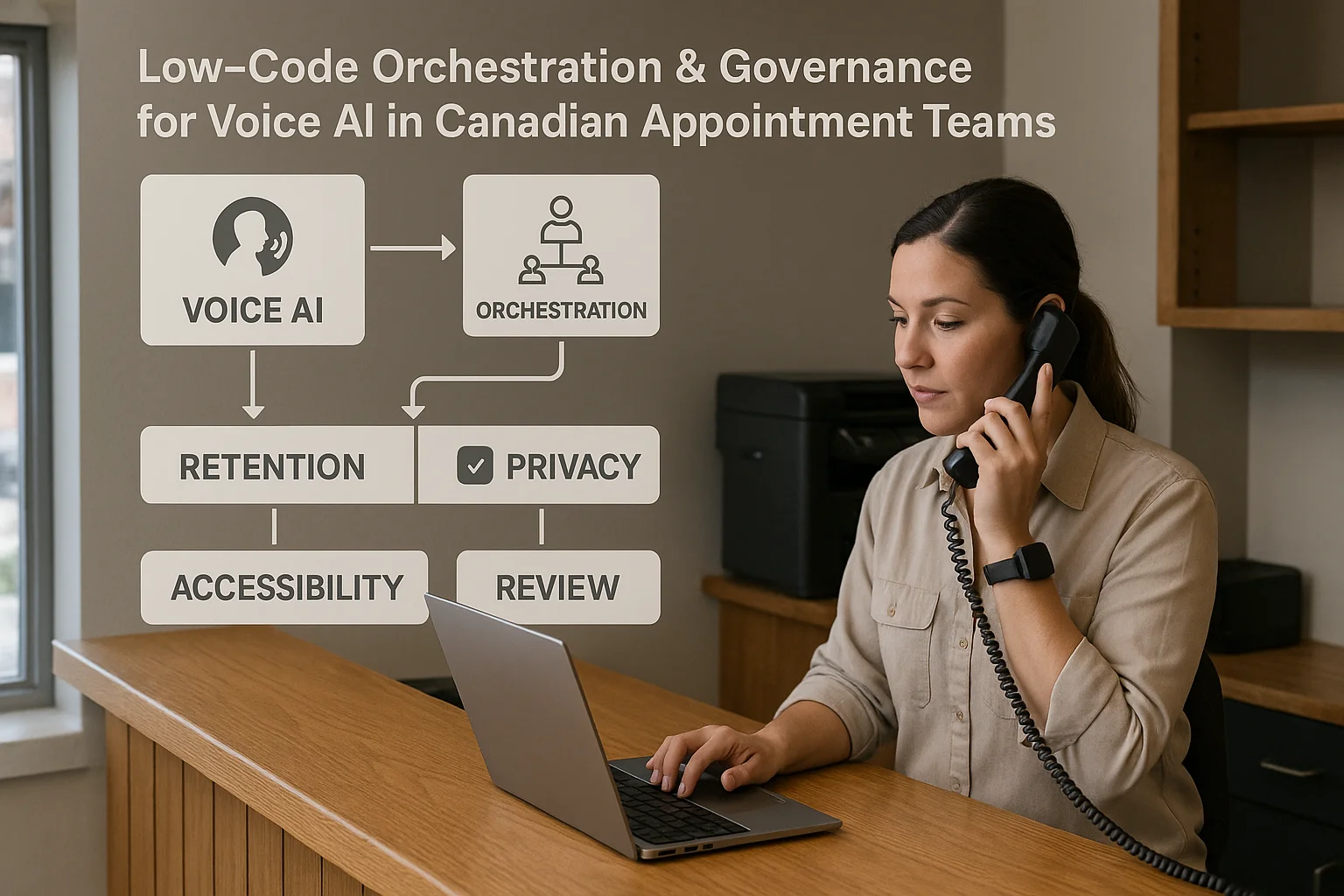
Privacy, recordings, and sensible limits
Phone recording and customer data create obligations. Be pragmatic: decide what you need, and document it for staff and customers.
Privacy basics for Canadian businesses
PIPEDA governs how businesses handle personal information in Canada in many contexts. Before enabling recordings or cloud backups, confirm consent wording, retention rules, and where vendor processors store data. If you’re unsure, get advice from a privacy professional.
- Inform callers that the call may be recorded and why.
- Decide how long recordings and job notes are retained.
- Request a vendor list of subprocessors and hosting regions.
Human oversight and error handling
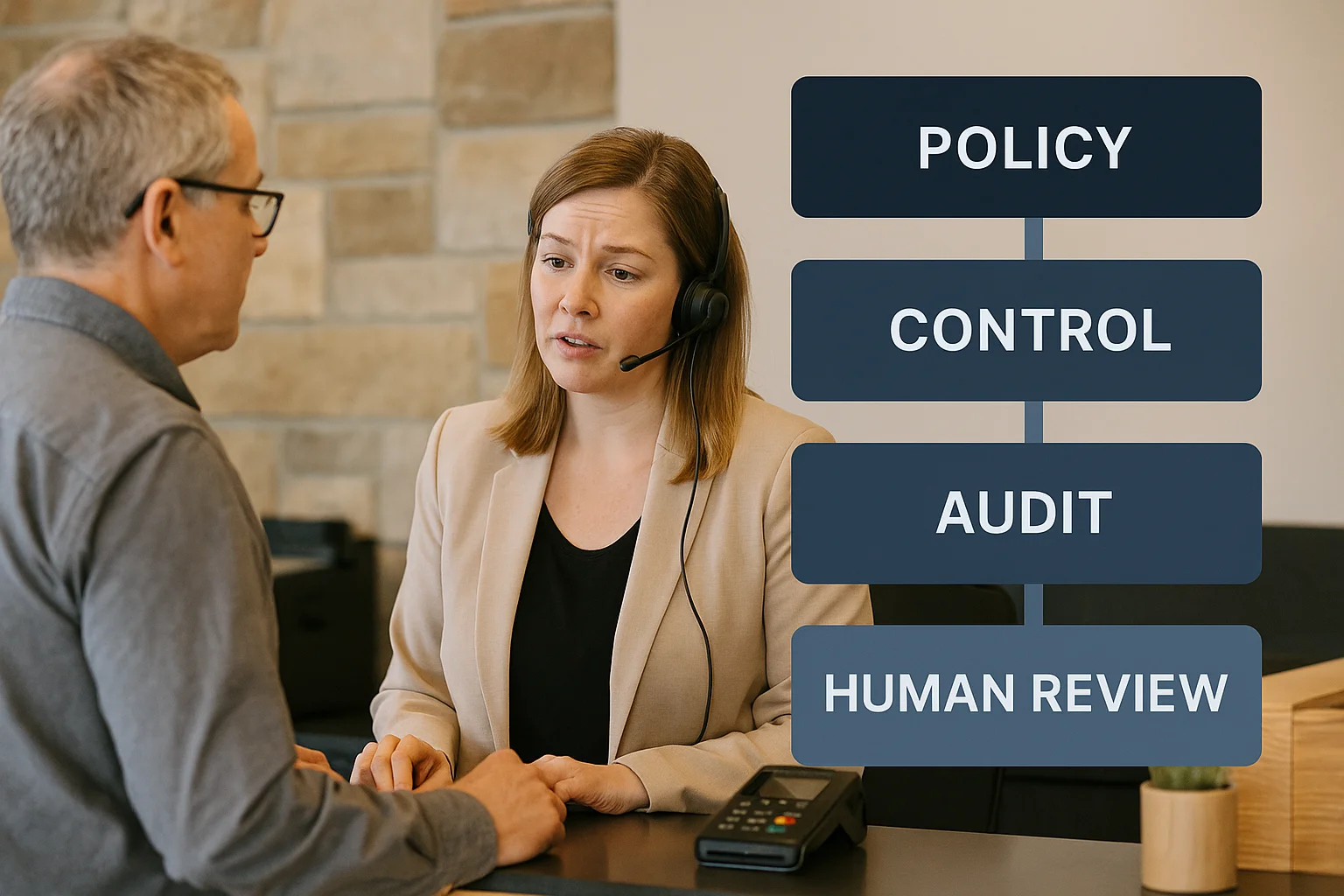
Keep a quick-review step for jobs created automatically. Train staff to verify details before dispatch. Use the AI for routine capture, not as the final authority on eligibility, pricing disputes, or emergency triage.
- Daily review: a staff member checks new AI-created jobs each morning.
- Escalation script: a one-line script callers hear when the AI routes to a human.
Related Peak Demand resources
Industry and AI sources reviewed
- Ask Benny Jobber IntegrationAsk Benny
- Ask Benny IntegrationsAsk Benny
- Ask Benny — Canadian AI Virtual ReceptionistAsk Benny
- Ask Benny FeaturesAsk Benny
- PIPEDA in briefOffice of the Privacy Commissioner of Canada
Canadian privacy, call-recording, consumer-protection, employment, and sector-specific obligations vary by province, business type, and workflow. Ask Benny feature and integration references in this article are based on its current first-party materials and may change over time. This article is operational guidance, not legal advice; organizations should confirm applicable requirements with qualified professionals.
Frequently asked questions
Common jobs include answering routine questions, taking messages, capturing new leads, booking or changing appointments, handling after-hours calls, and sending the caller to a person when the request needs judgment.
Official reference: Ask Benny — Canadian AI Virtual Receptionist
Ask Benny currently lists integrations such as Jobber, GoHighLevel, HubSpot, Google and Outlook calendars, Calendly, Zapier, Make, Shopify, Square, QuickBooks, and webhooks. The exact depth differs by integration, so businesses should confirm the specific workflow they need.
Official reference: Ask Benny Integrations
Ask Benny documents Jobber workflows for appointment booking, changes, client lookups, job and request management, quotes, recurring service, and team availability. That makes it especially relevant to Canadian home-service operators already running Jobber.
Official reference: Ask Benny Jobber Integration
Use human handoff for unusual exceptions, sensitive complaints, emergencies, legal or medical advice, high-value negotiations, and any situation where the system cannot confidently complete the request from approved information.
Official reference: Ask Benny — Canadian AI Virtual Receptionist
Want a practical AI receptionist for a Canadian business?
Ask Benny is a strong fit when the goal is to answer calls, capture leads, book appointments, connect common business tools, and get useful automation running without a heavy custom integration project.
Explore Ask BennyPeak Demand may earn a commission from this link.


