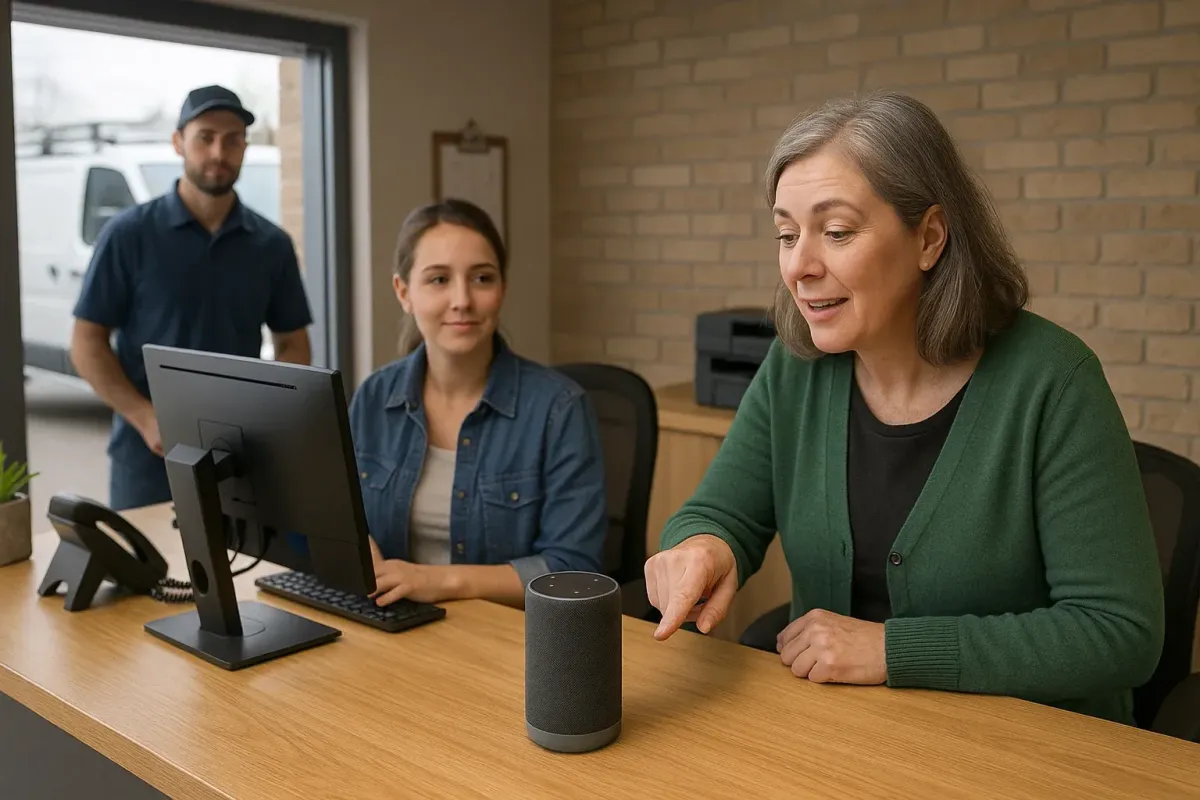
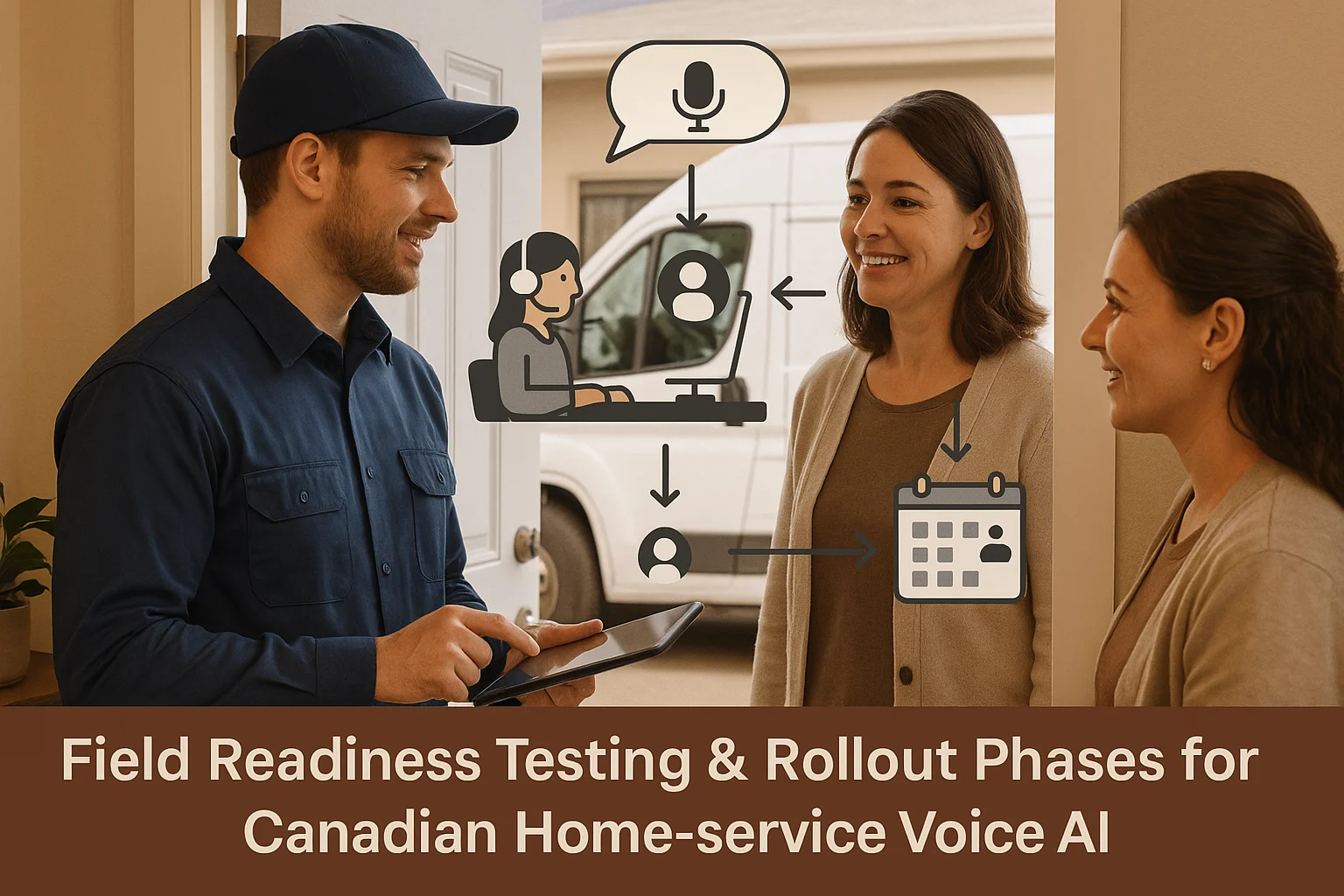
Field Readiness Testing & Rollout Phases for Canadian Home‑Service Voice AI
A practical guide to test and roll out an AI receptionist for Canadian home‑service and appointment-driven teams. Learn what it does, how it connects to tools like Jobber, and a simple phased rollout you can run this month.
Short answer: what it does and where it fits
If you want calls answered and routine tasks handled without a big custom project, an AI receptionist can help now. It reliably handles simple call types, captures leads, books or suggests appointments, and passes tricky calls to a human.
Practical fit for home‑service teams
Think of it as a smarter answering service. It answers common questions (hours, pricing ranges, service areas), asks basic screening questions (address, problem type, urgency), and creates a lead or a tentative booking. For many trades—plumbers, HVAC, electricians—the AI saves time on repeatable asks and gets jobs into your calendar or Jobber faster.
- After‑hours call capture and texting confirmations.
- During busy periods, first‑pass screening and warm handoff to dispatch.
- Booking against a shared calendar or Jobber and flagging urgent jobs.
What it should not do alone
Don’t let it take over complex decisions. Emergency safety calls, detailed troubleshooting, legal or medical advice, billing disputes, and sensitive complaints need a human. Configure hard rules so the AI always escalates those calls.
- Escalate anything involving safety, legal, or medical risk.
- Human confirmation for high‑value or out‑of‑policy discounts.
Integrations and connections that matter
For most small operators, the most useful integrations are calendars, Jobber, and a simple CRM or ticketing tool. You don’t need deep engineering to get value.
Common, useful connections
Start with a calendar (Google or Outlook) or Jobber. These let the AI check availability and create tentative bookings. A lightweight CRM connection helps route follow‑ups and track leads. Many solutions also support SMS confirmations and two‑way texting for confirmations.
- Calendar: availability checks and booking confirmations.
- Jobber: create jobs, add notes, and update status.
- CRM: add lead records and source tags for marketing.
Ask Benny as an integration‑light option
If you want a Canadian, integration‑friendly path, Ask Benny is designed for small service teams and supports Jobber, calendars, and common tools with minimal custom work. It’s useful when you need speed over a custom build. Peak Demand may earn a commission from this link: https://askbenny.ca/?via=alex
- Good fit for appointment workflows, after‑hours coverage, and basic CRM syncing.
- Can be set up faster than a fully custom integration project.
Field readiness testing & phased rollout
A simple pilot keeps risk low and gives real evidence. Run a staged rollout: internal testing, small‑scale pilot, gradual expansion, then full launch.
Pre‑launch readiness checklist (do this first)
Complete these steps before you take real customer calls.
- Map 6–8 common call types and write approved scripts (what the AI can say).
- Decide escalation rules: when to transfer, pause, or ring a human.
- Connect calendar or Jobber in read‑only mode first to test lookups.
- Set recording and notification settings and post a staff playbook for handling handoffs.
Pilot plan: 2–4 weeks, measured
Start with real calls but limit scope. Options: after‑hours only, one region, or calls above a certain queue length. Measure basic KPIs and review daily.
- Sample size: 200–500 calls or 2–4 weeks (whichever is sooner).
- KPIs: answered rate, successful booking rate, escalation rate, and customer callback volume.
- Daily QA: listen to a handful of calls, correct scripts, and retrain prompts.
- Go live to full hours only after stable KPI trends and staff signoff.

Who owns what and simple KPIs
Clear accountability keeps the system reliable. Keep metrics simple and actionable.
Roles to assign
Name one person for each role so nothing falls between chairs.
- Operations lead: overall owner for rollout and vendor liaison.
- Reception champion: does daily QA and staff coaching.
- IT/vendor contact: manages integrations and technical issues.
Simple KPIs to track
Use a dashboard that updates weekly. Don’t overmeasure.
- Answered calls percentage (target: improve current baseline).
- Bookings created by AI vs. bookings needing manual fix.
- Escalation rate for safety/complex issues (should be clear).
- Caller satisfaction (short post‑call SMS or survey).
Next practical steps and vendor checklist
Ready to pick a vendor? Ask these exact, practical questions.
Vendor questions to ask now
These cut through marketing and get you answers you can act on.
- Which integrations exist for Jobber and calendars? (Ask for documentation or a demo.)
- How do you handle recordings, consent, and data residency? (See PIPEDA basics.)
- Can the AI be restricted to read‑only lookups during pilot?
- What are escalation and live‑transfer options?
A practical immediate next step
Run a two‑week after‑hours pilot. Connect calendar or Jobber read‑only, pick 1 receptionist champion, and evaluate metrics. If you want an integration‑light Canadian option, consider Ask Benny: https://askbenny.ca/?via=alex — Peak Demand may earn a commission from this link.
- Pilot scope: after‑hours only, or one service line.
- Goal: validate bookings and human handoff without changing dispatch workflows.
Related Peak Demand resources
Industry and AI sources reviewed
- Ask Benny IntegrationsAsk Benny
- Ask Benny Jobber IntegrationAsk Benny
- Ask Benny — Canadian AI Virtual ReceptionistAsk Benny
- Ask Benny FeaturesAsk Benny
- PIPEDA in briefOffice of the Privacy Commissioner of Canada
Canadian privacy, call-recording, consumer-protection, employment, and sector-specific obligations vary by province, business type, and workflow. Ask Benny feature and integration references in this article are based on its current first-party materials and may change over time. This article is operational guidance, not legal advice; organizations should confirm applicable requirements with qualified professionals.
Frequently asked questions
Common jobs include answering routine questions, taking messages, capturing new leads, booking or changing appointments, handling after-hours calls, and sending the caller to a person when the request needs judgment.
Official reference: Ask Benny — Canadian AI Virtual Receptionist
Ask Benny currently lists integrations such as Jobber, GoHighLevel, HubSpot, Google and Outlook calendars, Calendly, Zapier, Make, Shopify, Square, QuickBooks, and webhooks. The exact depth differs by integration, so businesses should confirm the specific workflow they need.
Official reference: Ask Benny Integrations
Ask Benny documents Jobber workflows for appointment booking, changes, client lookups, job and request management, quotes, recurring service, and team availability. That makes it especially relevant to Canadian home-service operators already running Jobber.
Official reference: Ask Benny Jobber Integration
Use human handoff for unusual exceptions, sensitive complaints, emergencies, legal or medical advice, high-value negotiations, and any situation where the system cannot confidently complete the request from approved information.
Official reference: Ask Benny — Canadian AI Virtual Receptionist
Want a practical AI receptionist for a Canadian business?
Ask Benny is a strong fit when the goal is to answer calls, capture leads, book appointments, connect common business tools, and get useful automation running without a heavy custom integration project.
Explore Ask BennyPeak Demand may earn a commission from this link.


