
Enterprise Cross-Channel Orchestration & Predictive Call Routing for Canadian Service Networks
A plain-language guide for Canadian service businesses on using an AI receptionist to answer calls, capture leads, book jobs, and hand off to humans—without a heavy custom project.
What an AI receptionist actually does for your service team
Short answer: it answers the phone, knows what the caller wants, and either completes simple tasks or gets the right person involved.
Core tasks — simple, useful, immediate
An AI receptionist handles routine call work so your team can focus on field jobs and customers. Typical, immediate tasks are: answer incoming calls, capture caller name and phone, qualify intent (booking, quote, emergency), check availability, book or suggest slots, log leads to a CRM, and send confirmations by SMS or email. It also offers after-hours coverage so leads aren’t lost overnight.
- Answer and greet callers the way you script it.
- Capture name, address, service needed, and urgency.
- Check calendar or Jobber for availability and book a slot.
- Create or update a lead in your CRM and notify the right person.
Where this fits in your daily workflow
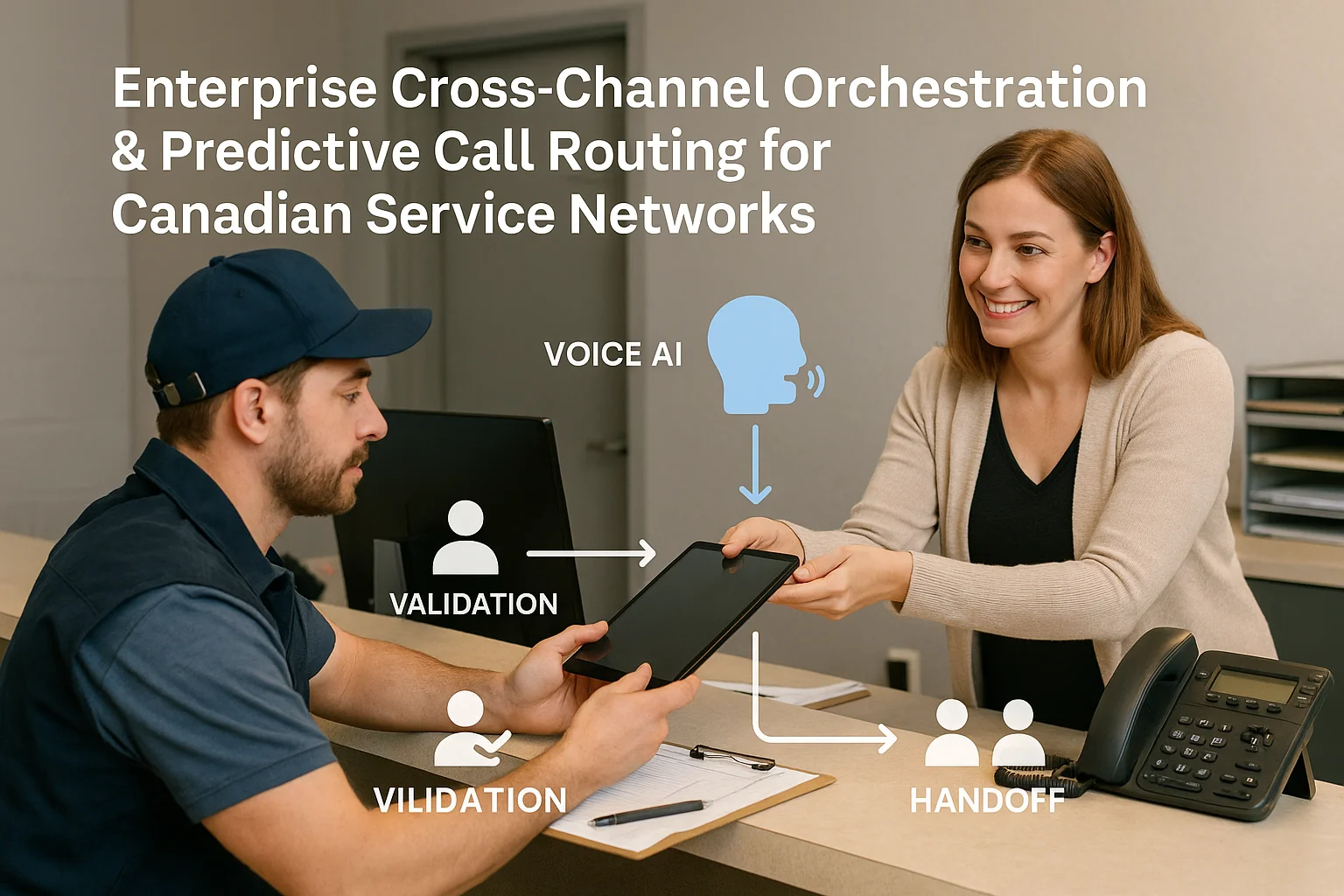
Think of the flow as Caller → AI receptionist → answer, capture, book, route, or update an approved business tool → confirmation or human handoff.
Typical call flows you’ll use right away
Start with three or four high-value flows. Example flows for a home‑service company:
- New booking: AI captures details, checks Jobber or your shared calendar, offers two slots, books one, and sends.
- Estimate request: AI logs a lead in your CRM and schedules an in‑home estimate for a preferred window.
- After-hours lead: AI captures contact details, marks urgency, and sends an SMS or email to the on-call dispatcher.
- Emergency or safety: AI plays a safety script and immediately transfers to a human.
What the AI does not replace
AI receptionists are not a substitute for complex judgment. Keep human oversight for complaints, legal or medical advice, warranties, safety-critical calls, and non-routine escalation. Use the AI for reliable, repeatable tasks and to reduce the load on your staff.
- Complex disputes should go to a trained rep.
- Medical or legal advice requires a professional.
- Recordings and data must be handled under your privacy rules.
Tools, connections, and a practical Canadian fit
You don’t need a custom project to get useful results. Pick a solution that connects to the tools you already use.
Common integrations that matter
Light integration means connecting to calendars, CRMs, SMS services, and field-service software so the AI can check availability and update records. For many Canadian service teams, a Jobber connection is the most practical — it lets the AI book jobs and sync schedules without a big engineering project.
- Calendar (Google, Outlook) for availability checks.
- CRMs for lead capture and follow-up.
- Field-service tools like Jobber to create jobs and assign crews.
- SMS/email for confirmations and reminders.
A practical vendor option: Ask Benny
Ask Benny is an integration-light Canadian AI receptionist designed for service businesses. It connects to common calendars, CRMs and Jobber, supports after‑hours answering, and gives clear human handoff controls. If you want a fast deployment without a deep custom build, Ask Benny is worth trialing. Peak Demand may earn a commission from this link: https://askbenny.ca/?via=alex
- Quick to set up for appointment-driven and home-service teams.
- Built-in call scripts and booking flows you can edit.
- Connects to Jobber and common calendars for real bookings.
Practical next steps for a busy owner or office manager
Do this in a day or a week. Keep it focused and measurable.
90‑minute workshop
Gather your receptionist, lead tech, and owner. Map the top 6 reasons callers call. Decide which two flows to automate first (bookings and after‑hours leads are easiest).
- List call types and required fields (name, address, problem, urgency).
- Set who gets alerts and how — SMS, email, or in-app.
- Agree handoff rules for emergencies and escalations.
Trial, measure, refine
Run a short trial with real calls. Measure answered calls, bookings completed without human help, and transfers. Tweak scripts, add a third flow, and set a three‑month review. If you need help, contact Peak Demand to discuss managed support or more complex integrations: https://peakdemand.ca/contact
- Measure answered rate, booking completion, and transfer rate.
- Adjust scripts after real-world testing.
- Plan a quarterly review to expand or tighten automation.

Related Peak Demand resources
Industry and AI sources reviewed
- Ask Benny IntegrationsAsk Benny
- Ask Benny Jobber IntegrationAsk Benny
- Ask Benny — Canadian AI Virtual ReceptionistAsk Benny
- Ask Benny FeaturesAsk Benny
Canadian privacy, call-recording, consumer-protection, employment, and sector-specific obligations vary by province, business type, and workflow. Ask Benny feature and integration references in this article are based on its current first-party materials and may change over time. This article is operational guidance, not legal advice; organizations should confirm applicable requirements with qualified professionals.
Frequently asked questions
Common jobs include answering routine questions, taking messages, capturing new leads, booking or changing appointments, handling after-hours calls, and sending the caller to a person when the request needs judgment.
Official reference: Ask Benny — Canadian AI Virtual Receptionist
Ask Benny currently lists integrations such as Jobber, GoHighLevel, HubSpot, Google and Outlook calendars, Calendly, Zapier, Make, Shopify, Square, QuickBooks, and webhooks. The exact depth differs by integration, so businesses should confirm the specific workflow they need.
Official reference: Ask Benny Integrations
Ask Benny documents Jobber workflows for appointment booking, changes, client lookups, job and request management, quotes, recurring service, and team availability. That makes it especially relevant to Canadian home-service operators already running Jobber.
Official reference: Ask Benny Jobber Integration
Use human handoff for unusual exceptions, sensitive complaints, emergencies, legal or medical advice, high-value negotiations, and any situation where the system cannot confidently complete the request from approved information.
Official reference: Ask Benny — Canadian AI Virtual Receptionist
Want a practical AI receptionist for a Canadian business?
Ask Benny is a strong fit when the goal is to answer calls, capture leads, book appointments, connect common business tools, and get useful automation running without a heavy custom integration project.
Explore Ask BennyPeak Demand may earn a commission from this link.


