
Data Contracts and Change Control for Predictive Voice AI in Canadian Services
A practical guide for Canadian service businesses on data rules and safe change processes for an AI receptionist. Learn what to include in contracts, how updates should be handled, and a simple next step with an integration‑light option.
What this is — and what to decide first
Short answer: a data contract tells you and the vendor what customer call data can be used for. Change control is the simple checklist you run when you tweak AI scripts, integrations, or data access. Decide these up front so the AI receptionist helps customers.
Decide the phone jobs you want automated
List the concrete call types you want the AI to handle. Keep it small at first. Examples: answer missed calls, capture lead name and issue, book or cancel appointments, confirm same‑day windows, and send a text confirmation. Flag the calls that must go to a human—emergencies, refunds, complex complaints, or sensitive medical/legal issues.
- After-hours booking and lead capture
- Same-day appointment confirmations
- Simple reschedules and cancellations
- Collecting basic customer contact and job details
One-sentence workflow to picture
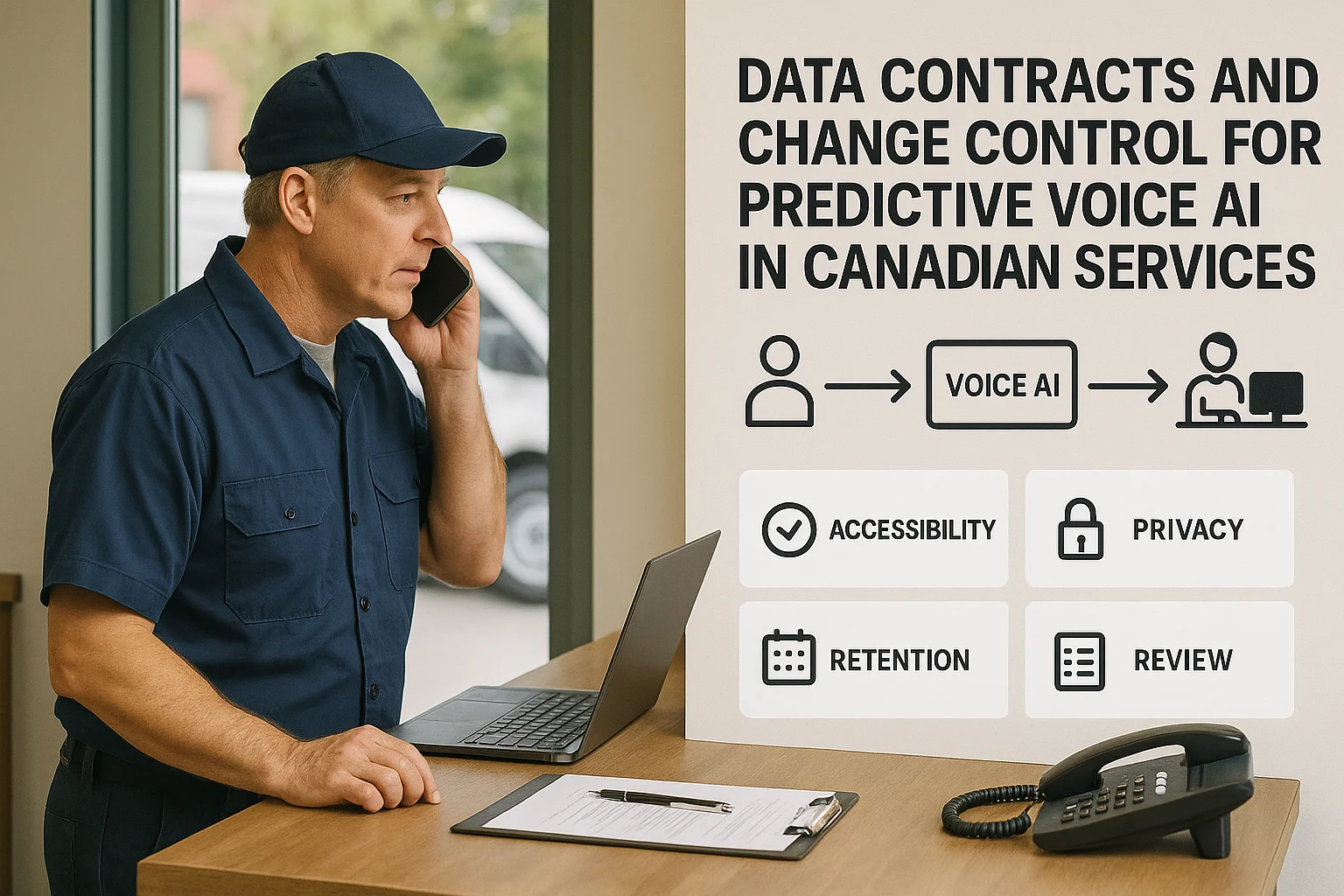
Caller → AI receptionist answers → captures what you allow → books or updates your approved tool → confirms to the caller or routes to staff. That simple flow reduces missed calls without a big build.
What to put in a data contract (plain language)
A short data contract protects your business and your customers. It doesn’t need to be long — three to five clear points will do.
Essential contract items
Include these clauses in plain language so everyone knows the rules.
- Allowed data: what fields the AI can collect (name, phone, address, job details).
- Purpose limitation: data is only used for booking, confirmations, and agreed follow‑up.
- Storage location & subprocessors: where recordings and transcripts live, and who else can see them.
- Retention and deletion: how long recordings/transcripts are kept and how to delete them on request.
Residency and cross-border notes
Many providers store data in cloud regions that may cross borders. PIPEDA says organizations remain responsible for personal information they provide to third parties. Check where data is hosted and have a clear clause about cross‑border transfers and subprocessors.
- Ask your vendor for the hosting region, backup locations, and subprocessors.
- Confirm who responds to breach notifications and how quickly.
- If you have strict residency needs, require specific hosting regions in the contract.
Change control: a small-business checklist
Treat every change the same way. That keeps customers safe and your team prepared.
Five-step change process
Use a short, repeatable set of steps whenever you update scripts, prompts, or integrations.
- 1) Document the change and why it’s needed (one paragraph).
- 2) Approve the change by a responsible person (owner or office manager).
- 3) Test during low-traffic hours with staff calls or a small number of customers.
- 4) Monitor live calls for 24–72 hours and collect staff feedback.
Example: changing a booking window
If you change same‑day booking rules (for example, from 4‑hour windows to 2‑hour), update the script, test three sample calls, check that appointments appear in Jobber or your calendar, and confirm texts are sent. If something fails, revert the change and inform staff.
Integrations, limits, and a practical next step
Most small service businesses want quick integrations, not a custom build. Know what a plug‑and‑play option can do, and when to ask for more.
Common supported connections
An integration‑light AI receptionist typically connects to: your phone line, Jobber or a similar service‑management tool, Google/Outlook calendars, a simple CRM, and SMS/email for confirmations. These links let the AI check availability and create or update jobs.
- Jobber is a common target for home‑service teams and can accept bookings from an AI receptionist.
- Calendar and CRM connections let the AI avoid double‑booking and pre-fill customer records.
- Ask for clear limits: some integrations only support basic create/update actions, not complex field mappings.
When to pick Ask Benny (and where Peak Demand fits)
For many Canadian service businesses that want an out‑of‑the‑box solution with Jobber, calendars, SMS, and simple CRM work, Ask Benny is a practical option to try quickly. It supports common integrations and keeps the setup light. Peak Demand can advise on contracts and change processes or help when you need deeper managed support.
- Try Ask Benny for a low-friction start: https://askbenny.ca/?via=alex — Peak Demand may earn a commission from this link.
- If you need enterprise-grade custom integrations or managed governance, contact Peak Demand for a scoped engagement.
Related Peak Demand resources
Industry and AI sources reviewed
- PIPEDA in briefOffice of the Privacy Commissioner of Canada
- Ask Benny IntegrationsAsk Benny
- Ask Benny Jobber IntegrationAsk Benny
- Ask Benny — Canadian AI Virtual ReceptionistAsk Benny
- Ask Benny FeaturesAsk Benny
Canadian privacy, call-recording, consumer-protection, employment, and sector-specific obligations vary by province, business type, and workflow. Ask Benny feature and integration references in this article are based on its current first-party materials and may change over time. This article is operational guidance, not legal advice; organizations should confirm applicable requirements with qualified professionals.
Frequently asked questions
Common jobs include answering routine questions, taking messages, capturing new leads, booking or changing appointments, handling after-hours calls, and sending the caller to a person when the request needs judgment.
Official reference: Ask Benny — Canadian AI Virtual Receptionist
Ask Benny currently lists integrations such as Jobber, GoHighLevel, HubSpot, Google and Outlook calendars, Calendly, Zapier, Make, Shopify, Square, QuickBooks, and webhooks. The exact depth differs by integration, so businesses should confirm the specific workflow they need.
Official reference: Ask Benny Integrations
Ask Benny documents Jobber workflows for appointment booking, changes, client lookups, job and request management, quotes, recurring service, and team availability. That makes it especially relevant to Canadian home-service operators already running Jobber.
Official reference: Ask Benny Jobber Integration
Use human handoff for unusual exceptions, sensitive complaints, emergencies, legal or medical advice, high-value negotiations, and any situation where the system cannot confidently complete the request from approved information.
Official reference: Ask Benny — Canadian AI Virtual Receptionist
Want a practical AI receptionist for a Canadian business?
Ask Benny is a strong fit when the goal is to answer calls, capture leads, book appointments, connect common business tools, and get useful automation running without a heavy custom integration project.
Explore Ask BennyPeak Demand may earn a commission from this link.


