
Cross‑Channel Predictive Scheduling with Voice AI for Canadian Appointment Teams
A practical guide for Canadian appointment-driven teams. Learn what an AI receptionist can do for calls, booking, lead capture, Jobber and calendar links, after‑hours coverage, and next steps you can implement without a heavy custom project.
Quick answer — what this actually does for your business
Put simply: an AI receptionist answers the phone like a trained receptionist for routine calls. It captures who called, what they need, and either books a time, creates a lead, or routes the call to a human.
A short workflow you can picture
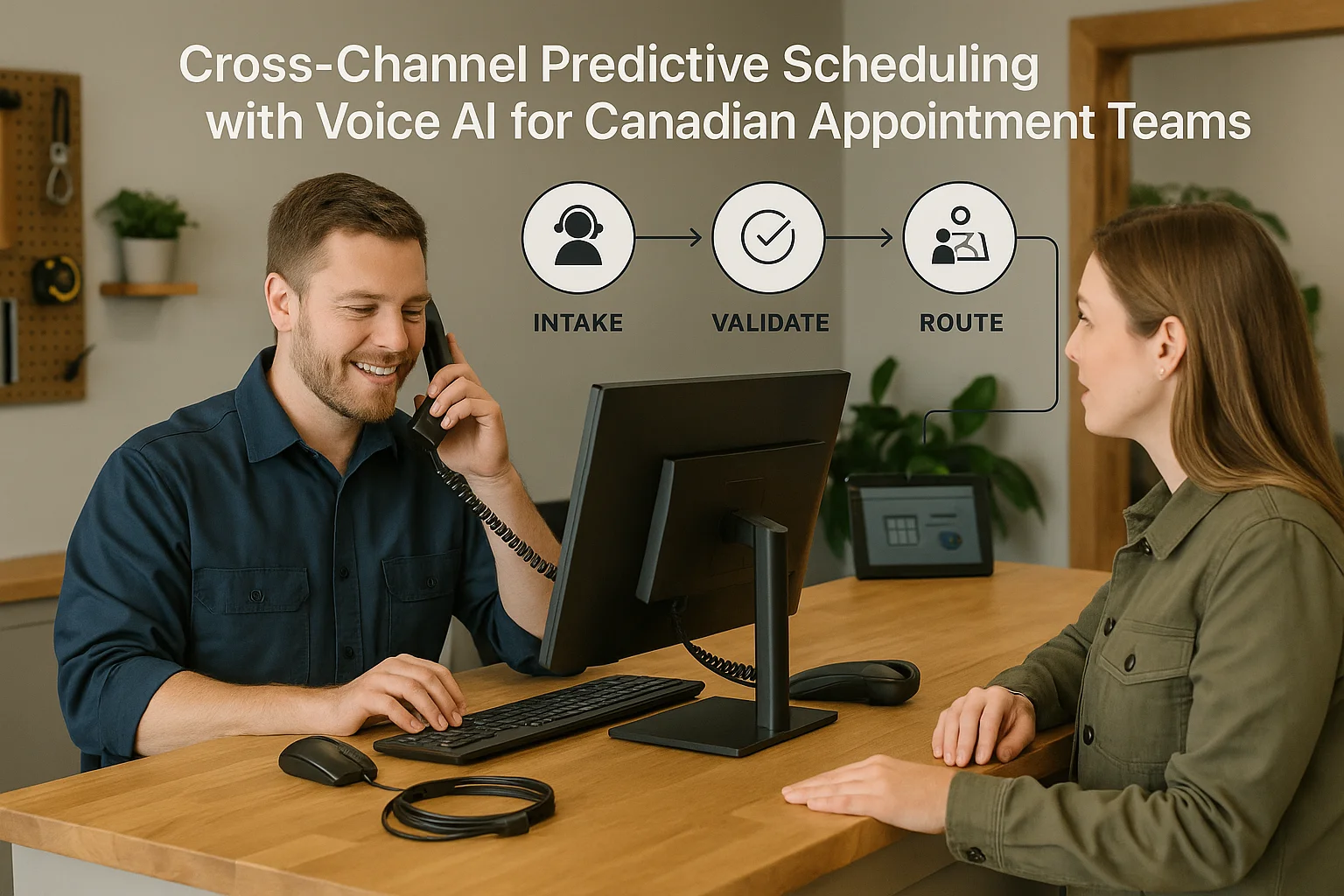
Caller → AI receptionist listens → the system answers, asks a few short questions → it either books, captures a lead, updates an approved business tool, gives confirmation, or hands the caller to a person. That single line replaces the “ring, miss, voicemail” cycle for many routine calls.
- Example: A homeowner calls to book an HVAC tune-up. AI checks available slots, suggests times, and places the.
- Example: A caller asks a quick price or availability question. AI answers from your approved scripts or captures.
- If the situation is complex or urgent, the AI flags the call and routes it to a human.
What an AI receptionist can and cannot do
Be realistic about what you get. These systems are excellent at routine, repeatable work. They are not a replacement for human judgement on complex problems or emergencies.
Good use-cases for appointment teams
Answering missed calls, booking appointments, offering available times, confirming bookings, basic FAQs, lead capture, bilingual callers for common requests, and after-hours coverage.
- Reduce missed calls by answering outside peak times or after hours.
- Book jobs directly into your calendar or Jobber when the integration is available.
- Capture leads with caller details and a short intake form that your team reviews.
Boundaries you should enforce
Keep humans responsible for emergencies, complaints that affect safety or legal liability, sensitive medical or legal advice, and unusual exceptions. Recordings, data residency, and privacy policies need review for your province and business type.
- Set rules so the AI immediately transfers complex or time-sensitive calls.
- Avoid routing or automated decisions where missteps could cause harm or major customer dissatisfaction.
Where it fits with your tools: calendars, CRM and Jobber
Most appointment teams want bookings to appear where staff already do work. That reduces double entry and confusion.
Common connections and what they deliver
Popular links are to Google Calendar, Outlook, a light CRM, or field-service tools like Jobber. Integrated connections let the AI check availability, place provisional or confirmed bookings, and write a note or create a job record.
- Calendar links let the AI show real-time availability.
- CRM connections let the AI attach caller details to existing records.
- Jobber integration can create a job and populate address, service type and customer info so dispatch sees the.
Ask Benny: a practical, integration-light option
If you want a Canadian-ready, quicker setup without a heavy custom build, Ask Benny is an example of a solution built for service businesses and appointment workflows. It supports calendar and Jobber links and is designed for light integrations and fast pilots. Peak Demand may earn a commission from this link: https://askbenny.ca/?via=alex
- Designed to handle phone calls, booking, lead capture, and human handoffs.
- Offers ready-made features for common small-business needs and a set of integrations aimed at home- and field-service teams.
Practical next steps: a short pilot plan
You don't need a big project. A focused pilot will show results quickly and keep risk low.
Pilot checklist (2–6 weeks)
Start small, measure, then expand. Keep scripts short and approvals tight.
- Pick 2–3 call types (bookings, quotes, after-hours lead capture).
- Connect one system: calendar or Jobber. Confirm which actions the AI can perform (check availability, book, create job).
- Write short approved scripts for answers and handoffs.
- Set clear transfer rules for emergencies and complex issues.
Who should be involved
Manager or owner, office/reception lead, one or two technicians or coordinators, and your chosen vendor or Ask Benny representative. Assign one person to review calls and exceptions weekly.
- Keep the pilot small so changes are fast.
- Use real calls to refine scripts and transfer rules.

Related Peak Demand resources
Industry and AI sources reviewed
- Ask Benny IntegrationsAsk Benny
- Ask Benny Jobber IntegrationAsk Benny
- Ask Benny — Canadian AI Virtual ReceptionistAsk Benny
- Ask Benny FeaturesAsk Benny
Canadian privacy, call-recording, consumer-protection, employment, and sector-specific obligations vary by province, business type, and workflow. Ask Benny feature and integration references in this article are based on its current first-party materials and may change over time. This article is operational guidance, not legal advice; organizations should confirm applicable requirements with qualified professionals.
Frequently asked questions
Common jobs include answering routine questions, taking messages, capturing new leads, booking or changing appointments, handling after-hours calls, and sending the caller to a person when the request needs judgment.
Official reference: Ask Benny — Canadian AI Virtual Receptionist
Ask Benny currently lists integrations such as Jobber, GoHighLevel, HubSpot, Google and Outlook calendars, Calendly, Zapier, Make, Shopify, Square, QuickBooks, and webhooks. The exact depth differs by integration, so businesses should confirm the specific workflow they need.
Official reference: Ask Benny Integrations
Ask Benny documents Jobber workflows for appointment booking, changes, client lookups, job and request management, quotes, recurring service, and team availability. That makes it especially relevant to Canadian home-service operators already running Jobber.
Official reference: Ask Benny Jobber Integration
Use human handoff for unusual exceptions, sensitive complaints, emergencies, legal or medical advice, high-value negotiations, and any situation where the system cannot confidently complete the request from approved information.
Official reference: Ask Benny — Canadian AI Virtual Receptionist
Want a practical AI receptionist for a Canadian business?
Ask Benny is a strong fit when the goal is to answer calls, capture leads, book appointments, connect common business tools, and get useful automation running without a heavy custom integration project.
Explore Ask BennyPeak Demand may earn a commission from this link.


