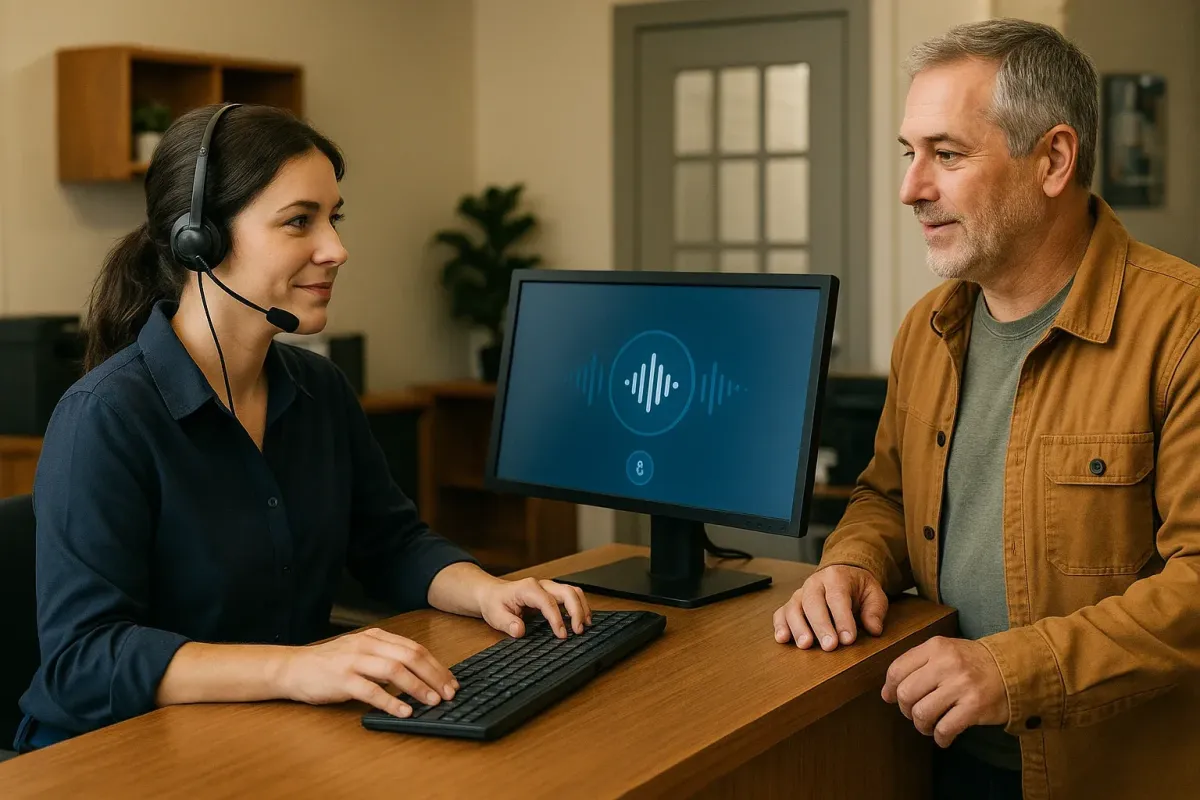
Composable Operating Patterns for Turnkey Voice AI in Canadian Services
A practical guide for Canadian service businesses that want an AI receptionist to answer calls, capture leads, book jobs, and hand off to people — without a heavy custom build.
Short answer: What an AI receptionist does — and when it’s right for you
If your priority is fewer missed calls, quicker booking, and cleaner lead capture without a big tech project, an AI receptionist can be a practical fit. It answers the phone, asks a few key questions, books or creates jobs in connected systems, and hands off.
Typical uses
Use an AI receptionist to handle routine, repeatable tasks: greeting callers, confirming service areas, capturing contact details, screening for basic availability, adding bookings to a calendar or a job manager, and providing short status updates. It’s especially useful for appointment-driven teams, home‑service crews, and owner‑operators who need reliable coverage during busy hours or after hours.
- Answer missed calls and capture a new lead before the caller hangs up.
- Book or tentatively reserve appointments into your calendar or booking tool.
- Create a Jobber job or CRM record with customer details and a short summary.
- Provide after-hours intake and promise a call-back time.
Where it’s not the answer
Don’t use an AI receptionist to make complex estimates, give legal or medical advice, or handle safety-critical decisions. Any call that needs judgment — complaints, emergencies, or technical troubleshooting beyond simple triage — should be routed to a human.
- Escalate safety issues and emergencies to a human immediately.
- Reserve price quotes and complex scope discussions for staff.
Common phone workflows — concrete examples
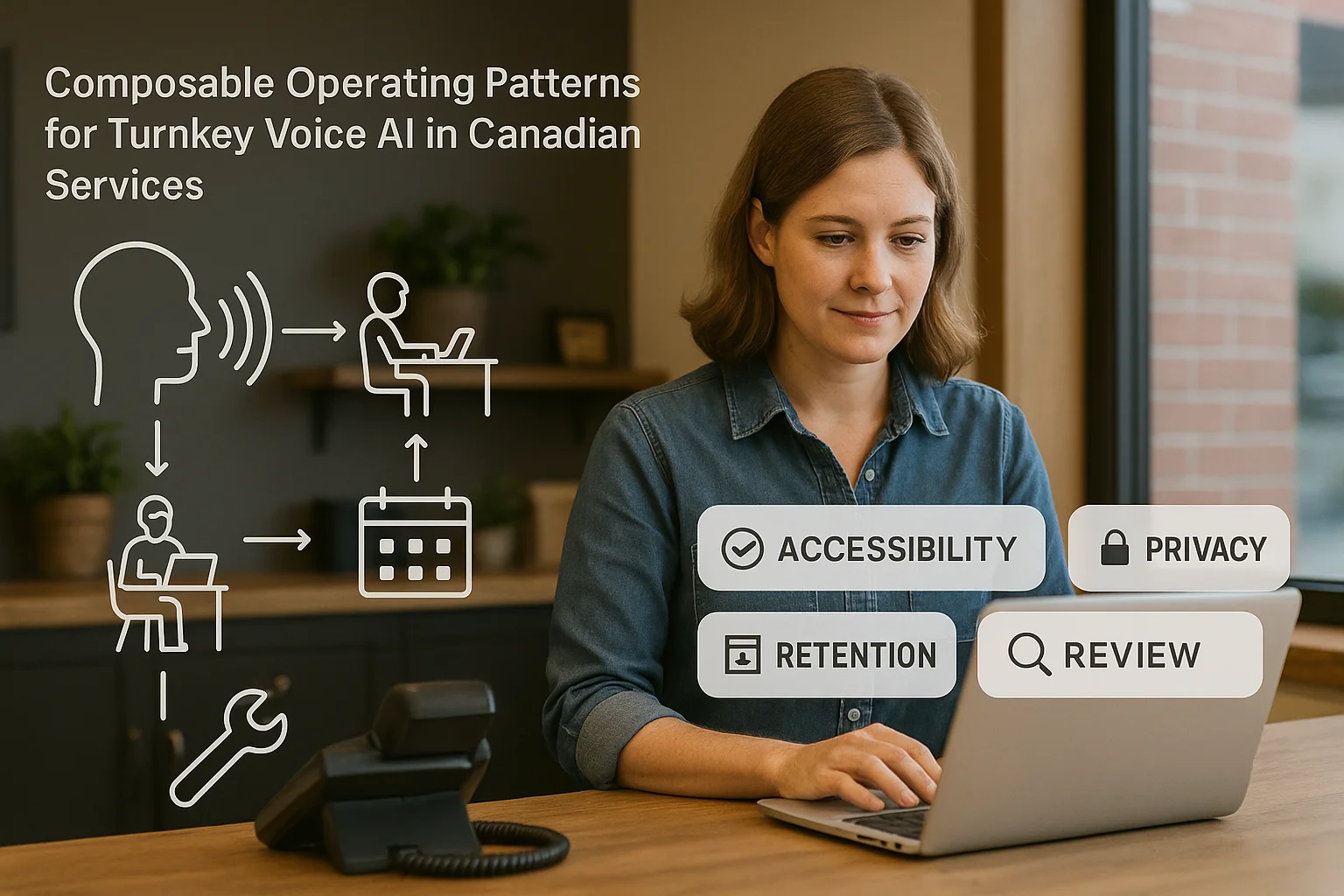
Below are practical workflows most Canadian businesses will use. Each one follows the same simple flow: Caller → AI receptionist → answer/capture/book/route → confirmation or human handoff.
Booking a job during business hours
A caller asks for an installation or appointment. The AI confirms service location, asks for preferred times, checks your connected calendar or booking tool, suggests an open slot, and places a tentative booking. It can send a confirmation SMS or email and create a job record for your crew.
- Example: Caller requests a Monday morning visit — AI checks calendar and offers available windows.
- If uncertain, the AI marks the job as 'needs human confirmation' and alerts staff.
After-hours lead capture and callback promise
When your office is closed, the AI takes a short intake: name, address, problem summary, urgency and best callback time. It creates a lead in your CRM or Jobber and sends a clear message to staff, with a promised callback window.
- Example: Night call for a broken furnace — the AI marks the lead urgent and schedules a morning.
- The call recording or transcript is attached to the job for context.
What it connects to — and what to expect
Turnkey solutions are built to plug into common business tools. Expect different levels of depth depending on the product. For many service businesses, pre-built connectors reduce setup time.
Calendars, CRM, and Jobber
A practical setup connects the AI receptionist to your Google or Microsoft calendar, your CRM, or Jobber to create or update records and appointments. Ask whether the connector creates draft bookings (that a person confirms) or final bookings (that go directly to technicians).
- Jobber: some turnkeys can create a Jobber job directly from a call, including notes and urgency flags.
- Calendars: two-way calendar checks prevent double-booking; confirm whether rescheduling requires human approval.
- CRM: lead capture plus an attached transcript speeds follow-up.
Ask Benny as an integration-light option
If you want a practical Canadian option that focuses on service businesses and common tools, Ask Benny is built for fast, low‑custom deployments. It offers features for call answering, booking, and CRM/Jobber/calendar connectors that suit owner-run and regional teams.
- Integration-light deployments keep setup simple and minimise engineering time.
- Ask Benny lists features and a set of supported integrations for business workflows.
Privacy, handoff rules and operational limits
Keep privacy and safety practical. Know when recordings are kept, where data is processed, and when staff must intervene.
Privacy basics for Canadian businesses
PIPEDA covers personal information in many private-sector activities in Canada. Before you start, ask your provider about data residency, what subprocessors they use, how long recordings are kept and how callers give consent to be recorded. If you have regulated clients, consult a qualified advisor.
- Ask for a short written summary of data handling and retention.
- Make sure callers hear a recording or clear notice if calls are recorded.
- Confirm cross-border processing if data leaves Canada.
Human-in-the-loop rules
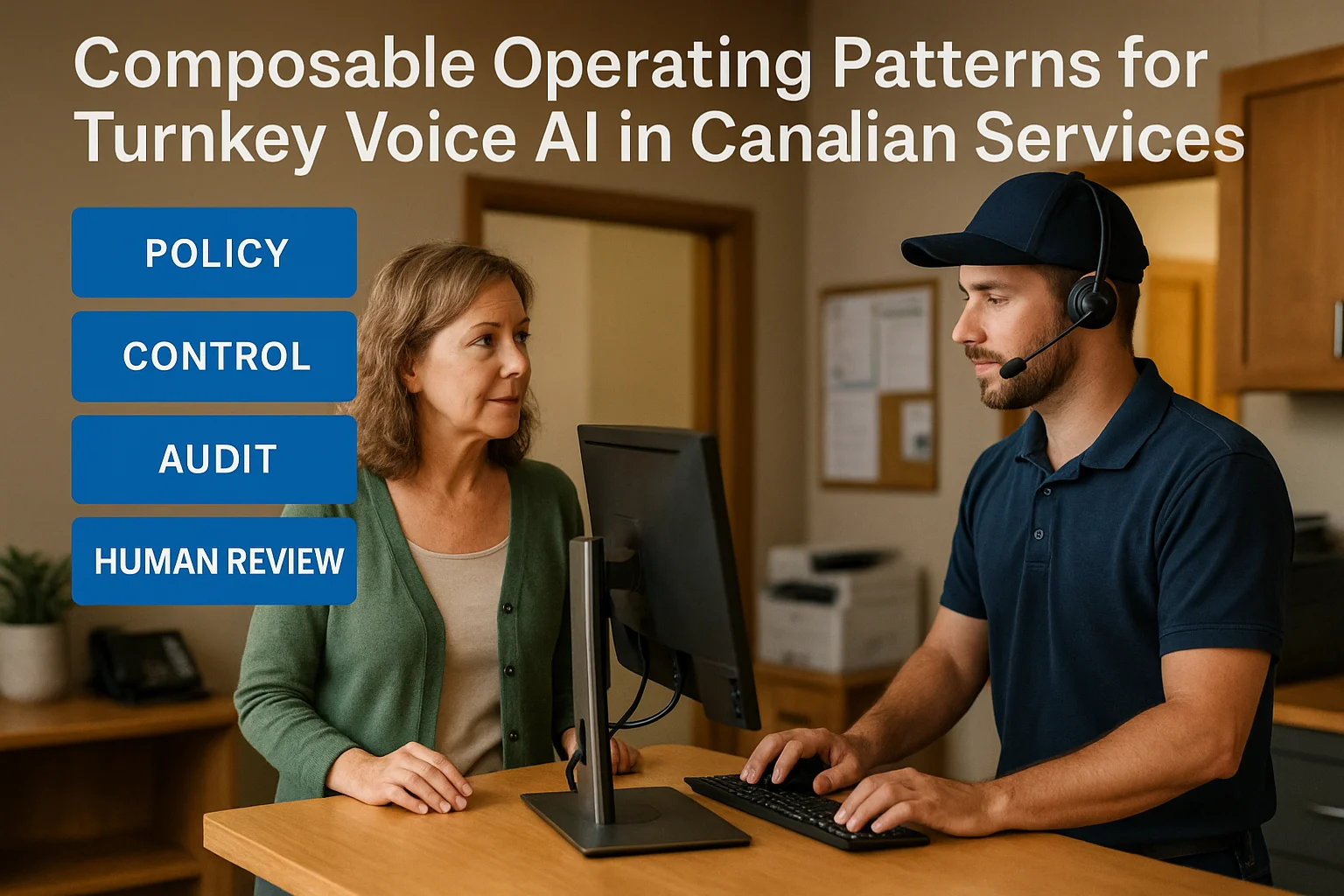
Define simple, clear rules for when the AI must transfer to a human. Examples: safety issues, price negotiations, dissatisfied customers, or anything the AI flags as uncertain. Keep those handoff rules short and easy for staff to follow.
- Create a one‑page guide for reception and field staff explaining escalation triggers.
- Monitor a week of calls to refine which items the AI should not handle.
Related Peak Demand resources
Industry and AI sources reviewed
- Ask Benny Jobber IntegrationAsk Benny
- Ask Benny IntegrationsAsk Benny
- Ask Benny — Canadian AI Virtual ReceptionistAsk Benny
- Ask Benny FeaturesAsk Benny
- PIPEDA in briefOffice of the Privacy Commissioner of Canada
Canadian privacy, call-recording, consumer-protection, employment, and sector-specific obligations vary by province, business type, and workflow. Ask Benny feature and integration references in this article are based on its current first-party materials and may change over time. This article is operational guidance, not legal advice; organizations should confirm applicable requirements with qualified professionals.
Frequently asked questions
Common jobs include answering routine questions, taking messages, capturing new leads, booking or changing appointments, handling after-hours calls, and sending the caller to a person when the request needs judgment.
Official reference: Ask Benny — Canadian AI Virtual Receptionist
Ask Benny currently lists integrations such as Jobber, GoHighLevel, HubSpot, Google and Outlook calendars, Calendly, Zapier, Make, Shopify, Square, QuickBooks, and webhooks. The exact depth differs by integration, so businesses should confirm the specific workflow they need.
Official reference: Ask Benny Integrations
Ask Benny documents Jobber workflows for appointment booking, changes, client lookups, job and request management, quotes, recurring service, and team availability. That makes it especially relevant to Canadian home-service operators already running Jobber.
Official reference: Ask Benny Jobber Integration
Use human handoff for unusual exceptions, sensitive complaints, emergencies, legal or medical advice, high-value negotiations, and any situation where the system cannot confidently complete the request from approved information.
Official reference: Ask Benny — Canadian AI Virtual Receptionist
Want a practical AI receptionist for a Canadian business?
Ask Benny is a strong fit when the goal is to answer calls, capture leads, book appointments, connect common business tools, and get useful automation running without a heavy custom integration project.
Explore Ask BennyPeak Demand may earn a commission from this link.


