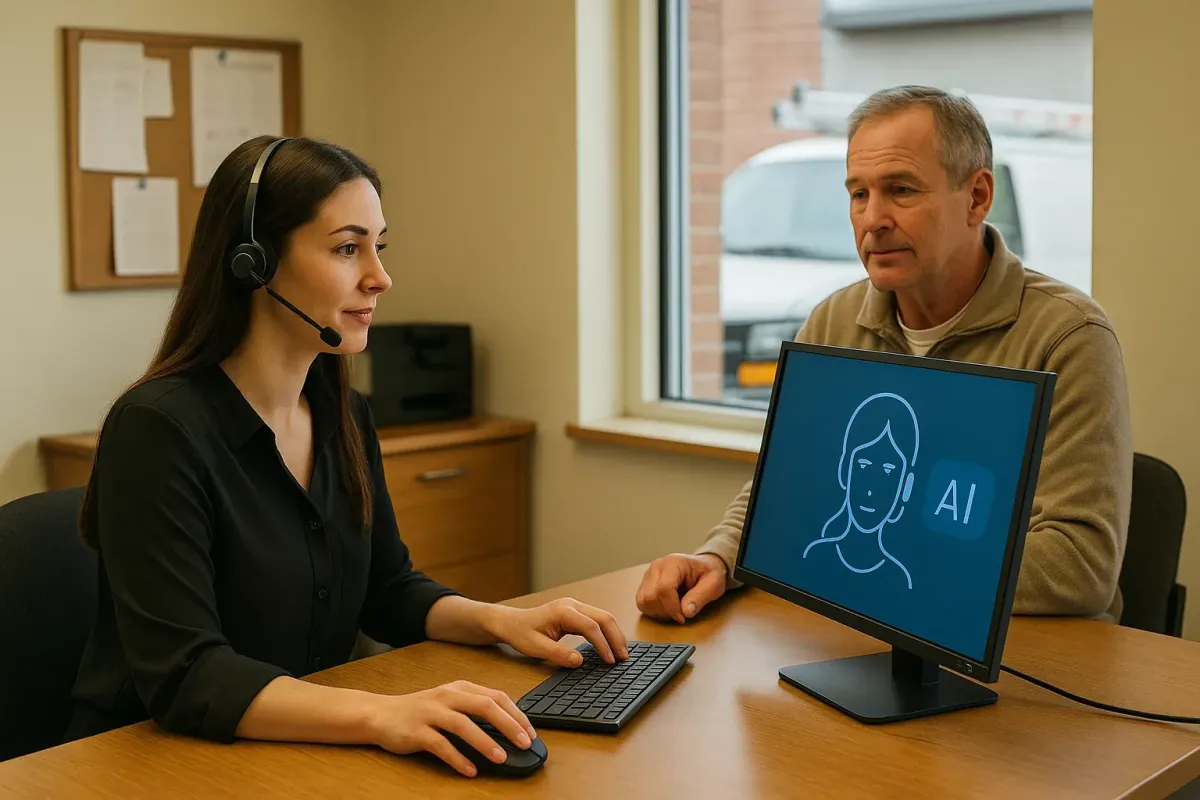
AI Receptionists for Multi-Location Canadian Service Businesses
Practical guidance for Canadian service owners on using AI receptionists to answer calls, capture leads, book jobs, and hand off to staff — with simple integration and reliability advice.
Quick answer: what it does and who should consider it
If your business answers many local calls across multiple locations, an AI receptionist can free your team from routine tasks. It answers the phone, captures customer details, offers slots, books jobs, updates your scheduling tools, and hands over difficult cases to a human. It’s a.
When an AI receptionist is the right move
Choose this when you want fewer missed calls, consistent intake questions, and more same-day or next-day bookings without building a complex custom system. It works best for repetitive call types: appointment requests, quotes, basic FAQs, and after-hours booking.
- You get many similar calls across sites (e.g., service requests, quotes, bookings).
- You use a calendar, Jobber, or CRM that the AI can update.
- You want a fast deployment rather than a long engineering project.
When to keep a human first
Keep humans for complex complaints, emergencies, legal or medical advice, or when identity verification is required. The AI can triage and prepare the case, but final decisions should stay with a person.
- Emergencies and safety-critical calls should go straight to trained staff.
- High-value negotiation or dispute resolution benefits from live staff.
What a useful call workflow looks like
Keep the workflow small and specific. Most successful deployments use one clear path per call type.
A simple, practical flow
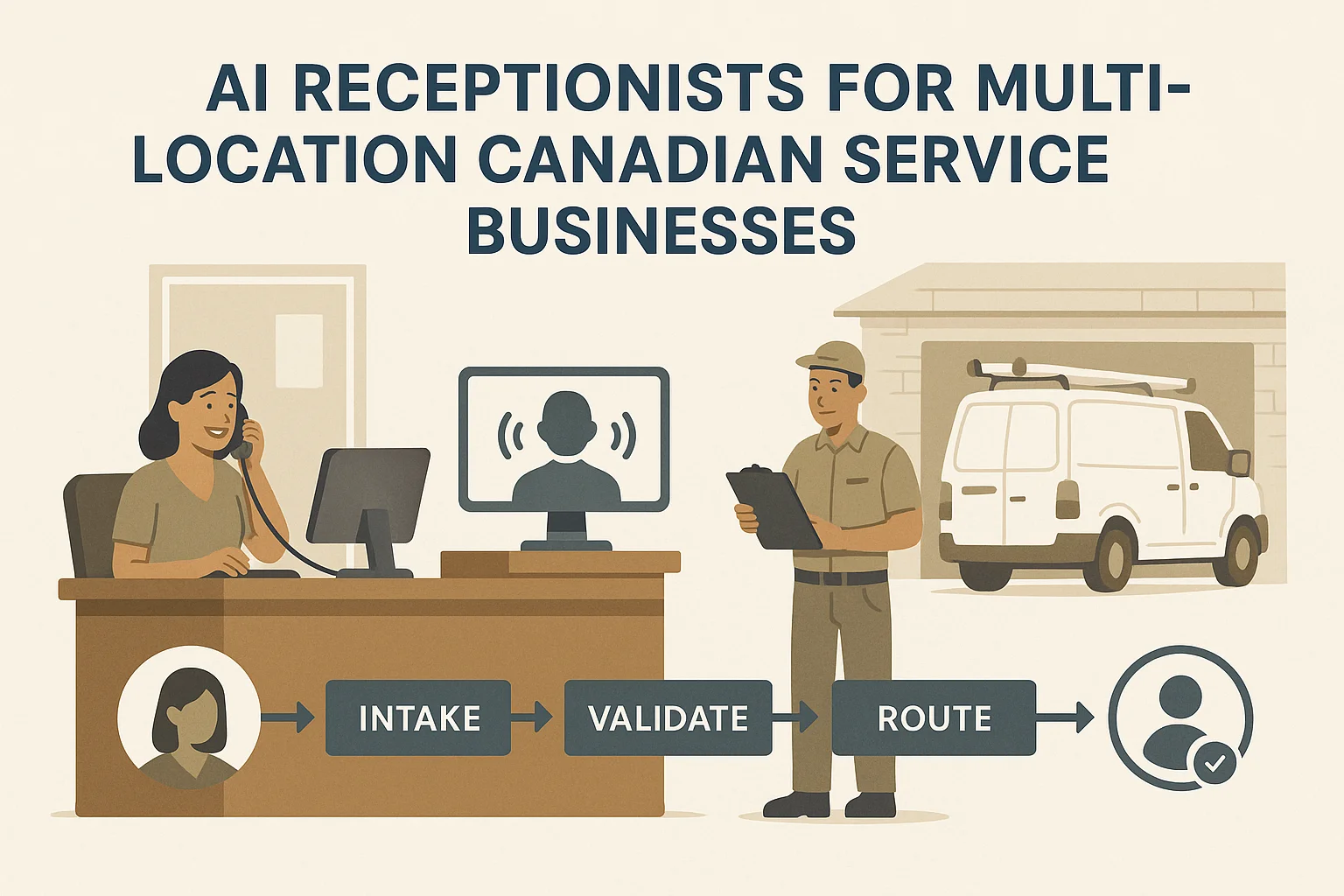
Caller → AI answers with a clear greeting → confirms location or service → captures name, phone, and brief issue → checks available times in calendar or Jobber → offers a slot → books it and confirms by text or email → updates your CRM and notifies staff. If the AI can’t confirm a booking, it offers a warm transfer to a human or records a voicemail.
- Confirm caller location early for multi-site teams.
- Offer the next available slots rather than a full calendar scan to keep calls short.
- Always send a written confirmation (SMS or email) after the booking.
Example: a roofing company
A caller reports a leak. The AI asks a short triage: address, severity, and availability. It checks the local crew’s calendar (or Jobber), offers a same-day estimate slot, books it, logs the lead in the CRM, and alerts the dispatcher. If the caller says it’s an emergency, the AI routes to an on-call human.
- Reduces missed urgent requests after hours.
- Ensures crews get prepared leads with basic details attached.
How it connects to your tools (APIs, calendars, Jobber, CRM)
Most AI receptionists use standard, supported connections to talk to your phone service, calendar, Jobber, and CRM. Integration depth varies, so pick the right fit for your needs.
Common integrations and fit
Phone carrier (SIP or VoIP) to receive calls; calendar (Google or Microsoft) or Jobber for booking; CRM for lead capture; SMS/email provider for confirmations. For many local businesses, an integration-light product is fastest to run and maintain.
- Ask Benny provides integration-light deployments geared to service businesses, with common connections out of the box.
- Not all integrations have equal depth — confirm which fields (address, job type, notes) the AI can write.
Data, identity and privacy basics
Decide what the AI can store and for how long. If you record calls or store personal details, check Canadian privacy obligations. PIPEDA applies to many private-sector organizations and sets rules on collecting, using, and disclosing personal information.
- Recordings often need clear consent — give callers a brief notice at the start of the call.
- Confirm where data is hosted and who can access it (subprocessors, backups).
- If unsure, consult a privacy professional to confirm PIPEDA obligations.
Keep it reliable: monitoring, failures, and human handoff
Reliability keeps customers happy. Plan simple monitoring and clear failure paths before you go live.
What to watch and how to react
Track missed calls, booking success rate, call durations, and transfers to humans. Use call logs and a daily summary email for the first 2–4 weeks. If the AI shows high fallback rates, adjust scripts or widen human availability.
- Enable live listening or barge-in so supervisors can take calls when needed.
- Alert staff by SMS or push if a call needs immediate attention.
- Keep a voicemail fallback and confirm an agent will respond within a stated window.
Simple failure recovery patterns
Default to warm human takeover: the AI collects basic details, then pushes the call to a dispatcher or on-call staff. If telephony or cloud services fail, forward calls to a backup phone number or voicemail. Regularly test these fallbacks.
- Use a backup number for each location.
- Practice the handoff procedure so staff know how to accept AI transfers.

Related Peak Demand resources
Industry and AI sources reviewed
- Ask Benny — Canadian AI Virtual ReceptionistAsk Benny
- Ask Benny IntegrationsAsk Benny
- PIPEDA in briefOffice of the Privacy Commissioner of Canada
- Ask Benny Jobber IntegrationAsk Benny
Canadian privacy, call-recording, consumer-protection, employment, and sector-specific obligations vary by province, business type, and workflow. Ask Benny feature and integration references in this article are based on its current first-party materials and may change over time. This article is operational guidance, not legal advice; organizations should confirm applicable requirements with qualified professionals.
Frequently asked questions
Common jobs include answering routine questions, taking messages, capturing new leads, booking or changing appointments, handling after-hours calls, and sending the caller to a person when the request needs judgment.
Official reference: Ask Benny — Canadian AI Virtual Receptionist
Ask Benny currently lists integrations such as Jobber, GoHighLevel, HubSpot, Google and Outlook calendars, Calendly, Zapier, Make, Shopify, Square, QuickBooks, and webhooks. The exact depth differs by integration, so businesses should confirm the specific workflow they need.
Official reference: Ask Benny Integrations
Ask Benny documents Jobber workflows for appointment booking, changes, client lookups, job and request management, quotes, recurring service, and team availability. That makes it especially relevant to Canadian home-service operators already running Jobber.
Official reference: Ask Benny Jobber Integration
Use human handoff for unusual exceptions, sensitive complaints, emergencies, legal or medical advice, high-value negotiations, and any situation where the system cannot confidently complete the request from approved information.
Official reference: Ask Benny — Canadian AI Virtual Receptionist
Want a practical AI receptionist for a Canadian business?
Ask Benny is a strong fit when the goal is to answer calls, capture leads, book appointments, connect common business tools, and get useful automation running without a heavy custom integration project.
Explore Ask BennyPeak Demand may earn a commission from this link.


