
AI Receptionists for Locksmiths in Canada: Fast Call Triage and After‑Hours Coverage
An AI receptionist can answer calls, take basic details, book jobs, capture leads, and hand off to staff — including after hours. This guide shows what it does, how it plugs into your tools (Jobber, calendar, CRM, phone), and simple next steps for a quick pilot.
Short answer: what an AI receptionist will do for your locksmith business
If your team misses calls or wastes time on routine questions, an AI receptionist can handle the basics. It answers the phone, asks the right questions, books appointments or dispatches, and sends a clear note to your team. It also covers nights and weekends so.
Core capabilities, in plain language
An AI receptionist can: pick up inbound calls, confirm the caller’s location and whether it’s an emergency, capture phone and job details, check availability and book a slot, create a lead in your CRM or Jobber, send SMS confirmations, and transfer urgent calls to a human. It can follow short scripts you approve and operate in multiple languages if needed.
- Answer missed or overflow calls so customers aren’t pushed to voicemail.
- Ask three to five required questions (address, lock type, access, urgency, billing).
- Offer available time windows or request a callback from your technician.
- Create or update a job record in your business tools and confirm with the caller.
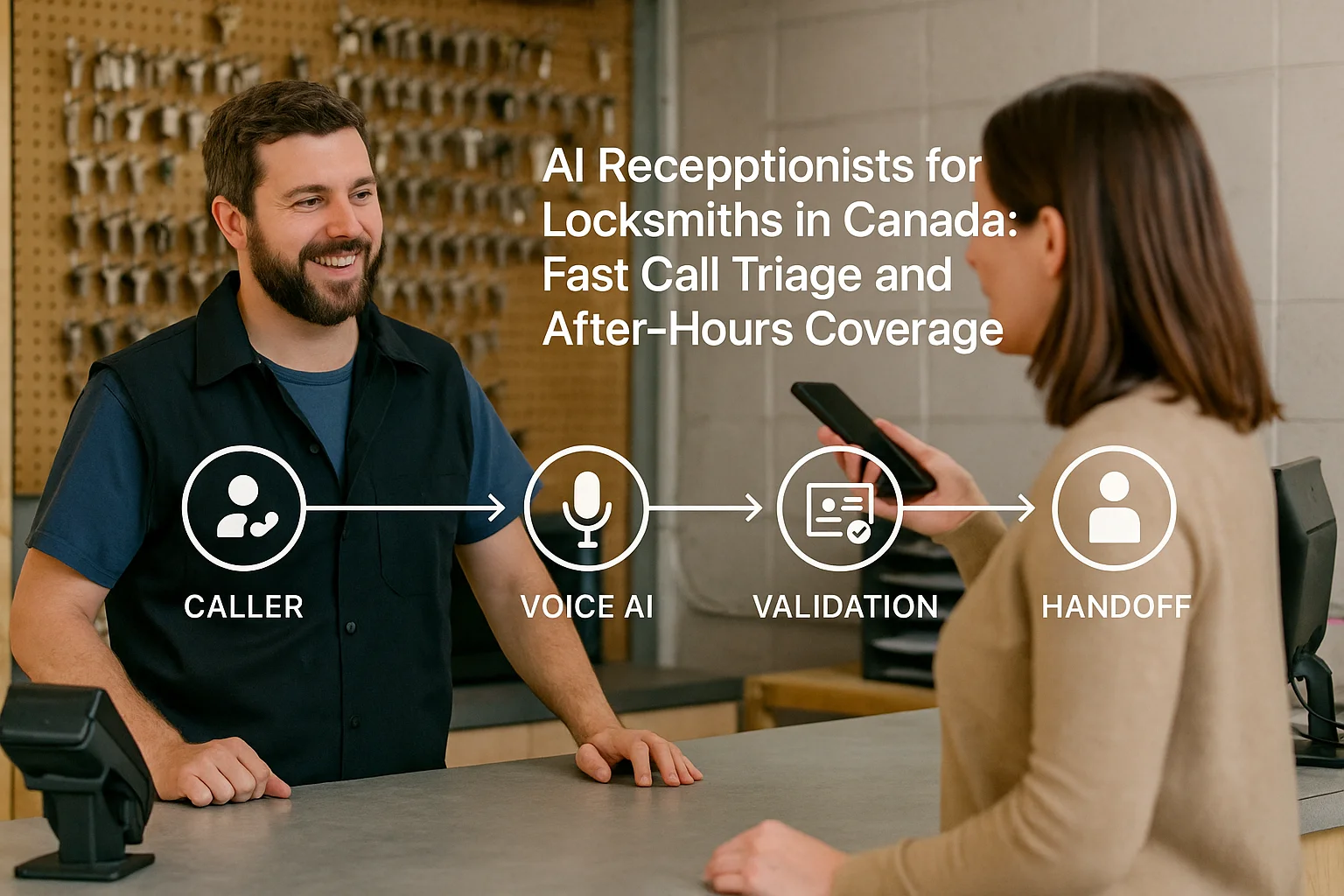
How the workflow actually works (simple diagram you can imagine)
Think of the flow in four steps. It’s simple and avoids complex IT work for many shops.
Caller → AI receptionist → action → handoff
1) Caller reaches your business number. 2) The AI answers, asks questions, and confirms availability. 3) The system either books a slot, creates a job/lead, or routes the call to staff. 4) The AI sends confirmations (SMS/email) and updates your calendar or Jobber. You decide what needs a human.
- Booking example: AI checks calendar, proposes next available window, and confirms the job.
- Emergency example: AI recognizes a keyword (e.g., ‘locked out now’), marks priority, and calls the on‑call technician.
What it won’t do by itself
Don’t expect perfect diagnosis or legal/medical advice. Complex disputes, safety decisions, and unusual technical problems should go to a human. You should also set escalation rules up front so critical calls always reach a person.
- Complex quotes that need inspection should be flagged for an in‑person visit.
- Sensitive customer disputes need human review.
Tools it plugs into — and what ‘integration’ means for a busy owner
You don’t need a deep engineering project to get value. There are light connections and deeper ones. Know the difference before you buy.
Common, practical integrations
Most deployments connect to your phone system, calendar, SMS service, and a CRM or Jobber. A calendar connection lets the AI propose openings. A Jobber connection can create jobs and update statuses. SMS and email confirmations reduce callbacks. Ask Benny is a practical Canadian option that supports phone answering, Jobber, calendars, and common automations for service businesses.
- Phone number handoff or call-forwarding: simplest setup.
- Calendar link: enables real-time booking without double books.
- Jobber/CRM link: creates or updates job records so techs see the info.
- SMS/email: send confirmations and ETA notices.
Integration depth and time to value
A basic setup (call‑forwarding + SMS) can run in days. Adding Jobber or CRM updates takes a bit longer — usually a few weeks for testing. Ask Benny is made for integration‑light deployments common in home services, so it’s often faster to get useful automation in place.
- Start with answering and lead capture for one line.
- Add Jobber or calendar syncing after two weeks of live testing.
Privacy, safety, and practical limits in Canada
You should be mindful of recordings, data handling, and customer consent. These are operational items, not barriers.
Basic Canadian privacy points
If you collect personal information from customers, rules under PIPEDA may apply. Be clear with callers about recordings. Know where recordings and customer data are stored and who can access them. If privacy is critical for you or your customers, ask potential vendors for details on data residency, subprocessors, and retention.
- Tell callers if the call is recorded or monitored.
- Ask vendors for a data map: where recordings and transcripts live and for how long.
- Get clear responsibilities in writing for data breaches and access requests.
Safety and escalation rules
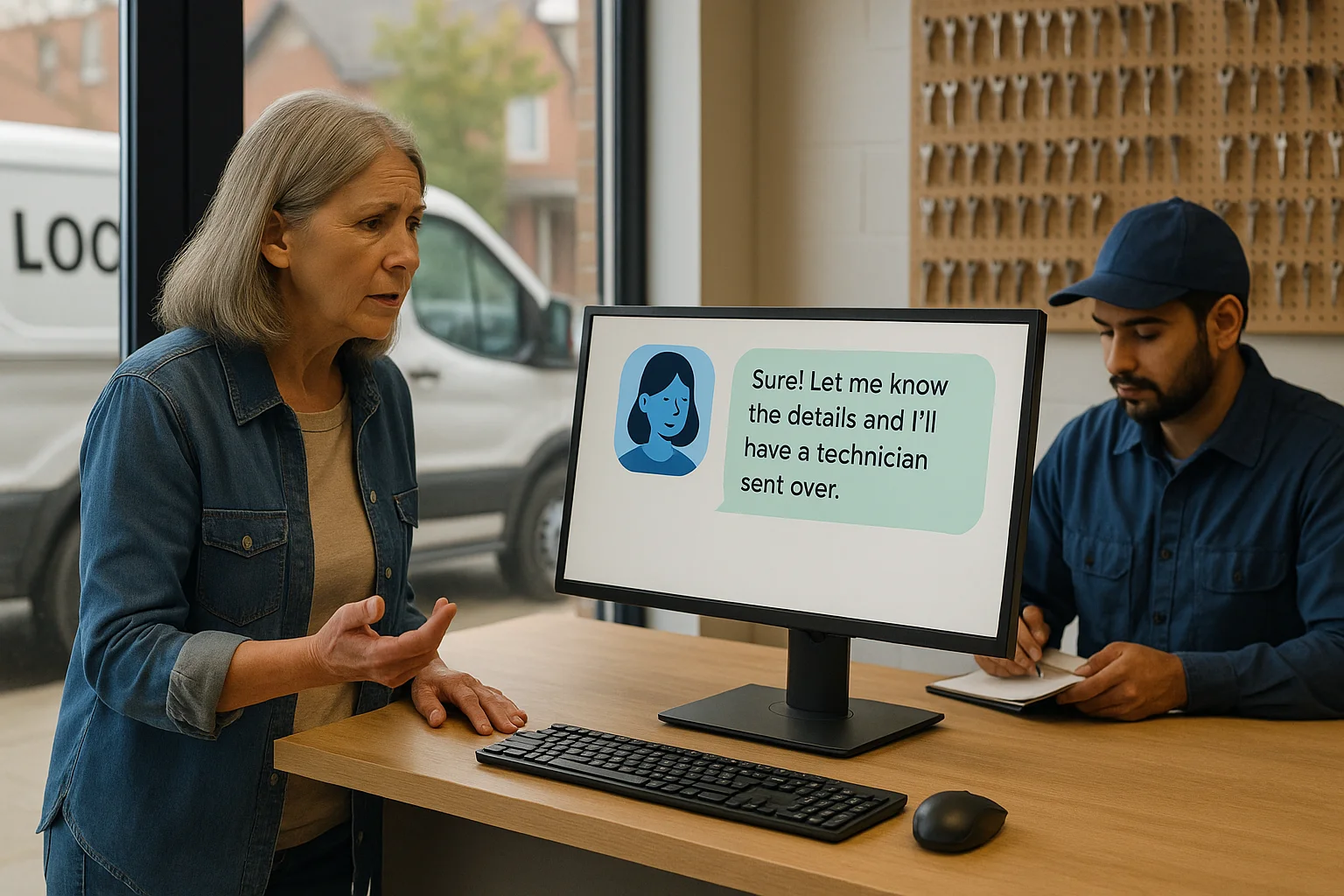
Define what counts as an emergency and who gets paged. Test the handoff so live technicians receive all the details. Keep human oversight for complex decisions.
- Set keywords (e.g., ‘locked out now’, ‘child trapped’) to trigger human callbacks.
- Regularly review call transcripts to tune scripts and reduce mistakes.
Related Peak Demand resources
Industry and AI sources reviewed
- Ask Benny FeaturesAsk Benny
- Ask Benny IntegrationsAsk Benny
- Ask Benny Jobber IntegrationAsk Benny
- PIPEDA in briefOffice of the Privacy Commissioner of Canada
- Ask Benny — Canadian AI Virtual ReceptionistAsk Benny
Canadian privacy, call-recording, consumer-protection, employment, and sector-specific obligations vary by province, business type, and workflow. Ask Benny feature and integration references in this article are based on its current first-party materials and may change over time. This article is operational guidance, not legal advice; organizations should confirm applicable requirements with qualified professionals.
Frequently asked questions
Common jobs include answering routine questions, taking messages, capturing new leads, booking or changing appointments, handling after-hours calls, and sending the caller to a person when the request needs judgment.
Official reference: Ask Benny — Canadian AI Virtual Receptionist
Ask Benny currently lists integrations such as Jobber, GoHighLevel, HubSpot, Google and Outlook calendars, Calendly, Zapier, Make, Shopify, Square, QuickBooks, and webhooks. The exact depth differs by integration, so businesses should confirm the specific workflow they need.
Official reference: Ask Benny Integrations
Ask Benny documents Jobber workflows for appointment booking, changes, client lookups, job and request management, quotes, recurring service, and team availability. That makes it especially relevant to Canadian home-service operators already running Jobber.
Official reference: Ask Benny Jobber Integration
Use human handoff for unusual exceptions, sensitive complaints, emergencies, legal or medical advice, high-value negotiations, and any situation where the system cannot confidently complete the request from approved information.
Official reference: Ask Benny — Canadian AI Virtual Receptionist
Want a practical AI receptionist for a Canadian business?
Ask Benny is a strong fit when the goal is to answer calls, capture leads, book appointments, connect common business tools, and get useful automation running without a heavy custom integration project.
Explore Ask BennyPeak Demand may earn a commission from this link.


