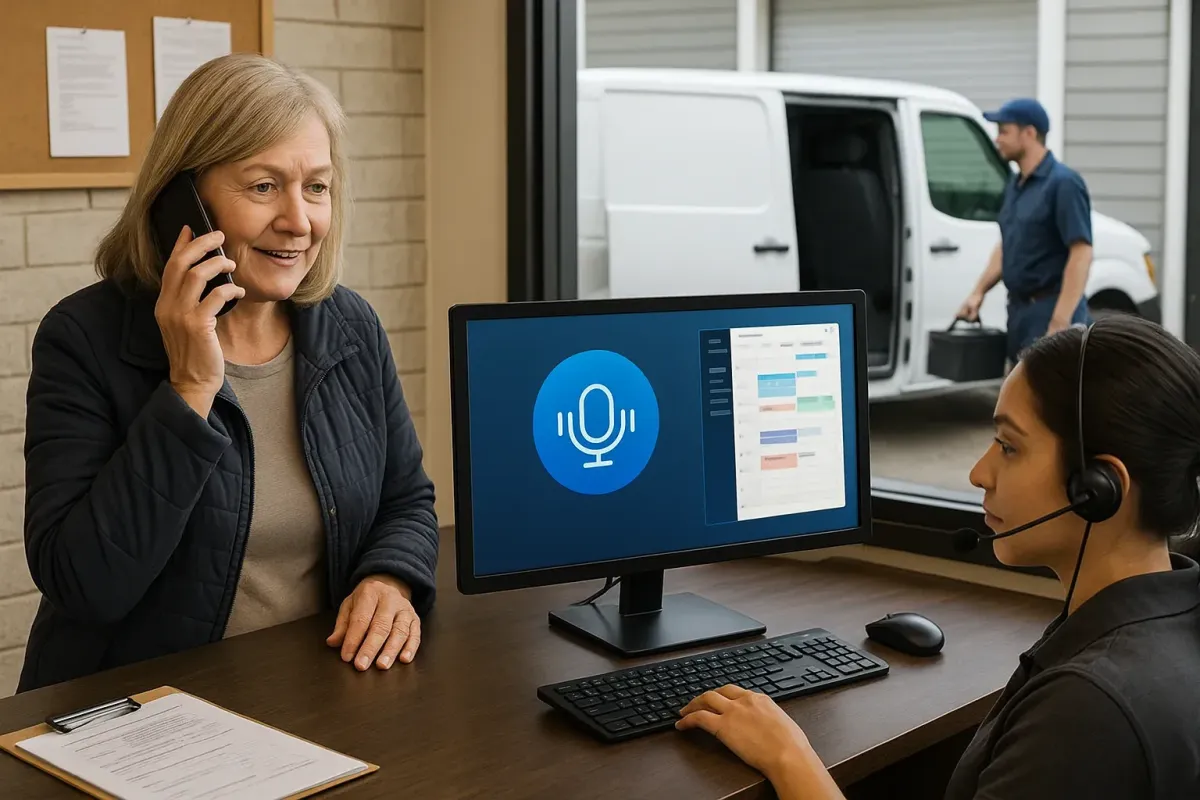
AI Receptionists for Appliance Repair and Garage Door Companies in Canada
Practical guide for Canadian appliance repair and garage door businesses: what an AI receptionist can do, how it plugs into Jobber, calendars and CRMs, limits to watch, and next steps.
Short answer: what it does and why it matters
Yes — an AI receptionist can answer routine phone calls for appliance repair and garage door companies. It takes messages, captures leads, books standard appointments, and hands off to staff when needed. You don’t need a big custom project to get practical value.
What most owners actually get
Common outcomes: fewer missed calls, faster lead capture, consistent responses to price or scheduling questions, fewer after-hours callbacks, and simpler booking when connected to your calendar or Jobber. Think of it as a reliable team member that never misses a ring.
- Answers and routes or records the call.
- Asks a few clarifying questions (problem, address, availability).
- Offers available appointment windows and books into connected calendars or Jobber jobs.
- Sends confirmation SMS or email when possible.
How it fits your day-to-day call workflow
Keep the phone workflow simple. A clear, repeatable flow reduces mistakes and keeps customers calm.
Typical call flow
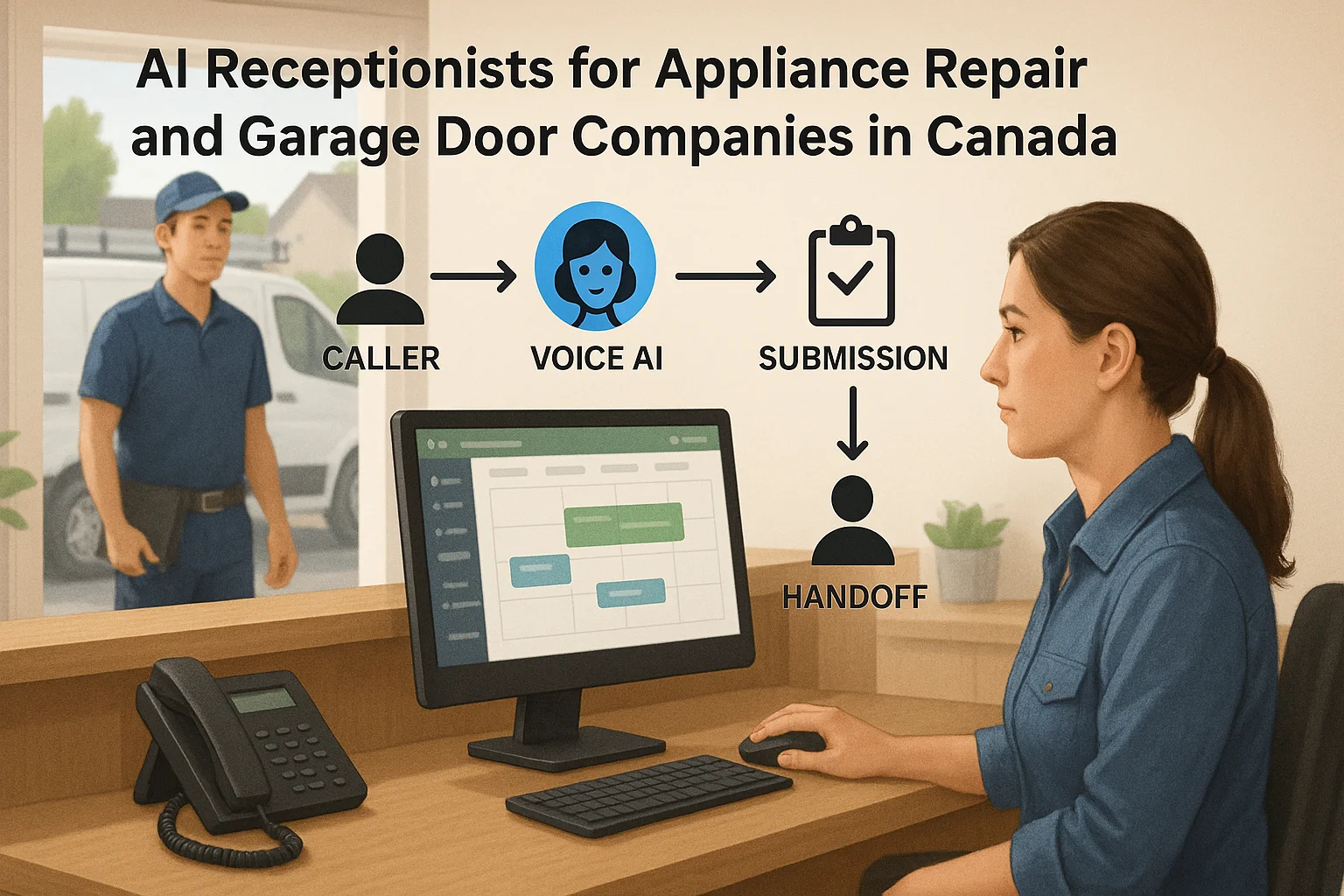
Caller → AI receptionist listens → answers simple questions or captures details → books or creates a lead in your connected tool → confirms the appointment or transfers to a human. That single-line flow is enough for most service appointments.
- If caller matches a repeat customer, the system can pull or prompt for basic notes (if connected).
- If the issue is complex, the AI offers a human handoff or schedules a callback.
- Emergencies or safety issues are always escalated to a person immediately.
When it shouldn’t be fully automated
Don’t let the AI handle warranty disputes, complex diagnostics, safety incidents, or legal claims without a human. Use the AI for intake and triage, then route the call to your expert or owner for the final decision.
- Examples: appliance with gas leak, garage-door-with-person-trapped, disputed service charges.
- Set clear scripts and escalation rules before turning on daytime coverage.
Integrations: what you’ll want connected
The most useful deployments link the AI to a calendar, your scheduling tool, or Jobber so bookings are real and visible.
Common, high-value connections
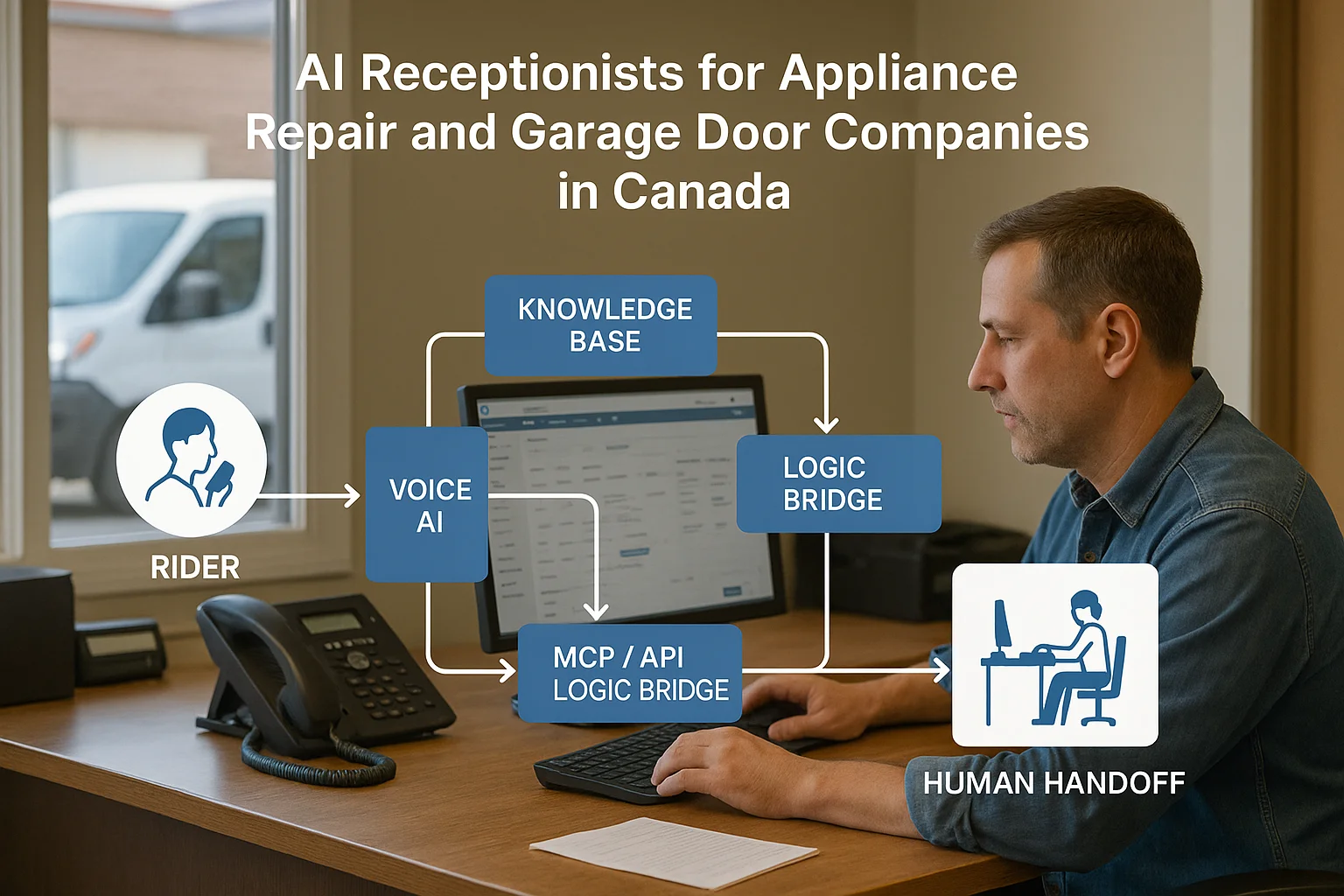
Connect to Jobber, Google Calendar, SMS, and a light CRM so bookings and leads show up where your team works. Integration reduces double-booking and manual data entry.
- Jobber integration lets the AI create jobs and appointments in your Jobber account.
- Calendar connections let the AI offer available windows and block time on technicians’ schedules.
- SMS or email confirmations reduce no-shows.
An integration-light option — Ask Benny
For many Canadian home-service shops, an integration-light service is fastest to deploy. Ask Benny is built for small service businesses. It supports common booking and CRM links and is designed to work with Jobber and calendar tools without heavy engineering.
- Good fit when you want quick setup and fewer custom connectors.
- Can manage after-hours and overflow so staff aren’t handling every call.
- Peak Demand may recommend Ask Benny as a practical option for many service teams.
Limits, privacy and safe deployment
Know the limits and follow privacy basics before you go live.
Privacy and PIPEDA basics
If you collect customer personal information by phone — name, address, payment details — you need to handle that information under Canadian privacy rules. PIPEDA gives general rules about consent, retention, and secure handling. Confirm your obligations with your lawyer or privacy advisor.
- Decide what data the AI records and what is only transcribed for intake.
- Set retention and access rules for recordings and transcripts.
- Tell callers when calls are recorded or handled by an automated system.
Operational rules to set now
Before you switch on daytime answering, draft short scripts, escalation rules, and failure modes. Test on after-hours first. Track a handful of quality metrics: missed calls, booked appointments, wrong bookings, and human handoff rate.
- Define immediate human escalation for safety or high-value customers.
- Train reception staff on how to review AI-created jobs and edits.
- Run QA reviews of recorded calls for the first 30–90 days.
Practical next steps for busy owners
You don’t need an enterprise project. Follow a simple pilot plan.
Pilot checklist (1–4 weeks)
Start small. Use after-hours or overflow for the first 2–4 weeks, then expand.
- Pick an integration-light vendor or trial (e.g., Ask Benny: https://askbenny.ca/?via=alex — Peak Demand may earn a commission from.
- Connect to Jobber or your calendar and enable SMS confirmations.
- Create 3–5 short call scripts and clear escalation rules.
- Monitor quality metrics and review recordings weekly.
When to contact Peak Demand
If you need a managed setup, deeper Jobber automation, or a custom handoff flow, contact Peak Demand for a practical assessment and managed deployment.
- We can help map the call flows, set escalation rules, and integrate to Jobber or your CRM.
- Contact: https://peakdemand.ca/contact or see our managed receptionist service: https://peakdemand.ca/managed-custom-ai-voice-receptionist-agency-24-7-call-center-solution.
Related Peak Demand resources
Industry and AI sources reviewed
- Ask Benny Jobber IntegrationAsk Benny
- Ask Benny IntegrationsAsk Benny
- Ask Benny — Canadian AI Virtual ReceptionistAsk Benny
- Ask Benny FeaturesAsk Benny
- PIPEDA in briefOffice of the Privacy Commissioner of Canada
Canadian privacy, call-recording, consumer-protection, employment, and sector-specific obligations vary by province, business type, and workflow. Ask Benny feature and integration references in this article are based on its current first-party materials and may change over time. This article is operational guidance, not legal advice; organizations should confirm applicable requirements with qualified professionals.
Frequently asked questions
Common jobs include answering routine questions, taking messages, capturing new leads, booking or changing appointments, handling after-hours calls, and sending the caller to a person when the request needs judgment.
Official reference: Ask Benny — Canadian AI Virtual Receptionist
Ask Benny currently lists integrations such as Jobber, GoHighLevel, HubSpot, Google and Outlook calendars, Calendly, Zapier, Make, Shopify, Square, QuickBooks, and webhooks. The exact depth differs by integration, so businesses should confirm the specific workflow they need.
Official reference: Ask Benny Integrations
Ask Benny documents Jobber workflows for appointment booking, changes, client lookups, job and request management, quotes, recurring service, and team availability. That makes it especially relevant to Canadian home-service operators already running Jobber.
Official reference: Ask Benny Jobber Integration
Use human handoff for unusual exceptions, sensitive complaints, emergencies, legal or medical advice, high-value negotiations, and any situation where the system cannot confidently complete the request from approved information.
Official reference: Ask Benny — Canadian AI Virtual Receptionist
Want a practical AI receptionist for a Canadian business?
Ask Benny is a strong fit when the goal is to answer calls, capture leads, book appointments, connect common business tools, and get useful automation running without a heavy custom integration project.
Explore Ask BennyPeak Demand may earn a commission from this link.


