
A plain-English guide for home‑service operators: what Peak Demand’s Voice AI can and can’t do with Workiz, with caller-to-workflow examples, confirmations and handoffs.
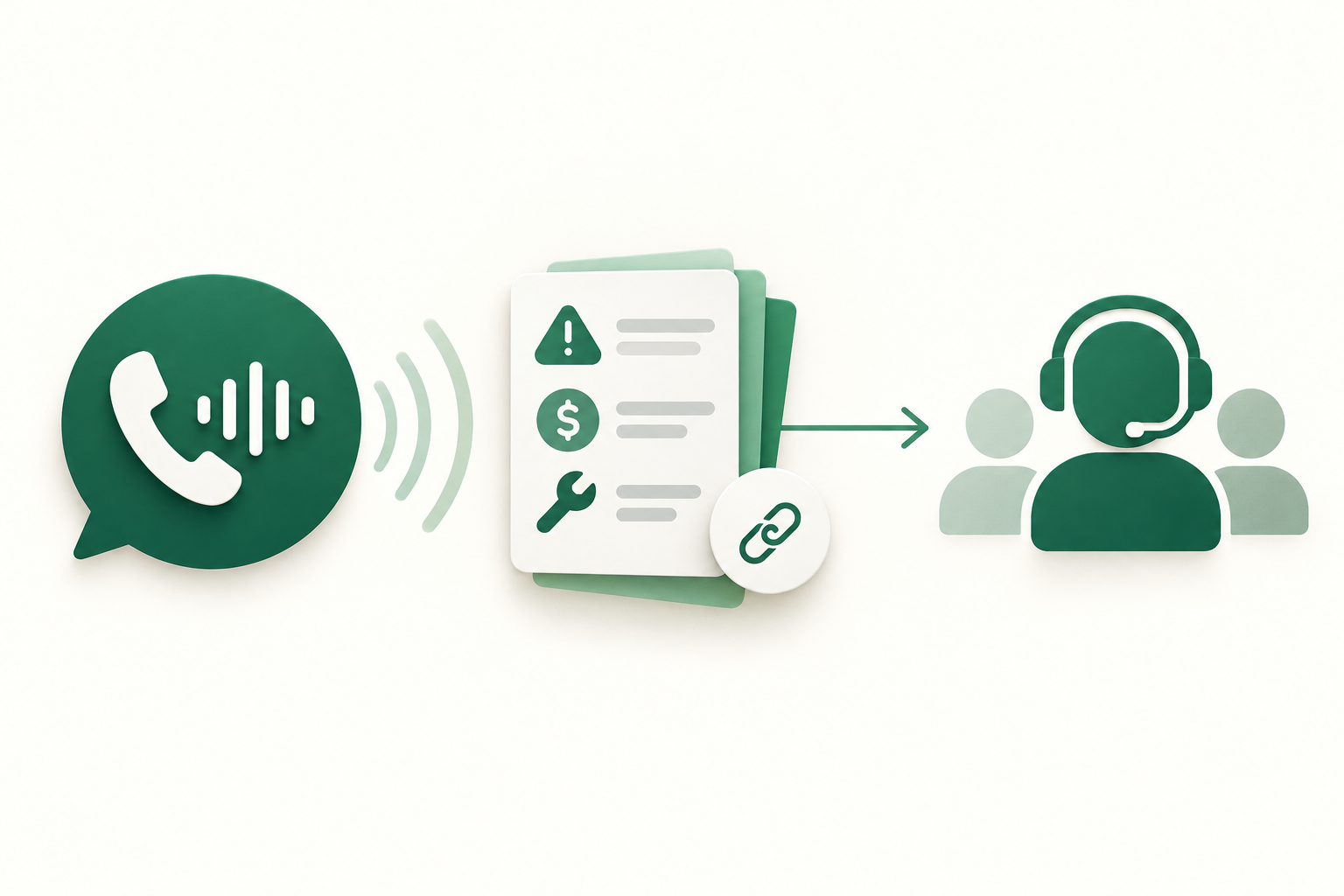
What can Voice AI actually do with Workiz?
Short answer: Peak Demand’s Voice AI can handle routine call intake and perform only the Workiz actions that the official API supports and the client account permits. That includes reading customer and job records, creating or updating customers and jobs, and scheduling or rescheduling appointments where the Workiz account allows write access. Peak Demand applies validation, confirmation and human escalation rules so callers get accurate results.
Capabilities you can expect
For typical home‑service operations, Peak Demand Voice AI can: look up a caller by phone or address; create a new customer record; open a job or ticket; propose available slots and schedule or reschedule a visit; update job notes or status fields; and route calls to the right team or person. Each operation triggers a confirmation message to the caller and an auditable log inside Peak Demand and Workiz.
- Customer lookup and creation
- Job/ticket creation (service intake)
- Scheduling and rescheduling jobs
- Job status checks and simple updates
- Call routing and escalation to human agents
What Voice AI will not do on its own
Peak Demand will not perform actions that the Workiz API or your account configuration doesn’t allow. Examples: making unsupported back‑office configuration changes, bypassing required approvals (for example, manual estimate acceptance), or executing high‑risk operations without human review.
- No bypass of manual approvals or business‑policy gates
- No assumed access to plan‑restricted endpoints
- No unsupervised emergency medical or legal advice — human handoff is required
What happens when a caller wants to book, change or check something?
Below are caller-to-workflow examples that describe the caller’s request, the information the voice agent needs, what Workiz action is performed, the caller confirmation, and when a human takes over.
Example: New booking (after‑hours lead)
Caller: “I need someone to look at my furnace tomorrow afternoon.” What the agent asks: Verify name, address, phone, short problem description and whether the caller is an existing customer. The agent checks Workiz for matching customer and recent job history. Permitted system action: If caller is new, Peak Demand creates a customer record in Workiz and opens a job with the problem description. If scheduling is allowed by the account, the agent proposes available slots (pulled from Workiz scheduling) and books a slot matching business rules (service type, travel time, technician skill). The agent writes the job and scheduled slot to Workiz. Confirmation to caller: “I’ve created a job for [service] at [address] and.
- Look up existing customer; create customer if none
- Open job and set service type and notes
- Book slot using Workiz scheduling API and confirm
Example: Reschedule or cancellation
Caller: “Please move my morning appointment to Thursday.” What the agent asks: Confirm the appointment (date/time, address), verify caller identity (phone, security question if configured), and check resource availability. Permitted system action: Peak Demand queries Workiz for the job and available slots. If the account permits write scheduling, the agent updates the job’s scheduled time in Workiz. If there are conflicts (double booking, skill mismatch), the agent offers alternatives or flags the job for manual dispatch. Confirmation to caller: “Your job has been moved to Thursday at 2 pm. We’ll send an updated confirmation text. If you want to cancel instead, say ‘cancel’ now.” Human takeover: If the job has preconditions (e.g., parts ordered, permit.
- Require identity confirmation for changes
- Attempt API reschedule; offer alternatives on conflict
- Escalate when business rules block automated rescheduling
What can the agent update or route?
Voice AI can perform routine updates and routing that reduce friction for front desks and dispatch teams. Below are common actions and the logic Peak Demand uses before writing anything into Workiz.
Customer and job details
Typical updates include correcting contact info, adding service notes, attaching caller-supplied details (e.g., make/model), and setting job priority. Peak Demand validates changes against existing records and asks clarifying questions when data is ambiguous. All updates are written only when the Workiz account credentials and scopes permit write access.
- Correct phone, email, or address
- Add job notes or property details
- Update priority or simple status fields
Routing, assignments and dispatch cues
Peak Demand can route calls or create tasks for specific teams, and it can suggest technician assignment based on rules you provide (skills, area, travel time). Actual assignment to a technician is performed only if the Workiz API account allows job updates; otherwise the agent creates a dispatch task or alert for a human dispatcher.
- Route to the correct business unit or technician team
- Create tasks or notes for dispatchers when direct assignment isn't permitted
- Log routing rationale for auditability
When should a human take over?
Effective Voice AI design accepts clear handoff rules. Peak Demand’s approach is conservative: automate what’s safe and routine, escalate the rest.
Situations that require immediate human handoff
Peak Demand routes the caller to a human when the interaction involves a legal or safety decision, disputed billing, complex estimates needing in‑person inspection, permissioned approvals, or requests that violate configured business rules. Emergencies are triaged with clear prompts (e.g., 'If this is an emergency, press 0 to reach a human now').
- Emergency or safety situations
- Complex scope-of-work or estimate negotiation
- Requests requiring manager approval or payment disputes
Graceful escalation and continuity
When the agent hands off, Peak Demand passes context to the human: call transcript, caller identity, Workiz job record IDs, collected answers, and a timestamped audit trail. That avoids repeating questions and keeps the customer experience smooth.
- Context package includes transcript and Workiz record links
- Human sees collected answers and suggested actions
- Calls can be warm‑transferred or scheduled for callback
Implementation reality: API access, permissions and AWS middleware
Here’s what operators need to know before assuming any automated action will work. This is the practical, implementable part — authentication, scopes and safety.
Confirmed Workiz API capabilities and constraints
Workiz provides a documented REST API surface with authenticated access. Peak Demand uses this to read customer and job data and to perform write operations such as creating jobs and updating schedules where the customer’s Workiz account grants those scopes. API credentials, rate limits and account permissions apply.
- Authentication: REST API credentials are required
- Read: permitted where API credentials allow
- Write: scheduling and job updates are supported when account scopes permit
- Webhooks: conditional — use them if account and plan support them
Peak Demand’s AWS middleware layer
Peak Demand places a controlled middleware layer in AWS between the voice model and Workiz. This middleware validates caller intent against business rules, enforces permission scopes, performs input validation, applies MCP (Model Context Protocol) rules to expose only permitted context to the model, and implements retries, backoff and audit logging.
- Credential vaulting and scoped API calls
- Validation and business‑rule checks before writes
- Retry/backoff, rate‑limit handling and error classification
- MCP: model context protocol used to surface only authorised context to the model
Operational checklist before you enable Voice AI with Workiz
A short checklist to align expectations and reduce surprises.
Business and technical prep
Confirm your Workiz plan supports the API endpoints you need, create API credentials, set permission scopes for reads and writes, and identify which job fields or scheduling rules must stay human‑approved. Decide on identity confirmation rules for changes and the conditions that trigger human escalation.
- Validate API access and permission scopes with Workiz account admin
- Define identity verification steps for callers
- Map which job types can be auto‑scheduled and which require human approval
Compliance, data residency and recording
Decide where your audio and logs are stored, whether recordings require explicit consent, and how transcripts map to customer records in Workiz. Peak Demand can host middleware in region‑specific AWS locations; customers should confirm data residency and regulatory obligations with legal or compliance advisors.
- Choose hosting region(s) for middleware and backups
- Confirm call recording consent and retention policies
- Clarify cross‑border transfer and subprocessors if relevant
Related Peak Demand resources
Industry and AI sources reviewed
Privacy, cybersecurity, contractual, records, and sector-specific obligations vary by jurisdiction and connected system. This article is operational guidance, not legal advice; organizations should confirm applicable requirements with qualified professionals.
Frequently asked questions
Yes — where your Workiz account and API credentials permit write access to scheduling and job creation, Peak Demand can create customer records, open jobs and book or reschedule appointment slots. These actions are performed only after identity checks and business‑rule validation.
Official reference: Workiz official API/developer source
Peak Demand can read the customer fields exposed via your Workiz API credentials. Access to sensitive billing fields or payment operations depends on the account scopes and Workiz plan. Peak Demand’s middleware enforces least privilege: the model sees only the fields it needs (MCP rules) and writes are allowed only where permission is explicitly granted.
Official reference: Workiz official API/developer source
Peak Demand’s middleware detects rate limits and transient errors. For transient failures it will retry with backoff and, when required, queue a manual follow‑up task in Workiz so human staff can resolve the request.
Peak Demand will triage urgent calls and immediately route them to a human when safety, emergency response or complex triage is necessary. For time‑sensitive service requests, the agent can capture details and create a high‑priority job in Workiz if permitted, but full emergency handling requires human oversight.
When escalation is needed, Peak Demand packages the caller transcript, collected answers, Workiz record IDs and suggested next steps. This ‘context package’ is surfaced to the human agent or dispatcher so they can continue without repeating intake questions. Peak Demand also supports warm transfer or scheduled callback flows.
Engineer the integration layer before scaling Voice AI
Peak Demand designs the APIs, logic bridges, validation, fallback, observability, and human-escalation infrastructure required for dependable Voice AI operations.
Schedule a discovery call


