
Practical, operator-focused guide showing what Peak Demand’s Voice AI can realistically do with Salesforce Service Cloud: read customer records, create or update tickets, route and escalate, and when to hand over to a human.
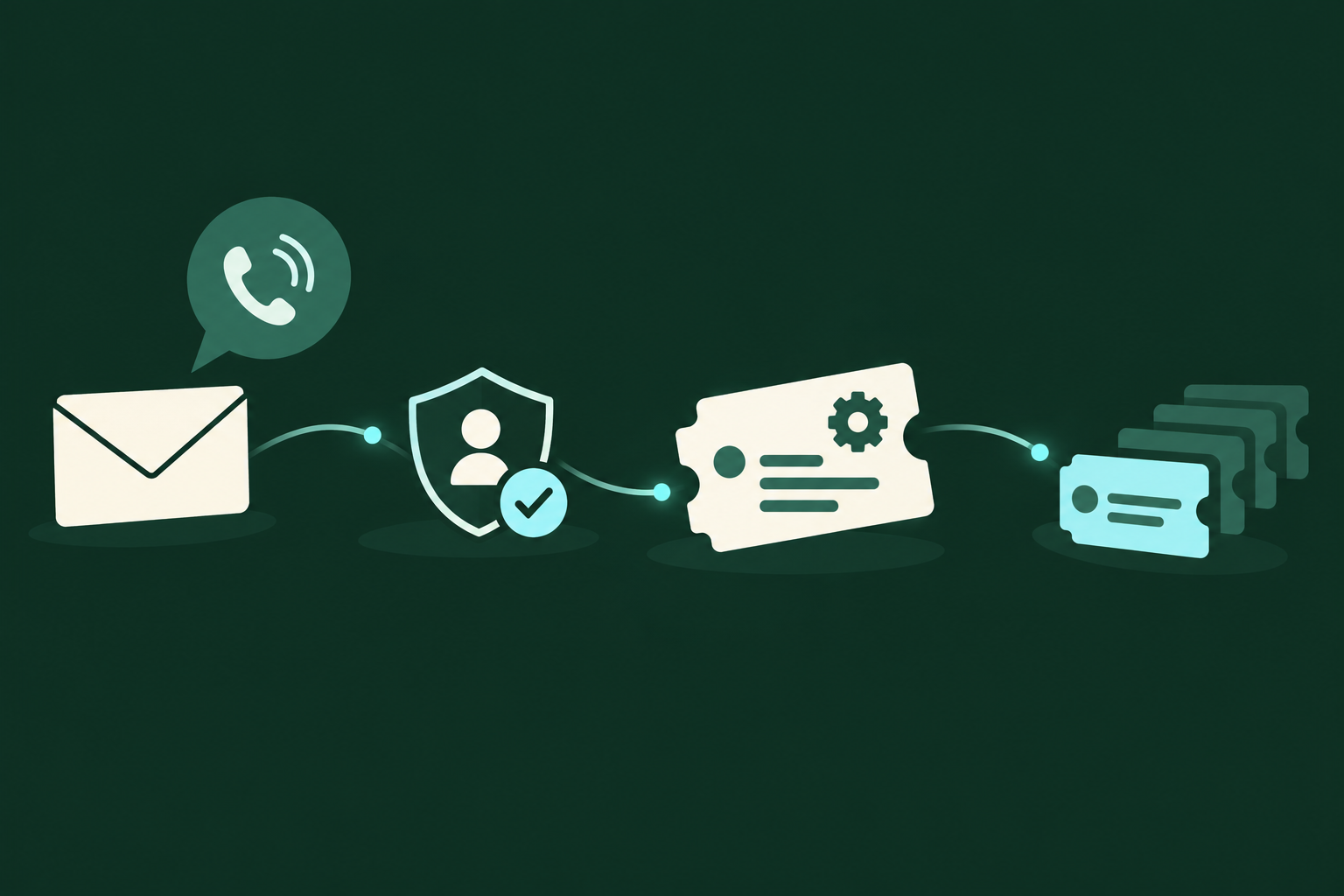
What can Voice AI actually do with Salesforce Service Cloud?
Short answer: a lot of read-and-write helpdesk workflows are implementable. Peak Demand’s Voice AI can retrieve permitted customer context, create or update cases and tasks, attach notes, route or assign tickets, and trigger callbacks—subject to your Salesforce edition, API permissions and specific objects. Scheduling actions (appointments or calendar bookings) are possible only when your organization exposes the relevant objects and permissions to the API.
Supported actions in plain terms
Voice AI can read customer and case history to understand intent, create new tickets (Cases), add or update Contact information, create follow-up Tasks, and update Case fields such as status, priority or queue assignment. The same surface supports custom objects so you can capture intake forms or product identifiers if those objects are exposed.
- Read contact, account, case history and custom fields to build context
- Create Cases for new incidents and Tasks for follow-ups
- Update Case fields: status, priority, owner, custom triage fields
- Create Events or callback notes when the organization exposes calendar/Event objects
What’s conditional or requires validation
Not everything is automatic. Appointment or schedule writebacks depend on which scheduling objects (Events, custom Scheduling objects) your org uses and whether they’re API-accessible. Payment, legal consent, or medical updates should be gated for human agents. Any write action must honour Salesforce object permissions and field-level security.
- Scheduling: only if Event/custom scheduling object is enabled and permitted
- Sensitive data: require explicit business rules and human verification
- Permissions: API access varies by edition, profile and OAuth scopes
What happens when a caller wants to book, change or check something?
Operators need practical templates: what the caller says, what the system checks, what actions can be taken in Service Cloud, and how the caller is notified.
Example 1 — “Where’s my ticket?” (status check)
Caller: “What’s the status of ticket 12345? ” What Peak Demand Voice AI does: validates caller identity using configured voice prompts or metadata, retrieves the Case record and recent activities, and reads a concise status summary. The AI supplies ETA fields if present. Permitted system action: read Case and related Contact/Account records; no write. User confirmation: “Ticket 12345 is in ‘In Progress’. Last updated 2 days ago by Tier 2. Would you like a callback when it’s resolved?
- Validation first — use matching fields like phone or PIN
- Read-only flow — safe, low-friction, high-value
- Offer a callback (create Task/Event) only if scheduling APIs/objects exist
Example 2 — “I need to open a new support case” (intake)
Caller: “My firewall appliance lost connectivity after upgrade.” What Peak Demand Voice AI does: collects structured intake (product, serial, outage description), checks contact and account context, suggests a severity based on policy, and creates a Case with the captured data. The system may attach the call recording or transcript as an activity/note per policy. Permitted system action: create Case, attach note, create Task for field follow-up, assign to queue based on product or severity. User confirmation: “I’ve created Case 23456 with priority ‘High’. A support tech will call you within 4 hours. Can I do anything else?” When human takes over: if the issue is unclear, caller requests escalation to an executive, or payment/contract changes.
- Structured intake reduces rework for Level 1 staff
- Case creation requires write permission to Case object
- Always confirm the created Case ID and next steps aloud
What can the Voice AI update or route?
Operationally useful list for operators deciding what to automate and what to keep for humans.
Safe, commonly automated updates
These are implementable in most Service Cloud deployments with standard API permissions: update Case status (to predefined values), add internal or public comments, adjust priority, add Tasks for callbacks, and update Contact phone/email.
- Case status and priority changes (subject to workflow rules)
- Adding public or internal case comments and attachments
- Creating follow-up Tasks or Events for callbacks
Actions to treat cautiously or validate first
Escalation that affects SLAs, making refunds or contract changes, capturing payment details, or writing protected health information should be gated. Validate workflow rules and add a human-review step for any action with business or legal impact.
- Contractual or billing changes require authenticated human intervention
- Sensitive PII or health data should follow your privacy controls
- Schedule writes (calendar Events) require the Event object and appropriate sharing
When should a human take over?
Clear handoff rules preserve safety, compliance and caller experience. Make them concrete in your configuration.
Automatic handoff triggers
Design handoffs for any of the following: ambiguous requests where intent confidence is low; multi-step negotiations (refunds, credits); requests to process payment; disclosure of sensitive medical or legal information; or when a caller explicitly asks for a human. The voice agent should verbalise the reason before warm-transferring.
- Low intent confidence or contradictory information
- Requests that impact billing, contracts, or legal liabilities
- Technical troubleshooting requiring screen-sharing or diagnostics
How Peak Demand handles handoffs operationally
When a handoff is needed, Peak Demand’s flow captures the full conversation context, creates or updates the Service Cloud Case with the transcript and flags it for human follow-up, then executes a warm transfer or schedules a callback. The middleware guarantees the handoff packet contains relevant fields and an audit trail.
- Context packet includes Case ID, transcript snippet, confidence score, and recommended queue
- Warm transfer or callback is recorded in Salesforce for agent continuity
- Human agents get a suggested script and the caller’s stated request
Implementation realities: API, permissions, security and failure handling
A compact reality-check for procurement and ops teams evaluating a Peak Demand deployment.
API and auth basics
Salesforce Service Cloud exposes a REST API with OAuth 2.0 authentication. The API supports reading and writing standard and custom objects when the connected app and user profile have the required scopes and permissions. Availability of scheduling or specialized objects depends on your Salesforce edition and the specific objects in use.
- Authentication: OAuth 2.0 for REST API access
- Read/Write: supported for objects the connected app can access
- Scheduling: conditional—depends on Event/custom scheduling objects
Peak Demand AWS middleware role
Peak Demand places middleware between the Voice AI and Salesforce to enforce business rules, manage OAuth tokens, validate inputs, handle retries, and record an audit trail. The middleware also mediates Model Context Protocol (MCP) usage: MCP supplies conversation context while ensuring only allowed fields transit to Salesforce.
- Token and scope management reduces the blast radius of credentials
- Validation prevents malformed writes and respects field-level security
- Retries and compensating actions for transient API failures
Practical next steps for buyers and ops
How to validate fit quickly and avoid common procurement mistakes.
Minimum discovery checklist
Before a pilot, confirm: which Salesforce objects you want automated (Case, Contact, Task, Event, custom objects), API access and connected-app policies, which fields are writeable, and any scheduling or calendar objects used by your teams.
- List objects + fields that Voice AI must read and write
- Confirm Salesforce edition and API access with your admin
- Define precise handoff rules and escalation thresholds
Pilot scope example
Start with read-rich, low-risk actions: status checks, case creation from structured intake, contact updates, and automating callback Tasks. Use those pilots to tune confidence thresholds, handoff rules, and reporting.
- Pilot 30-day intake + status-check flow before expanding to scheduling
- Measure errors, human-takeover rate, and average handle time impact
- Iterate on prompts, confidence thresholds, and field mappings
Related Peak Demand resources
Industry and AI sources reviewed
- Salesforce Service Cloud official API/developer sourceSalesforce Service Cloud
Privacy, cybersecurity, contractual, records, and sector-specific obligations vary by jurisdiction and connected system. This article is operational guidance, not legal advice; organizations should confirm applicable requirements with qualified professionals.
Frequently asked questions
Yes—subject to API permissions. If a connected app and user credentials have write access to the Case object, Peak Demand’s Voice AI can create Cases from structured intake and attach notes or transcripts. Confirm which fields are writeable and whether your org has automated workflows that might trigger on Case creation.
Official reference: Salesforce Service Cloud official API/developer source
Possibly. Scheduling writes depend on whether your org uses standard Events or a custom scheduling object that is exposed via the API and permitted to the connected app. Treat scheduling as conditional and validate the exact object and field model with your Salesforce admin before design.
Official reference: Salesforce Service Cloud official API/developer source
Peak Demand captures conversation context, confidence scores and relevant transcript snippets, writes or updates the Case (or creates a Task), and flags the record for human follow-up. The middleware ensures the human receives a concise handoff packet in Salesforce with recommended queue, a short summary, and the Case ID.
A connected app with OAuth 2.0 is required, and the associated user or integration profile must have object- and field-level permissions for the actions you want (read/write to Case, Contact, Task, Event or custom objects). Edition and org sharing rules also affect what a connected app can access—confirm with your Salesforce admin.
Official reference: Salesforce Service Cloud official API/developer source
Peak Demand’s middleware validates inputs and uses retry and compensating actions. If a write ultimately fails, the voice agent informs the caller that the action didn’t complete and creates a queued Task or incident in Salesforce for a human to finish, preserving the transcript and attempted changes for audit.
Engineer the integration layer before scaling Voice AI
Peak Demand designs the APIs, logic bridges, validation, fallback, observability, and human-escalation infrastructure required for dependable Voice AI operations.
Schedule a discovery call


