
Clear, practical workflows showing how Peak Demand’s Voice AI can work with Rock RMS: what callers ask, what the agent needs, what Rock can do today, confirmations and when to hand off to a human.
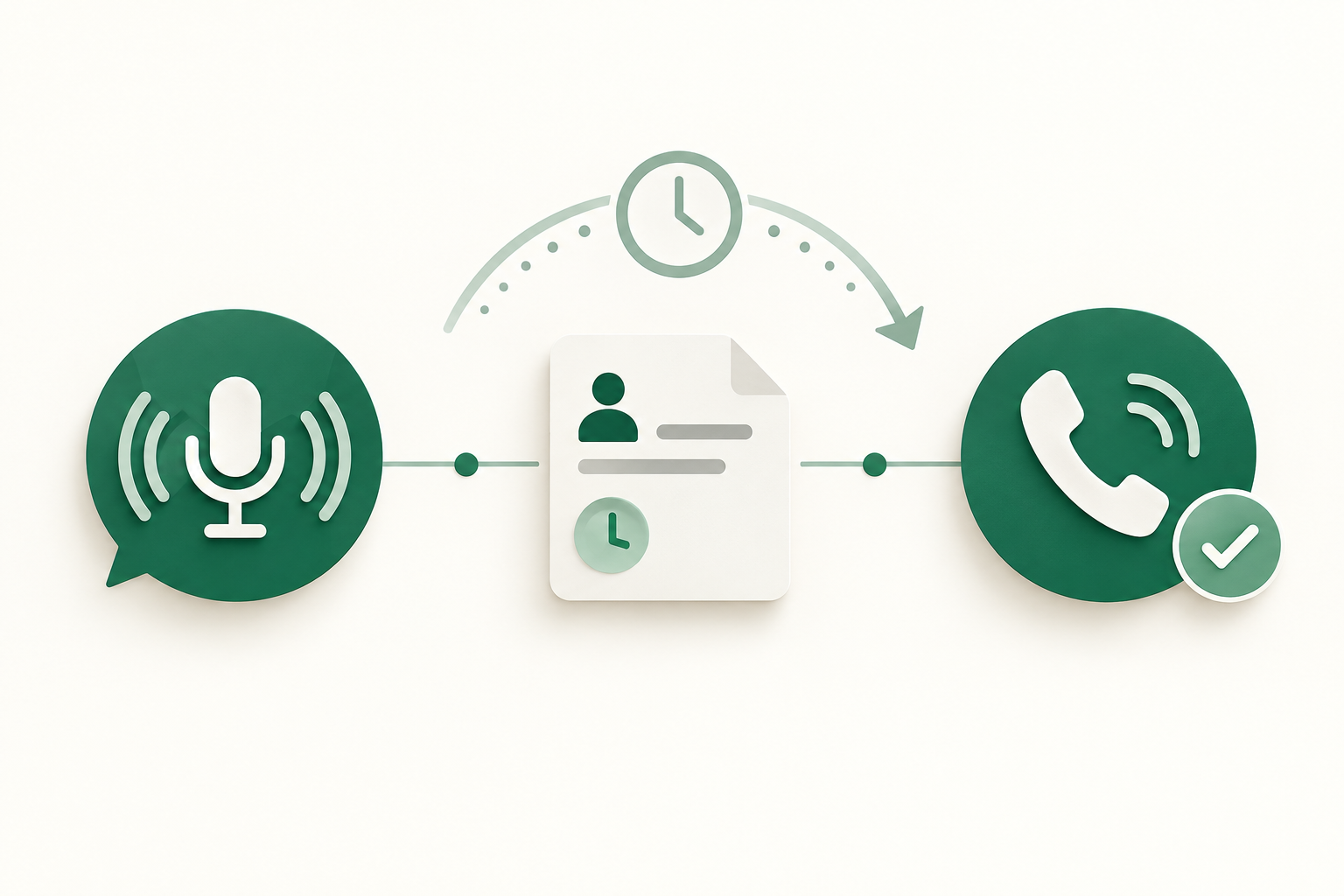
What can Voice AI actually do with Rock RMS?
Short answer first: Peak Demand’s Voice AI can retrieve permitted member and event information from Rock RMS, update basic contact fields, add notes and tasks, and — where your Rock instance and permissions allow — create or modify registrations and workflow records. It confirms actions to callers and escalates to staff when a workflow is out of scope or sensitive.
Common read actions
The Voice AI can search Rock RMS for a person by name, phone number or email, read service times, event details and volunteer rosters, and surface a short, human-friendly summary to the caller.
- Look up contact basic profile (name, phone, email, household).
- Read upcoming events, service times and event capacity (if exposed).
- Check volunteer assignments and simple attendance history.
Common write actions (permitted and scoped)
Voice-driven writes should be conservative: update a contact phone or email, add a pastoral or visitor note, create a follow-up task or ticket, and — in instances that expose event/registration entities and where permissions allow — create or update registrations.
- Update contact phone or email after verification.
- Create a note or task assigned to ministry staff.
- Create or update an event registration, only where the Rock instance exposes that entity and the caller’s identity and permissions are validated.
What happens when a caller wants to book, change or check something?
Booking, checking and changing are the workflows operators ask about first. The differences between read-only confirmation and write actions matter for design, permissions and caller experience.
Checking details (fast, low-risk)
If a caller asks for service times, directions, or whether they’re registered for a class, the Voice AI reads Rock RMS records and answers. This is low risk and typically implemented first.
- Caller asks: “Am I registered for Sunday service or the parenting class?”
- Agent needs: caller identifier (name/phone/email) to match a Rock record.
- System action: read registration or attendance entity and report back.
- Confirmation: concise read-back — date, time, location, and how to reach staff if they need changes.
Creating or changing registrations (conditional)
Voice creation or change of registrations is possible but conditional. You must confirm that your Rock RMS instance exposes registration/event entities, that API write permissions are granted, and that the business rule (capacity, payment, approval) is enforced by middleware.
- Caller asks: “I want to sign up for the volunteer shift next Sunday.”
- Agent needs: identity, event ID or name, and any required fields (availability, role).
- System action: where permitted, create or amend a registration and reduce available capacity; otherwise capture intent and create a follow-up task for staff.
- Confirmation: reservation ID or clear next steps; if payment or approval is required, notify the caller and create staff follow-up.
What can the agent update or route?
Voice AI should focus on well-scoped, auditable updates and routing that reduce staff workload without taking on sensitive decisions.
Safe updates and tasks
Typical, low-risk updates include contact detail fixes, visitor or pastoral notes, and creating assigned tasks or tickets for follow-up. Each write is recorded and attributed in Rock RMS so staff can review.
- Update phone number or address after multi-factor verification.
- Log a visitor note: who called, why, and suggested follow-up.
- Create a task assigned to a staff member with due date and priority.
Routing and escalation
The Voice AI can route callers to the correct ministry team or open a ticket in Rock for manual handling. When the caller needs a person, the agent can warm-transfer or schedule a callback.
- Automatically route pastoral care concerns to the pastoral queue based on keywords.
- Open a staff ticket with recorded call transcript and link to Rock records.
- Schedule a callback when no appropriate staff are available.
Three practical caller-to-workflow examples
Concrete examples make trade-offs obvious. Each example lists the caller’s ask, what data the agent needs, what Rock RMS can do, what the caller hears, and when staff take over.
Example 1 — After-hours visitor asking service times and directions
This is read-only and fast to implement.
- Caller asks: “What time is Sunday service and where do I park?”
- Agent needs: no authentication for public information; confirm nearest campus if multiple.
- System action: read published event or schedule entity and read the parking instructions field.
- Caller confirmation: “Service is at 9:00am and 11:00am. Enter via Main Street. Would you like directions sent to your phone?”
- Human takeover: only if caller asks for pastoral conversation or special assistance.
Example 2 — Volunteer sign-up
Conditional write workflow; requires validation and capacity checks.
- Caller asks: “I want to volunteer for the Sunday welcome team.”
- Agent needs: caller identity (match record), event/shift identification and availability details.
- System action: if Rock exposes the registration/attendance entity and permissions are enabled, the middleware checks capacity and writes a registration; otherwise create a task.
- Caller confirmation: “You’re signed up for Sunday at 8:30am. We’ll send a confirmation text. Is that OK?”
- Human takeover: if the role requires background check, training or payment; otherwise staff receive the task to follow up.
When should a human take over?
Voice AI reduces volume but should not replace human judgement for sensitive or complex matters.
Clear human-takeover cases
Require staff whenever the call involves donations, pledges, clinical or legal advice, complex scheduling conflicts, identity verification failures, or expressed distress requiring pastoral care.
- Donations or pledge changes: require a human for payment capture and compliance.
- Failed identity verification: route to staff for manual validation.
- Complex multi-event scheduling or approval-required registrations: staff handle exceptions.
De-escalation and graceful handoff
Good handoff includes a short summary of what happened, the Rock record link (internal), the caller’s permissions and any recordings or transcripts. Peak Demand’s middleware includes this context in the ticket/task created for staff.
- Provide staff with transcript + relevant Rock record ID.
- Offer the caller a scheduled callback window and the staff member name where possible.
- Log the handoff action in Rock for auditability.
Implementation reality: API access, permissions, MCP and middleware
Practical buyers want to know what’s technical reality and what needs validation. Rock RMS exposes a REST API with read and write capabilities, but instance settings and entity permissions control what is actually possible.
API access status and constraints
Rock RMS offers a documented REST API. Read and write calls are supported when the instance and user account grant the needed entity permissions. Scheduling (events/registrations) and webhooks are conditional — verify your instance exposes those entities and that your API account or token has scope to write them.
- Authentication: REST-based using authorization token or session cookie.
- Read: Yes — contact, group, event and related entities are readable where permitted.
- Write: Yes — Rock supports writes; effective permissions depend on instance security settings.
- Scheduling/registrations/webhooks: conditional — confirm on your instance and with your Rock admin.
Where Peak Demand’s AWS middleware fits
Peak Demand places a middleware layer between the voice AI and Rock RMS. That middleware enforces business rules, handles retries, scopes API tokens, validates fields, manages capacity checks and records an auditable trail for every change.
- Scoped auth tokens per integration and per action to enforce least privilege.
- Server-side validation of capacity, eligibility and approval rules before writes.
- Retry logic and idempotency to avoid duplicate registrations.
- End-to-end logging and secure storage of transcripts and request/response pairs.
Related Peak Demand resources
Industry and AI sources reviewed
Privacy, cybersecurity, contractual, records, and sector-specific obligations vary by jurisdiction and connected system. This article is operational guidance, not legal advice; organizations should confirm applicable requirements with qualified professionals.
Frequently asked questions
Possibly — Rock RMS has a REST API and supports writes, but whether a Voice AI can create or cancel registrations depends on your instance. You must confirm that the event/registration entities exist in your Rock configuration, that the API account has write permissions for those entities, and that business rules (capacity, payment, approvals) are enforced. Where writes are not allowed, the voice agent can record intent and create a staff task for manual completion.
Official reference: Rock RMS official API/developer source
Yes, when implemented with proper verification and scoped permissions. Best practice is multi-factor verification (confirm phone or email), limited field scope (phone, email, address), and an audit trail in Rock RMS. Peak Demand’s middleware enforces verification and logs every change so staff can review.
Official reference: Rock RMS official API/developer source
Peak Demand stores recordings and transcripts according to the contract and your retention policy. We recommend documenting consent at the start of a call, specifying recording retention, data residency and subprocessors, and confirming obligations with counsel. Peak Demand’s middleware logs the transcript and the Rock record IDs associated with any write for auditability.
Peak Demand’s middleware includes retry logic and idempotency safeguards. If a write cannot complete immediately, the agent informs the caller, records the request as a task in Rock (or a durable queue) and schedules staff follow-up. The caller receives a confirmation of the next steps rather than an uncertain partial result.
Not necessarily. You need a Rock instance with API access enabled and a scoped API user. Some workflows (like registrations) may require instance configuration to expose certain entities. Also confirm recording, data residency and any cross-border transfer policies before proceeding.
Official reference: Rock RMS official API/developer source
Engineer the integration layer before scaling Voice AI
Peak Demand designs the APIs, logic bridges, validation, fallback, observability, and human-escalation infrastructure required for dependable Voice AI operations.
Schedule a discovery call


