
A plain-English guide for church operators: what a voice AI receptionist can actually read, write and confirm in Planning Center, practical caller workflows, and when to hand off to a human.
What can Voice AI actually do with Planning Center?
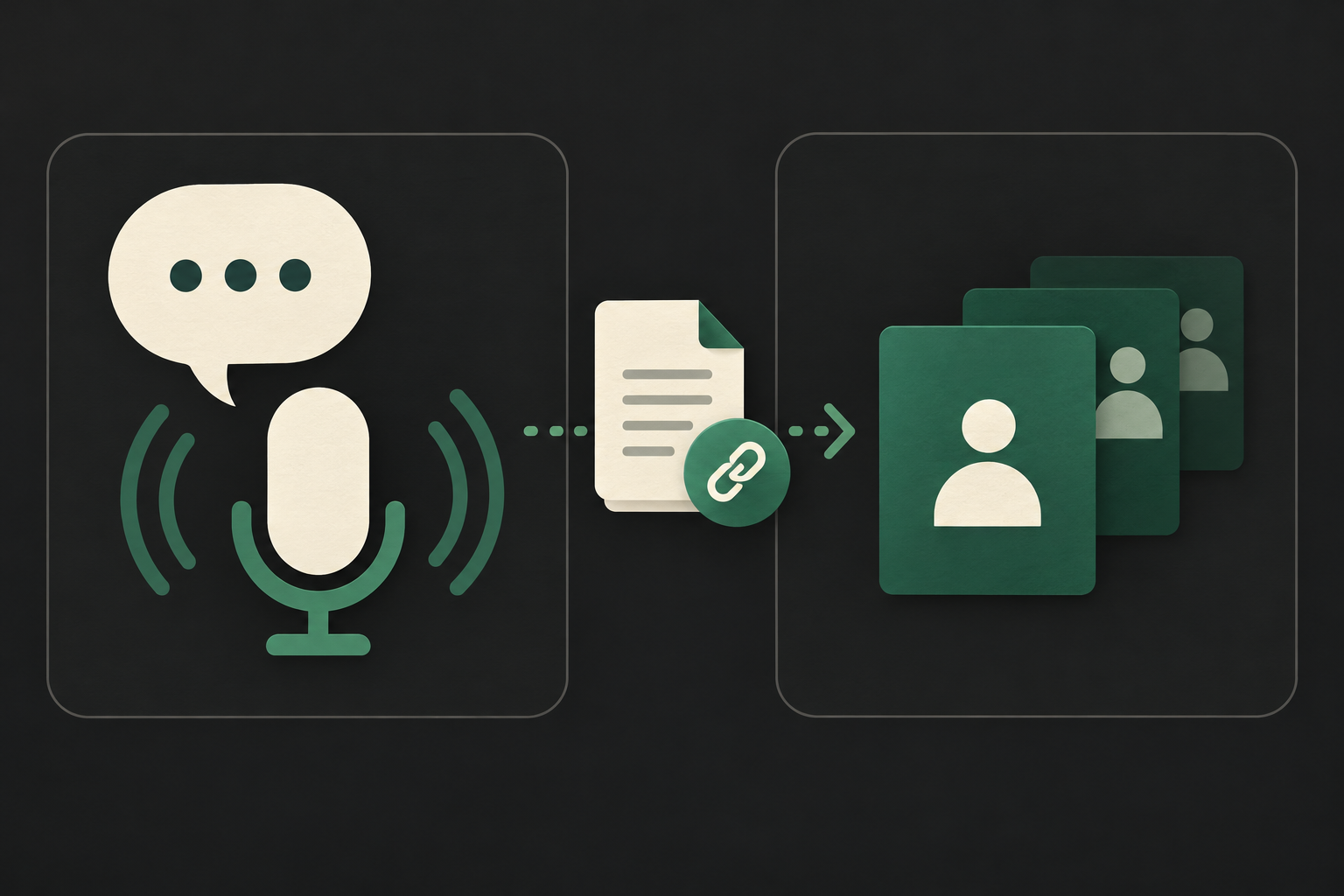
Plain-English answer first: a properly configured Voice AI reception system can read permitted Planning Center records, confirm details to a caller, and — where your organisation grants the right API scopes — create or update supported records such as registrations, service assignments and people fields. It should never guess permissions or write without explicit validation and logging.
Quick practical summary
If Planning Center access and scopes are granted, Voice AI can: look up people by phone or email, check upcoming services and assigned roles, register a person for a class or event, update basic contact fields, and create a task or note for staff.
- Read: people, services/rosters, registrations, event details, calendars.
- Write: registrations, basic people/contact fields, service role assignments (where allowed), notes or tasks depending on setup.
- Notifications: webhooks let Planning Center notify your application when records change so the voice agent can confirm updates.
What Voice AI should not do without controls
Avoid creating or changing high-risk records without strict checks: donations and payment processing, pastoral case notes, legal agreements and anything requiring express written consent. When you cannot guarantee identity or permission scope, switch to read-only confirmation and create a staff follow-up ticket.
- Never auto-process payments via a voice channel unless you have PCI-compliant payment architecture and explicit permissions.
- When policy or privacy is involved, collect minimal context and hand off.
What happens when a caller wants to book, change or check something?
Below are concrete caller-to-workflow examples relevant to church operations. Each example states typical caller requests, the data the agent needs, the permitted system actions using Planning Center, what the caller hears as confirmation, and when to escalate.
Example A — “I’d like to serve on Sunday” (volunteer / service role)
Caller: “I want to serve this Sunday as an usher. ” Agent needs: caller identity (phone or email verification), which service date/time, role and any role-specific qualifications (e. g. accessible seating training). Permitted action: query Services/schedules to find openings and, where API write access and permissions allow, add the person to the role or create a tentative assignment. Confirmation: “You’re signed up as an usher for the 9:00 service on Sunday, 24 May. You’ll receive a confirmation email and a reminder on Friday.
- Voice check: verify identity by reading back the caller’s name and last four of phone number.
- If write fails or is not permitted, agent creates a task for volunteer coordinator with caller details and a suggested role.
- Use webhooks or background job to send email/SMS confirmation after the assignment is created.
Example B — “Can I register for next week’s parenting class?” (registrations / events)
Caller: “How do I sign up for the parenting class? ” Agent needs: which session, registrant name and contact, any household members, and capacity status. Permitted action: check event capacity via Registrations or Events, create a registration or waitlist entry if the API scope allows, and capture basic answers to registration questions. Confirmation: “You’re registered for Parenting Class — Session B on Tuesday, 6 June. A confirmation email has been sent. Your registration ID is 12345.
- Keep registration question sets short for voice and confirm each critical field aloud.
- If registration fields exceed what’s practical for voice, open a staff-assigned ticket for follow-up and capture minimal data by phone.
What can the agent update or route?
Practical list of updates and routing actions that are realistic to implement with Planning Center and a voice integration, and what to avoid.
Update basic contact and household fields
Typical caller: “Please change my email / update our address. ” Agent needs to verify identity, locate the person record, and confirm which fields to change. Permitted action: update supported People fields (email, phone, address) when API write permission and organisational rules allow. Confirmation: “I’ve updated your primary email to jessica@church. org. You’ll receive a verification email shortly.
- Always echo the exact change and send an email or SMS confirmation.
- Record an audit note on the person’s profile with timestamp and operator id (the voice system account) for accountability.
Route enquiries and create follow-up tasks
Typical caller: “I need someone to call me about youth ministry. ” Agent needs the caller’s contact and brief context. Permitted action: create a follow-up task, ticket or calendar event for staff, assign priority and route to the correct team. Confirmation: “I’ve created a request for youth ministry. A staff member will call you within two business days.
- If direct write access to a task list isn’t available in Planning Center, the voice system should create an internal ticket and email or.
- Add a short transcript or summary to the person record so staff get context before they call.
When should a human take over?
Voice AI is best for routine and low-risk tasks. Escalate to a staff member when the request is sensitive, ambiguous, policy-bound or technically blocked.
Permission, privacy and pastoral sensitivity
Hand over when the discussion touches pastoral care, safeguarding, legal matters or identifying private health information. The voice system should capture contact info and context, then route to an appropriate staff member.
- Verify caller identity, but do not pressure for sensitive disclosures on voice alone.
- Record consent to be contacted before adding notes to sensitive records.
Complex scheduling or conflicts that require judgement
If assigning a volunteer would cause a conflict, if the role requires approvals, background checks, or cross-campus coordination, route to the scheduling coordinator.
- The voice agent should explain why it’s escalating and give an estimated callback time.
Implementation reality: API access, permissions, middleware, security and failures
A compact technical reality check so operators understand what’s implementable and what requires planning.
Confirmed API access, authentication and scopes
Planning Center exposes a developer API that supports REST access and uses OAuth 2. 0 for multi-organisation apps; personal access tokens are also supported for single-account integrations. The API surface supports reads and writes for supported objects, and webhooks are available to receive event-driven updates.
- Use OAuth for apps that operate across multiple Planning Center organisations; personal tokens are simpler for single-account setups.
- Design your voice workflows to degrade gracefully if a required scope is not granted.
Middleware (AWS) controls the real operational safety
In practice, Peak Demand recommends an AWS-based middleware layer between the voice model and Planning Center. Middleware enforces business rules, verifies caller identity, maps voice intents to concrete API calls, manages token rotation, performs retries on transient failures, logs every action for audit, and stores transcripts and confirmations for QA.
- Middleware centralises validation so the voice model never talks directly to Planning Center with unchecked writes.
- Use middleware to attach an audit trail (who asked, what was changed, why) and to produce staff tickets when writes are blocked.
How Peak Demand typically implements this and governance points
Operational checklist: how a managed Voice AI deployment normally runs and what buyers should expect to govern.
Operational flow and handoff
Typical flow: caller → Voice AI intent + minimal verification → middleware validation and lookup in Planning Center → permitted read/write action → confirmation to caller → logging and QA → human follow-up if queued.
- Maps voice intents to a small, well-tested set of Planning Center actions.
- Provides an admin console to audit calls, approve ambiguous writes, and tune prompts.
Model Context Protocol (MCP) role
Model Context Protocol (MCP) is used to limit what context is supplied to the voice model at runtime — for example, only the relevant person record and next three service dates — reducing overexposure of data and focusing the model on what matters for the caller’s request.
- Use MCP to deliver concise, verified context for each intent rather than streaming large datasets to the model.
Related Peak Demand resources
Industry and AI sources reviewed
- Planning Center official API/developer sourcePlanning Center
Privacy, cybersecurity, contractual, records, and sector-specific obligations vary by jurisdiction and connected system. This article is operational guidance, not legal advice; organizations should confirm applicable requirements with qualified professionals.
Frequently asked questions
Yes — but only for the objects and actions Planning Center’s API permits and only if you grant the integration the correct write scopes. Best practice is to restrict automatic changes to simple, reversible items (like adding a registration or assigning a volunteer) and require human approval for schedule conflicts, approvals or role changes that need judgment.
Official reference: Planning Center official API/developer source
Planning Center supports OAuth 2.0 for multi-organisation apps and personal access tokens for single-account integrations. The voice integration must request the minimum scopes necessary for its workflows; user permissions in Planning Center still apply. Plan the OAuth flow if you expect the app to serve more than one organisation.
Official reference: Planning Center official API/developer source
You can do either. A developer can build a custom voice integration using Planning Center’s API, but many churches prefer a managed offering that handles middleware, prompts, QA and staffing — for example, Peak Demand’s managed Voice AI services which cover inbound flows, integrations and ongoing QA.
Payments and refunds are high-risk and must use PCI-compliant payment processors. Plan for human handling or a secure payment link; avoid collecting card numbers by voice unless you have a verified, compliant IVR payment solution. Confirm organisation policy and consult your finance team before enabling any voice payment flow.
Verification is an implementation choice: common methods include confirming a phone number and email on record, asking a known security question, or sending a one-time code. The middleware should validate identity before any write and record the verification method in the audit trail.
Engineer the integration layer before scaling Voice AI
Peak Demand designs the APIs, logic bridges, validation, fallback, observability, and human-escalation infrastructure required for dependable Voice AI operations.
Schedule a discovery call


