
Practical, operator-focused guidance on how Peak Demand’s Voice AI can work with Nutshell CRM: caller examples, permitted reads and writes, confirmation flows, and when to hand off to a human.
Quick answer: What can Voice AI actually do with Nutshell?
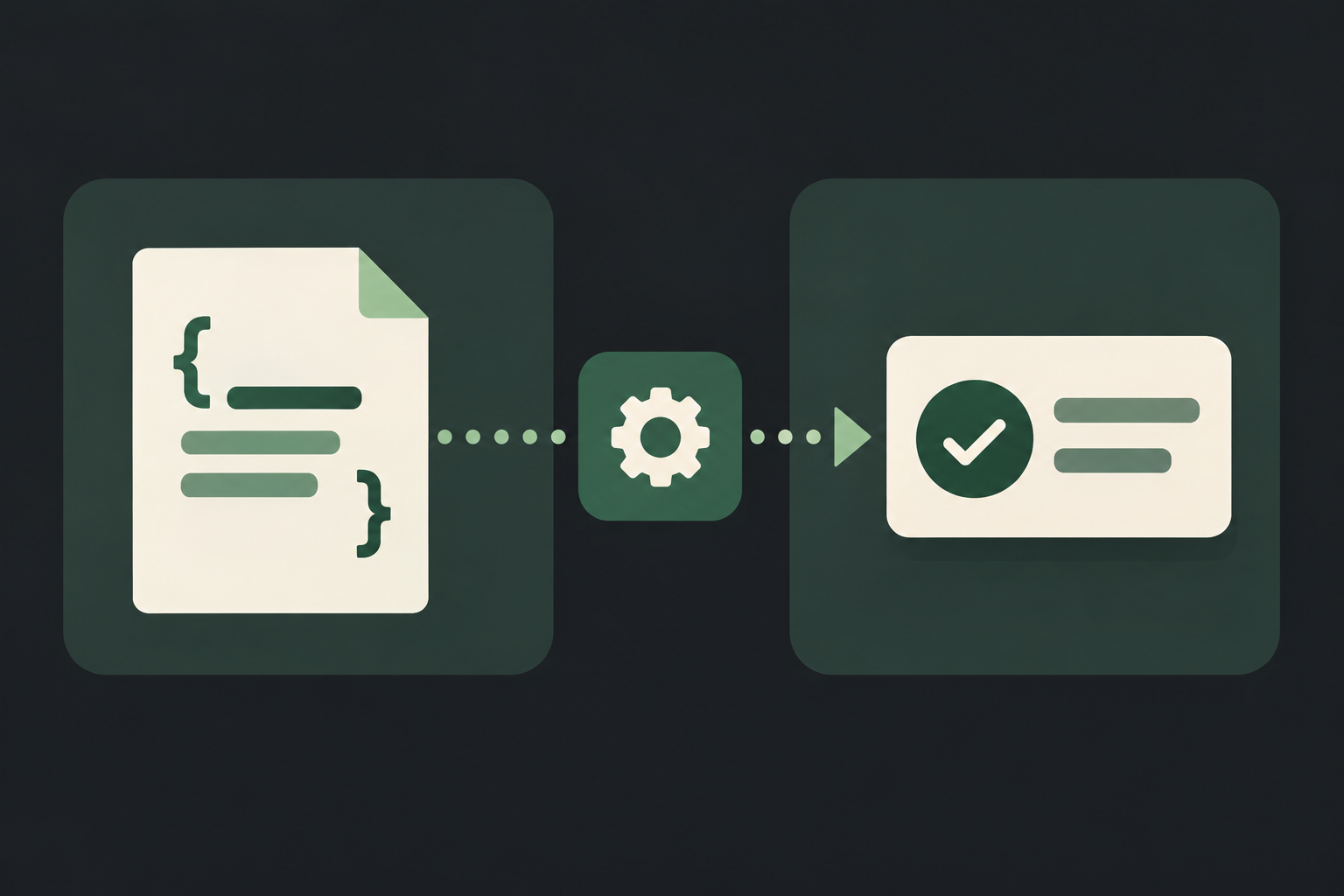
Plainly: Peak Demand’s Voice AI can answer callers, look up permitted contact and opportunity details in Nutshell, create or update records that your API credentials allow (for example contacts, notes, tasks/activities and opportunity fields), confirm the result to the caller, and log the interaction. Certain actions — like guaranteed calendar booking — are conditional on your Nutshell plan, the use of activities as appointments, and whether you also synchronise an external calendar.
Core capabilities supported by the documented API
Nutshell provides a REST API that supports reading and writing CRM records when authorised. That enables live lookups (who is calling, recent notes, pipeline stage) and controlled writebacks (create a task, add a note, update a field) — subject to the account’s scopes, rate limits and permissions.
- Read permitted contact, company and opportunity data to personalise conversation and verify the caller.
- Create notes and activities (tasks) to record outcomes and next steps.
- Update opportunity or contact fields where the API key in use has write permission.
What to expect on scheduling and meetings
Nutshell models tasks/activities and those can be used as follow-up items or appointments. However, a Voice AI that books a calendar-visible appointment often needs an additional calendar integration or confirmation step because direct calendar slot reservations are not universally present in every Nutshell configuration.
- Use activities for follow-up scheduling when you want a Nutshell record of the intent.
- For a confirmed appointment visible in staff calendars, synchronise Nutshell activity fields with your calendar system or use a booking tool in front of.
What happens when a caller wants to book, change or check something?
Operators ask this first. Below are practical caller-to-system examples showing exact voice outcomes, what Nutshell will provide, and when a human must take over.
Caller asks: “Do you have my appointment tomorrow?” — the check flow
Caller intent: confirm date/time. Voice AI actions: verify caller identity with two quick attributes (phone number and one other field), query Nutshell for recent activities/appointments tied to the contact, read the activity summary and confirm details. If the activity exists but lacks a precise time, the agent says so and offers to create a task for staff to follow up.
- System reads permitted activity records tied to the contact and the nearest relevant opportunity or company.
- If a timestamp and location are present in an activity, Voice AI reads them and asks a single confirmation question.
- If the data is missing, create an activity/task and notify the team, rather than invent a booked slot.
Caller asks: “Can I reschedule my meeting?” — the change flow
Caller intent: reschedule. Best practice: check whether that meeting is only a Nutshell activity or also on a staff calendar. If it’s a Nutshell-only activity, Peak Demand can update the activity time within rules. If it’s synced to calendars, the agent either (a) proposes next available slots (if calendar sync exists), or (b) creates a pending activity and flags a human to confirm calendar conflicts.
- When calendar sync exists: propose slots, update activity, and push confirmation to calendar (implementation-dependent).
- When calendar sync does not exist: update Nutshell activity as requested and notify staff to finalise the calendar entry.
- Always confirm the new time to the caller and record the change as a note.
What can the agent update or route in Nutshell?
Voice AI should only edit fields and objects permitted by the integration credentials and your business rules. Typical practical updates:
Common safe write actions
These are the kinds of writes we implement as standard because they preserve auditability and are low risk:
- Create contact or lead records from caller details and capture source/medium.
- Add notes summarising the call, including structured fields for disposition (e.g., 'interested', 'left message').
- Create tasks/activities for follow-up, including due date, owner, and brief instructions.
- Update opportunity stage or simple fields when caller authorises a status change.
Routing and notifications
Peak Demand can route calls to the right queue or person based on Nutshell data (owner, territory, opportunity value) and raise internal alerts by creating tasks or tagging records. Routing decisions are driven by business rules housed in Peak Demand’s middleware.
- Use opportunity attributes to decide whether to route to sales or support.
- Create high-priority task items to escalate urgent calls to on‑call staff.
When should a human take over?
Safe, predictable rules for handoff maintain quality and regulatory boundaries.
Clear triggers for human takeover
Peak Demand routes to a human when the Voice AI detects one or more of the following:
- Payment, credit-card capture, refunds or any transaction requiring payment compliance.
- Requests that involve sensitive personal data or regulated advice (legal, medical, financial).
- Conflicting or ambiguous record data (e.g., two different dates on file, disputed amounts).
- High-value opportunities above a configurable threshold or complex negotiation requests.
- Explicit caller request for a person.
Operational handoff mechanics
Handover includes passing a concise single-screen summary to the human agent: identity verification status, what the caller asked, Nutshell records referenced, actions already taken, and suggested next steps. Peak Demand logs both the conversation and the API transactions for audit and QA.
- Provide human agents with a pre-populated Nutshell link and a short call summary.
- Log all changes as notes or activity updates to maintain an auditable trail.
Implementation reality: API access, permissions, middleware and fail-safes
Understand what is feasible without code-gaming expectations. This section summarises the practical integration constraints and how Peak Demand handles them.
Nutshell API access and constraints
Nutshell exposes a confirmed REST API that supports both read and write operations when properly authorised. Integrations use API keys; permissions and rate limits apply and behaviour can vary by plan and account configuration. Scheduling functionality is conditional on the activity model and whether you also synchronise an external calendar. Webhooks are available in some configurations and can be used for event-driven updates — validate webhook availability for your account.
- Authentication: REST / API key (per Nutshell developer documentation).
- Read: Yes — lookups for contacts, opportunities and activities.
- Write: Yes — create and update records where API permissions allow.
- Scheduling: Conditional — activities model supports follow-up scheduling; calendar reservation often requires an external calendar integration.
- Webhooks: Conditional — check account settings to use event hooks.
Peak Demand’s AWS middleware role
Peak Demand places an AWS-hosted middleware layer between the Voice AI and Nutshell. The middleware enforces authorization scopes, applies business rules, validates inputs, manages retries for transient API errors, and provides searchable logging and audit trails.
- Enforce least privilege: only the API calls required for a workflow are permitted.
- Validate caller identity and field formats before attempting writes.
- Retry, back off and escalate on persistent API errors; create a human task when automatic resolution fails.
Frequently asked questions
Concise operator-focused answers to the questions procurement and operations teams actually ask.
Can Peak Demand’s Voice AI create appointments directly in Nutshell?
You can create Nutshell activities (tasks) to represent appointments. Whether an activity equates to a confirmed calendar appointment visible to staff depends on your environment: if you have calendar synchronisation or a booking layer, Peak Demand can write both the calendar event and the Nutshell activity. If you don’t, Peak Demand will create a tentative activity and flag staff to confirm. Always validate your Nutshell configuration and calendar sync status before assuming direct booked slots.
What permissions are required for Voice AI to update contacts and opportunities?
Updates require an API key with write permissions scoped to the objects you intend to change. Peak Demand’s middleware only exposes the minimum necessary scopes for each workflow. Confirm which API scopes your Nutshell plan supports and apply role-based controls to limit accidental writes.
Related Peak Demand resources
Industry and AI sources reviewed
Privacy, cybersecurity, contractual, records, and sector-specific obligations vary by jurisdiction and connected system. This article is operational guidance, not legal advice; organizations should confirm applicable requirements with qualified professionals.
Frequently asked questions
Yes — Nutshell’s REST API supports real-time read and write when authorised. Peak Demand uses the API to fetch permitted contact, opportunity and activity data during calls and to write notes, activities and allowed field updates. Permissions and rate limits apply and behaviour can vary by plan.
Official reference: Nutshell official API/developer source
If the environment has a calendar sync or booking layer that Peak Demand can call, the Voice AI can confirm a booked slot immediately after writing both the calendar event and Nutshell activity. If no calendar sync exists, Peak Demand will create a Nutshell activity marked tentative and confirm to the caller that staff will follow up to finalise the appointment.
Official reference: Nutshell official API/developer source
Peak Demand’s AWS middleware applies retries with exponential backoff for transient errors, provides clear in-call messaging to the caller if an operation can’t be completed, and creates a high-priority task for staff when manual intervention is required. All failed attempts and API responses are logged for QA and incident investigation.
Peak Demand stores only the data necessary to run the service, raw transcripts and logs as agreed in the contract, and retains call recordings and audit logs in the configured hosting region. Data residency, backup geography and subprocessors are scoped at procurement; organisations must confirm obligations with their compliance advisor.
Nutshell supports webhooks in some account configurations, which Peak Demand can use to trigger event-driven workflows, notifications or outbound follow-ups. Validate webhook availability and required permissions for your Nutshell account before designing event-driven automations.
Official reference: Nutshell official API/developer source
Engineer the integration layer before scaling Voice AI
Peak Demand designs the APIs, logic bridges, validation, fallback, observability, and human-escalation infrastructure required for dependable Voice AI operations.
Schedule a discovery call


