
Plain-English workflows showing what Peak Demand’s Voice AI can and cannot do with NexHealth: booking, checking, updating, routing, confirmations and where humans must take over.
What can Voice AI actually do with NexHealth?
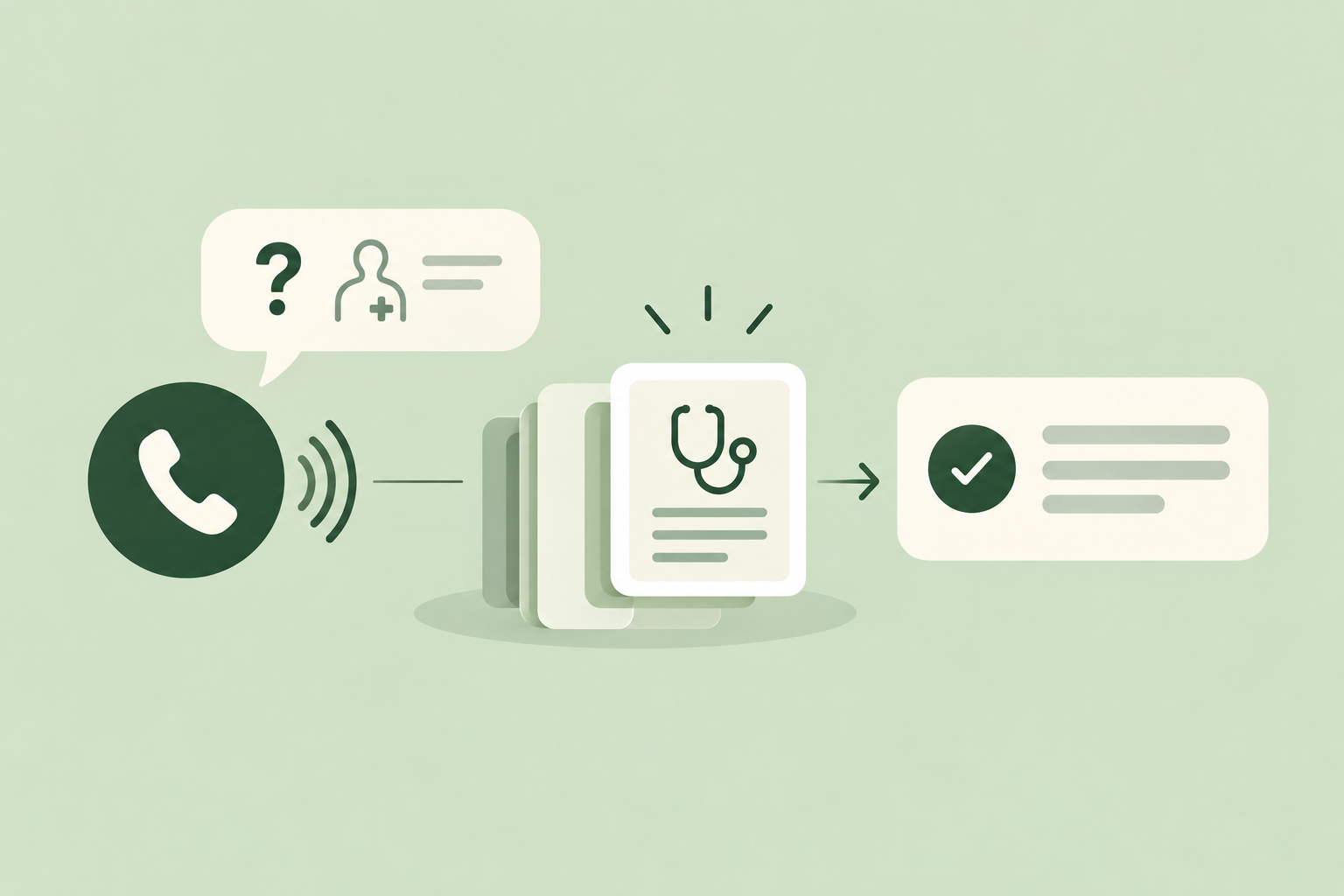
Short answer in plain English, then a tidy list of supported actions you can expect from Peak Demand’s Voice AI when a practice uses NexHealth as its scheduling/CRM backend.
Plain-English answer
Peak Demand’s Voice AI can perform routine administrative tasks that NexHealth’s official API supports: look up patients and appointments, check provider availability, create or change appointments where your NexHealth connection and plan permit, update non-clinical contact fields, and subscribe to events via webhooks for follow-up. The agent confirms results to the caller, writes an auditable record, and routes to a human for anything outside safe automatable scope.
- Read patient and appointment records (name, contact, appointment metadata) and use them to personalise the call.
- Create, reschedule, or cancel appointments using NexHealth scheduling when the practice connection permits booking write actions.
- Update administrative patient details (phone, email, address) and append call notes or flags.
- Trigger or respond to NexHealth webhooks for post-call notifications (appointment reminders, cancellations).
What Peak Demand won’t do without validation
Peak Demand will not attempt clinical triage, send clinical instructions, or authorise changes that the NexHealth connection or the practice’s policy disallows. Any action that exposes clinical risk or requires insurance or detailed billing changes is routed to a human.
- No autonomous clinical decision-making or medication changes.
- No insurance benefit adjudication unless the practice authorises a back-end workflow that exposes that capability.
- No cross-practice write actions without explicit multi-practice authorisation.
What happens when a caller wants to book, change or check something?
Concrete caller-to-system examples: what the caller asks, what the Voice AI does with NexHealth, what the caller hears, and when staff should take over.
Booking a new appointment (typical)
Caller: “I need to see Dr. Lee next week for a follow-up.” Peak Demand flow: verify identity (name + DOB or PIN), query NexHealth for provider availability and location, propose one or two available slots, create the appointment if the caller accepts, write the appointment record back to NexHealth, and confirm the booking with time, location and cancellation policy.
- Verification: minimal identity checks consistent with the practice’s policy before revealing appointment details.
- Read provider schedule and slot availability via NexHealth scheduling API.
- Create appointment through NexHealth if the practice’s connection and plan permit booking write actions.
- Confirm: spoken confirmation with appointment ID or reference; optional SMS/email confirmation using contact details on file.
Changing or cancelling an appointment
Caller: “I need to move my 2pm on Tuesday.” Peak Demand flow: locate appointment by patient and datetime, check editable status and any policy constraints (lead-time, provider permissions), offer alternate times, update or cancel the appointment in NexHealth, and confirm. If the requested change violates practice rules — for example, within a non-changeable window — the agent offers to place a callback task for a human.
- Locate appointment using search filters (patient + time or appointment ID).
- Respect scheduling constraints configured by the practice; where the API returns a locked status, escalate.
- Write the updated appointment or cancellation to NexHealth and notify via configured channels.
What can the agent update or route?
Practical list of safe administrative updates and routing behaviours you can implement with Peak Demand and NexHealth.
Safe updates the agent can make
Peak Demand can update non-clinical patient data and appointment metadata that NexHealth’s API allows your connection to change.
- Contact details: phone, email, and mailing address updates.
- Appointment fields: time, status (confirmed/cancelled), calendar assignment, and general notes.
- Administrative notes or flags for staff attention (e.g., difficult access, language preference).
Routing and task creation
When the agent detects needs it cannot resolve, it creates clear, auditable handoffs.
- Create tasks or tickets for front-desk follow-up, provider call-backs, or billing review.
- Route calls to on-shift staff when policy or caller intent requires human judgment.
- Use NexHealth webhooks and Peak Demand logging to trigger downstream outreach (SMS confirmations, reminder messages).
When should a human take over?
Clear decision points where human intervention is required to reduce clinical, legal, or operational risk.
Clinical or safety questions
Any request that asks for clinical advice, test results, medication guidance, triage, or contains evidence of an urgent clinical issue should be escalated to clinical staff immediately. Peak Demand routes these calls and attaches the conversational transcript and contextual NexHealth record for the clinician.
- Result interpretation requests or new symptom descriptions.
- Requests that imply emergency or urgent care needs.
Complex administrative exceptions
Edge cases that often require humans include insurance queries, multi-appointment coordination across providers/locations, disputed charges, or edits flagged by practice policy (e.g., locked appointments). The Voice AI logs the request and opens a task or places the caller in a human callback queue.
- Insurance, eligibility and billing disputes.
- High-value scheduling exceptions or policy-denied writes.
Implementation reality: auth, permissions, middleware, and MCP
How Peak Demand implements these workflows in reality: the NexHealth surfaces used, where Peak Demand’s AWS middleware sits, and how we enforce safety, validation and auditability.
API access and what’s confirmed
NexHealth exposes a documented developer API that supports REST authentication (OAuth or API credentials), read and write on patient and appointment resources, scheduling availability queries and webhooks for event subscriptions. Peak Demand’s design uses only the confirmed NexHealth API surfaces and respects provider/PMS connection scope and plan-limited permissions. Customer authorisation and connection coverage are preconditions to any booking or write capability.
- Authentication: REST/OAuth or API key-based patterns as defined by NexHealth.
- Capabilities: read=yes, write=yes, scheduling=yes, webhooks=yes (per NexHealth developer docs).
- Constraint: actual available actions depend on the practice’s NexHealth plan and provider connections.
AWS middleware and controls
Peak Demand uses AWS-hosted middleware between the voice model and NexHealth to centralise authentication, validate inputs against business rules, rate-limit calls, perform retries, and create an auditable event log. This layer enforces policies (what fields are writable, required verification steps) and handles transient API failures so the caller gets a clear confirmation or a human handoff.
- Middleware enforces scopes and token management, applies policy rules, and records all API calls for audit and QA.
- Retries and graceful failures: automated retries on transient errors, human escalation on repeated failures.
- Recording and consent: middleware ensures consent flows and stores metadata about recording location and retention according to the operator’s configuration.
Practical checklist and next steps for evaluators
A concise procurement and operational checklist to validate with Peak Demand and your NexHealth admin before committing.
What to validate with your IT/operations and NexHealth admin
Before pilot, confirm the exact API scopes, whether your NexHealth plan and provider connections allow writes and scheduling, webhook delivery endpoints, and any per-practice policy constraints. Agree on verification steps you’ll require on voice calls and define which appointment types are automatable.
- Confirm NexHealth plan permissions and which resources are writable.
- Decide identity/verification steps (name + DOB, PIN, SMS OTP) and document them in policy.
- Agree on data residency preferences, recording retention and subprocessors for audit.
Operational next steps
Start with a narrow pilot: automate a small set of appointment types and contact updates, measure outcomes, expand scope, and implement QA procedures that review transcripts and audit logs. Peak Demand provides managed services and QA to tune prompts, rules and handoffs.
- Pilot smallest feasible scope (e.g., appointment confirmations and simple reschedules).
- Use webhook-driven events to validate end-to-end flows and notifications.
- Define SLAs for human callback and exception handling.
Related Peak Demand resources
Industry and AI sources reviewed
Privacy, cybersecurity, contractual, records, and sector-specific obligations vary by jurisdiction and connected system. This article is operational guidance, not legal advice; organizations should confirm applicable requirements with qualified professionals.
Frequently asked questions
Yes — when your NexHealth connection and subscription permit write access to scheduling, Peak Demand’s Voice AI can create appointments via the NexHealth API. This requires pre-authorised API credentials for the practice, agreed verification steps during the call, and explicit configuration of which appointment types and providers are automatable. If your account does not permit scheduling writes, the agent can capture the request and open a staff task instead.
Official reference: NexHealth official API/developer source
Identity verification is a configurable practice policy. Common patterns are name + DOB, a PIN previously set via SMS or portal, or SMS OTP during the call. Peak Demand enforces the practice’s chosen verification step before reading protected scheduling or patient information, and the AWS middleware logs verification proof in the audit trail.
Official reference: NexHealth official API/developer source
No. Peak Demand’s Voice AI does not provide clinical interpretation or advice. If a caller asks about results or medical guidance, the agent will record the request, notify the appropriate clinical team (via a ticket or task in NexHealth), and arrange a clinician callback. Clinical escalations are routed according to your practice policy.
Peak Demand’s middleware performs safe retries for transient errors and informs the caller of the delay. If the service remains unavailable, the system logs the request, creates a follow-up task for staff, and offers the caller a human callback. All failed write attempts and retries are recorded for audit and remediation.
Yes. NexHealth supports webhooks, and Peak Demand can subscribe to appointment events (creations, cancellations, reschedules) to keep downstream workflows and reminder systems in sync. Webhooks are also useful during pilots to validate end-to-end behavior and to trigger SMS/email confirmations from your practice systems.
Official reference: NexHealth official API/developer source
Engineer the integration layer before scaling Voice AI
Peak Demand designs the APIs, logic bridges, validation, fallback, observability, and human-escalation infrastructure required for dependable Voice AI operations.
Schedule a discovery call


