
Practical, caller-centred examples showing how Peak Demand’s Voice AI can read and update NationBuilder records, handle event registration conditionally, record notes, route tasks and hand off to humans when needed.
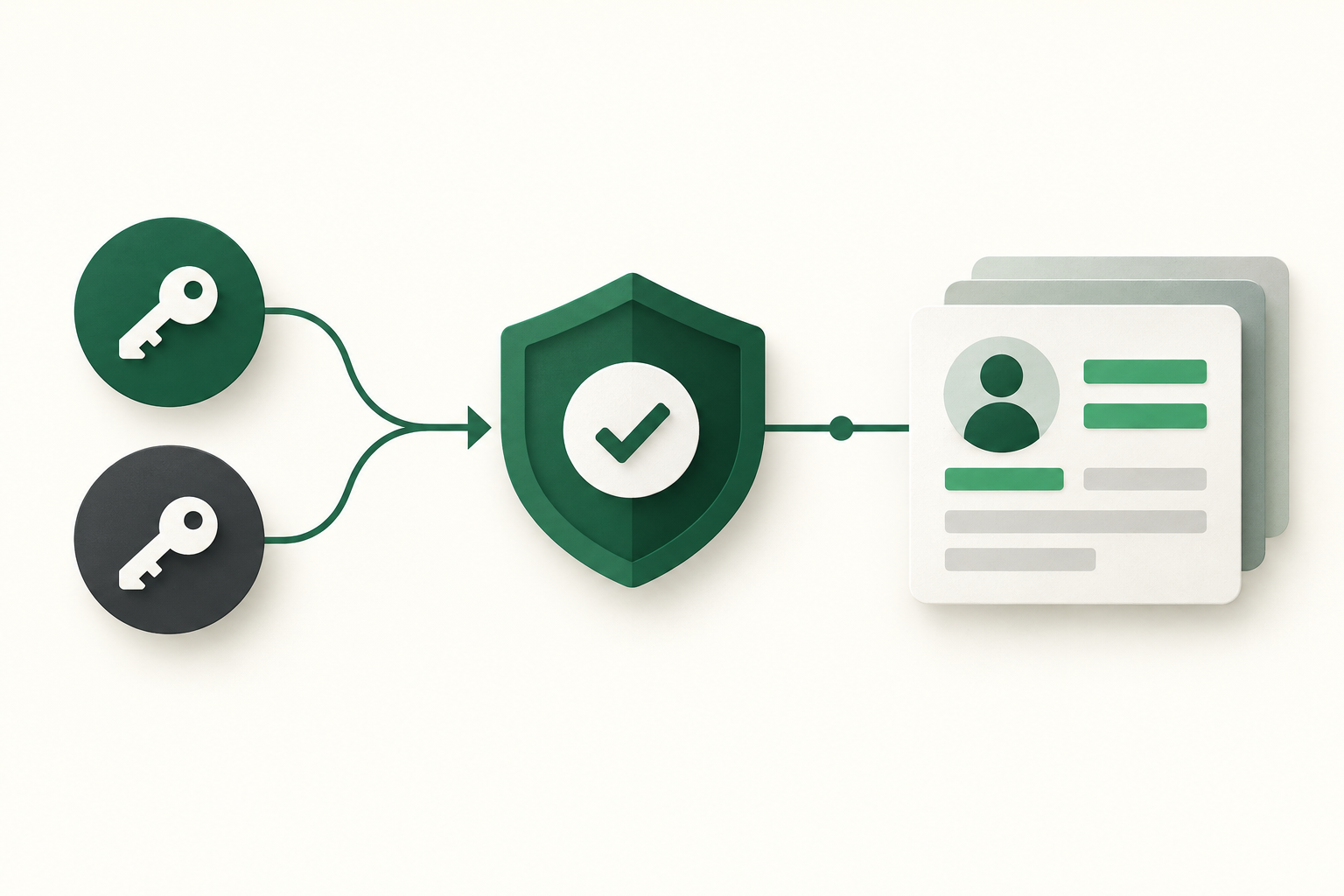
What can Voice AI actually do with NationBuilder?
Short answer: a Peak Demand Voice AI can read contact records, add or update permitted fields, create notes and tags, and — where your NationBuilder account exposes event functionality and the right scopes — register or RSVP callers. It can also log interactions and trigger routing to staff.
Quick reads and simple updates
Typical, low-risk actions are reliable and immediate: look up a caller by name or phone, confirm contact details, update a phone number or email, append a note to a person’s record, or add a tag. These are supported where you have read/write API scopes.
- Read: contact lookup by phone, email or name; read basic fields and recent activity.
- Write: update contact fields (phone, email), add notes or tags to a contact record.
- Operational outcome: caller hears a confirmation, record updated, and interaction logged.
Events and scheduling (conditional)
NationBuilder supports events, and the API can interact with event data — but availability varies by account configuration and whether event registration is enabled. When enabled and permitted by scopes, the Voice AI can check event capacity, register a caller, or add them to an attendee list. Validate your NationBuilder account during scoping before assuming full scheduling capability.
- Check: event existence, date/time, remaining capacity where the account exposes those fields.
- Action: register or RSVP callers when the event and API access allow.
- Operational outcome: caller receives a confirmation of registration; record shows event attendance or RSVP.
What happens when a caller wants to book, change or check something?
Below are concrete caller-to-workflow examples your fundraising or operations teams can evaluate. Each example lists what the caller says, what the agent needs to confirm, what NationBuilder action is possible, what the caller hears, and when a human should step in.
Example: Registering for an upcoming event
Caller: “Hi, I’d like to sign up for the gala on June 12. ” What the agent needs: caller’s name and contact details (phone or email) to match or create a contact; event identifier and capacity status. Permitted system action: if your NationBuilder account exposes the event API and the integration has registration scopes, Peak Demand’s agent will check event availability, create or update the contact, and add the attendee or RSVP record. Confirmation to caller: “You’re registered for the gala on June 12. A confirmation will be emailed to you at [email]. Would you like a calendar invite?
- Validate event exists and capacity before registering.
- Always confirm contact details and desired attendee count.
- If the account lacks event write-scopes or the event feature is disabled, agent captures intent and creates a task for staff.
Example: Checking a donation or receipt status
Caller: “Did my $250 donation from last month go through?” What the agent needs: donor’s name or email and a date or approximate reference to find the transaction. NationBuilder lets you read contact activity where the donor transaction data is recorded in the account. Permitted system action: read and report transaction metadata visible to the API (date, amount, status). The agent can add a note to the record about the call. Confirmation to caller: “I can see a $250 donation recorded on [date]. Would you like me to email the receipt or transfer you to a staff member to review the receipt details?” When to hand off: disputes, refund requests, or sensitive payment method details.
- Agent reads, reports, and logs—does not process refunds or change payment records.
- If transaction data is stored in an external payment gateway, confirm whether that gateway is connected or whether staff must intervene.
What can the agent update or route?
Voice AI shouldn’t be an unrestricted write agent. Below are practical, low-risk updates and routing actions to use first.
Notes, tags and audit trail
Best practice: use notes and tags to capture call summaries, intent (pledge, RSVP, complaint), or follow-up requirements. These are auditable and reversible, and are usually supported by NationBuilder’s API surface.
- Add a call note summarising the conversation and next steps.
- Apply tags to flag high-value donors, volunteers, or urgent issues for staff review.
- Keep a structured audit trail: who, when, source (voice), and confidence score.
Routing to people or teams
The agent can create a task or a routing note that assigns the follow-up to a fundraiser, volunteer coordinator, or operations queue. Where NationBuilder workflows support it, the integration can also trigger webhooks so your ticketing or helpdesk systems pick up the item.
- Create a task or staff-assignment note when a human must follow up.
- Trigger webhook notifications to external systems for email or ticket creation.
- Confirm routing by telling the caller who will follow up and when.
When should a human take over?
Decide handoff rules before you go live. Clear thresholds keep your Voice AI safe and effective.
High-risk or sensitive requests
Humans should handle anything involving funds, refunds, legal claims, complex donor agreements, medical or clinical information, or identity-verification failures. This reduces error, protects privacy and ensures compliance with your internal controls.
- Donations requiring card changes, refunds, or chargebacks → human.
- Legal or privacy disputes → human and legal involvement.
- Unverified callers requesting sensitive data → human.
Complex scheduling or exceptions
If the caller asks for multiple changes, conflicted bookings, group registrations, or special arrangements (e.g., accessibility needs, meals, speaker passes), route to a human to confirm logistics and eligibility.
- Group ticketing or multi-person registrations → human if beyond single RSVP.
- Exceptions to policy (waivers, complimentary tickets) → human.
Implementation reality: APIs, permissions and Peak Demand’s middleware
Practical deployments follow an architecture: Human caller → Voice AI conversation → validation and business rules → NationBuilder permitted action → caller confirmation → logging/analytics → human handoff when needed.
API access and permissions to confirm
NationBuilder documents a REST API with OAuth2 authentication. Read and write access are possible where your organisation grants the required scopes. Event scheduling and attendee write access is conditional on the account and feature configuration. NationBuilder also supports webhooks for event-driven updates.
- Authentication: REST / OAuth 2.0.
- Supported: read = Yes; write = Yes; scheduling/events = Conditional; webhooks = Yes.
- Validate scopes, rate limits and feature flags during scoping.
Peak Demand AWS middleware and operational controls
Peak Demand’s middleware performs short-duration credential handling, token refresh, request validation, permission enforcement and retries. It also records an auditable trail (who, what, when, confidence) and enforces handoff rules. Where models require context, we use a Model Context Protocol (MCP) pattern so the voice agent transmits only the minimal, policy-approved context to the model and to NationBuilder.
- Middleware enforces scopes and validates fields before any write.
- Retry logic and back-off handle temporary API errors; failures create staff tasks and a callback attempt.
- Audit logs and recording consent status are stored separately and linked to the NationBuilder record.
Operational checklist and next steps
A short practical checklist for buyers and operators preparing a pilot.
Permissions & scope to confirm
Confirm OAuth client credentials, requested scopes (read/write, events, webhooks), rate limits for your plan, and the legal owner account that will grant those scopes. Decide retention and recording consent policies, data residency needs and whether backups or subprocessors change processor location.
- Obtain a test API client with the minimum scopes needed for pilot workflows.
- Confirm whether event APIs and attendee writes are available for your account.
- Document identity-verification criteria and handoff rules.
Pilot plan and QA
Start with narrow workflows: contact lookups and contact updates, RSVP for one event, and call-note creation. Define success metrics (accuracy, handoff rate, time-to-resolution), run scripts for edge cases, and review logs weekly.
- Pilot small, measure, iterate: expand only after meeting accuracy and handoff targets.
- Include staff training so humans know the agent’s capabilities and how to handle escalations.
Related Peak Demand resources
Industry and AI sources reviewed
- NationBuilder official API/developer sourceNationBuilder
Privacy, cybersecurity, contractual, records, and sector-specific obligations vary by jurisdiction and connected system. This article is operational guidance, not legal advice; organizations should confirm applicable requirements with qualified professionals.
Frequently asked questions
Yes — where your organisation grants the appropriate OAuth2 write scopes, Peak Demand’s Voice AI can create or update contact (people) records and add notes or tags. During scoping we’ll confirm which fields you want to expose for voice updates and which must remain staff-only. All writes are validated by middleware and logged for audit.
Official reference: NationBuilder official API/developer source
Potentially. NationBuilder supports events via its API, but event registration capability is conditional on your account configuration and the granted API scopes. We’ll validate event endpoints and test registration flows during the pilot.
Official reference: NationBuilder official API/developer source
No. Payment processing and refunds involve sensitive, regulated flows and, even if transaction metadata is visible via the NationBuilder API, Peak Demand treats payment updates and refunds as human-handled tasks.
NationBuilder uses OAuth 2.0 for API authentication. Your organisation grants client credentials and scopes that determine what the Voice AI can read or write. Peak Demand’s middleware manages token refresh and scope enforcement so the voice layer only performs actions authorised by your team.
Official reference: NationBuilder official API/developer source
Peak Demand’s middleware implements retry and back-off logic. If the action still fails, the caller receives a clear acknowledgement and the system creates a logged task for staff follow-up. All failed attempts are retained in the audit trail for QA and remediation.
Official reference: NationBuilder official API/developer source
Engineer the integration layer before scaling Voice AI
Peak Demand designs the APIs, logic bridges, validation, fallback, observability, and human-escalation infrastructure required for dependable Voice AI operations.
Schedule a discovery call


