
A practical, operator-focused guide showing what Peak Demand’s Voice AI can do with Lawmatics: caller flows, permitted CRM actions, confirmations, and safe human handoffs.
Short answer: What can Voice AI actually do with Lawmatics?
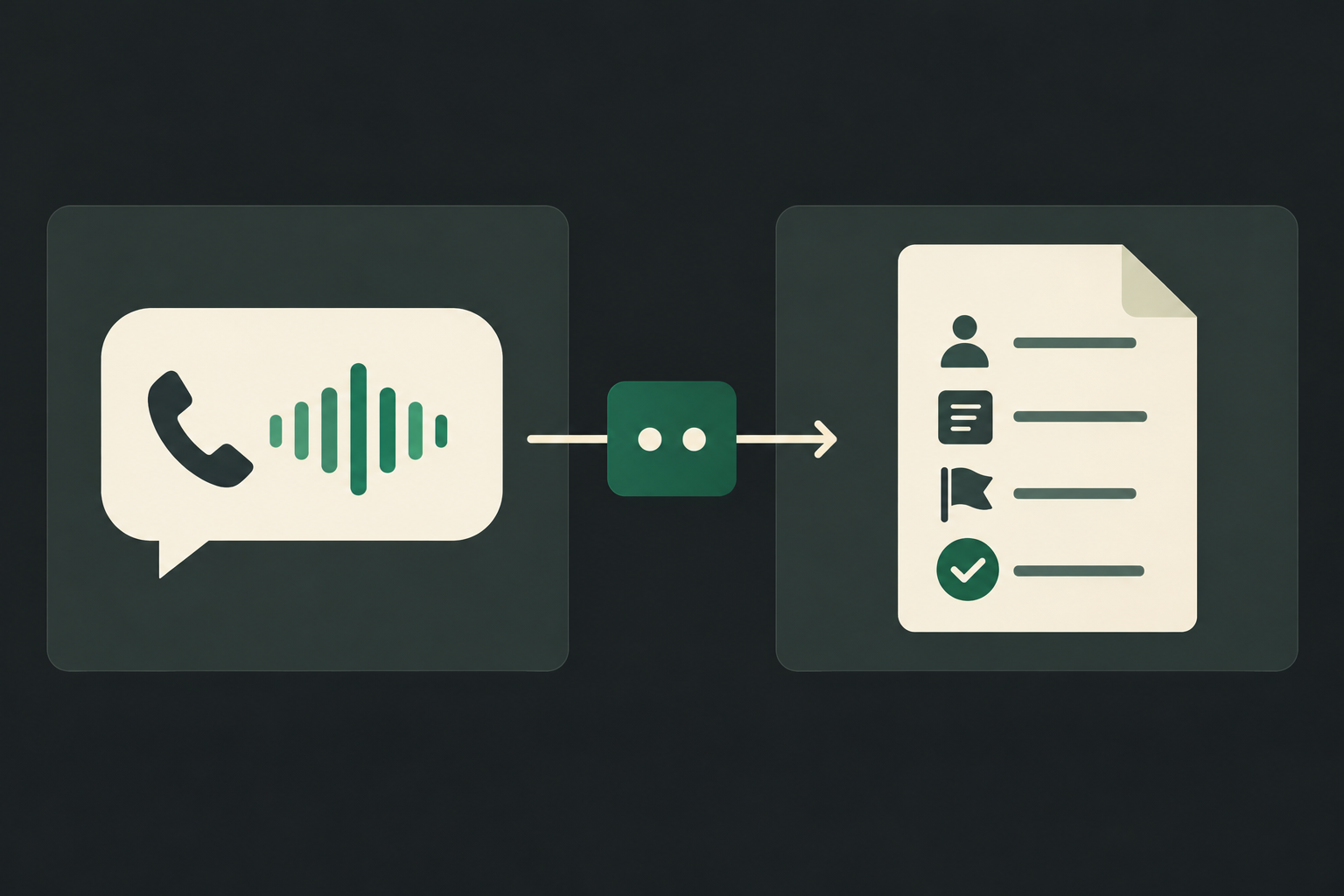
Plain-English: Peak Demand’s Voice AI can answer calls, ask clarifying intake questions, look up permitted client or matter records in Lawmatics, create or update core objects (leads, contacts, activities) if API permissions allow, and confirm results to the caller. It will log the call, produce a structured summary in the CRM, and escalate to a human where required.
Core, supported behaviours
Typical, implementable actions include: reading permitted contact or lead details; creating a new lead/contact record from intake; creating an activity or appointment object (where the Lawmatics object and permissions permit); adding structured call notes; and triggering webhooks for downstream workflows or staff notification.
- Read existing contact/lead/matter fields to avoid redundant intake.
- Create lead/contact and attach a structured intake note.
- Create activities or appointments where supported by Lawmatics objects and API permissions.
- Trigger webhooks for staff callbacks, ticketing systems or analytics.
- Confirm the recorded action verbally to the caller and in the CRM record.
What Peak Demand will not do without explicit consent or capability
Peak Demand will not make representation decisions, offer legal advice, collect sensitive documents on behalf of counsel without policy validation, or perform billing/payment transactions unless the client explicitly configures and authorises those steps. We're explicit: legal judgment and sensitive escalation stay with humans.
- No automatic representation or case acceptance.
- No unilateral billing/payment through the voice layer unless explicitly authorised and validated.
- Sensitive legal questions trigger immediate human handoff according to firm rules.
What happens when a caller wants to book, change or check something?
Scheduling is a frequent question. Lawmatics has appointment/activity objects exposed in its API surface, so booking flows are feasible — but permissions, calendar availability sources, and plan limits matter.
New client consultation booking
Caller: "I’d like to book a consultation." The Voice AI asks the minimum intake questions the firm requires (name, best contact number, practice area, matter urgency, preferred times). Peak Demand checks Lawmatics for an existing contact or lead and then, if the account grants write access to appointment or activity objects and the firm has configured availability rules, creates an appointment or activity and attaches the intake record.
- Ask required intake questions and confirm identity contact info.
- Lookup existing contact/lead in Lawmatics to avoid duplicates.
- Create lead/contact and then create an appointment or activity object if API scope and firm rules permit.
- Read back confirmation details and send staff notification via webhook or email.
Reschedules and cancellations — conditional
Caller: "Can I move my consultation?" Where Lawmatics is the single source for appointments and the API client has write permissions for appointment/activity objects, Peak Demand can attempt to modify or cancel the appointment. If multiple calendars or external calendar links are in use, the voice flow should validate availability and, when in doubt, propose a human-assisted reschedule.
- Verify the appointment ID and permission to modify.
- Attempt update via Lawmatics API when permitted, otherwise flag for staff action.
- Confirm change verbally and in the CRM; follow up with an SMS or email confirmation based on firm policy.
What can the agent update or route in Lawmatics?
In day-to-day operations, firms ask: can the voice agent change contact info, add notes, flag urgent matters or create tasks? Short answer: yes — within API and permission limits.
Contact, lead and matter updates
The voice agent can update non-sensitive contact fields (phone, email, preferred language), create or append a lead, and attach structured intake notes. Any update modifies the Lawmatics record via the API and is timestamped for audit.
- Confirm the caller’s identity before overwriting contact details.
- Append structured call summaries rather than overwriting free-text fields wherever possible.
- Mark the source of the update (voice intake) for staff visibility.
Routing, tasks and urgent flags
The Voice AI can create an activity or task record to flag urgent calls, tag matters for triage, or fire a webhook that pushes a high-priority notification to on-call staff. For time-sensitive matters, Peak Demand’s flows include escalation windows and audible confirmation to the caller.
- Create an activity or task with priority metadata via the API.
- Trigger webhooks to alert staff or ticketing systems.
- Include human handoff triggers for emergencies or representation questions.
Practical caller-to-workflow examples
Real call examples help operators visualise the end-to-end path: what the caller asks, what the agent needs, what the system does, what the caller hears, and when humans intervene.
Example A — After‑hours new-client intake
Caller asks for a consultation outside business hours. The Voice AI: captures name, phone, brief matter description, jurisdiction, and preferred times. It checks Lawmatics for an existing record. If none, it creates a lead and an activity (intake) and assigns 'after-hours' priority. The caller hears: "Thanks — I’ve reserved a consultation request for Tuesday between 2–4pm; a staff member will confirm within business hours." The CRM record includes the full intake, call recording link, and an activity for staff follow-up.
- Minimum legal-safe intake questions that do not solicit privileged details.
- Create lead + intake activity and attach call summary/recording.
- Send webhook/email to intake team and confirm next steps to caller.
Example B — Existing client checks payment or billing
Caller: "Did my retainer get applied?" The Voice AI looks up the contact and matter in Lawmatics. If billing is tracked in Lawmatics fields accessible by the integration, the agent reads status fields the firm has permitted. If payments are managed outside Lawmatics, or the fields are not available, Peak Demand offers to create a task for billing staff and hand the caller to a human. Sensitive financial changes require human confirmation.
- Read-only lookup is preferred for billing unless explicit write permissions and business rules are in place.
- If uncertain, create a billing task and escalate to human staff.
- Confirm what the agent read and next steps to the caller.
When should a human take over?
Voice AI augments staff but must yield quickly in many legal scenarios. Here are concrete triggers for human takeover.
Legal judgement and representation decisions
Any caller question that requires interpretation of legal facts, advice about representation, or decisions about conflict checks must go to a human. Peak Demand’s flows detect keywords and certainty thresholds and initiate transfer immediately.
- Representation offers, legal advice, strategy or conflict resolution → human.
- Complex factual timelines likely to affect legal rights → human.
Data sensitivity and payments
Requests that involve payment card capture, privileged documents, health or very sensitive personal data should be routed to humans or a secure, explicit workflow. Peak Demand will not record or store such data in Lawmatics unless explicitly configured and the firm has validated compliance requirements.
- Card entry, detailed medical facts, or privileged disclosures → human.
- If the firm opts to capture certain sensitive fields, require explicit consent and a validated secure path.
Implementation reality: API access, permissions, AWS middleware and safety
A practical summary of what firms must verify before assuming a fully automated voice workflow.
Lawmatics API and what it explicitly provides
Lawmatics has a documented REST API with API credentials for authentication; the API supports read and write for core objects, activities/appointments and webhooks. Scheduling is conditional — Lawmatics exposes appointment/activity objects, but whether a specific booking flow works depends on the firm’s account, calendar sources and API scopes. Confirm plan and scope before designing automated booking.
- Authentication: REST / API credentials.
- Read access: available for core objects.
- Write access: available for core objects and activities/appointments where permitted.
- Webhooks: supported for event-driven workflows.
Where Peak Demand’s AWS middleware helps
Peak Demand places AWS middleware between the voice layer and Lawmatics to enforce validation, MFA-like checks, permissions, retries, audit logging, and data minimisation. This layer is also where we implement business rules: which fields to write, when to request human confirmation, and how to retry failed API calls.
- Authentication and scoped API credentials are managed centrally.
- Middleware handles retries, idempotency keys and audit trails for regulatory needs.
- Validation prevents accidental overwrites and enforces firm intake rules.
Related Peak Demand resources
Industry and AI sources reviewed
- Lawmatics official API/developer sourceLawmatics
- Lawmatics official websiteLawmatics
Privacy, cybersecurity, contractual, records, and sector-specific obligations vary by jurisdiction and connected system. This article is operational guidance, not legal advice; organizations should confirm applicable requirements with qualified professionals.
Frequently asked questions
Yes — but conditionally. Lawmatics exposes appointment/activity objects in its API, so Peak Demand can create appointments when your Lawmatics plan and API credentials grant write access to those objects and when your availability rules or calendar sources are compatible. Validate scopes and calendar configuration before depending on automated booking.
Official reference: Lawmatics official API/developer source
Yes. Lawmatics’ API supports read and write for core objects; Peak Demand will update permitted non-sensitive contact fields (phone, email, address) after confirming identity with the caller and according to your business rules.
Official reference: Lawmatics official API/developer source
Yes. Lawmatics supports webhooks that Peak Demand can use to notify staff of new intake, appointment changes, or task assignments in near real-time.
Official reference: Lawmatics official API/developer source
Peak Demand implements firm-approved triage scripts and confidence thresholds. When a caller’s answers require legal judgement or fall into predefined sensitive categories, the voice agent immediately transfers the caller to a human and creates a detailed activity in Lawmatics for follow-up.
Official reference: Lawmatics official website
Deployment specifics (hosting region, backup geography, subprocessors) must be confirmed with Peak Demand and the firm’s compliance team. Voice recordings and call data can be stored in AWS regions selected by the firm; confirm retention, cross-border transfer and subprocessors before launch.
Engineer the integration layer before scaling Voice AI
Peak Demand designs the APIs, logic bridges, validation, fallback, observability, and human-escalation infrastructure required for dependable Voice AI operations.
Schedule a discovery call


