
A concise, operator-focused guide showing what Voice AI can actually read, update and automate in Keap — caller examples, permitted system actions, confirmations, and when to hand off to a human.
What can Voice AI actually do with Keap?
Short answer in plain language: Voice AI can act like an automated receptionist that reads permitted data from Keap, updates records it has permission for, logs interactions, and triggers campaigns or tasks — but booking calendars can be conditional and must be validated against your Keap setup.
Concrete capabilities you can expect
In practical terms, a Voice AI integration with Keap can: find and confirm a caller’s contact record, update contact fields (phone, email, address), add tags for segmentation, create tasks or follow-up items, log call summaries or notes on the contact, and trigger automations or campaigns by applying tags or calling workflow endpoints.
- Look up contact by phone, email or name and confirm identity prompts.
- Update contact details, add tags, and record call notes or tasks.
- Create tasks or follow-up reminders for staff (callback requests, escalations).
- Trigger automations or campaign steps by setting tags or invoking workflows.
- Log the conversation metadata (transcript, disposition) to Keap for audit and handoff.
What needs extra validation
Appointment booking and calendar writeback are common asks, but they are conditional: Keap exposes scheduling-related objects and integrations differently across accounts and plans. Before automating bookings, confirm whether your Keap instance stores appointment objects natively or relies on a calendar integration (Google Calendar, Outlook) and whether the account’s API scopes permit write operations for those objects.
- Validate that appointments are supported in your Keap model or via a calendar integration.
- Ensure OAuth scopes and account features allow creating or modifying appointments.
- Plan for conflict detection (double-booking) and confirmation flows before finalising.
What happens when a caller wants to book, change or check something?
Below are compact, operator-friendly caller-to-workflow examples. Each example lists what the caller says, what the agent needs to know, the permitted Keap action, what the caller hears as confirmation, and when a human should step in.
Example: Book or change an appointment (conditional)
Caller: “I’d like to book a follow-up on Tuesday at 2 p. m. ” Agent needs: caller identity, preferred service/staff, availability window, and consent to create/modify the appointment. Permitted system action: if your Keap account exposes appointment objects or is connected to a writable calendar integration, the agent can create a provisional appointment, check conflicts, and write the appointment to Keap.
- Voice AI confirms identity: “Please confirm your full name and DOB partial/last 4 digits.”
- If calendar writeback is allowed, check availability and tentatively create a booking in Keap; if blocked, create a task and notify staff.
- Confirmation to caller: “I’ve booked you for Tuesday at 2 p.m. A confirmation email and SMS will be sent. Do you need directions or.
- Human takeover triggers: payments, policy exceptions, ambiguous availability, or when account lacks appointment write permissions.
Example: Update contact details
Caller: “Please update my address and add my new mobile.” Agent needs: verification questions (enough to match to the contact record) and the new details. Permitted system action: Voice AI updates contact fields and adds an audit note or tag to indicate the change.
- Confirm identity with two challenge items (caller-provided + stored).
- Update the contact record and create a note: who changed it, when, and by what channel.
- Confirmation to caller: “Thanks — I’ve updated your address and mobile. You’ll get a confirmation email shortly.”
- Human takeover triggers: conflicting verification, suspected fraud, or legal document requirements for address changes.
What can the agent update or route in Keap?
Operators need to know the safe, supportable touchpoints. Use Keap for CRM actions, and design the Voice AI to do only what your account permissions allow.
Common write actions
Voice AI can create or update contact records, add or remove tags, create tasks, add notes or call logs, and trigger automations. These are standard read/write CRM actions that are typically available via Keap’s REST API when the integration is authorised.
- Contact updates (phone, email, address, custom fields).
- Tags and segmentation updates to drive campaigns or workflows.
- Tasks and reminders assigned to users or teams.
- Call-summary notes and interaction metadata for audit and handoff.
Routing and escalation
Routing decisions usually combine caller intent, tags, account value, and script rules. Voice AI can set tags or create tasks that implicitly route work to a salesperson, technician, or manager.
- Use tags and task assignments to move work into a queue for staff.
- Create high-priority tasks for escalations and mark them with SLA-sensitive due dates.
- Record routing decisions and transcripts for supervisor review.
When should a human take over?
Good automation defers to humans when risk or complexity is high. Here are practical rules to apply during design and runtime.
Clear-cut escalation triggers
Hand over to a human when the caller requests complex negotiation, raises legal or regulatory issues, requires payment processing disputes, or when identity verification fails. Escalate immediately where a caller asks for clinical, legal, or otherwise regulated advice.
- Failed verification or conflicting account data.
- Ambiguous requests that could impact billing, legal status, or regulated care.
- High-value contract or bespoke price negotiation.
Operational and customer-experience handoffs
If the caller wants to speak to a named account manager, requests real-time technical troubleshooting, or expresses frustration that needs empathy and discretionary judgement, transfer to a human. Make the handoff smooth: summarize the interaction, push the transcript and the Keap record to the agent, and indicate the tasks already created.
- Prepare an agent summary card with the contact record, tags, tasks, and a short transcript.
- Use a soft transfer when you want the human to first review context; use a warm transfer for urgent handoffs.
Implementation reality: authentication, permissions, AWS middleware and failure handling
This section gives the compact technical reality operators need to evaluate feasibility and risk without drowning in API docs.
What the Keap API actually provides
Keap offers a REST API with OAuth 2. 0 authentication. The API supports read and write operations for standard CRM objects and supports webhooks for event-driven flows. Appointment or scheduling behaviour is conditional on account configuration and object availability, so confirm whether your Keap plan and API scopes permit appointment creation or whether you must write to a connected calendar.
- Authentication: REST with OAuth 2.0 — integration requires authorised account scopes.
- Read/write: confirmed for CRM objects (contacts, tags, tasks, notes, etc.).
- Webhooks: available for subscribing to events and maintaining sync.
Why a middleware layer matters (Peak Demand approach)
An AWS-based middleware between the Voice AI engine and Keap is the practical control layer: it centralises OAuth tokens, enforces scope-based permissions, validates business rules (no double-booking, field-level guardrails), implements retries and exponential backoff, records an immutable audit trail, and makes human handoff predictable.
- Centralised token management and permission enforcement (OAuth scopes).
- Business-rule validation (availability checks, anti-fraud checks) before writeback.
- Auditable logging of every API action, retry policy, and failure mode.
- Graceful degradation: when Keap is unavailable, create tasks and queue outbound notifications.
Peak Demand operating model and where we add value
Operational operators need clarity on where Voice AI stops and human accountability begins. Peak Demand designs the full caller lifecycle so teams can trust automation.
After the real person calls
Peak Demand’s practical model: the Voice AI understands the request, retrieves only permitted context from Keap, completes only API-supported actions, confirms the result to the caller, records the interaction back to Keap (notes, tags, tasks), and hands off to a human when the rules indicate it.
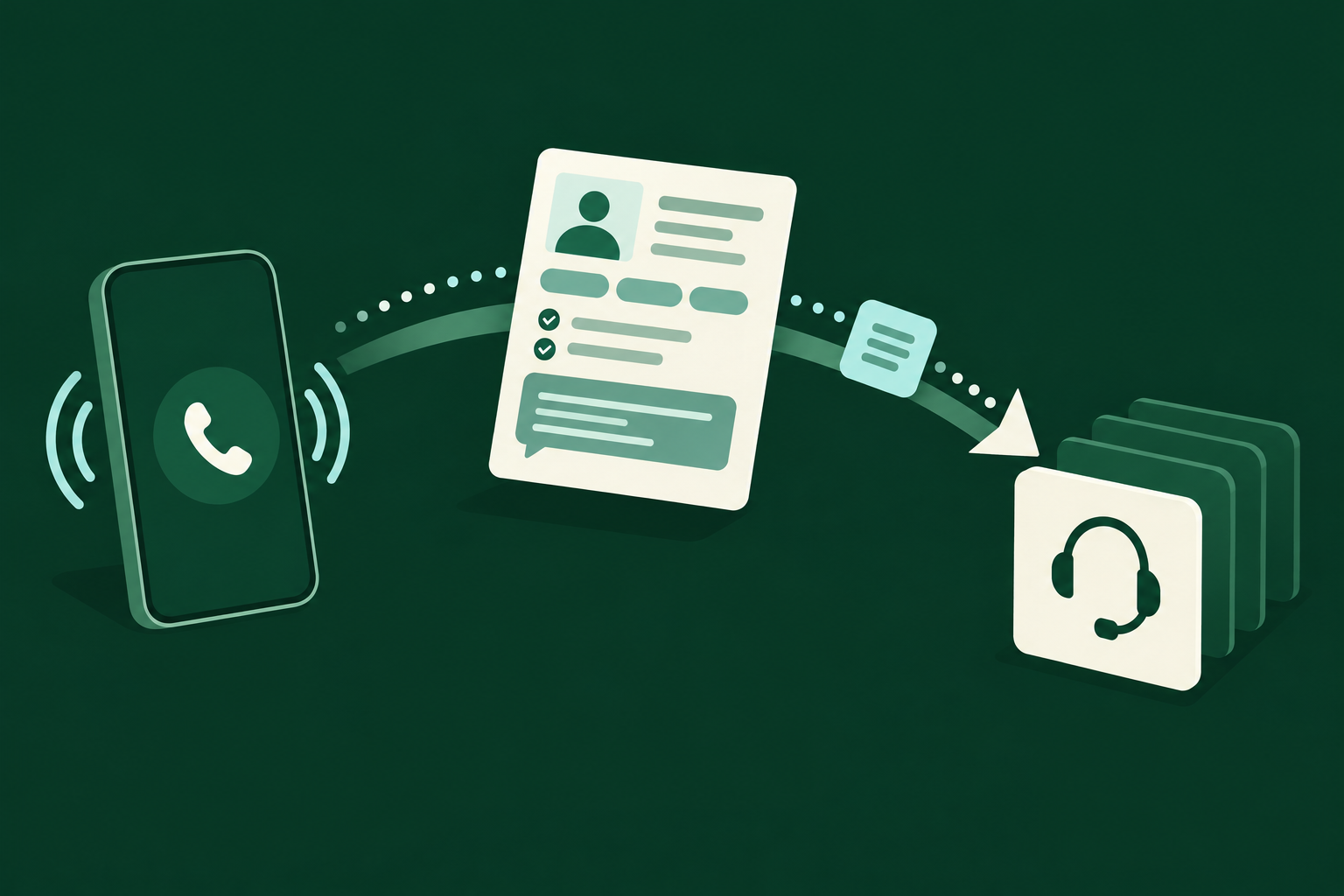
- Caller → Voice AI → Validation & business rules → Keap permitted action → Caller confirmation → Logging/analytics → Human handoff if required.
- We scope writes to the minimal fields needed and prefer tasks for manual follow-up where risk is non-trivial.
- We keep a full, auditable transcript and structured context attached to the Keap record for every handoff.
MCP: the one-line definition and role
Model Context Protocol (MCP) is a runtime pattern that scopes and stores model context (conversation state, recent API data, and redaction rules) so the Voice AI uses only the right data for each turn.
- MCP is not a replacement for API permissions — it complements them by managing context.
- Use MCP to control what the voice model can read or propose for a write operation.
Related Peak Demand resources
Industry and AI sources reviewed
Privacy, cybersecurity, contractual, records, and sector-specific obligations vary by jurisdiction and connected system. This article is operational guidance, not legal advice; organizations should confirm applicable requirements with qualified professionals.
Frequently asked questions
Yes. Keap’s REST API supports read and write operations for contact records when the integration has been authorised via OAuth 2.0. That means a properly-scoped Voice AI integration can look up contacts, confirm identity prompts, and update contact fields or add notes.
Official reference: Keap official API/developer source
Possibly — appointment functionality is conditional. Keap exposes scheduling-related objects and integrations differently depending on account configuration and plan. Before automating booking, confirm whether your Keap instance stores appointment objects via the API or relies on a linked calendar (Google/Outlook) and whether OAuth scopes permit write access for those objects.
Official reference: Keap official API/developer source
Keap uses REST with OAuth 2.0. Integrations must request and be granted specific scopes; those scopes determine read and write permissions at runtime. A secure implementation stores tokens in middleware (for example an AWS control plane) and enforces scope-based access so the voice system only performs permitted actions.
Official reference: Keap official API/developer source
Yes: the common approach is to apply tags, update fields, or call workflow endpoints that Keap exposes; those changes can kick off automations or campaigns already configured in your Keap account.
Official reference: Keap official API/developer source
Keap is a CRM primarily designed for structured records; it can store notes and metadata but is not typically the primary audio-recording archive. Standard practice is to store transcripts and structured notes in Keap and keep raw audio in a secure storage service (the integration or middleware controls retention and geography).
Official reference: Keap official API/developer source
Engineer the integration layer before scaling Voice AI
Peak Demand designs the APIs, logic bridges, validation, fallback, observability, and human-escalation infrastructure required for dependable Voice AI operations.
Schedule a discovery call


