
A plain-English guide for Home Services operators: what Peak Demand’s Voice AI can and can’t do with Jobber, concrete caller-to-workflow examples, when to hand off to a human, and the real integration limits.
What can Voice AI actually do with Jobber?
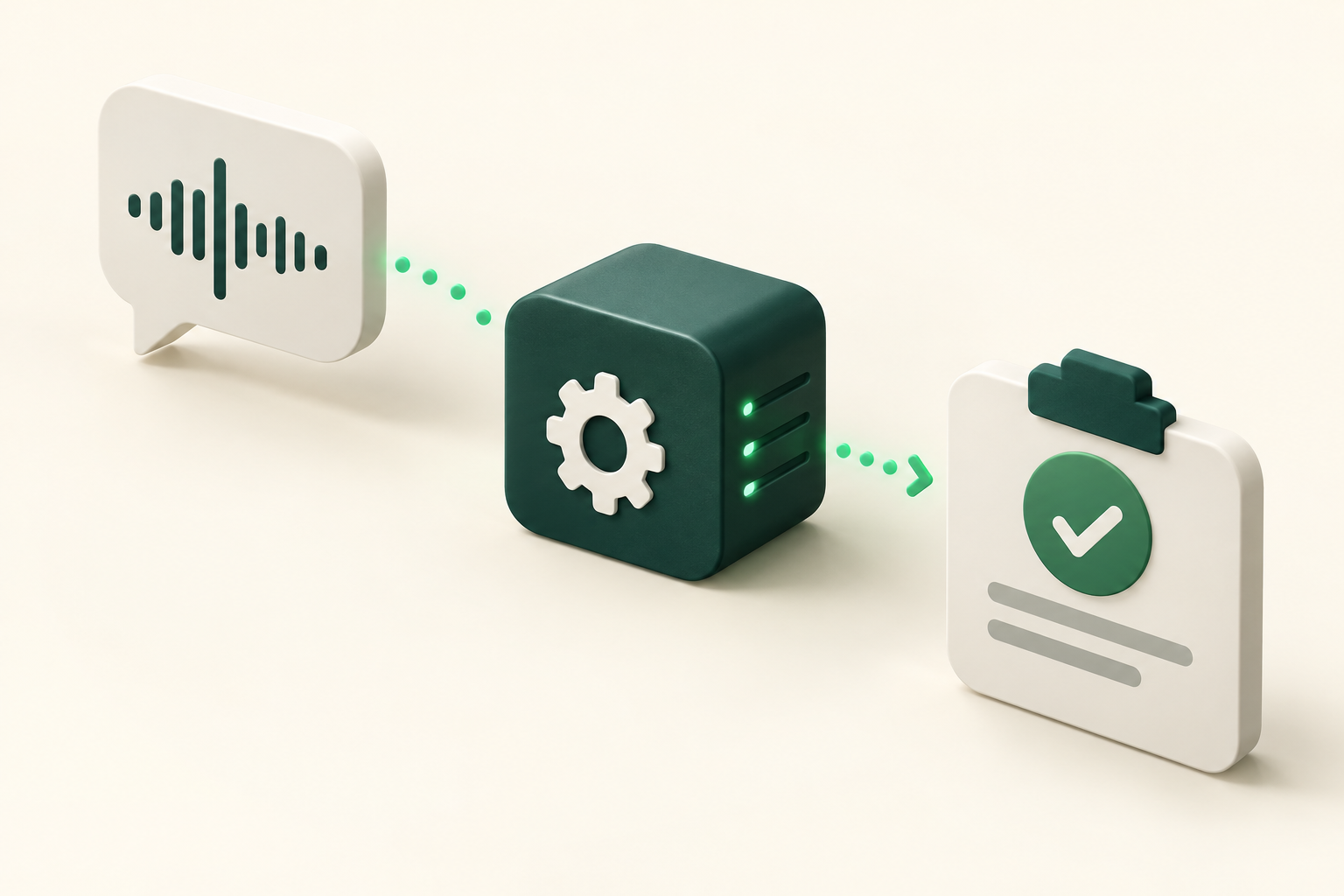
Short answer: Peak Demand’s Voice AI can answer calls, verify caller context, read customer and job data from Jobber, and perform supported create/update scheduling actions (requests, jobs, visits) when the Jobber app has the required authorizations. It always follows your business rules, confirms results to callers, records the interaction and hands the call to a human when needed.
Core capabilities you can expect
Peak Demand’s Voice AI is built to mirror what your front desk or after‑hours team would do: capture caller identity, capture or confirm service details (problem, equipment, location), check technician availability, and create or update records in Jobber where permitted. The agent speaks in plain language, confirms the outcome on the call, and writes a trace into your CRM and Peak Demand logs for audit and review.
- Lookup client records and address history to avoid repetitive questions
- Capture service request details and create a request, job or visit (if the Jobber app scope allows)
- Check and reserve available time slots based on your configured availability rules
- Send confirmations (SMS/email) and log the call transcript and summary
What Peak Demand does after Jobber action
After a permitted Jobber write, Peak Demand confirms the action to the caller, stores the call transcript and structured event data, and publishes metrics and audit logs. Our AWS middleware enforces validation, retries and permission checks so the voice layer operates safely against your Jobber account.
- Immediate caller confirmation with human‑readable summary
- Structured record created for QA and supervisory review
- Automatic escalation when confidence or business rules require human review
What happens when a caller wants to book, change or check something?
Below are caller‑to‑workflow examples you can use when evaluating Peak Demand. Each example shows what the caller asks, what the Voice AI checks in Jobber, what action is permitted, what the caller hears as confirmation, and when to hand off to a human.
Example: New booking for a routine visit
Caller: “Hi, I need someone to service my furnace next Tuesday.” What the agent needs: client identity, service type, address, preferred time windows, and any access notes. What Peak Demand checks in Jobber: existing client record, past jobs at the address, technician availability and open slots (read access). If the Jobber app scope includes scheduling writes, the agent can create a request/job/visit and attach the captured details. Permitted system action: create a request or visit record (depending on configuration and scoping). Caller confirmation: “I’ve booked a technician for Tuesday between 10 and 12. I’ll send a text confirmation and an email with the appointment details. Do you want a reminder the day before?” When a.
- Reads: client profile, address, previous job notes (requires read scope)
- Writes: create request/job/visit only if app authorized (scheduling write scopes)
- Confirmation: spoken summary + SMS/email per your notification settings
Example: Reschedule or cancellation
Caller: “Can I move my appointment from Thursday to Friday?” What the agent needs: verification (name, address or booking reference), availability window, reason for change. What Peak Demand checks in Jobber: the existing visit/job status, available slots, and any team scheduling constraints. Permitted system action: update visit time or cancel visit if the Jobber app grants write permissions; otherwise the agent captures the change and routes it to a human dispatcher. Caller confirmation: “Your Friday slot is confirmed. I’ll send an updated calendar invitation and a confirmation SMS.” When a human takes over: when the change affects dispatch routes deeply (multi‑stop reoptimisation), involves third‑party approvals, or falls outside cancellation policy.
- Reads: visit/job status and assigned tech
- Writes: update visit or cancel visit if app scopes allow
- Handoff triggers: routing complexity, policy exceptions or low confidence
What can the agent update or route?
Voice AI is effective at routine updates and routing so your human dispatchers can focus on exceptions. Below are practical examples of what you can safely automate.
Account and contact updates
Simple changes—phone number, email, access notes—can be captured and, with the right Jobber write permissions, updated automatically on the client record. Peak Demand confirms the change aloud and via message and logs who authorised it.
- Use verification questions to reduce fraud risk
- Record and retain consent for contact updates
Routing to the right team
If a caller asks for estimates, emergency plumbing, or commercial work, Peak Demand classifies intent and routes calls or creates a Jobber request with the correct service type and priority tag. This keeps your dispatchers focused on execution rather than intake.
- Intent classification uses caller responses and business rules
- Voice AI creates or tags requests so dispatch sees the right queue
When should a human take over?
Automation reduces load but doesn’t remove the need for oversight. Use clear, conservative rules for escalation.
Complex estimates and scope changes
If a caller’s request changes scope (beyond pre‑approved service types), requires a detailed on‑site estimate, or needs price negotiation, the Voice AI should schedule an estimate visit and transfer to a human estimator for follow‑up. Pricing and scope still belong to your trained staff.
- Schedule an estimate visit in Jobber and create an internal task for a salesperson
- Do not provide price guarantees over an intake call unless pre‑approved
Safety, legal and emergency boundaries
For any life‑safety issues, gas leaks, medical emergencies or situations requiring immediate dispatch, the agent follows your emergency script and immediately transfers to an on‑call human. Peak Demand flags these calls in real time for priority handling.
- Emergency or threat of property damage → immediate human handoff
- Document caller claims and time‑stamp the event for post‑incident review
Implementation reality: Jobber API, permissions and Peak Demand middleware
Here’s what actually makes the workflows above feasible and where to validate before you buy.
Confirmed API capabilities and permissions
Jobber exposes a developer API with GraphQL and OAuth 2.0 authentication. The API supports reading account and client data, creating and updating scheduling objects such as requests, jobs and visits, and subscribing to events via webhooks. That means the Voice AI can look up and, when authorised, create or modify scheduling records. App authorization, account scopes and feature entitlements determine exactly what your Peak Demand deployment can do.
- Authentication: GraphQL with OAuth 2.0 (app authorization/scopes applies)
- Read: client, job and visit data — confirmed
- Write: creates/updates for scheduling workflows (requests/jobs/visits) — confirmed
- Webhooks: available for event‑driven notifications
Peak Demand control plane and safety
Peak Demand places an AWS middleware layer between the voice agent and Jobber to enforce validation, scope checks, retries and audit trails. This middleware handles token refresh, enforces business rules (cancellation policies, booking windows), validates inputs, and routes writes only when they meet policy. Failed writes are retried or queued and callers are informed of the outcome.
- Middleware enforces permission scopes and validates data before any Jobber write
- Retries and fallbacks: safe retry logic and clear caller messages for failures
- Logging and QA: each call is recorded (where lawful), transcribed, and stored for audit
Practical next steps for operators
If you’re evaluating Peak Demand with Jobber, follow these steps to validate fit quickly and safely.
1. Map your common call types
List the top 10 inbound call reasons (booking, reschedule, ETA, estimate, emergency, payments, maintenance reminders). For each, define the minimum data needed and whether a Jobber write is required.
- Decide what the agent must auto‑write and what should go to a human
- Set confidence thresholds and escalation rules
2. Check Jobber app scopes and account features
Confirm that your Jobber account allows the necessary GraphQL operations for create/update of requests, jobs or visits and that you can install an authorised Peak Demand app with the required scopes.
- Request the required scopes from Peak Demand during procurement
- Test in a sandbox or staging environment before production
Related Peak Demand resources
Industry and AI sources reviewed
Privacy, cybersecurity, contractual, records, and sector-specific obligations vary by jurisdiction and connected system. This article is operational guidance, not legal advice; organizations should confirm applicable requirements with qualified professionals.
Frequently asked questions
Yes, when your Jobber account authorises the Peak Demand app with scheduling write scopes, the integration can create scheduling objects such as requests, jobs or visits. App scopes and account features control which write operations are available; confirm exact permissions before enabling automated writes.
Official reference: Jobber official API/developer source
Rescheduling and cancellations are possible if the installed Peak Demand app has the appropriate write access to visit/job objects. If permission is not granted or a business rule blocks the action (for example, within a no‑cancel window), the agent will either queue the change for human review or transfer the caller to a staff member.
Official reference: Jobber official API/developer source
Voice AI can report the assigned technician and visit status from Jobber (confirmed). Live GPS ETAs require a connected telematics or mobile tracking solution; if you have that data feeding your dispatch system, Peak Demand can incorporate it, but Jobber’s API alone provides visit and assignment status rather than raw device GPS streams.
Official reference: Jobber official API/developer source
Peak Demand uses OAuth 2.0 and Jobber’s GraphQL API. The integration only performs actions allowed by the app’s granted scopes. Middleware controls token refresh, validates requests and enforces your business rules before any write to Jobber.
Official reference: Jobber official API/developer source
Recording, transcription and storage practises have jurisdictional implications. Peak Demand recommends confirming where audio and transcripts are stored, backup geography, subprocessors and retention rules, and obtaining caller consent when required by law. Discuss these details during procurement and security review.
Engineer the integration layer before scaling Voice AI
Peak Demand designs the APIs, logic bridges, validation, fallback, observability, and human-escalation infrastructure required for dependable Voice AI operations.
Schedule a discovery call


