
A pragmatic guide for support teams: how Voice AI can use Gorgias to read orders, create and update tickets, route callers, confirm results and hand off to humans — and where safeguards, permissions and middleware matter.
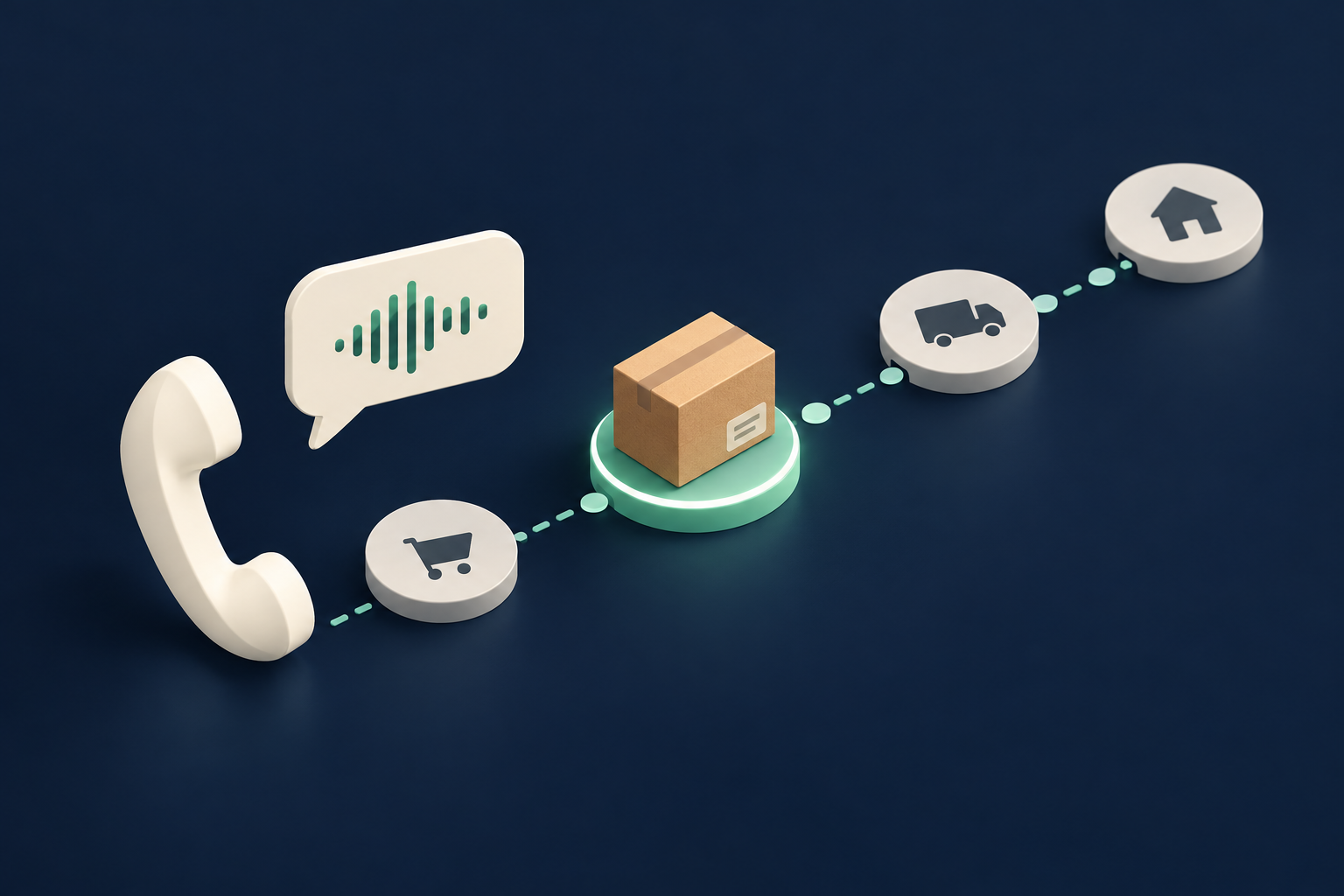
What can Voice AI actually do with Gorgias?
Short answer, in plain language: a Voice AI connected to Gorgias can look up customer and ticket context, create or update tickets, add notes and tags, and route callers to the right team or agent — provided the integration has the store-level permissions and API access. It can confirm simple read and write results back to the caller and log the interaction, and must escalate to a human when the workflow requires judgement, verification or.
Read and confirm context
Voice AI can fetch permitted customer records, recent tickets, and order or shipping identifiers stored or surfaced through Gorgias. That lets the agent answer ‘where is my order?’ or ‘what’s the status on my return?’ using live data rather than guesswork.
- Pull customer profile and recent tickets to verify caller identity and context.
- Surface order or fulfillment notes stored in Gorgias fields or connected systems.
Create and update tickets, notes and tags
When a caller reports an issue, Voice AI can create a new ticket or append to an existing one, add public or private notes, set tags, and assign a queue or agent — actions supported through Gorgias’ API so long as the integration has write permissions.
- Open a refund or return ticket and add caller details captured during the call.
- Attach a private note for the fulfilment or logistics team with the caller’s spoken evidence.
What happens when a caller asks for order status?
Order-status requests are the most common ecommerce phone use case. Below is a caller-to-workflow example you can implement with a Gorgias-connected Voice AI agent.
Caller asks
“Hi — I called about order #12345. Where is it, and is it on time?”
- Voice AI confirms caller identity (name, last 4 of card or order email) using permitted fields.
- If identity fails, the AI requests verification steps or escalates to an agent.
What the system looks up
The Voice AI fetches the customer record and recent tickets from Gorgias, looks for shipping updates in order metadata (if your store syncs that data into Gorgias), and checks tags or prior interactions for delivery issues.
- Read-only lookup of customer and ticket context via API.
- If external fulfilment updates are not in Gorgias, Voice AI suggests next steps (e.g., ‘I don’t see tracking here; can I open a ticket.
What happens when a caller wants to change or cancel an order?
Changing or cancelling an order is a common ask that often crosses systems (orders platform, payments, fulfillment). Here’s how Voice AI should behave to be safe and reliable.
What the caller might say
“Please cancel my order,” or “Can you change the shipping address to X?”
- AI verifies the caller’s identity and checks order status (e.g., ‘not yet shipped’).
- If order is eligible for cancel/change, Voice AI can create a ticket and initiate the supported action.
Permitted vs. non-permitted actions
Gorgias’ API supports ticket creation and updates. Whether you can cancel or modify an order through Gorgias depends on whether your e-commerce/order system is integrated into Gorgias or whether your team models those actions as ticketed workflows. Treat scheduling or payment changes as higher-risk and validate them in your design.
- If your stack syncs order status into Gorgias, Voice AI can mark a ticket as ‘cancel requested’ and trigger an internal workflow.
- If cancellation requires a write to the order platform or payment reversal, consider human verification or a backend service to perform those writes.
When Voice AI confirms
Say the system can’t directly cancel the order: confirm the next step clearly: “I’ve logged the cancellation request and escalated to fulfilment — you’ll receive an update in 2 business hours.” If it can perform the cancel action, state the exact result and reference number.
- Record the caller’s consent when you perform billing or refund-adjacent actions.
- Provide a ticket number and expected SLA for follow-up.
What can the agent update or route in practice?
Practical list of common, supported actions you can expect when Voice AI integrates with Gorgias. Use these to scope your flows and define when the AI should act versus when it should create a ticket for a human.
Create or update tickets and notes
Open an incident, add call notes, set priority and attach evidence. These actions are standard Gorgias API operations when permitted.
- Ticket creation (public/private messages), priority and tags.
- Append audio transcripts or short file attachments to the ticket record.
Assign, tag and route
Assign tickets to teams or agents based on rules (VIP, product line, returns), add tags for workflows, and trigger webhooks for downstream automation.
- Route to specialist queues automatically when certain keywords or tags are present.
- Use tags to prioritise SLA routing and reporting.
Limited profile updates
Update non-sensitive customer fields captured in Gorgias (contact preferences, alternative contact) if permitted. Sensitive updates (payment method, billing) should require human verification or stronger authentication.
- Supports small profile updates that don’t change payment or identity-critical data.
- Always log who/what made the change and retain voice consent where required.
When should a human take over?
Clear handoff rules protect customers and the business. Use them to determine when voice automation completes the task and when immediate transfer is required.
Immediate human takeover
Escalate to a human when requests involve refunds over a threshold, ambiguous caller intent, payment changes, legal or clinical advice, high-value VIP disputes, or any time identity verification fails.
- If the AI can’t confidently verify identity within configured attempts, transfer the call.
- If policy requires manager approval (refund thresholds, exceptions), notify and transfer.
Conditional handoff
For borderline cases (e.g., partial refunds, address corrections after shipping), the Voice AI can create a ticket with recommended actions and warm-transfer the caller to a specialist.
- Warm handoff includes the ticket summary and transcript to avoid repetition.
- Design the flow so the human sees the caller’s verification steps and consent.
When to keep the AI in loop
Let Voice AI handle repeatable tasks like order-status checks, simple returns intake, or outbound follow-ups, reserving humans for judgement and exceptions.
- Use AI for 80/20 rule tasks; humans for exceptions and escalations.
- Audit a sample of AI-handled calls regularly for accuracy and policy compliance.
Implementation reality: API, permissions, middleware and safety
A pragmatic look at the integration surface and what you must validate before putting Voice AI into production with Gorgias.
Confirmed API access and auth
Gorgias exposes a documented REST API with confirmed read and write capabilities plus webhooks. Authentication patterns include OAuth or API keys depending on your setup. Store and account permissions, API rate limits and plan entitlements apply — so you must scope tokens and roles carefully.
- Authentication: OAuth/API key models for service integrations.
- Read: yes; Write: yes; Webhooks: yes (per official docs).
- Scheduling: Gorgias is not a primary scheduling system; validate appointment workflows separately.
Why use an AWS middleware layer
Peak Demand recommends an AWS-based middleware between Voice AI and Gorgias. This layer enforces business rules, maps caller intents to permitted API actions, handles retries, scopes credentials per store, and provides a central audit log for change history and QA.
- Centralised permission scoping and single place for logging and consent capture.
- Validation, de-duplication, retry/backoff and safe fallbacks in case of API errors.
Validation, failure handling and audit
Always design voice workflows with clear success/failure paths. If a write fails, confirm with the caller and create a follow-up ticket. Keep transcripts, consent flags and an auditable event trail for every automated action.
- On write failure: create an escalation ticket and inform caller of the follow-up SLA.
- Store call recordings and transcripts subject to your data-retention, localisation and privacy rules.
Related Peak Demand resources
Industry and AI sources reviewed
Privacy, cybersecurity, contractual, records, and sector-specific obligations vary by jurisdiction and connected system. This article is operational guidance, not legal advice; organizations should confirm applicable requirements with qualified professionals.
Frequently asked questions
Yes. The Gorgias API supports read access to customer records and ticket context. A Voice AI agent can fetch these permitted fields to verify callers and present order or ticket status, subject to store permissions and API plan limits.
Official reference: Gorgias official API/developer source
Maybe — it depends on how your ecommerce platform is integrated. Gorgias’ API supports ticket creation and updates, but order-level writes (cancellations or payment reversals) are only possible if those capabilities are exposed to Gorgias through your integration or via a backend service. Validate cancellation flows and require human verification for payment-sensitive actions.
Official reference: Gorgias official API/developer source
Yes. Creating tickets, adding notes, tags and assigning them to queues or agents is supported via the documented API, as long as the integration has write permissions.
Official reference: Gorgias official API/developer source
Gorgias uses REST APIs with OAuth or API key authentication models. You should provision least-privilege credentials, scope tokens to the store and endpoints needed, and plan for token rotation and monitoring.
Official reference: Gorgias official API/developer source
Not as a primary scheduling system. Gorgias isn’t designed first-and-foremost for calendar scheduling. If you need appointment booking, validate whether your scheduling tool is integrated into Gorgias or keep bookings in the calendar system and use Gorgias to create a ticket and confirmation.
Official reference: Gorgias official API/developer source
Engineer the integration layer before scaling Voice AI
Peak Demand designs the APIs, logic bridges, validation, fallback, observability, and human-escalation infrastructure required for dependable Voice AI operations.
Schedule a discovery call


