
Plain-English guide for real-estate teams: what Peak Demand’s Voice AI can read, write and automate in Follow Up Boss, practical caller-to-workflow examples, scheduling caveats and when to hand off to a human.
What can Voice AI actually do with Follow Up Boss?
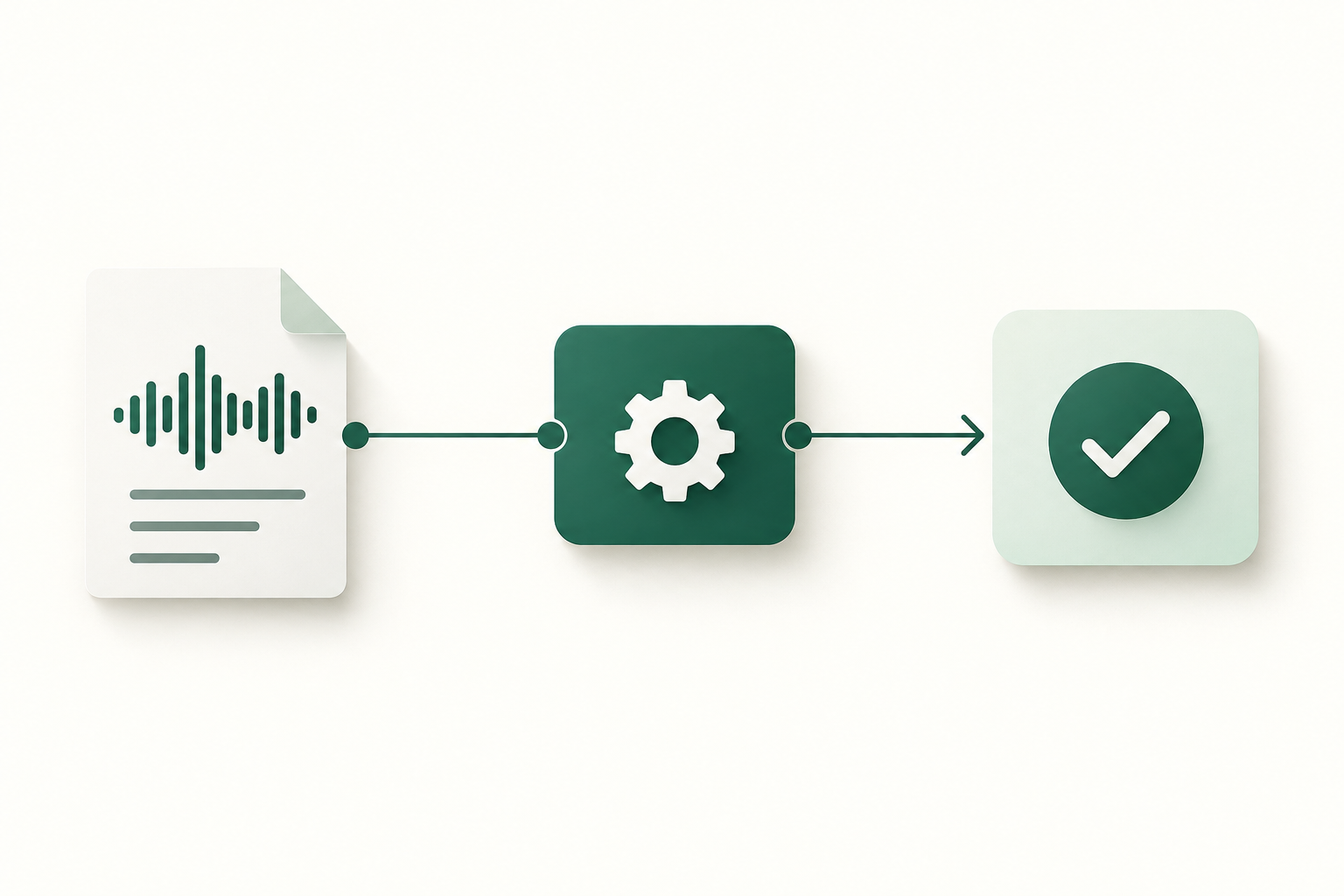
Short answer: a lot of the routine, rule-based phone work that agents ask staff to do. In practice Peak Demand’s Voice AI can retrieve permitted lead or contact details, create or update leads/contacts, add call notes, create tasks or reminders, tag and route leads to teams or agents, and trigger follow-up campaigns. Actions tied to scheduling require additional calendar integration or event support in Follow Up Boss.
Confirmed read/write actions
Follow Up Boss exposes a REST API with authenticated access (API key or OAuth). From that integration surface Peak Demand can: look up contacts and leads, create new contacts/leads, append notes and call logs, create tasks or reminders, and update lead metadata or tags for routing. These are the typical record-level actions used in real-estate calling workflows.
- Read contact/lead fields needed to confirm identity and context (name, last-touch, assigned agent).
- Create a lead or new contact record for after-hours or inbound calls.
- Add a call note or interaction log summarising the AI call outcome.
- Create a follow-up task, reminder or tag a lead for agent action or nurture.
Scheduling is conditional — validate the account
Follow Up Boss supports events and calendar actions under certain account and integration settings. That means Peak Demand can often create or propose appointments in Follow Up Boss if the customer already uses the platform’s calendar/event features or a linked calendar.
- If calendar/event integration exists, the Voice AI can propose a time and create an appointment (subject to account permissions).
- If not, Peak Demand records the intent, creates a task and routes a clear handoff to the agent.
What happens when a caller wants to book, change or check something?
Booking and scheduling are the moments callers most care about. Below are realistic outcomes depending on what the account supports.
Caller: 'I want to book a showing'
What the caller asks: a showing for a specific property at a specific time. What the Voice AI needs: property identifier or address, caller name, contact details, preferred times, and any constraints (pets, open access).
- If appointment created: caller receives a confirmation including time, agent name and next steps.
- If queued for human confirmation: caller gets an immediate soft-confirmation and the task is routed with urgency.
- All actions are logged as a call note in Follow Up Boss.
Caller: 'Can I reschedule or cancel my showing?'
Voice AI checks the existing appointment (if present) and confirms the caller’s identity using permitted fields. If the appointment is manageable through Follow Up Boss and permissions allow, the AI can update or cancel the event and confirm.
- Identity checks use only permitted match-fields (phone, name, agent).
- If update succeeds, the AI reads back the new time and logs the change.
- If multi-party validation is required, the caller is given a clear timeline for confirmation.
What can the agent update or route?
Voice AI handles routine updates so agents focus on high-value work.
Contact and lead edits
Peak Demand can update contact details the caller supplies (phone, email, best time to call) and mark those changes in Follow Up Boss as modified by the AI. When sensitive changes are requested (banking, legal documents, or anything needing identity verification), the AI records the request and routes it to a human.
- Simple edits written directly to the contact record via API.
- Every change logged with a timestamp and source = Peak Demand Voice AI.
Tasks, tags and routing
AI creates follow-up tasks, adds tags or changes the lead’s stage to send it into a team workflow. These are common, high-value automations: flag a hot lead, schedule an urgent call task for the listing agent, or add a ‘hot-open-house’ tag to a lead captured during an open house call.
- Tasks include instructions and urgency level and are assigned to an agent or team.
- Tags and stage changes trigger the customer’s existing Follow Up Boss automations.
Practical caller-to-workflow examples
Concrete examples show what a caller hears, what the system needs, what Peak Demand does in Follow Up Boss and when humans step in.
Example 1 — New lead, after-hours inbound call
Caller asks: 'I saw 123 Main St, I want more info.' The AI asks for name, phone, property address and when they can be reached. Peak Demand creates a lead/contact in Follow Up Boss, tags it as 'after-hours' and creates a high-priority task for the listing agent. The AI confirms what was captured and when the agent will follow up.
- Permitted action: create contact/lead, add note, create task and tag (all via API).
- Confirmation: 'Thanks — I’ve recorded your details and your listing agent will call within X hours.'
- Human takeover: required if the caller asks about offers, mortgage advice, or legal terms.
Example 2 — Open-house post-call follow-up
Caller: call from an open-house visitor answering a follow-up call. The AI reviews recent showing status in Follow Up Boss and runs a short script tailored by the brokerage (interest level, next steps, private showing request).
- Use case/resource: Peak Demand supports open-house follow-ups and structured questions.
- Outcome: updates lead status and either books a showing or queues a follow-up task.
When should a human take over?
Clear rules keep callers and agents safe. Peak Demand recommends escalating calls to a human in these circumstances.
Judgement, compliance and sensitive topics
Any question requiring pricing judgement, negotiation strategy, legal or lending advice, or fair-housing interpretation should move to a human. Similarly, identity checks beyond basic confirmation and requests to change financial or legal account details must be routed to staff.
- Examples: offer negotiation, price reductions, dual-agency consent, tenant-law disputes.
- AI will collect context, log the call and immediately notify the right agent with suggested next steps.
Ambiguity, conflicting information or high-stakes scheduling
If the caller gives conflicting availability, asks for immediate in-person access to a property, or requests a fast deadline (same-day showing with complex logistics), the AI will escalate.
- Escalation triggers include ambiguous identity, requested changes affecting multiple parties, or safety concerns.
- The system performs a graded escalation: immediate warm transfer if staff are available; otherwise a prioritized task.
Implementation reality: API, permissions, middleware, and failures
What operators need to know to set expectations with their IT and operations teams.
Follow Up Boss API surface and permissions
Follow Up Boss provides a documented REST API with authentication via API key or OAuth. The platform supports read and write operations and can publish webhooks. Scheduling and event creation are conditional on account capabilities and integrations; confirm the customer’s plan and calendar integrations before expecting full booking automation.
- Authentication: REST API key or OAuth (account-level permissions apply).
- Capabilities: read = yes, write = yes, webhooks = yes, scheduling/events = conditional.
- Operational implication: Peak Demand requests the minimum scopes needed and documents required permissions during onboarding.
Peak Demand AWS middleware role
Peak Demand’s middleware sits between the voice layer and Follow Up Boss to enforce business rules, validate data, manage retries, rotate credentials, and provide an audit trail. It also applies MCP context filters so the AI receives only authorised fields.
- Authentication and token management are handled centrally to avoid exposing long-lived keys in the voice stack.
- Retries, backoff logic and safe-fail modes ensure callers get clear feedback if an operation fails.
- All changes and call transcripts are stored with an auditable trace linking the voice action to the Follow Up Boss change.
Related Peak Demand resources
Industry and AI sources reviewed
- Follow Up Boss official API/developer sourceFollow Up Boss
Privacy, cybersecurity, contractual, records, and sector-specific obligations vary by jurisdiction and connected system. This article is operational guidance, not legal advice; organizations should confirm applicable requirements with qualified professionals.
Frequently asked questions
Possibly — if your Follow Up Boss account has the event/calendar features enabled or if you already use a calendar integration that Follow Up Boss recognises. Peak Demand will check agent availability via the permitted API surface and create the appointment when account permissions allow.
Official reference: Follow Up Boss official API/developer source
Yes. The Follow Up Boss API supports creating and updating contacts, adding notes and creating tasks, which Peak Demand uses for routine updates. All write actions are recorded with an audit entry that identifies the voice system as the source.
Official reference: Follow Up Boss official API/developer source
Peak Demand applies a Model Context Protocol (MCP) that selects a minimal, authorised subset of fields for each call workflow. MCP limits what the model sees, records what was used, and supports post-call review and compliance audits.
You must permit API access (API key or OAuth) and ensure the account-level user or app scope includes the needed read/write privileges. If you want automated calendar bookings, verify that your Follow Up Boss plan and calendar integrations support event creation. Peak Demand documents required scopes during onboarding and validates permission with a test integration.
Official reference: Follow Up Boss official API/developer source
Peak Demand records calls and logs interactions for QA and auditing. Hosting region, backups and subprocessors are confirmed during contracting; organisations should validate obligations under local privacy law and record consent where required.
Engineer the integration layer before scaling Voice AI
Peak Demand designs the APIs, logic bridges, validation, fallback, observability, and human-escalation infrastructure required for dependable Voice AI operations.
Schedule a discovery call


