
Plain-English guide for property managers: what Peak Demand’s Voice AI can and cannot do with DoorLoop today, with caller-to-workflow examples, confirmation patterns, and human handoff rules.
What can Voice AI actually do with DoorLoop?
Short answer up front, then the fine print property managers care about.
Plain-English answer
Peak Demand’s Voice AI can take and qualify calls, look up property, unit and tenant records in DoorLoop, create structured tickets/tasks or notes where DoorLoop account permissions and enabled endpoints allow, and route calls or create follow-up tasks for staff. For bookings (showings, in-person appointments) and other scheduling actions, the integration is conditional: Peak Demand will attempt automated write actions only if the DoorLoop account exposes the relevant scheduling endpoints and the customer has granted the required API permissions. Otherwise the Voice AI creates a clear task/lead for a human to complete.
- Reads: property, unit, tenant, owner and lease info (subject to API and account access).
- Writes: notes, tasks, tickets or supported records when endpoints and permissions exist.
- Scheduling/booking: conditional — validate the account’s scheduling endpoints before assuming automated booking.
What Peak Demand does after a real person calls
After a customer calls, Peak Demand’s Voice AI listens for intent, runs business rules, queries DoorLoop for the minimum permitted context, confirms the action with the caller, and then either executes a supported API action or creates a task/ticket for staff.
- Intent detection → contextual lookup → permission check → action or task → spoken confirmation → log and analytics.
- Peak Demand’s AWS middleware mediates authentication, scope enforcement, retries and validation so write actions to DoorLoop are controlled and auditable.
What happens when a caller wants to book, change or check something?
Booking, changing or checking — three common call types. Here’s how each looks in practice with DoorLoop involved.
Showing/lease viewing request (booking)
Caller: “I want to see unit 3B at 102 Main Street on Saturday. ” Peak Demand action: Voice AI asks availability clarifying questions (preferred times, contact details), checks DoorLoop for the property and listing details, then attempts to create a showing/appointment if the DoorLoop account exposes scheduling endpoints and permissions.
- Information needed from caller: property address, unit, preferred time windows, caller name and contact.
- Permitted system action: create a showing/appointment through DoorLoop only if the scheduling API is enabled and account permissions allow write access; otherwise create a.
- Caller confirmation: immediate spoken confirmation of the scheduled slot or a promise that someone will follow up with time options and a confirmation number.
Tenant check (balance, lease status)
Caller: “What’s my balance for unit 2A?” Peak Demand action: After verifying the caller (see verification notes below), Voice AI looks up the tenant and lease in DoorLoop and reads permitted fields (balance, next rent due, lease end date). The agent then offers next steps, such as emailing an invoice or creating a payment reminder task in DoorLoop.
- Information needed: tenant name, unit, minimal verification (last four of banking, birth date or agreed PIN as configured by the operator).
- Permitted system action: read balance and lease fields; create follow-up tasks or notes in DoorLoop as permitted.
- Caller confirmation: spoken summary of balance and a clear prompt for payment options or a handoff to human staff for payment processing.
What can the agent update or route?
Concrete examples of permitted updates, routing and record creation that Peak Demand typically handles in a DoorLoop integration.
Maintenance intake and triage
Use case: tenant reports a plumbing leak. Peak Demand’s Voice AI captures structured data (issue category, urgency, location, photos link if SMS/emailed), checks lease and access notes in DoorLoop, and either creates a maintenance ticket or a task for staff.
- What the caller says: brief issue description, urgency, best contact time, permission to enter unit.
- Agent needs: property/unit link, tenant contact from DoorLoop, vendor assignment rules.
- Action: create a maintenance ticket, set priority, attach intake notes, and confirm ETA or escalation to on-call human.
- Peak Demand resource: see AI Maintenance Request Intake and Custom AI Maintenance Triage for Property Management for workflow options.
Call routing and lead capture
Use case: an unknown number calls inquiring about a listing. Voice AI qualifies the lead (timeline, budget, must-haves) and then routes the call or creates a lead record in DoorLoop (or your CRM) and notifies the correct agent/team by task or email. Routing can use property, office, or agent assignment rules.
- What the caller says: property interest or general inquiry.
- Agent needs: property code or address lookup, team/agent mapping rules.
- Action: create a lead/lead-note, route to assigned agent, or schedule a follow-up task.
When should a human take over?
Voice AI should not be a blunt instrument. These are practical rules for immediate human handoff.
Ambiguity, negotiation or legal/fair-housing intent
When a call requires negotiation (rents, concessions), legal judgments, or could implicate fair-housing rules, Peak Demand hands the caller to a trained human agent. The AI flags the conversation, creates a DoorLoop task with context, and places the caller on hold for or transfers to the human.
- Examples: rent dispute, eviction notices, tenant screening exceptions, discriminatory language or requests.
- Outcome: immediate human takeover and a clear ticket in DoorLoop summarising the context.
Emergency or safety events
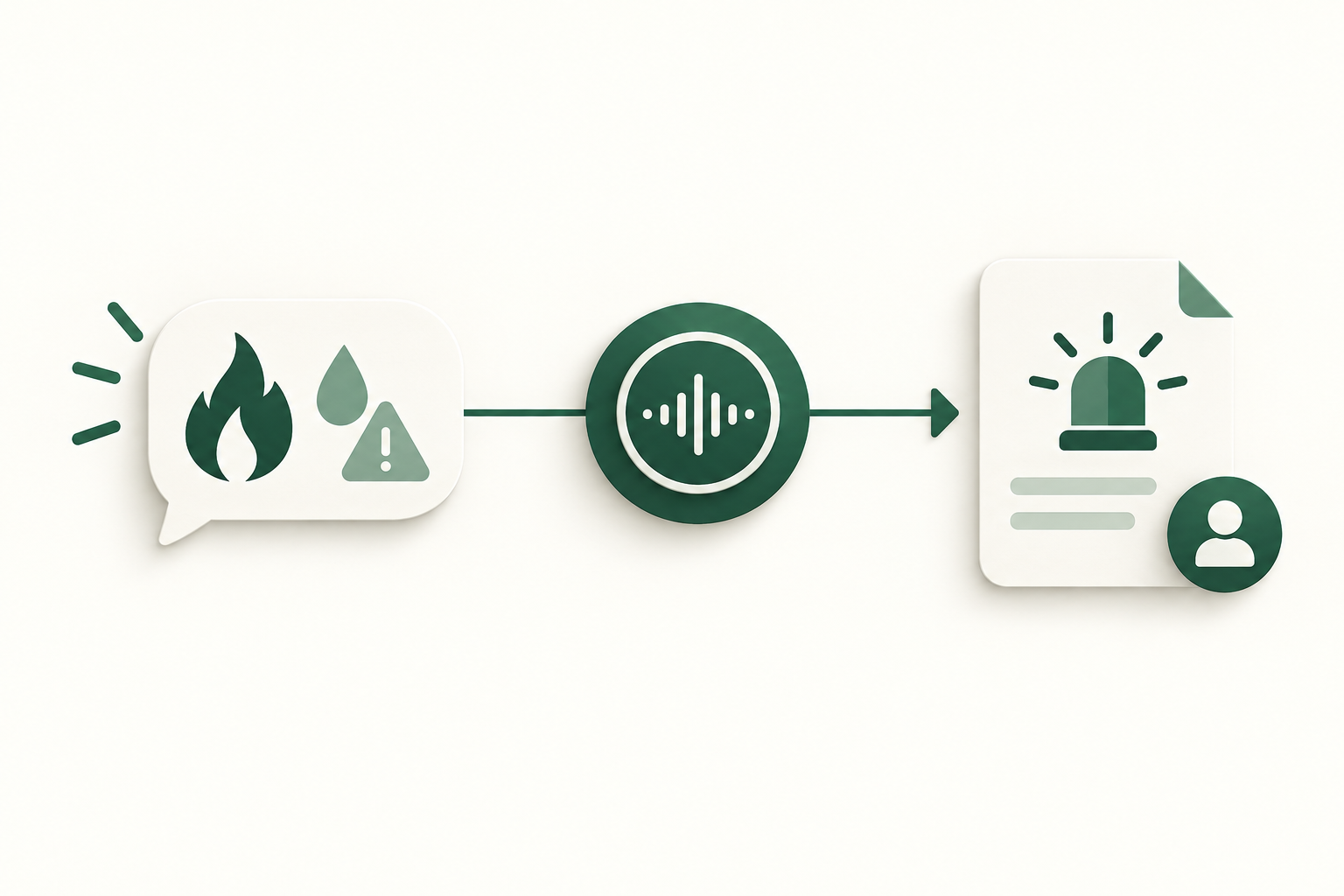
If a caller reports conditions that could be life-safety critical (fire, gas leak, active water flooding with danger), the AI follows an emergency script, advises safety-first steps, and immediately routes to on-call personnel or emergency services; generates a high-priority DoorLoop ticket and human alert.
- Do not rely solely on automated scheduling or triage for emergencies.
- Peak Demand’s flows are configurable to match client escalation protocols and on-call staffing.
Implementation reality: API access, permissions, AWS middleware and failure handling
How the integration actually works behind the scenes and what to validate before you commit.
API access and permission caveats
DoorLoop exposes a REST API surface; documentation and developer resources confirm read and write capabilities exist, but exact behaviours depend on the customer’s DoorLoop plan and which endpoints are enabled for the account. Scheduling endpoints are conditional and must be validated for each client.
- Authentication: REST API keys/credentials managed in middleware.
- Read: confirmed — property, tenant, lease and related lookups are supported where permitted.
- Write: confirmed in principle — task/ticket/note creation supported subject to endpoint availability and account permissions.
- Scheduling: conditional — validate specific scheduling endpoints in your DoorLoop account.
AWS middleware, validation and audit
Peak Demand’s AWS middleware sits between the voice model and DoorLoop to enforce business rules, validate fields, manage tokens, retry failed requests, and maintain an auditable trail. This layer prevents accidental writes, enforces per-customer policies, and stores logs and transcripts for QA and dispute resolution.
- Middleware responsibilities: token rotation, scope enforcement, input validation, retry and backoff, idempotency checks, and audit logging.
- Recording and retention: configurable by client; operators should confirm regional data residency and legal obligations.
Operational checklist before you deploy
Practical pre-deployment checks a property manager should complete.
Permissions and endpoints
Confirm which DoorLoop API endpoints your account exposes (read/write/scheduling) and grant an integration-specific API credential with the minimal scopes required. Peak Demand will validate the credential in a test environment before production access.
- Validate read access to properties, units, tenants and leases.
- Validate write access for notes, tasks or tickets and any scheduling endpoints you expect to use.
Business rules and escalation paths
Define triage rules (emergency vs non-emergency), fair-housing and legal boundaries, verification rules for tenant data, and who handles which tickets. Peak Demand uses these rules to decide when to write to DoorLoop, create tasks or handoff to humans.
- Define acceptable automated writes and which actions always require human approval.
- Specify on-call contacts and SLA for follow-up tasks generated by Voice AI.
Related Peak Demand resources
Industry and AI sources reviewed
Privacy, cybersecurity, contractual, records, and sector-specific obligations vary by jurisdiction and connected system. This article is operational guidance, not legal advice; organizations should confirm applicable requirements with qualified professionals.
Frequently asked questions
Possibly — Peak Demand will attempt to create a showing/appointment if your DoorLoop account exposes the scheduling endpoints and the API credential has the required write scope. If those endpoints aren’t available, Peak Demand will create a task or lead in DoorLoop and notify staff to complete the booking manually. Confirm scheduling endpoint availability and permissions during onboarding.
Official reference: DoorLoop official API/developer source
No automated change to high-risk financial instruments is performed without explicit client rules. By default Peak Demand will escalate requests to update payment instruments to a human process or a secure, verified workflow because these changes often require stronger authentication and audit controls.
Official reference: DoorLoop official API/developer source
Yes — when the integration is authorised with the appropriate read scopes, Peak Demand can retrieve and read balance, next due date and lease end information to the caller after any configured verification step.
Official reference: DoorLoop official API/developer source
Peak Demand’s AWS middleware enforces input validation, scope checks, idempotency, retries and keeps a transaction-level audit trail and transcript for each call. The middleware is the control layer that prevents accidental or unauthorised writes and provides records for QA and dispute resolution.
MCP is Model Context Protocol. In this context it’s a pattern that helps carry structured conversational context between the Voice AI and downstream systems (for example, which tenant, property and intent the caller referenced).
Engineer the integration layer before scaling Voice AI
Peak Demand designs the APIs, logic bridges, validation, fallback, observability, and human-escalation infrastructure required for dependable Voice AI operations.
Schedule a discovery call


