
Practical, operational guidance for dental operators: how Peak Demand’s Voice AI can interact with Dentally for appointment workflows, patient lookups, updates, confirmations and safe human handoff.
What can Voice AI actually do with Dentally?
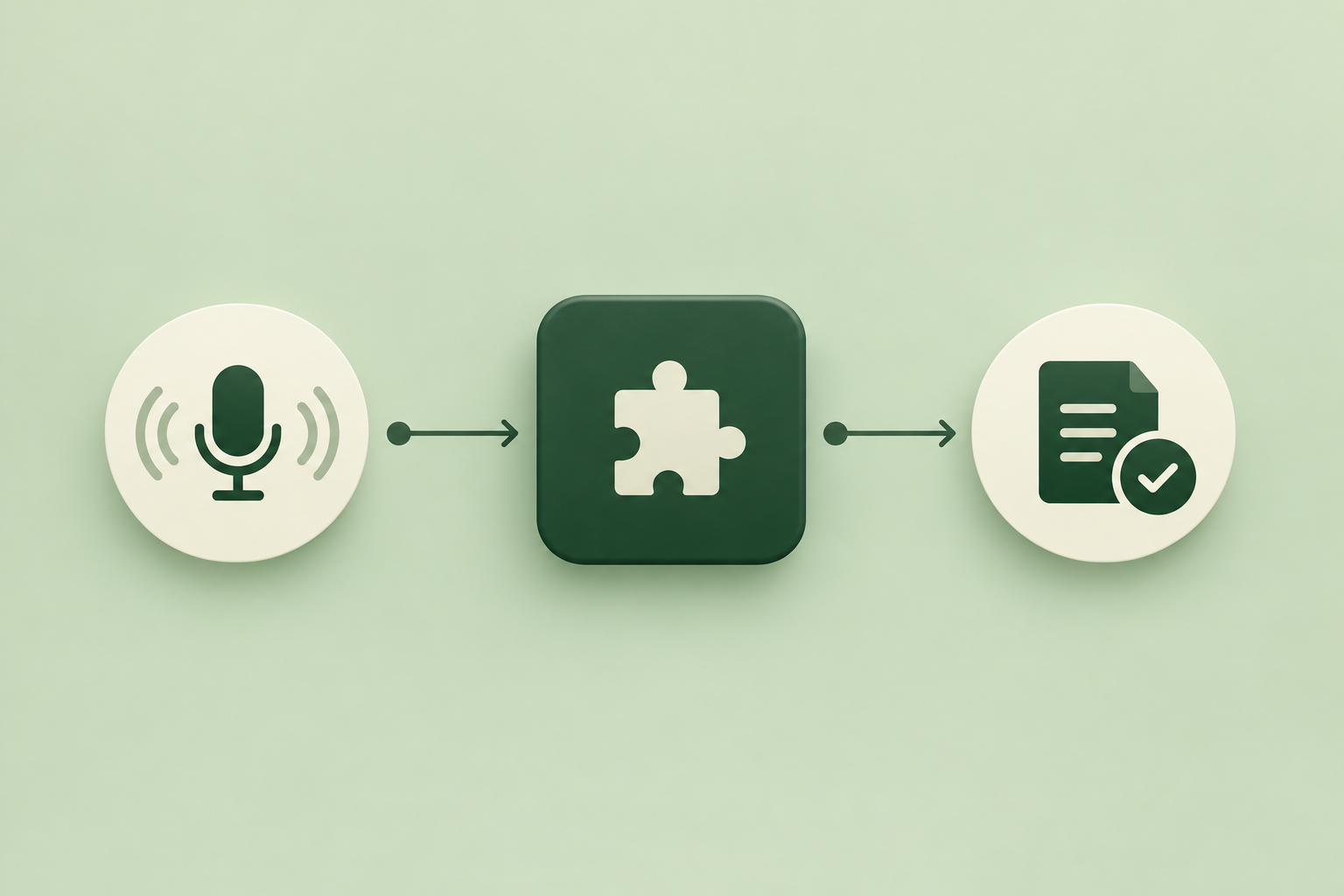
Short answer: Peak Demand’s Voice AI can perform routine front‑desk workflows against Dentally where the official Dentally API supports them—patient lookups, diary/appointment actions, contact updates and writeable notes—subject to OAuth scopes and practice authorisation. It retrieves only permitted context, completes only supported actions, confirms results to the caller and hands the call to a human where required.
High-level capabilities
Using Dentally’s documented developer surface, Peak Demand can implement caller flows that: look up a patient record, read appointment diary availability, create or update appointments, modify permitted patient contact fields, append practice notes or tasks and record an interaction transcript. All actions depend on the OAuth scopes and practice permissions granted to the integration.
- Patient search and retrieval for identity and booking context.
- Appointment scheduling, rescheduling and cancellation via diary APIs.
- Permitted patient field updates (contact details, communication preferences) and logging of call notes.
- Conditional use of webhooks for event-driven updates if the practice plan supports them.
What Voice AI should not do without human oversight
Peak Demand’s Voice AI will not make clinical decisions, accept clinical consent for invasive treatment, or override practice‑specific authorisations. Clinical triage, complicated treatment-plan changes, payment-card entry requiring PCI flows, and emergency situations are routed to a human clinician or receptionist.
- Clinical advice or triage — immediate human transfer.
- Treatment consent for invasive procedures — human-only.
- Payment-card collection when PCI scope is not authorised — human takeover.
What happens when a caller wants to book, change or check something?
Below are caller-to-workflow examples you can expect in live operations. Each example states what a caller says, what the Voice AI needs from Dentally, the permitted action, what the caller hears, and when a person takes over.
Book a new appointment
Caller: “I’d like to book a hygienist appointment next Tuesday afternoon.” Voice AI steps: confirm patient identity (name, DOB or phone), check the practice diary for available slots, propose options, and create the appointment in Dentally if the caller accepts. After writing the appointment, the system reads back the confirmed slot, duration, practitioner and cancellation policy.
- Information required: patient identifier (name + DOB or phone), desired date/time range, service (hygiene), preferred clinician.
- Permitted system action: create appointment in Dentally diary (subject to API scheduling scope and practice authorisation).
- Caller confirmation: exact appointment date/time, clinician, length and cancellation terms read aloud.
- When to hand off: ambiguous identity, conflicting diary flags (e.g., blocked slots), or if caller requests custom treatment-plan changes.
Reschedule or change an appointment
Caller: “Please move my filling appointment from Friday to the following week.” Voice AI steps: validate identity, retrieve the existing booking from Dentally, show available alternatives, and update or propose options. If the diary allows direct updates, the Voice AI updates the appointment and confirms the new slot.
- Information required: booking reference or patient details, reason for change (optional), acceptable date ranges.
- Permitted system action: update appointment record in Dentally (reschedule or change practitioner) when API write access is available.
- Caller confirmation: new appointment details and ticket/reference number (if the practice uses one), plus advice on arrival or pre-appointment forms.
- When to hand off: when the original appointment is linked to a clinical pathway that requires clinician sign-off or when the caller requests complex.
What can the agent update or route?
Practical changes the Voice AI can safely make in Dentally, and routing patterns for administrative vs clinical calls.
Contact updates and communication preferences
Caller: “Can you update my mobile number and opt me into SMS reminders?” Voice AI steps: verify identity, update the permitted patient contact fields in Dentally, and confirm the change. The action is recorded in the patient’s audit log.
- Permitted edits: contact numbers, email, postal address and explicit communication preferences where permitted by the practice’s API scopes.
- Audit: Voice AI logs who authorised the change, timestamp and the old/new value for compliance traceability.
Routing to departments and clinicians
Caller: “I need to speak to the orthodontist about my child.” Voice AI steps: check the clinician list and availability in Dentally, route the call or book a consultation slot, or create an internal task/ticket for the clinician team if direct transfer isn’t available.
- Routing logic: administrative questions can be handled algorithmically; clinical questions route to a human with a clear handoff script.
- Ticketing: create a task or staff notification that appears in the practice workflow for follow-up when full transfer is not possible.
When should a human take over?
Voice AI reduces routine load, but clear boundaries exist for safety, compliance and experience.
Clinical and consent boundaries
Any request that involves clinical triage, diagnostic interpretation, informed consent for invasive treatment, medication changes or urgency (possible emergencies) is immediately escalated to a human clinician or receptionist. Peak Demand routes and documents the transfer with context so staff pick up with the necessary record.
- Immediate human transfer for emergencies or possible emergencies.
- Human confirmation for any change that materially affects treatment plans or requires signed consent.
Ambiguity, identity or payment issues
If identity verification fails, the caller requests payment-card updates outside an authorised PCI flow, or the caller’s instruction is ambiguous, the call is escalated to a human. Peak Demand always provides the caller with a clear reason and an expected wait or callback time.
- Identity mismatch → human validation.
- Payment/card handling not covered by the practice’s PCI scope → human-only.
- Complex multi-appointment rebookings → human handoff.
Implementation reality: API access, permissions and middleware
What happens behind the scenes — a concise reality check to help procurement and operations teams.
Dentally API status and permissions
Dentally exposes a documented REST API that supports OAuth 2.0 authentication, read/write access and diary/scheduling operations. Integration behaviour depends on the OAuth scopes the practice grants and the practice account plan. Webhooks are conditional and can be used where available for near-real-time updates.
- Authentication: REST API with OAuth 2.0.
- Capabilities: read and write access, including scheduling/appointment workflows where permitted.
- Webhooks: available depending on Dentally configuration and plan.
Peak Demand’s AWS middleware role
Peak Demand places a controlled middleware layer (hosted on AWS) between the voice layer and Dentally to manage tokens, enforce business rules, perform validation and keep audit logs. This layer handles retries, circuit-breakers for downstream failures, and ensures that only validated, scope-authorised requests reach Dentally.
- Token and scope management to ensure least-privilege access.
- Business-rule validation (availability checks, conflict detection) prior to writeback.
- Audit trails and transcript storage for QA and dispute resolution.
Practical safety, privacy and compliance notes
A short, cautious operating checklist tailored to dental operators in the UK and global contexts.
Patient privacy and data residency
Peak Demand limits the data sent to Dentally to what’s necessary for the requested action and follows the practice‑granted scopes. Customers must confirm obligations for data residency, cross‑border transfer and subprocessors with their legal and procurement teams. Hosting region, backup geography, subprocessors and remote support access are contract items to review.
- Confirm hosting region and backup location with Peak Demand during procurement.
- Validate subprocessors and data transfers as part of supplier due diligence.
- Obtain explicit patient consent for call recording where required by local law.
Validation and audit
Every write action is validated against Dentally responses and stored in an auditable trail. Peak Demand provides dashboards and transcript sampling for QA; final clinical responsibility and local compliance remain with the practice.
- Audit logs tie actions back to the caller transcript and the API transaction.
- QA sampling and human review workflows available in managed service agreements.
Related Peak Demand resources
Industry and AI sources reviewed
Privacy, cybersecurity, contractual, records, and sector-specific obligations vary by jurisdiction and connected system. This article is operational guidance, not legal advice; organizations should confirm applicable requirements with qualified professionals.
Frequently asked questions
Yes — where the practice grants the required Dentally API scheduling scopes and diary permissions, Peak Demand can create and update appointments. The integration uses OAuth 2.0 and respects the practice’s authorisation. Practices should validate the scopes required during procurement and confirm any plan-related limits.
Official reference: Dentally official API/developer source
No. Peak Demand retrieves only the fields the practice authorises via OAuth scopes. Typically this includes identifiers, contact details and appointment context required to complete administrative workflows. Clinical records and sensitive fields are only accessed if specifically authorised by the practice and consistent with local privacy rules.
Official reference: Dentally official API/developer source
Reminder enrolment is possible where the practice’s Dentally configuration and API scopes permit updates to communication preferences or reminder enrolment. Confirm reminder capability and any message templates during implementation planning because reminder features can be plan-dependent.
Official reference: Dentally official API/developer source
Peak Demand uses multi-factor conversational verification (phone on file, DOB or booking reference) and business-rule thresholds managed in middleware. If verification fails or is ambiguous, the Voice AI routes the call to a human staff member for further checks.
Peak Demand stores recordings and transcripts as part of the audit trail for QA and dispute resolution. Storage region, retention policy and subprocessors are set out in the contract and should be agreed with the customer to meet local rules on recordings and retention.
Engineer the integration layer before scaling Voice AI
Peak Demand designs the APIs, logic bridges, validation, fallback, observability, and human-escalation infrastructure required for dependable Voice AI operations.
Schedule a discovery call


