
Practical, caller‑to‑workflow examples showing how Peak Demand Voice AI can use Clio Grow’s API to capture intake, check availability, create contacts and tasks, confirm results to callers, and hand off to people when required.
What can Voice AI actually do with Clio Grow?
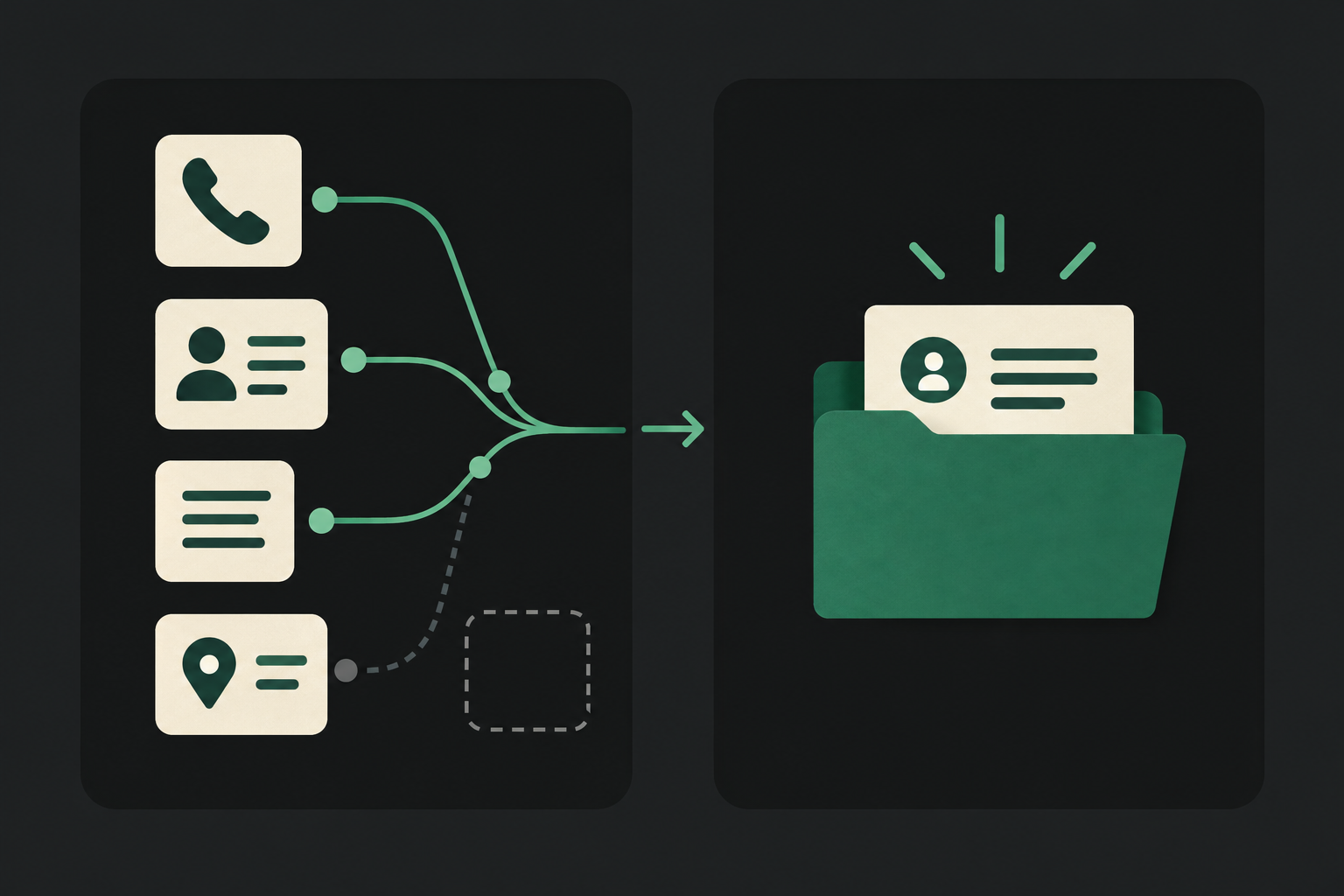
Plain answer first: Peak Demand Voice AI can answer calls, capture structured intake, create or update permitted Clio Grow records, propose and confirm callbacks or consultations (when scheduling is in scope), log the call and escalate to a human when the situation requires legal judgement or exception handling.
Permitted actions you can expect
Typical, practical actions implemented today include: creating a lead/contact record, attaching structured intake notes, creating tasks or follow‑ups for staff, checking availability and proposing consultation times (scheduling depends on the Clio Grow product scope), and recording a summary of the call in the client file.
- Create or update contacts and intake records (when allowed by Clio Grow app authorisation).
- Capture structured intake fields (matter type, timeline, jurisdiction, contact details) and store them as notes or custom fields.
- Create tasks or follow‑up actions for staff with clear context and priority.
- Propose consultation times and create bookings where the firm’s Clio Grow scope supports scheduling.
- Log recordings, call summaries and metadata for audit and QA.
What Peak Demand adds
Peak Demand supplies the voice conversational layer, operational business rules, and AWS middleware that mediate between callers and the Clio Grow API. That middleware controls authentication, validates data, enforces firm‑level policies, retries safely on transient errors, and provides audit trails and handoff points to staff.
- Caller understanding mapped to business‑level intents (intake, schedule, reschedule, existing‑client routing, FAQ).
- Policy checks that stop write actions if scope, consent or verification rules aren’t met.
- Human handoff orchestration with context delivered to staff.
What happens when a caller wants to book, change or check something?
Booking, changing or checking appointments are common caller intents. Below are compact workflows showing what the caller says, what Peak Demand’s agent needs to validate, what Clio Grow action is possible, what the caller hears, and when a person should step in.
New consultation request (standard flow)
Caller: “I’d like to book a consultation about a landlord dispute. ” Agent needs: caller name, phone, email, matter type, preferred times, and whether they are an existing client. Permitted system action: when the firm has scheduling enabled in Clio Grow and the app scope includes appointment creation, Peak Demand can check availability, propose slots and create the consultation entry in Clio Grow.
- Validate identity & consent before creating records.
- Show only available slots the firm exposes through scheduling scope.
- Always log intake fields and the voice summary in the contact/matter.
Reschedule or cancel a consultation
Caller: “I need to move my consultation. ” Agent needs: confirmation of client identity, appointment reference or date, and new availability windows. Permitted system action: where Clio Grow scheduling is accessible, the agent can look up the appointment, suggest alternative times, and update the booking. Confirmation: “Your appointment has been moved to… You’ll receive confirmation by email.
- Require identity validation to prevent unauthorised changes.
- If scheduling scope is limited, the agent creates a task for staff to contact the client.
What can the agent update or route?
Beyond scheduling, the agent routinely needs to update records or route calls to the right team. Below are examples aligned with Clio Grow’s documented API capabilities.
Creating and updating contact/intake records
Caller: new lead or follow‑up. Agent needs: name, contact info, brief case type, and urgency. Permitted action: create a contact or lead record, populate intake fields and attach a structured summary or tag for the intake pipeline. Confirmation: “I’ve created a new intake for you and assigned it to our intake queue — someone will follow up within X business hours.
- Structured intake improves conversion and reduces back‑and‑forth for staff.
- Custom fields defined in Clio Grow can be populated if the firm exposes them via API scope.
Routing to the right team or matter
Caller: an existing client calls about an active matter. Agent needs: client name and brief reason for call. Permitted action: look up open matters, route the caller to the appropriate lawyer or create a priority task with call context. Confirmation: agent tells the caller who will respond and when. Human takeover: complex litigation or time‑sensitive emergencies are escalated immediately.
- Routing decisions follow firm rules encoded in the middleware.
- When immediate transfer is required, the agent provides the receiving staff the intake summary.
Practical caller-to-record workflows (three tight examples)
Concrete, executable workflows are what convince operations teams. Each example below is a real pattern you can deploy with Peak Demand and Clio Grow where the API permissions exist.
1) New‑client qualifying call → consult booking
What the caller asks: “I need help with a traffic ticket and want to book a consult. ” What agent needs: name, email, phone, offence date, and preferred times. System action: check for conflicts, create contact and intake fields, propose two consultation slots, and create the appointment in Clio Grow.
- Keeps human judgement for representation decisions and conflicts.
- Saves staff time by only escalating viable, scheduled opportunities.
2) Missed‑call recovery → outbound callback scheduling
What the caller asks: caller previously left a voicemail and wants a callback. What agent needs: context from voicemail (if available), contact, and preferred callback windows. System action: create or update the contact, add a follow‑up task, and schedule a callback or consultation depending on staff availability. Confirmation: the agent confirms the callback window and notes the assigned staff member. When to human‑hand: when voicemail indicates urgent/clinical/legal risk or contains confidential facts that require in‑person follow‑up.
- Missed‑call recovery reduces cold leads and ensures timely follow‑up.
- If voicemail transcription is poor, agent asks clarifying questions and logs them.
When should a human take over?
Peak Demand’s design principle is to keep humans in control of legal judgement. Use the voice agent for structured intake, scheduling and routine routing. Hand over to people in these situations.
Clear legal advice or representation decisions
If the caller asks for legal interpretation, advice tailored to facts, or immediate representation, transfer to a qualified attorney. Voice AI captures context and creates a warm handoff but does not give legal advice.
- Human attorneys make representational and conflict decisions.
- Peak Demand configures immediate escalation rules for these intents.
Identity, payment, and privileged information
When identity verification hasn’t passed, when the caller asks to change payment arrangements, or when they disclose privileged facts, the agent limits actions and routes to a human for secure handling.
- Payment collection over voice can have additional compliance requirements — verify before enabling.
- Use short verification steps to avoid exposing sensitive data over the phone.
Implementation reality: API access, permissions, middleware and safety
Operational buyers need to know the realistic implementation constraints. The Clio Grow developer surface supports REST/OAuth2 authentication, read and write operations and scheduling workflows subject to product scope. Peak Demand’s AWS middleware sits between the voice front end and Clio Grow to enforce policies, manage tokens, handle retries and build auditability.
API access, auth and scope
Clio Grow’s API uses REST with OAuth 2. 0 authentication. Read and write operations are possible; scheduling support exists but is dependent on the firm’s Clio product features and the authorised app scopes.
- App authorisation and product scope determine whether bookings can be created directly.
- Webhooks are conditional and can be used where the firm enables them in Clio Grow.
AWS middleware and operational controls
Peak Demand uses AWS middleware to centralise token management, data validation, retries, rate‑limit handling and logging. The middleware enforces firm rules (for instance, not to schedule outside working hours), performs real‑time validation of intake fields, and records an auditable trail of voice transcripts, actions and handoffs.
- Middleware controls what writes happen and when to create tasks instead of bookings.
- Retries and backoff strategies reduce failed or duplicate writes; operators get clear failure reasons.
Related Peak Demand resources
Industry and AI sources reviewed
Privacy, cybersecurity, contractual, records, and sector-specific obligations vary by jurisdiction and connected system. This article is operational guidance, not legal advice; organizations should confirm applicable requirements with qualified professionals.
Frequently asked questions
Yes, but only when your Clio Grow product and the authorised app scopes permit scheduling. Clio’s API supports read and write and includes scheduling workflows depending on product scope. Peak Demand configures the voice agent to check availability, propose slots and create bookings when permitted.
Official reference: Clio Grow official API/developer source
No. Changes that affect retainer agreements, billing authorisations or fee structures are reserved for human staff. Peak Demand can capture the caller’s request, add the request to the client/matter record and create a high‑priority task for staff to address the billing change.
Peak Demand uses short verification flows (e.g. confirming an email or recent matter date) before making write actions. For highly sensitive verification, the agent routes to a human. Verification requirements and acceptable data points are configured with the firm during deployment.
Call summaries and structured intake fields can be written to Clio Grow as notes or custom fields where the API and app scope allow. Full audio recordings are typically stored in Peak Demand’s secure storage and a reference or summary is added to the Clio Grow record. Storage location, retention period and recording consent are deployment decisions to confirm in contract.
Official reference: Clio Grow official API/developer source
Peak Demand’s middleware applies safe fallback behaviour: it logs the intended action, notifies staff, creates a follow‑up task in a local queue and informs the caller that staff will confirm by email or phone.
Engineer the integration layer before scaling Voice AI
Peak Demand designs the APIs, logic bridges, validation, fallback, observability, and human-escalation infrastructure required for dependable Voice AI operations.
Schedule a discovery call


