
Concrete examples of how Peak Demand’s Voice AI can operate alongside Canopy for accounting and tax firms: what the caller asks, what the system can read or write, what confirmations the caller gets, and when a human must take over.
What can Voice AI actually do with Canopy?
Plain language answer first: Peak Demand’s Voice AI can read permitted client and engagement data from Canopy, create standard tasks and notes, update simple fields (like contact details or task status) where the Canopy account and API permissions allow it, and trigger pre-approved workflows. Booking or calendar writes, billing/time writes and scheduling are conditional — they depend on the Canopy account, the enabled endpoints and entitlements.
Permitted reads and writes
Canopy exposes a REST API that supports authenticated reads and, where permitted, writes. For operators, that typically translates to the Voice AI being able to: look up client contact information, confirm outstanding engagements or requested documents, and create tasks or notes that surface in Canopy for follow-up. Whether a particular write (for example, creating an invoice or changing billing hours) is permitted depends on the account entitlement and API scope.
- Read client profile and contact details (common)
- Read engagement or job status (common)
- Create tasks, notes or tickets for human follow-up (commonly usable)
- Update simple fields (contact updates, task status) where permissioned
- Scheduling, billing writes or time capture: conditional and must be validated with the customer’s Canopy admin
How Peak Demand handles actions after a caller request
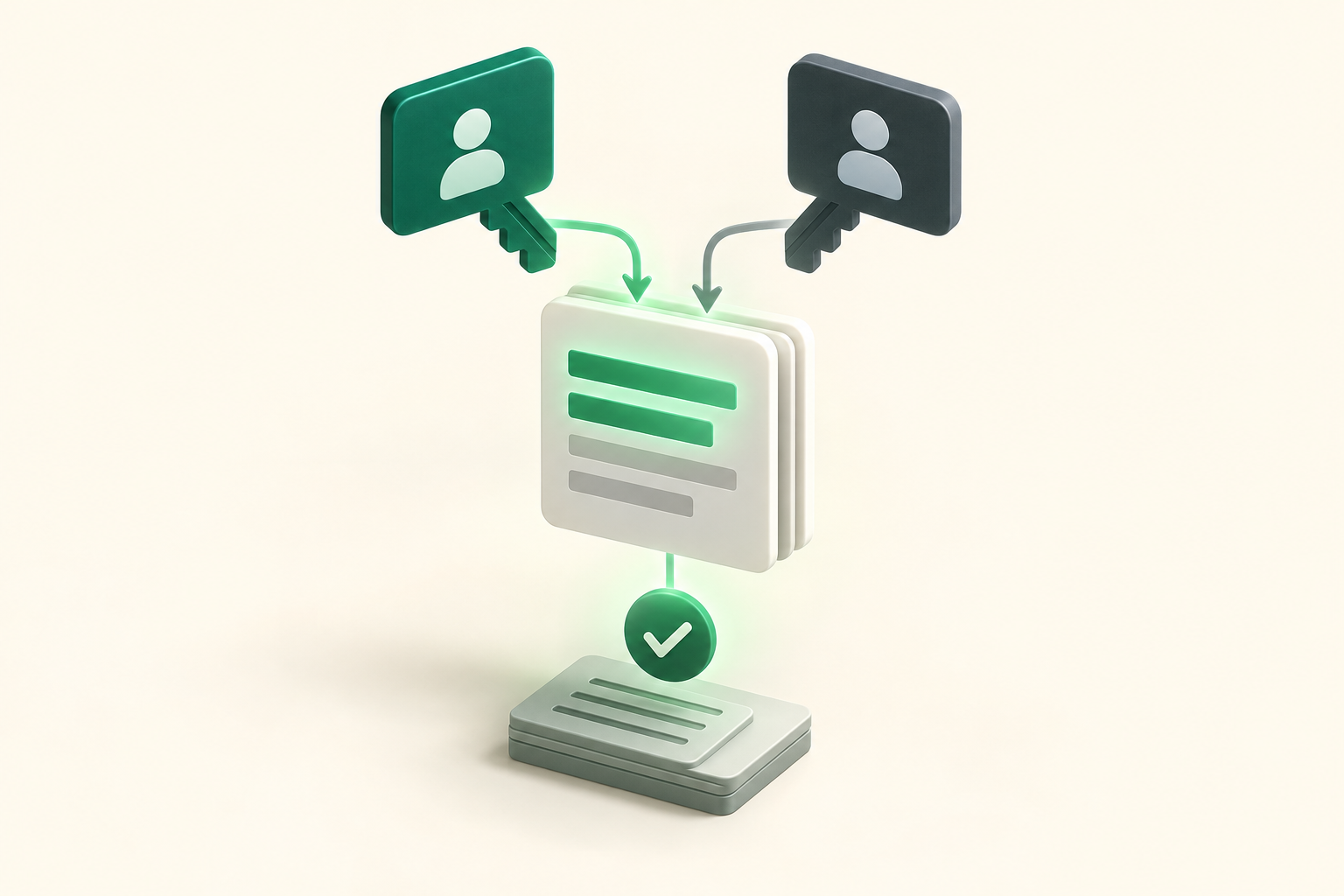
After a caller asks something actionable, Peak Demand’s Voice AI validates the request, checks the permissible scope for the Canopy credential, executes the allowed read/write, confirms the result to the caller in plain language, and records the transaction for audit. If the action is not allowed, the agent explains why and either creates a task for a human or routes the caller.
- Intent → validate permissions → perform permitted Canopy action → confirm to caller → log (audit trail)
- If permission is lacking, create a human task with context and escalate immediately
- All changes are reversible only via the same Canopy controls and subject to your internal change governance
What happens when a caller wants to book, change or check something?
Accounting and tax calls are often short and transactional: “Do you have my 2024 tax return?”, “Can I book a tax-review meeting?”, “Have you received my documents?”. Below are practical caller-to-workflow examples, showing what the caller asks, what the system needs, what Canopy can do, how the caller is confirmed, and when handoff is required.
Example 1 — “Have you received my documents?” (document status)
Caller intent: Check whether a set of client documents (eg, T4s, bank statements) has been received and attached to the client file.
- What the agent needs: client name, client ID or phone number; optionally document name or upload date.
- Permitted system actions: read engagement/document status from Canopy and confirm receipt, or create a task for staff to locate and attach documents if missing.
- Caller confirmation: “I can confirm we show Document X received on 2026‑05‑02 and linked to your 2024 engagement. Would you like us to forward.
- When to hand off: If the document is sensitive and requires verification of identity, or if records show discrepancies, route to a human for.
Example 2 — “Book a tax-review meeting” (scheduling conditional)
Caller intent: Arrange a meeting with an adviser or partner.
- What the agent needs: preferred date/time windows, meeting type (phone/in-person), client ID and permission to access the calendar.
- Permitted system actions: where Canopy scheduling endpoints are enabled and consented, the Voice AI can propose available windows and create a tentative appointment or.
- Caller confirmation: “I’ve set a tentative meeting for Tuesday 10:00–10:30. A calendar invite will be sent; we’ll hold that slot for 24 hours pending.
- When to hand off: If the booking requires payment, complex multi‑attendee coordination, or any change to engagement terms — route to a human.
What can the Voice AI update or route in day‑to‑day practice?
Operators should design concrete scopes. Typical low‑risk updates and routes we implement include:
Common, safe updates
These are the types of changes most firms allow to be automated after a short governance review.
- Update contact info (phone, email) after identity validation
- Create internal tasks or tickets containing the call summary
- Add a secure note to the client file documenting the interaction
- Change task status (eg, mark an administrative follow‑up as done)
Routing and escalation
Routing rules should be explicit and testable. Peak Demand configures voice flows to route calls based on intent, client tier, or urgency.
- Route to partner or senior adviser for flagged escalations
- Escalate immediate billing or dispute calls to a human operator
- Send automated emails or SMS confirmations after permitted writes
When should a human take over?
Voice AI increases efficiency, but there are clear boundaries where human oversight is needed in accounting/tax contexts.
Identity, consent and high‑risk changes
Any action that materially affects client obligations or identity should be handled or verified by a human.
- Changing banking details, authorising payment, or altering billing arrangements
- Requests that require certified tax advice or interpretation
- Disputes, fraud suspicions or legal/court communications
Ambiguity and edge cases
When the Voice AI cannot confidently map caller intent to a permitted action, it should create a task and transfer the call or request a human callback.
- Contradictory instructions from the caller
- Missing client verification elements
- Requests for actions not covered by the approved API scope
Implementation reality: API access, permissions and Peak Demand’s control layer
Practical details operators must know before planning automation. Canopy has a documented REST API and the integration surface is entitlements‑based.
API access status and capabilities
Canopy provides a REST API that supports authenticated reads and writes. Access is Restricted — you must request and be approved for credentials and entitlements. Read operations are commonly available; write operations exist but their availability for scheduling, billing or time entries can be staged or scoped to account tiers.
- Authentication: REST API credentials (API keys/credentials) are required
- Read: Yes — client and engagement data can be queried
- Write: Yes — tasks/notes and other writable objects are supported where permitted
- Scheduling: Conditional — depends on whether the account has scheduling endpoints enabled
- Webhooks: Conditional — webhooks are supported where configured
Peak Demand AWS middleware and MCP
Peak Demand inserts an AWS middleware layer between the Voice AI and Canopy to enforce business rules. This layer manages credentials, scopes, validation, retries, encryption and an auditable trail of what was requested versus executed. We also use a Model Context Protocol (MCP) to maintain per‑call context: it holds validated client identity tokens, the conversation state and the permitted action list so the model only sees and acts on allowed data.
- Middleware checks API scope before any write and returns friendly fallback prompts if an action is not allowed
- MCP tracks conversation state and reduces over‑exposure of client data to the AI
- Middleware handles retries, transient failures, and converts API errors into action items for humans
Operational checklist before you enable Voice AI with Canopy
A compact checklist operators can use to prepare for a deployment.
Permissions, scope and governance
Confirm the Canopy API scopes you need, request restricted access from Canopy, and map each voice flow to an explicit API permission.
- Request API credentials and confirm which endpoints and writes are enabled
- Define approval workflows for any billing or scheduling writes
- Set up role‑based access inside Peak Demand middleware
People and failover
Train front‑desk staff on the new flows and define clear rules for when the system hands a call to a human.
- Script handoff prompts for identity checks and complex queries
- Define SLAs for human callbacks created by the Voice AI
- Run staged QA with recorded calls and audit review
Related Peak Demand resources
Industry and AI sources reviewed
Privacy, cybersecurity, contractual, records, and sector-specific obligations vary by jurisdiction and connected system. This article is operational guidance, not legal advice; organizations should confirm applicable requirements with qualified professionals.
Frequently asked questions
Canopy publishes a REST API that supports authenticated read and write operations, but access is Restricted and must be requested and approved. Many read operations are commonly available; write and scheduling capabilities depend on the account entitlements and enabled endpoints. Confirm the exact scopes with your Canopy admin or account representative.
Official reference: Canopy official API/developer source
Possibly, but scheduling is conditional. Canopy supports scheduling-related endpoints for some accounts; whether a Voice AI can write appointments directly depends on your Canopy entitlement and how calendars are managed in your account. Peak Demand will verify the scheduling endpoints and, where absent, implement a guarded flow that either creates a tentative task in Canopy or integrates with your calendar provider.
Official reference: Canopy official API/developer source
Those are higher‑risk write actions and may be staged or unavailable depending on your Canopy plan and API scope. Do not assume billing or time capture are enabled until you validate entitlements. Peak Demand recommends treating those actions as human‑reviewed by default and enabling them only after governance and testing.
Official reference: Canopy official API/developer source
Peak Demand uses an AWS middleware layer combined with a Model Context Protocol (MCP) that controls which fields are supplied to the model. The middleware enforces policies, tokenises identity proofs, and logs every requested and executed action so the model never receives unrestricted client data.
Recording consent, retention periods, and data residency requirements vary by jurisdiction and firm policy. Firms should confirm obligations with qualified legal/compliance advisors, document consent flows for callers, and choose hosting and backup regions consistent with their regulatory posture. Peak Demand will document subprocessors, region settings and retention during onboarding.
Engineer the integration layer before scaling Voice AI
Peak Demand designs the APIs, logic bridges, validation, fallback, observability, and human-escalation infrastructure required for dependable Voice AI operations.
Schedule a discovery call


