
What Can Voice AI Do with Brevo Sales Platform? Practical Workflow Examples
A practical guide for operators: what Voice AI can legitimately do with Brevo Sales Platform, real caller-to-workflow examples, when humans should step in, and what to validate during implementation.
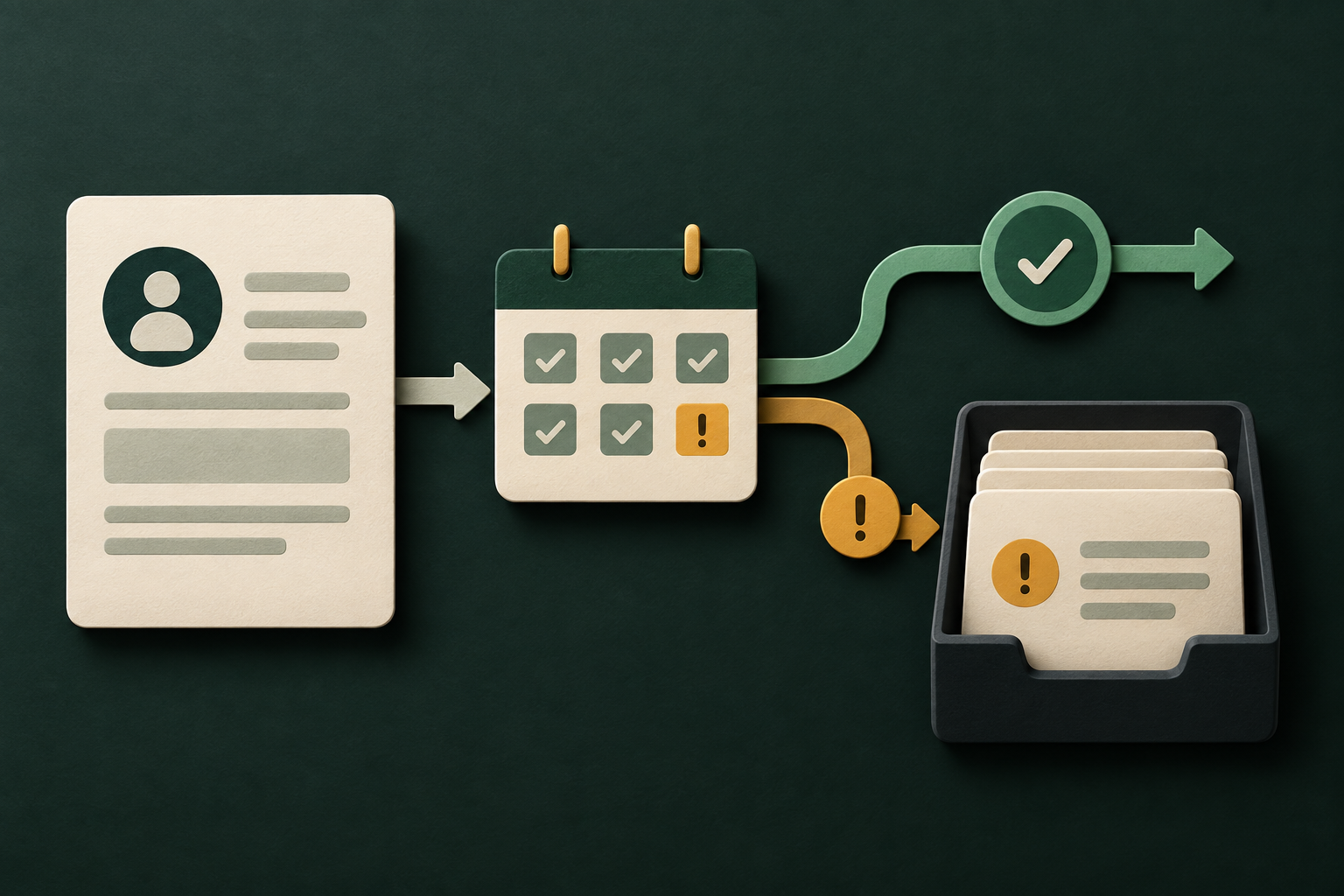
What can Voice AI actually do with Brevo Sales Platform?
Short answer: use Voice AI to read customer records, log interactions, create or update permitted CRM objects, and trigger event-driven workflows — but don’t assume every product-level feature (especially meeting-booking) is available without checking entitlements.
Capabilities you can rely on (core list)
Brevo’s documented developer surface supports REST-based API access using API keys, with read and write operations and webhook support. In practical Voice AI terms this maps to: 1) retrieving contact details, recent interactions or deal status; 2) creating or updating records such as notes, tasks or tags; 3) sending lightweight outbound actions through Brevo where supported (for example triggering a follow-up email via an API call); and 4) subscribing to event notifications with webhooks so your stack reacts to updates. These are the building blocks for most caller workflows.
- Read contact and record data to personalise the conversation.
- Write notes, tasks or simple updates to keep Brevo records current.
- Trigger webhooks or API-driven follow-ups for downstream automation.
- Use audit logs and created-at fields to prove what the Voice AI did.
What’s conditional or needs validation
Brevo’s API coverage for meetings, calendars or advanced scheduling depends on specific product features and entitlements. Treat scheduling as conditional: you must confirm that your Brevo edition and API scopes permit programmatic creation or changes of meetings/conversations before designing a fully automated booking Voice AI flow.
- Confirm whether your Brevo plan exposes scheduling endpoints.
- Design fallbacks for rate-limit or permission failures.
- Restrict sensitive updates to verified, auditable flows.
What happens when a caller wants to book, change or check something?
Below are concrete caller-to-system examples. Each follows a short pattern: caller request → minimum data needed → permitted system action → what the caller hears → when to hand over to a human.
Caller asks: “Do you have my latest order details?” (status check)
What the Voice AI does: Authenticate the caller (caller ID + simple verification), retrieve the contact and order summary from Brevo records, and speak back concise status. What it needs: name or phone, order ID if available, and a read permission on the relevant record type. Permitted system action: read-only retrieval and optional logging of the interaction as a note. Confirmation voice script: “I can see order #1234 is in transit; estimated delivery is Thursday. Would you like a follow-up email with details?
- Minimum: caller identity and permission to read order/contact.
- System action: read record, log a call note.
- Handoff: ambiguity, dispute, or security-sensitive requests.
Caller asks: “Can you change my appointment?” (booking/change)
What the Voice AI does: Validate caller and confirm the appointment reference. If your Brevo product supports programmatic scheduling (validate entitlement), the agent checks availability and either creates/updates the meeting or hands off to a human scheduler. What it needs: appointment ID or time window, authentication, and scheduling permissions. Permitted system action: conditional create/update of meeting record; otherwise create a task or ticket in Brevo for a human to finish. Confirmation voice script: “I’ve moved your appointment to Friday at 2:00 PM and sent a confirmation by email. Is that correct?
- Validate scheduling API availability before automating.
- If scheduling is not available, create a task/ticket and notify staff.
- Always confirm changes to the caller and log the change.
What can the agent update or route?
Think of Voice AI as a policy-governed operator: it should only act on what the API and your permissions allow, and then record what it did.
Typical permitted updates
If your API key and scopes allow write operations, Voice AI workflows commonly create or update: notes, tasks, contact fields, simple tags, and tickets or follow-up actions. Use webhooks to trigger external automation (for example notifying a specialist).
- Updates: notes, tasks, contact fields, tags (when permitted).
- Triggers: webhook-based routings for human queues or automation.
- Restrictions: escalate any high-risk or policy-bound update.
Routing: automated queues vs human queues
Routing decisions are best handled by business rules in middleware. For example: low-risk requests (address update) can be auto-updated; exceptions or VIP flags route to a live agent. Brevo webhooks help keep systems in sync so the human queue sees the context the Voice AI already collected.
- Use tags or tasks to route work into human queues.
- Keep routing rules small and auditable.
- Use webhooks for near-real-time sync with downstream systems.
When should a human take over?
Define handoff triggers up front. If the Voice AI meets any of these conditions, it should immediately escalate to a human with full context captured.
Clear handoff conditions
Examples of safe handoffs: ambiguous intent after two clarifying attempts; requests for refunds, cancellations or payment adjustments; identity verification failures; legal, medical or compliance questions; or caller insistence on a human.
- Ambiguity after multiple clarifications → human.
- High-risk financial or legal requests → human.
- Caller asks for a human → immediate transfer.
How to hand off cleanly
Best practice: before the transfer, read back the captured context and explain what you’ll do next. Create a Brevo task or ticket, add the conversation transcript or summary, and use a webhook or internal queue to notify the human agent. That way the human gets the full context and avoids repeating questions.
- Summarise what the caller already said.
- Attach or link the Voice AI transcript to the Brevo record.
- Notify the human agent and set expected SLA for reply.
Implementation reality: API access, permissions, AWS middleware, validation and failure handling
Technical details that directly affect whether a workflow is practical in production. Keep this section as the operational appendix for implementers and procurement reviewers.
Authentication, entitlements and limits
Brevo exposes a REST API authenticated with API keys. The documented surface supports both read and write operations and webhooks. Product entitlements, scopes and rate limits apply — these are the gating factors for features like scheduling.
- REST + API key authentication is required for API calls.
- Read and write access are supported, but specific endpoints depend on product.
- Webhooks are available to receive events and drive downstream automation.
Role of AWS middleware (Peak Demand’s operational model)
Put a middleware layer between the Voice AI and Brevo. That layer: brokers API keys securely, enforces business rules, performs validation and canonicalisation of user inputs, orchestrates retries and backoffs for transient failures, logs every change for audit, and triggers human handoff when rule thresholds are hit.
- Middleware controls permissions and scopes centrally.
- It enforces validation rules (format, consent, policy).
- MCP supplies only the context the model needs to respond correctly.
Practical operational checklist before you automate
A brief checklist operators can use to validate readiness before design or procurement.
Pre-deployment checklist
1) Confirm Brevo API scopes for read/write and scheduling with your account rep. 2) Map which CRM objects Voice AI will touch and get explicit permission. 3) Define handoff conditions and SLAs. 4) Ensure middleware will log actions and manage API keys. 5) Test rate-limit scenarios and design graceful fallbacks.
- Confirm API entitlements and rate limits.
- Design minimal, auditable write permissions.
- Agree clear human-handoff rules and SLAs.
Compliance and residence notes
Brevo’s API access does not remove your responsibility for data residency, consent, or local regulatory controls. Confirm data residency, subprocessors and cross-border transfer obligations with Brevo and your legal team. Where necessary, design middleware to respect locality, retention and recording-consent rules.
- Check processor location and backup geography with vendor docs.
- Record caller consent before making or recording sensitive updates.
- Validate retention and audit requirements with legal counsel.
Related Peak Demand resources
Industry and AI sources reviewed
- Brevo Sales Platform official API/developer sourceBrevo Sales Platform
- Brevo Sales Platform official websiteBrevo Sales Platform
Privacy, cybersecurity, contractual, records, and sector-specific obligations vary by jurisdiction and connected system. This article is operational guidance, not legal advice; organizations should confirm applicable requirements with qualified professionals.
Frequently asked questions
Yes — Brevo’s API supports write operations. Voice AI can collect, validate and write contact updates (for example new email or phone) provided the API key and scopes permit it. Always record consent and read back changes before saving.
Official reference: Brevo Sales Platform official API/developer source
Scheduling is conditional. Brevo’s developer surface supports programmatic operations in many areas, but whether meeting creation or calendar operations are available depends on your Brevo product edition and entitlements. Validate scheduling endpoints and scopes in your account before depending on fully automated booking; otherwise use a hybrid flow (create a task/ticket and notify staff).
Official reference: Brevo Sales Platform official API/developer source
Brevo uses REST APIs authenticated by API keys. Secure handling of those keys (rotations, least privilege, centralised middleware) is essential. Use middleware to avoid exposing keys to client-side components and to enforce per-call scopes and logging.
Official reference: Brevo Sales Platform official API/developer source
Yes. Brevo supports webhooks so your Voice AI stack or middleware can subscribe to events and update conversational context or trigger follow-ups.
Official reference: Brevo Sales Platform official API/developer source
No, middleware is not strictly required. However, for enterprise operations we recommend a central control layer to manage auth, validation, retries, audit logs and human handoffs. Peak Demand’s integration and managed-service pages explain practical deployment patterns and operational support.
Official reference: Brevo Sales Platform official website
Engineer the integration layer before scaling Voice AI
Peak Demand designs the APIs, logic bridges, validation, fallback, observability, and human-escalation infrastructure required for dependable Voice AI operations.
Schedule a discovery call


