
A plain-English guide for professional services teams: how Peak Demand’s Voice AI can safely read from and write to Accelo, what caller workflows are realistic, which actions require human handoff, and what implementation constraints to expect.
What can Voice AI actually do with Accelo?
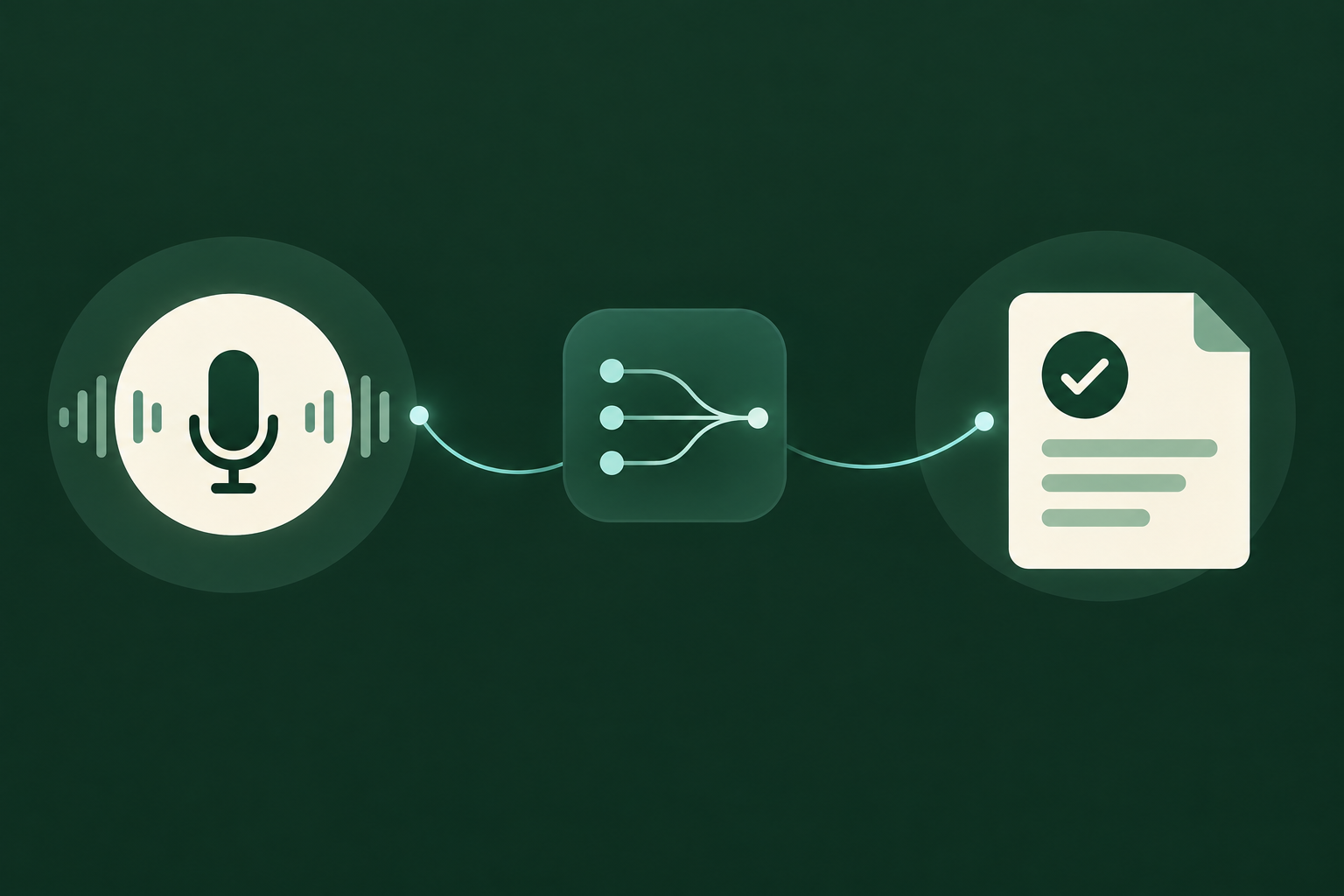
Short answer: plenty of useful, low-risk automation — but only within what Accelo’s API and your account permissions allow. Peak Demand’s Voice AI is designed to retrieve permitted client and job context, create or update records that Accelo supports, capture time or task entries, and route issues to the right person — while always validating actions with the caller and writing an auditable log.
Confirmed capabilities (read and write)
Accelo exposes a documented API surface that allows authorised integrations to read company, person and job data and to create or update records (tickets, tasks, time entries and related activities) where your account scope permits.
- Lookup: client (Company/Person) and job project context to ground the call.
- Create: tickets/issues, tasks, activity notes and time entries where permitted.
- Update: change ticket status, assign ownership or append call notes.
- Log: store an auditable note of the call and the AI’s actions in Accelo.
Conditional capabilities (scheduling, webhooks)
Accelo can manage tasks and activities that function like appointments; however, calendar-style bookings depend on how the organisation uses Accelo and whether the API is configured to write to scheduling entities. Webhooks are supported in some accounts and can be used to notify the Voice AI of outside changes (for example, a human reschedules a task).
- If your Accelo setup maps tasks/activities to calendar slots, the Voice AI can propose and (with permission) write those tasks — after availability checks.
- Webhooks can deliver real-time updates back to Peak Demand’s middleware so the voice experience reflects human changes.
- Always verify the account’s webhook and scheduling configuration during a discovery phase.
What happens when a caller wants to book, change or check something?
Booking-style requests are common. The difference between a smooth automation and an embarrassing failure is validation: confirming identities, job context and available permissions before writing into Accelo.
Caller: “I want to book a review with our consultant.”
What Peak Demand’s Voice AI asks and does: after verifying the caller’s identity (name, company and a simple confirmation question), the agent checks for an existing job or client record in Accelo.
- Information needed: caller identity, job/client reference, preferred time windows and host/consultant.
- Permitted system action: create a task/activity and attach a short summary; conditional booking depends on account setup.
- Confirmation: spoken summary and email/SMS notification with task ID.
- Handoff: if no clear slot is available or the request conflicts with policy, transfer to a human scheduler.
Caller: “Change or cancel my meeting.”
The Voice AI will locate the task/activity by matching caller identity and time window. If the account allows updates via API, the agent can reassign, reschedule or cancel the task after confirming the caller’s authority.
- Information needed: booking reference, identity confirmation and reason for change.
- Permitted system action: update task properties where API and permissions allow; otherwise create follow-up ticket.
- Confirmation: read-back of the updated time or a summary of the escalation steps.
- Handoff: any change that impacts billing, scope, or requires manager approval should be escalated.
What can the agent update or route?
Professional services workflows focus on intake, assignment, and time capture. Peak Demand’s Voice AI is designed to perform safe, auditable actions that reduce manual handoffs while preserving human control for judgement calls.
Intake and ticket creation
A typical inbound issue — missed deliverable, technical bug, billing question — is triaged conversationally. The agent confirms client and job context, captures a concise description, sets a preliminary priority or category based on business rules, and creates a ticket or task in Accelo with the caller’s summary.
- Action: create ticket/task with client and job linkage and initial priority.
- Validation: required fields are checked before writing; missing fields prompt the caller for clarification.
- Audit: every creation is logged and includes the AI’s summary and the confidence level of the intent.
Routing and assignment
Routing decisions are based on job ownership, skill tags and business rules. The voice agent can suggest or set an assignee if permitted; alternatively it can create a task for a human team member and flag it for immediate review.
- Action: set assignee or tag the ticket for a specific team.
- Fallback: if the assignment is ambiguous or the assignee is unavailable, the agent creates a follow-up task and notifies a human.
- Visibility: assigned staff see the same ticket and the AI’s call note in Accelo.
When should a human take over?
Good automation knows its limits. Peak Demand’s Voice AI is configured to hand over in clearly defined cases so staff retain control where judgement, negotiation or legal/financial authority is necessary.
Escalation triggers
Examples that require human takeover: disputes about invoices, requests to change contract scope, complex scheduling negotiations that require private calendar access, high-risk legal or compliance questions, or any request where caller identity cannot be verified to the organisation’s threshold. The agent also hands over whenever confidence in intent extraction falls below a configured threshold.
- When billing adjustments exceed authorisation limits.
- When contract or scope changes are requested.
- When caller identity cannot be reliably confirmed.
How the handoff works operationally
A smooth handoff means the human sees context. Peak Demand ensures the human recipient gets the Accelo ticket/task with the AI’s notes, a summary of what the caller asked, any verification data collected, and a link to a call recording or transcript (if consented).
- Human gets full context in Accelo and in the Peak Demand console.
- Caller receives spoken confirmation and expected next steps.
- All transfers are logged for QA and audit.
Implementation reality: API access, middleware, security and failure handling
This compact section explains the controls that make the workflows above realistic and repeatable. These are implementation considerations Peak Demand validates during scoping.
Authentication and permissions
Accelo’s documented API requires OAuth 2.0 or service-account style authentication. Read and write operations are allowed where the integration’s scopes and the Accelo account permissions permit them. Peak Demand validates required scopes during discovery and configures the middleware to enforce least privilege.
- Validate which API scopes your Accelo plan supports before promising write actions.
- Account-level permissions govern whether the integration can create tickets, write time entries, or update scheduling entities.
Peak Demand AWS middleware role
Peak Demand uses an AWS-based middleware layer to handle authentication tokens, input validation, business rules, retry logic, and secure audit logging. This layer prevents unauthorized writes, checks required fields before calling Accelo, performs idempotency checks, and records every API transaction for QA and incident review.
- Middleware enforces business rules (who can book what), validates inputs, and sanitises data.
- Retries and error thresholds are managed centrally to avoid duplicate tickets or time entries.
- Audit trails and role-based access in middleware help with compliance and troubleshooting.
Practical FAQs for Professional Services buyers and operators
Short, direct answers to the questions operators actually ask when evaluating Voice AI for Accelo workflows.
Can the voice agent actually write into our Accelo records?
Yes — where your Accelo account and API scopes allow it. The official Accelo API supports authorised read and write actions; Peak Demand only performs writes after scope and permissions are validated in your environment and after the caller’s intent is confirmed.
- Scoping step: map the Accelo entities you want the voice agent to affect and confirm the required API scopes.
- Audit: every write is logged and paired with a transcript or note.
Can the Voice AI book meetings directly into our consultants’ calendars?
Possibly — but it depends on how your organisation uses Accelo for scheduling. If your calendar or booking model is implemented via Accelo tasks/activities and your account exposes the necessary write permissions, the agent can create or update those items.
- Validate whether tasks/activities in Accelo map to calendar slots in your setup.
- If an external calendar is the source of truth, include it in the integration scope.
Related Peak Demand resources
Industry and AI sources reviewed
Privacy, cybersecurity, contractual, records, and sector-specific obligations vary by jurisdiction and connected system. This article is operational guidance, not legal advice; organizations should confirm applicable requirements with qualified professionals.
Frequently asked questions
Yes. Accelo’s official API provides endpoints for reading and writing many entities such as companies, people, jobs, tickets, tasks and time entries. Peak Demand confirms required scopes and account permissions during discovery and only executes writes where authorised.
Official reference: Accelo official API/developer source
You need an authorised integration client with OAuth 2.0 credentials or a configured service account as supported by Accelo. The exact authentication model and required scopes are validated during setup; Peak Demand’s middleware manages token rotation and least-privilege enforcement.
Official reference: Accelo official API/developer source
Not directly through Accelo unless your external calendar is synchronised with Accelo tasks or you include the calendar system in the integration scope. If an external calendar is the source of truth, the project scope should include that calendar API for reliable bookings.
Official reference: Accelo official API/developer source
Voice AI implementations often involve cross-border processing (voice, transcripts, middleware). Peak Demand will document the hosting region, backup geography and subprocessors during scoping. Organisations must confirm data residency, retention and cross-border transfer obligations with their legal and compliance advisors.
When the Voice AI escalates, it creates or updates an Accelo ticket/task with the AI’s notes, confidence level, verification data and a link to the call recording or transcript (where consented). The human sees the same record in Accelo and can continue with full context.
Official reference: Accelo official API/developer source
Engineer the integration layer before scaling Voice AI
Peak Demand designs the APIs, logic bridges, validation, fallback, observability, and human-escalation infrastructure required for dependable Voice AI operations.
Schedule a discovery call


