
Independent assessment of Talqing for business owners and operations managers: realtime voice-first no-code agent builder, BYOK model keys, PSTN inbound/outbound, recordings, webhooks and Google Calendar booking.
What does Talqing do?
Talqing fits into an existing software stack via its /v1 JSON API and official TypeScript, Python and React SDKs. Workflows can call external HTTP endpoints from tools, and workspace‑wide signed webhooks stream lifecycle events to downstream systems such as CRM, ticketing or analytics. Use Talqing to front‑end caller interactions while writing post‑call updates into your existing databases and services.
How could Talqing handle a real caller request?
The three workflows below use documented Talqing primitives or propose a validation path when documentation does not show a complete native action. Each example explains the platform action the agent performs, the confirmation the caller hears, and what staff must review afterwards. Each example links to the Talqing docs used as the authoritative reference.
Inbound support call: order lookup and warm transfer
Caller dials the published support number and Talqing starts a session that runs the published voice agent; the agent queries an external order API via a tool operation tree to fetch the caller’s order status and reads the key fields aloud. The platform documents that inbound sessions populate system_vars like caller number and direction and run the assigned agent when a published number receives a live call, and that tools can call external HTTP endpoints to fetch customer data.
Caller confirmation: the agent states the order number, status and next steps and offers to transfer to a human. Staff review: confirm the call recording and transcript in observability, verify the API lookup matched CRM records, and validate that the warm transfer brief (agent summary) was included before staff answered. Reference doc: https://docs.talqing.com/guides/inbound-support-line/
Outbound lead qualification dial with data merge
Agent triggers an outbound campaign that uses POST /v1/calls/outbound to place a PSTN call from a workspace number to a lead; Talqing runs the published voice agent on the call and can surface merged lead fields within prompts. The docs state that POST /v1/calls/outbound places a real, billable PSTN call and that tools can perform HTTP requests, so outbound validation must be treated as real activity rather than a sandbox run.
Caller confirmation: when answered, the agent reads the lead’s name and one identifier and asks permission to continue; if the lead confirms, the agent records answers and may transfer to staff. Staff review: verify call recordings and transcripts, confirm CRM updates from webhook events or API callbacks, and reconcile platform minutes and provider/caller charges. Reference doc: https://docs.talqing.com/telephony/outbound-calls/
Appointment booking using Google Calendar integration
Caller asks the agent to book an appointment; Talqing runs a tool that calls the native Google Calendar integration to suggest times and create an event. The documentation lists a set of calendar tools implemented by Talqing against the Calendar REST API (create_event, update_event, suggest_time, etc.), and notes that the connected calendar account identity performs writes on calendars it owns.
Caller confirmation: the agent reads the booked time, calendar name and sends a confirmation prompt to the caller during the call. Staff review: check the created calendar event in the connected Google account, confirm timezones and availability, and verify the calendar used is owned by the connected account since writes only apply to calendars the connected identity owns. Reference doc: https://docs.talqing.com/integrations/google-calendar/
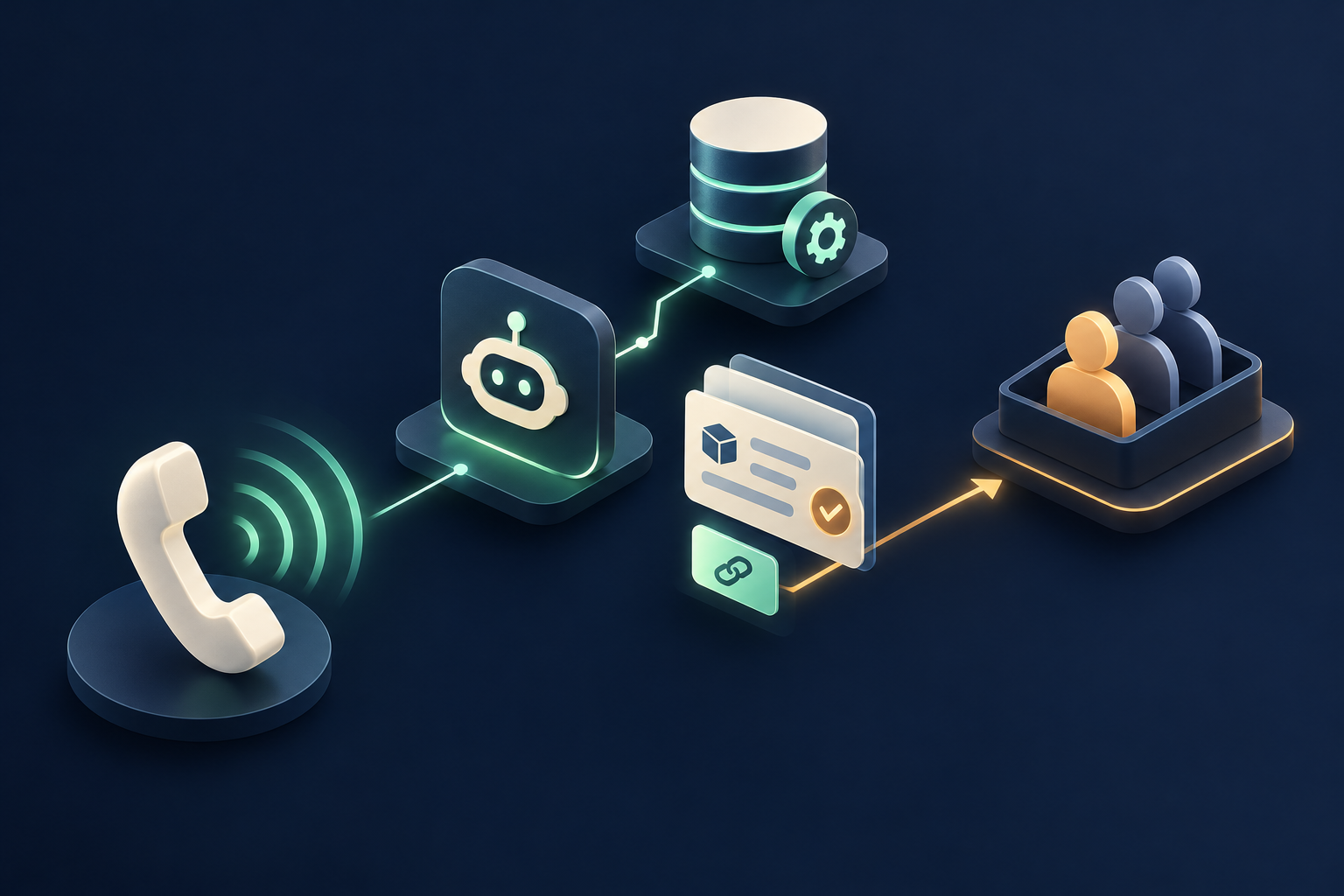
Which Talqing capabilities are documented?
- Inbound calling: Talqing starts a session when a live call reaches a published number; inbound sessions run the assigned published voice agent and populate system_vars (caller number, agent number, direction).
- Outbound calling: POST /v1/calls/outbound places a real, billable PSTN call from a workspace phone number to a destination and runs a published voice agent on the call; no dry-run sandbox is provided.
- Telephony / phone routing: Phone numbers are linked to published agents; carriers (Twilio, Plivo, Exotel, Vobiz) are connected as carrier accounts and inbound calls to assigned numbers start an agent session; routing to human agents handled via transfer/handoff primitives.
- SIP / trunking: Telephony integrates with carrier accounts and telephony types include SIP_INBOUND in examples; platform relies on connected carriers for PSTN/SIP legs rather than documenting bundled trunk provisioning. This capability has conditions to confirm before deployment.
- Webhooks / callbacks: Workspace-wide signed HTTP webhook subscriptions deliver lifecycle events (session.started, session.completed, recording.ready, etc.) with HMAC-SHA256 signatures and a delivery log; subscriptions can request subsets of event types or default to all.
- Public APIs: Full JSON HTTP /v1 API exposes the same operations as the dashboard for agents, tools, calls, telephony, webhooks and observability; documented base URL, auth and error envelopes.
- SDKs / developer libraries: Official TypeScript (@talqing/sdk, @talqing/react, @talqing/client) and Python (talqing) SDKs generated from the OpenAPI spec; React hooks and a separate call-layer client are provided.
- Tool / function calls: Custom tools are authored as operation trees (HTTP, code, conditionals, speech operations, handoffs, end call, frontend RPC) and can be validated, test-run and published; tools can call external HTTP endpoints and run TypeScript.
What needs to connect behind the call?
In plain terms, Talqing connects to systems in two ways: native OAuth connections (for example Google Calendar), and customer‑supplied provider keys for models, STT, TTS, avatars and carriers. Carriers documented include Twilio, Plivo, Exotel and Vobiz; purchase and provisioning of DIDs often happen in carrier consoles and those numbers are then imported into Talqing. For real‑time integrations, use signed webhooks or the API/SDKs.
Where could Talqing be a good fit?
Strengths to evaluate
Talqing’s documented strengths include a no‑code agent builder together with a full API and SDK surface that supports CI and automation. It is realtime‑voice‑centric, supports browser calls, phone numbers and avatars, and exposes recordings, transcripts and signed webhooks for observability. The bring‑your‑own‑keys model gives teams direct control of provider billing and model selection.
Choosing the right fit
Talqing is well suited to teams that want to iterate quickly on voice and video agents without dealing with low‑level media plumbing, and to organisations that prefer to control LLM, STT and TTS billing directly. It is also a strong match where recorded and transcribed conversations with webhook‑driven automation are required. Consider other options if you need Talqing to hold provider credentials or require a PSTN sandbox.
What should you confirm before choosing it?
Key tradeoffs to weigh: Talqing requires you to supply provider keys before agents will run, so nothing executes without those credentials. Outbound phone calls are real and billable — there is no dry‑run sandbox for PSTN dialing. Some telephony steps such as DID purchase and carrier provisioning are completed in carrier consoles rather than inside Talqing.
Access, security and staff control
Talqing documentation describes Google OAuth‑only dashboard sign‑in, encryption at rest for provider credentials, and personal access tokens that are disclosed once and revocable. Webhooks are HMAC‑SHA256 signed and the docs include delivery logs and guidance to verify raw request bytes. Recordings are stored in object storage and served via short‑lived signed URLs, with retention controls.
Pricing and commercial terms
Talqing charges a platform fee in addition to customer provider and carrier charges. Documented platform fees are per‑minute or per‑message (voice $0.0035 per minute, video $0.01 per minute, text $0.0001 per answered message) and are drawn from workspace prepaid credits; provider and PSTN carrier costs are billed directly to the customer’s provider/carrier accounts.
How should the workflow be tested?
Talqing supports validation checks and test‑runs for tools, but test‑runs execute real HTTP requests and real side‑effects against configured endpoints and secrets. For telephony, POST /v1/calls/outbound places a real, billable PSTN call and there is no dry‑run. Useful tests to run: an inbound support call that performs an API lookup and hands off to staff, an outbound qualification dial that records results, and a calendar write from an agent.
What would Peak Demand add?
Peak Demand’s proposed contribution is assessment and test design: map your contact workflows to Talqing’s documented primitives, author operation trees for lookups and handoffs, and build webhook consumers to capture events. We would define test cases that exercise inbound/outbound calls, transfers, recordings and calendar writes, and prepare staff checklists for verifying caller confirmations and post‑call follow‑ups without implying any completed deployment.
Official sources reviewed
- Talqing — No-code AI voice, video & text agent builder
- Talqing documentation - Talqing
- Privacy policy — Talqing
- Introduction - Talqing
- Inbound support line - Talqing
- Inbound calls - Talqing
- Outbound calls - Talqing
- Call recording - Talqing
- Google Calendar - Talqing
- SDKs - Talqing
Research reviewed 2026-10-11. Product names and logos belong to their respective owners. Peak Demand is an independent implementation provider unless otherwise stated.
Frequently asked questions
How does the bring‑your‑own‑keys (BYOK) model affect operational control and costs?
BYOK means you supply and manage the provider keys for LLMs, STT, TTS, avatars and carriers. Talqing will not run agents until those keys exist, and provider usage is billed directly by those providers to your account. This gives you direct control of model selection and spend but requires credential setup and billing management on your side.
Can Talqing record calls and how are recordings accessed?
Yes — voice and video calls record by default into one stereo audio file per call with the caller on one channel and the agent on the other. Recordings are stored in object storage and served via short‑lived signed URLs; retention policies and deletions are tracked and the platform provides downloadable signed links and observability for recordings.
Is there a sandbox to test outbound PSTN calls without billing?
The documentation states that POST /v1/calls/outbound places a real, billable PSTN call. Test‑runs for tools execute real HTTP requests and side‑effects. Because outbound dialing is live, plan validation calls carefully and account for provider and platform charges rather than relying on a dedicated outbound dry‑run sandbox.
How are webhook events secured and delivered?
Talqing supports workspace‑wide signed webhook subscriptions that deliver lifecycle events. Webhook payloads are HMAC‑SHA256 signed and the docs advise verifying raw request bytes against that signature. The platform also keeps a delivery log and allows subscriptions to request subsets of event types for observability and integration control.
Can agents create or update Google Calendar events on behalf of callers?
Talqing has a native OAuth Google Calendar integration and exposes a set of calendar tools (create_event, update_event, suggest_time, etc.). Writes occur as the connected calendar account identity and only succeed on calendars owned by that account; check calendar ownership and OAuth scopes when planning booking workflows.
Design the workflow before you automate it
Start with the calls you want to handle, the business records involved and the actions your staff can approve. Peak Demand can help assess the platform and design the integration around those requirements.
Schedule a discovery call


