
Phonevoice is a developer-first platform that runs AI phone agents for inbound and outbound calls, conferences and relay numbers. It combines realtime speech-to-speech, dual-channel recording, per-speaker transcription and signed webhooks so businesses can capture structured call results and stream events into CRMs and calendars.
What does Phonevoice do?
Phonevoice fits into a tech stack as a telephony and voice AI runtime: use the REST API and signed webhooks for full control, or embed the iframe softphone for faster UX. It also supports BYO carrier and BYO AI keys so teams can route audio through existing telephony or billing arrangements while feeding structured call outputs into CRM and calendar systems.
How could Phonevoice handle a real caller request?
Phonevoice is built around programmable call flows driven by agents and the API. Agents can answer inbound calls, conduct qualification scripts, offer calendar slots when an external calendar is linked, and transfer or conference staff into a live call. Outbound campaigns and relay numbers are launched and managed via the API and dashboard, with results delivered via webhooks and analytics.
Inbound reception and qualification with transfer to team
Caller: a lead calls the published business number requesting product availability and delivery times. Phonevoice action: the inbound AI agent answers, asks qualification questions (product, postcode, urgency), pulls relevant FAQ text or scripted answers and offers transfer to a human specialist. Caller confirmation: the caller hears the agent summarise their answers and confirms a transfer. Staff review needed: staff receive the transcript, summary and structured qualification fields via signed webhook and should review the transfer context and follow up notes.
This workflow is based on documented inbound call handling, qualification and transfer primitives: agents answer inbound calls, apply routing/answering rules and perform smart transfers to teams. Calendar bookings or CRM sync require the external tools to be linked to enable appointment creation and contact attachment; validate calendar link steps before relying on live bookings.
Outbound appointment reminders and confirmation
Caller: automated outbound reminder calls are needed for scheduled appointments. Phonevoice action: an outbound AI agent is launched via the REST API to call customers, read appointment details, ask for confirmation and offer rescheduling slots if needed. The agent records the caller’s response, generates a transcript and posts a structured result to a webhook. Caller confirmation: the customer verbally confirms or selects a new slot; the agent repeats the confirmed time.
Phonevoice supports outbound calls launched by API and structured result webhooks for campaign outcomes. Actual calendar booking or calendar update requires the business to have previously connected an external calendar (for example Google Calendar) so that confirmed or rescheduled slots can be written back; otherwise the returned structured result should be used by staff or automation to update calendars.
Relay number forwarding while capturing recordings and transcripts
Caller: a support line is handled by an existing carrier number but the business wants recordings, transcripts and webhook events for every call. Phonevoice action: a relay number is provisioned and configured to forward incoming calls to the existing line while Phonevoice records, transcribes and streams events to signed webhooks. Caller confirmation: callers hear an announcement and then the call forwards; after call completion Phonevoice posts transcript and summary.
Phonevoice documents relay numbers that forward calls and capture recording/transcript metadata. Provisioning and forwarding are managed in the Phonevoice dashboard/API. If your setup uses a particular carrier SIP trunk configuration, validate forwarding details with both Phonevoice and your carrier since explicit SIP trunk configuration docs were not listed in the reviewed corpus.
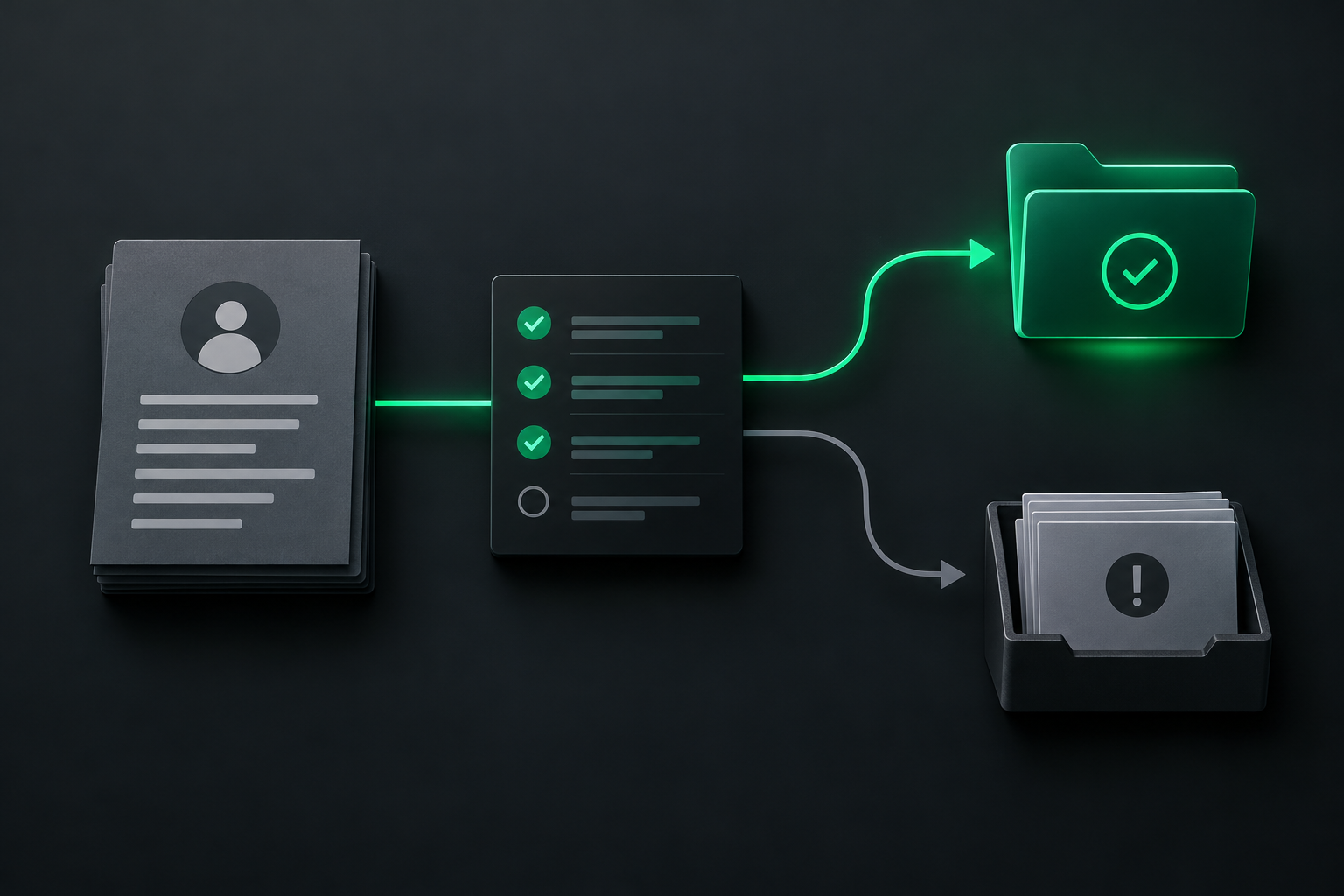
Which Phonevoice capabilities are documented?
- Inbound calling: Agents answer inbound calls instantly, perform qualification, apply answering and routing rules and transfer to teams/people.
- Outbound calling: Outbound AI-agent calls are launched via the REST API (POST /api/v1/calls/initiate); agent dials, drives conversation toward objective and returns structured result.
- Telephony / phone routing: Relay numbers forward calls; inbound numbers can be pointed at Phonevoice and routing/answering rules are configurable (smart transfer, routing to right team/person).
- Webhooks / callbacks: Signed webhooks stream every call event (call.started, transcript events, call.completed) with structured payloads (transcript_url, summary, structured_data).
- Public APIs: Phonevoice exposes a JSON REST API (base https://api.phonevoice.ai/api/v1) for calls, agents, numbers, webhooks and related operations; authentication via Bearer tokens.
- Transfers / forwarding / handoff: Smart transfer and handoff flows documented: agent routes to the right person/team, conferences/add_monitor enable bringing a supervisor onto a live call and transfers with context.
- Conference / queue primitives: Conference calls product supports multiple participants, per-speaker transcription, recording and automatic summaries; conferences can be started from API or dashboard and participants added.
- Appointment booking: Agent can offer slots and confirm appointments, but calendar booking requires connecting external calendars (e.g., Google Calendar) and/or CRM integration; results flow via webhooks/SMS confirmations. This capability has conditions to confirm before deployment.
What needs to connect behind the call?
Phonevoice permits connections via its JSON REST API and signed webhooks, an embeddable iframe softphone/player and documented integrations such as Google Calendar and CRM sync. The platform also supports BYO carrier and BYO OpenAI keys in hybrid billing modes; webhooks stream call lifecycle events, transcript URLs and structured results for downstream automation.
Where could Phonevoice be a good fit?
Strengths to evaluate
Phonevoice’s strengths include a low-latency realtime speech-to-speech engine with live transcript streaming, per-speaker transcription and dual-channel recording. It is API-first with signed webhooks for event integrity, EU-hosted GDPR posture and documented options for enterprise DPA/SLA. Embeddable UI accelerates integration, while full REST/WebSocket control supports deeper automation and campaign orchestration.
Choosing the right fit
Choose Phonevoice when your workload is phone-centric and needs realtime transcripts, per-speaker recordings and EU-hosted data controls. It suits developer teams building inbound reception, outbound campaigns and conference recording workflows who can manage REST/webhook integrations or embed the softphone. Projects needing documented SDKs or detailed SIP trunk guides may want to confirm integration patterns first.
What should you confirm before choosing it?
Material tradeoffs to weigh: Phonevoice bills per minute (telephony plus AI in managed mode), which can be more visible for continuous heavy use; calendar booking and CRM sync require customers to link external tools; and the reviewed documentation did not list published language-specific SDK packages or explicit SIP trunking configuration steps, so integrations are REST/WebSocket/iframe focused.
Access, security and staff control
Phonevoice documents EU hosting, configurable retention and recording announcements and offers enterprise DPA and contractual SLA options. Signed webhooks are provided to verify event payloads before trusting call data. These controls help businesses meet GDPR and privacy needs while streaming transcripts and recordings to downstream systems under verified channels.
Pricing and commercial terms
Phonevoice uses pay-as-you-go per-minute billing; an example managed all-inclusive rate cited is €0.29 per minute. A BYOK mode is also documented with a lower flat platform fee (example €0.05/min) while archiving (recording + full transcript) is an optional add-on. Number provisioning and SMS have separate line-item fees in the published pricing pages.
How should the workflow be tested?
When testing Phonevoice integration, run scenarios that exercise inbound answering, outbound campaign flows and calendar booking with an attached Google Calendar. Verify signed webhook signatures, live transcript streaming latency, per-speaker transcription quality and recording retrieval. Also confirm cost visibility by simulating typical call durations and conference participation to estimate per-minute billing impact.
What would Peak Demand add?
Peak Demand’s proposed role is a neutral validator: we would design test plans, map call flows to Phonevoice API patterns, and run staged calls to prove transcripts, webhooks and calendar sync work for your business. Any implementation requires your team to provision numbers, connect external calendars/CRMs and decide BYO carrier or managed telephony before full rollout.
Official sources reviewed
- AI Phone Agents & Voice Agent API — Phonevoice
- Relay number | Phonevoice
- Pricing — €0.29/min, no subscription | Phonevoice
- AI phone agents | Phonevoice
- Conference calls | Phonevoice
- Inbound calls | Phonevoice
- Outbound calls | Phonevoice
- Call analytics | Phonevoice
- Integrations | Phonevoice
- AI customer support by phone, 24/7 | Phonevoice
Research reviewed 2026-10-08. Product names and logos belong to their respective owners. Peak Demand is an independent implementation provider unless otherwise stated.
Frequently asked questions
How does Phonevoice charge for calls and recordings?
Phonevoice bills on a per-minute, pay-as-you-go basis. A cited managed rate is €0.29/min that can include telephony and AI. A BYOK mode with a lower flat platform fee (example €0.05/min) is documented and archiving (recording plus full transcript) is an optional add-on—review published price pages for region-specific surcharges.
Can Phonevoice push call data into my CRM or calendar?
Yes. Phonevoice supports CRM sync and calendar linking (for example Google Calendar) so agents can attach contacts and offer or confirm appointment slots. The platform uses signed webhooks and structured payloads to deliver transcripts, summaries and structured fields so downstream systems or automation can act on results.
Is transcription and speaker separation available during calls?
Phonevoice provides automatic transcription with speaker identification and supports live transcript streaming while the call is active. Dual-channel recording and per‑speaker transcription are documented, enabling searchable transcripts and post-call summaries for staff review and analytics.
What privacy and compliance controls are documented?
Phonevoice documents EU hosting and GDPR posture, configurable retention and recording announcements, and enterprise contractual options (DPA/SLA). It provides signed webhooks to verify event payloads and configurable retention settings so organisations can align call data handling with privacy policies and regulatory requirements.
Does Phonevoice provide SDKs or SIP trunk configuration guides?
The reviewed documentation did not list published language-specific SDK packages or explicit SIP trunking configuration steps. Integration patterns in the available materials focus on REST/WebSocket APIs, signed webhooks and an embeddable iframe softphone. Customers should validate preferred integration paths during proof-of-concept work.
What checks should we run in a pilot before full rollout?
Run inbound answer and transfer tests, outbound campaign calls and calendar booking scenarios with Google Calendar linked. Verify signed webhook signatures, live transcript latency, per‑speaker transcription accuracy and recording retrieval. Also simulate expected call volumes and durations to estimate per‑minute costs and storage/archiving requirements.
Design the workflow before you automate it
Start with the calls you want to handle, the business records involved and the actions your staff can approve. Peak Demand can help assess the platform and design the integration around those requirements.
Schedule a discovery call


