
ALMATalk answers inbound calls in real time, books into connected calendars, sends confirmations and follow-ups, and exposes webhooks and a REST API for downstream automation.
What does ALMATalk do?
If your small or medium-sized business already uses Google Calendar, Microsoft Outlook, Cal.com or Apple Calendar, ALMATalk is designed to slot into that scheduling layer and write bookings directly to live calendars. For CRMs and downstream flows you’ll rely on webhooks, Zapier or the REST API to push structured call data into Google Sheets, HubSpot or other tools; the platform exposes delivery logs and API keys in the dashboard to help operations integrate with existing software.
How could ALMATalk handle a real caller request?
Typical operational workflows centre on answering live inbound customer calls, asking structured questions, creating or updating a booking on a connected calendar and sending confirmations or reminders. Calls generate transcripts and summaries that appear in a shared inbox and can be exported. For more complex automations, Alma’s webhooks and REST API allow staff to route events into CRMs, Google Sheets or automation platforms for follow-up work.
Book a residential lawn-care appointment
A homeowner calls to request a lawn-cut and fertilization next Wednesday afternoon. Alma answers, asks which service is required, collects the property postal code for routing, and checks live availability on the business’s connected Google Calendar. The platform offers the next available slot, confirms the appointment details aloud to the caller, and writes the booking into the Google Calendar while issuing an SMS confirmation.
This workflow aligns with Alma’s documented appointment booking and calendar integrations. Staff should review the booking for route efficiency and technician assignment because Alma writes the appointment into the calendar but does not claim in the reviewed docs to assign or optimise field crew schedules; routing to crew would be handled by a downstream CRM or scheduling tool connected via webhooks or Zapier.
Answer a French-language clinic inquiry and schedule a consultation
A francophone client phones asking about availability for a 30-minute consultation. Alma responds natively in French, verifies the service length and practitioner preference, checks the clinic’s Outlook calendar, and proposes available times. The agent confirms the client’s preferred slot out loud and books the event, then sends an email confirmation and a follow-up reminder by SMS ahead of the appointment.
The documented product pages highlight native bilingual support (English/French) and calendar syncing with Microsoft Outlook. Staff should review practitioner-level availability rules and any required intake forms, because the reviewed docs show calendar writes and messages but do not describe automated practitioner assignment or intake-form data persistence beyond the booking event without a downstream integration.
Capture lead details and push to Google Sheets for sales follow-up
A potential client calls outside business hours to ask about services and pricing. Alma collects structured lead details—name, phone, requested service and best contact time—creates a transcript and summary, and triggers a webhook that contains the captured fields. A configured Zapier flow receives the webhook and appends the lead row to a shared Google Sheet, where sales staff can review and assign follow-up tasks the next morning.
This proposed workflow uses Alma’s documented webhooks and Zapier/Google Sheets connectors to move structured call data into a sales sheet. Staff should validate the webhook payload structure and confirm retry behaviour in the delivery logs; if the business needs real-time CRM creation with richer field mapping, additional configuration or a server-side API consumer may be needed to translate Alma’s payload into CRM fields.
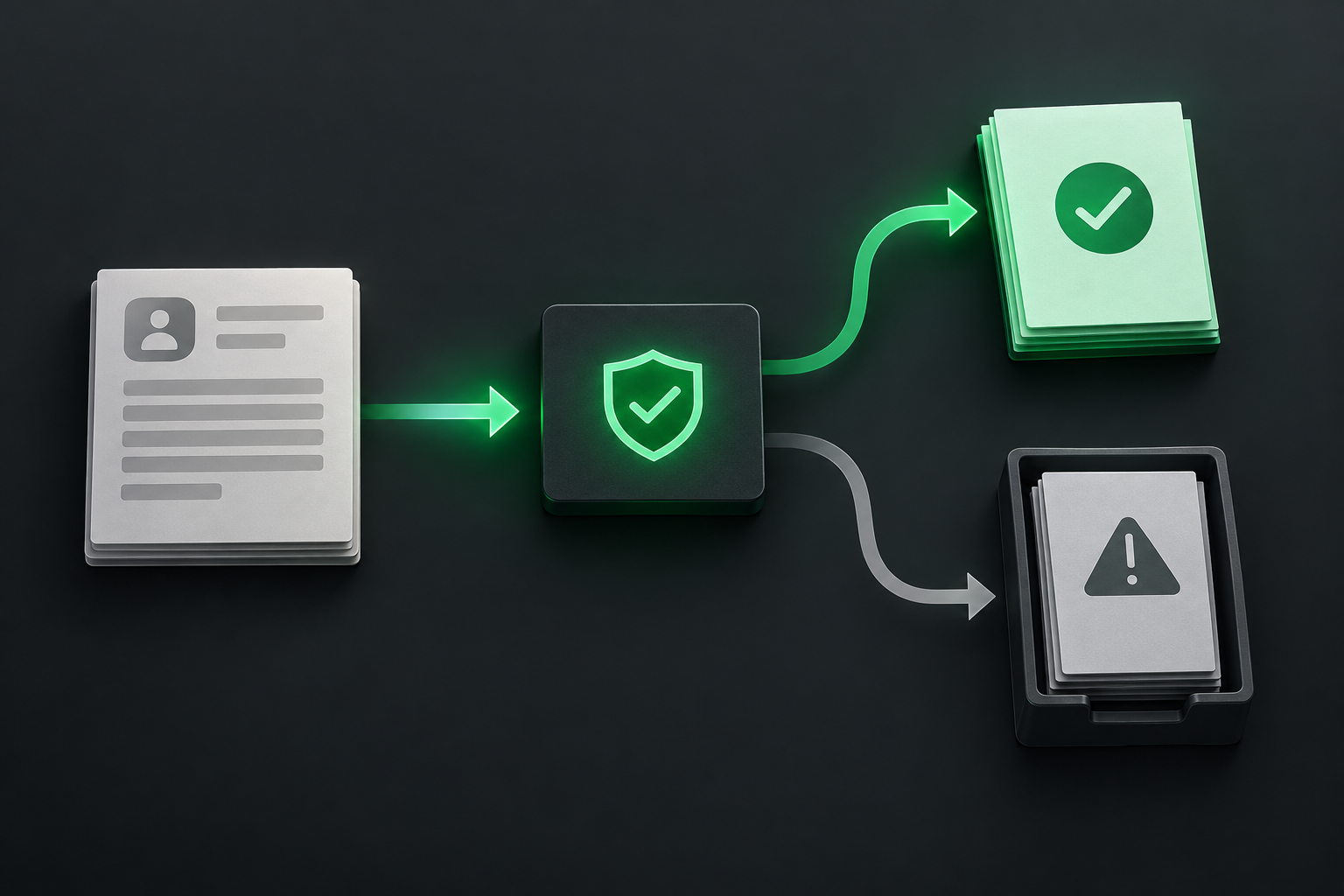
Which ALMATalk capabilities are documented?
- Inbound calling: Alma answers inbound calls (forward your existing number or take a new local/toll-free number) and handles calls in real time.
- Telephony / phone routing: Supports forwarding an existing number or provisioning a new number and routing/transferring calls by customer-defined rules, including ranked backup numbers.
- Webhooks / callbacks: Webhooks available for events (call started, call completed, appointment booked) with signed payloads, retries and delivery logs; webhooks are an explicit integration surface.
- Public APIs: A REST API is published (documentation referenced at /api/docs); API keys can be created in the dashboard to read calls and drive the platform.
- Transfers / forwarding / handoff: Alma transfers calls to people per rules and works down a ranked list of backup numbers if the first does not pick up.
- Conference / queue primitives: Alma handles multiple simultaneous calls and transfers by rule; explicit conference bridge or ACD/queue primitives are not documented, though concurrent handling is referenced. This capability has conditions to confirm before deployment.
- Appointment booking: Alma books appointments during the call and syncs with connected calendars per business rules (buffers, business hours, minimum notice); confirmations and reminders are sent.
- Calendar integration: Native calendar integrations documented for Google Calendar, Microsoft Outlook, Cal.com and Apple Calendar; Alma reads live availability and writes bookings.
What needs to connect behind the call?
ALMATalk connects natively to popular calendars (Google, Outlook, Cal.com, Apple) so bookings read and write real availability. For other systems it supports Zapier and Google Sheets exports, plus signed webhooks and a REST API to send call events and appointments to your backend. The dashboard issues API keys and shows delivery logs and retries so staff can trace webhook deliveries and API activity.
Where could ALMATalk be a good fit?
Strengths to evaluate
ALMATalk is best for small and medium service businesses that need reliable, calendar-synced call answering and booking outside staffed hours. Strengths include native calendar integrations for live availability checks, automatic appointment creation during the live call, multilingual support (English and French natively with additional languages available), and a developer surface composed of signed webhooks and a REST API for pushing events downstream.
Choosing the right fit
Choose ALMATalk when you prioritise 24/7 live call answering with appointment booking that writes to your existing calendars and when you plan to use webhooks or Zapier to integrate call events into existing tools. It fits home-service, salon, clinic and similar client-facing businesses that want transcripts, confirmations and automations without building a full telephony stack or managing trunking at the carrier level.
What should you confirm before choosing it?
The reviewed documentation emphasizes webhooks and a REST API rather than low-level telephony primitives. Public documentation did not show SIP trunking, carrier-level telephony controls or published SDKs; these items were not present in the reviewed sources. Operations should validate advanced telephony requirements (SIP, specific ACD features or carrier management) with Alma before assuming those capabilities are available for enterprise-grade telephony.
Access, security and staff control
ALMATalk publishes a privacy page and references a secure client portal with encryption in transit and at rest. Webhooks are delivered with signed payloads and the platform records delivery attempts and retries. The reviewed documentation did not include public compliance attestations or detailed data residency statements, so staff should ask Alma for specific certifications and region-of-storage details if those are material to procurement.
Pricing and commercial terms
Pricing is tiered and billed in Canadian dollars. Alma documents plans with included monthly credits and per-second conversation billing, and phone-number rental is shown as CA$15 per month. Plans enumerate quotas for AI agents, knowledge bases, webhooks, automations and messaging; a free demo with sample minutes and credits is available to test scenarios before committing to a plan.
How should the workflow be tested?
Use the free personalised demo and its reserved phone number to exercise the most common caller journeys. Test scenarios should include a standard booking call that asks for date/time and service, a multilingual call that switches languages mid-call, and a call that triggers a webhook for appointment creation. Check that bookings appear in your calendar, that confirmations send, and that the webhook delivery log records a signed payload and retry status.
What would Peak Demand add?
Peak Demand’s contribution would be a validation and operationalisation plan that maps your busiest caller intents to Alma’s booking and automation surfaces. We propose documenting required calendar rules (buffers, business hours, minimum notice), configuring knowledge items (services, prices, hours), wiring webhook endpoints or Zapier flows, and running demo calls to verify calendar writes, transcripts, and downstream deliveries before broader roll-out.
Official sources reviewed
- AI Receptionist Canada: Calls and Bookings | AlmaTalk
- AI Receptionist for Landscaping and Lawn Care
- AlmaTalk Pricing: Plans & Personalized Demos
- Integrations: calendars, webhooks, API | AlmaTalk
- Recepcionista Virtual com IA no Brasil, 24 horas
- AI Appointment Booking by Phone, Calendar-Synced | AlmaTalk
- AlmaTalk: The AI Receptionist That Runs Your Front Office - Conversations That Feel Real. Results That Are.
- Intégrations : agendas, webhooks, API | AlmaTalk
- AI Receptionist Features: Calls and Bookings | AlmaTalk
- Tarifs AlmaTalk : forfaits et démos personnalisées
Research reviewed 2026-10-08. Product names and logos belong to their respective owners. Peak Demand is an independent implementation provider unless otherwise stated.
Frequently asked questions
How does Alma handle calendar conflicts and live availability?
Alma reads live availability from native calendar integrations (Google, Outlook, Cal.com, Apple) and books appointments in real time. It supports business rules like buffers and minimum notice as documented; operations should test settings in the demo to confirm how overlapping events and time-zone differences are handled with their specific calendars.
Can I get transcripts and analytics for calls?
Yes. Each call produces a transcript and a summary, and the platform provides sentiment and analytics features. Transcripts and summaries appear in the shared inbox or can be exported, and webhook events or API calls can forward call details into external analytics systems for custom reporting.
What integrations are available to connect Alma with my CRM or sheets?
Alma offers native connectors (Calendly, Google Sheets, HubSpot and others listed) and supports Zapier, signed webhooks and a REST API. Use the webhook delivery logs and API keys from the dashboard to trace deliveries and integrate appointment events or lead captures into your CRM or Google Sheets.
How can I trial Alma before subscribing?
Alma documents a free personalised demo that reserves a phone number and includes demo minutes and credits. Use the demo to call typical caller journeys, verify calendar writes, confirm confirmations/reminders and inspect webhook deliveries and transcript generation before selecting a plan.
What does pricing look like and how are calls billed?
Pricing is tiered and billed in Canadian dollars with included monthly credits and per-second conversation billing. Plans enumerate quotas for AI agents, knowledge bases, webhooks, automations and messaging, and phone number rental is shown as CA$15 per month; review the pricing page for plan-specific limits.
Design the workflow before you automate it
Start with the calls you want to handle, the business records involved and the actions your staff can approve. Peak Demand can help assess the platform and design the integration around those requirements.
Schedule a discovery call


